


Best App Blocker for Procrastination (2026)

 X
X LinkedIn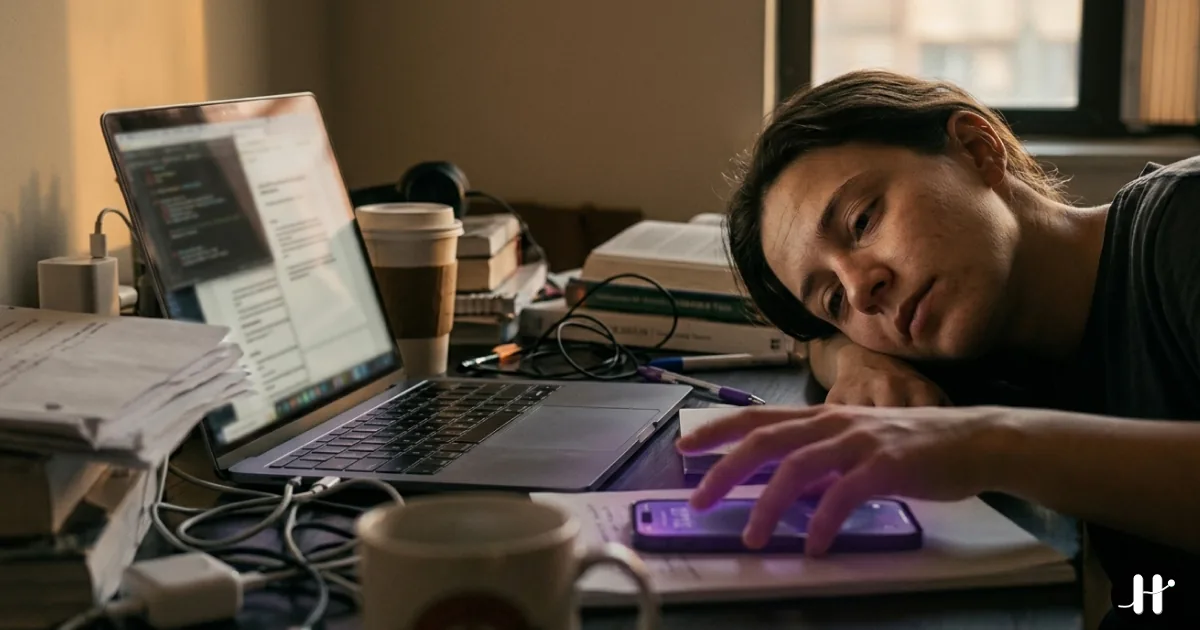
The phone is the escape hatch
Procrastination rarely feels like a decision. It feels like a small, reasonable detour.
You sit down to start the hard thing. The report, the problem set, the email you have been dreading. You write one line, hit a snag, and there is a flicker of discomfort. That flicker is the whole game. Because right there in your hand is something that makes the discomfort disappear instantly: the phone.
The loop is consistent. Start the task, hit friction, reach for the phone, get relief. The relief is immediate. The task is slow. So the brain keeps picking the phone, and "I'll do it after this video" stretches into the afternoon.
This is not a character flaw. It is a design problem. The phone is the lowest-effort escape from any task that feels boring, hard, or ambiguous, and it is always within arm's reach. Research on students found that smartphone distraction is positively and significantly correlated with academic procrastination, with procrastination acting as the bridge between phone distraction and the anxiety that follows.
The fix is not more willpower in the weak moment. It is to make the escape hatch harder to open, or to tie it to actually doing the thing. That is what app blockers are for. But "app blocker" covers very different tools, and the right one depends entirely on how you procrastinate.
First, find your procrastination style
Most blockers are built for one of three failure modes. Match the tool to yours.
- The reflexive opener. You unlock your phone and Instagram is open before you decided anything. The problem is autopilot. You need friction, a pause that makes the open conscious.
- The gentle drifter. You can start, but you cannot stay. Ten minutes in, you have wandered off. You need structure and a reason to keep the session going.
- The scheduled avoider. You know your worst hours and you blow through them anyway. You need fixed lockouts that protect those blocks no matter how you feel.
- The "after this" avoider. The chronic case. You always intend to start, just not yet, and the phone keeps granting permission to wait. You need the phone to stop being free. Access has to be earned by doing the task.
Quick comparison
| App | Price (2026) | Best for | How it fights procrastination | Enforcement |
|---|---|---|---|---|
| Habit Doom | Free / $4.99/mo | The "after this" avoider | Apps stay locked until your task is done | Strong, tamper-resistant |
| Forest | Free + Plus from ~$5.99/mo | The gentle drifter | Gamified focus sessions grow a tree | Light, honor-based |
| One Sec | Free / $19.99/yr | The reflexive opener | A breathing pause before each app opens | Medium |
| ScreenZen | Free | The reflexive opener (on a budget) | Progressive delays before opening | Medium |
| Freedom | $8.99/mo | The scheduled avoider | Scheduled lockouts across devices | Medium to strong |
| Opal | Free / $19.99/mo | The scheduled avoider | Deep focus sessions and analytics | Medium to strong |
Pricing confirmed in June 2026 from each app's own store or pricing page. Competitor prices change and vary by region, so check the App Store before you buy.
The blockers
1. Habit Doom: best for the "after this" avoider
Your distracting apps are locked by default every day, and they unlock only after you finish the daily habits or tasks you set. There is no timer to start and no session to remember. The condition is the work itself, which is what makes it land on avoidance directly. If your pattern is "I'll start after one more video," that bargain stops paying out, because the video app is locked until the task is done. The phone stops being a free escape from the hard thing and becomes the reward for getting through it. For chronic procrastinators, removing the negotiation is the whole point.
As of June 2026, a free feature called Anti-Cheat can require a real-time photo when you check off a task. A model running entirely on your iPhone confirms the photo matches the task, usually in under half a second, so you cannot mark "studied" while lying on the couch. The photos never leave the device. The enforcement is also tamper-resistant: it survives a force-quit and even an uninstall, which closes the usual loophole of just deleting the blocker when you want to cave. Both are free for everyone.
The catch is that it is built around finishing a defined task, not protecting a specific clock window. If your problem is purely reflexive mid-afternoon opens rather than avoiding a task, a friction tool or a scheduled blocker may fit better. Otherwise it is free to download and use, with up to 3 habits, app blocking, custom alarms, streaks, and no ads. Pro adds unlimited habits, Hard Mode, and advanced analytics at $4.99/month, $19.99/year (with a 7-day free trial), or $29.99 lifetime.
2. Forest: best for the gentle drifter
Plant a virtual tree, start a focus timer, and stay off your phone to watch it grow. Leave the app early and it withers. Sessions stack into a forest over time, and Forest has the gamified focus model that has kept it a favorite for years. If you can begin but cannot sustain, that little game gives you a reason to stay put. Killing a tree feels bad enough to keep your hand off the phone for another ten minutes, and ten minutes is usually all it takes to clear the friction that started the drift.
The catch: it is honor-based. Nothing physically stops you from leaving the app, ignoring the dying tree, and scrolling anyway. For a determined "after this" avoider, that is too easy to override. A gentle nudge, not a hard wall.
Price: Free on the App Store. The old $3.99 one-time Pro was discontinued in late 2025; the optional Forest Plus subscription runs about $5.99 a month. Among the cheapest serious options.
3. One Sec: best for the reflexive opener
Tap a blocked app and One Sec intercepts the open with a deep breath and a short pause before it lets you continue. That pause is engineered to break the autopilot reach. Reflexive opening is the entry point for a lot of procrastination: you did not decide to scroll, your thumb did. The breathing interruption inserts a conscious moment, and a meaningful share of the time you close the app instead of opening it. The developer publishes what is included in One Sec Pro, including stats on how often interventions lead you to skip the app.
The limit is that the pause is skippable by design. It interrupts reflex, but a motivated avoider taps through it, and it treats the symptom of mindless opening rather than the deeper avoidance of the task you are escaping. One Sec is free for one app; Pro unlocks multiple apps and extra features at around $19.99/year, with regional pricing, per the One Sec store.
4. ScreenZen: best free friction option
Like One Sec, ScreenZen adds friction before a blocked app opens, but with progressive delays that grow the more you open an app. Open Instagram once and you wait a few seconds. Keep coming back and the wait gets longer. That escalating delay punishes exactly the behavior procrastination runs on: checking the same app over and over as a tiny escape. By the fifth or tenth open, the wait is annoying enough to send you back to the task. And it is genuinely free.
Same ceiling as any friction tool, though. The delay is a speed bump, not a wall, and you can tap through once it expires. Strong for reflexive openers, weaker for hard avoidance.
Price: Fully free, donation-supported, every feature at no cost. The best zero-dollar starting point if you are not sure you even need a blocker yet.
5. Freedom: best for scheduled deep work
Freedom blocks apps and sites across your phone, laptop, and tablet at the same time. You schedule recurring sessions, and Locked Mode stops you from ending one early. If you already know your worst hours, the schedule does the deciding in advance, while you are still motivated, so when the block starts the avoider in you no longer gets a vote. The cross-device coverage matters too, since procrastination loves to hop from a blocked phone to an open laptop.
Where it falls short is that it protects a clock window, not the completion of a task. You can sit inside a Freedom block and still avoid the actual work, just without the phone, and the pricing runs higher than the friction tools: $8.99/month, $39.99/year, or $99.50 lifetime, with a limited free version to start.
6. Opal: best for structured focus plus analytics
You start a Deep Focus session, choose which apps to block, and Opal can schedule recurring sessions. Its analytics show exactly where your time goes, and that data is the hook. Seeing that you opened a single app dozens of times during a supposed work block can be the jolt that makes you commit to blocking it, and the scheduled Deep Focus sessions then protect the hours you flagged.
Like Freedom, it guards time rather than task completion, and the free tier is limited. Premium runs $19.99/month or $99.99/year with a lifetime option, which is steep for a phone-only, iOS-focused blocker.
Which one should you pick?
Pick by failure mode, not by feature list.
- You open apps without deciding to. Start with ScreenZen (free) or One Sec. The pause interrupts the reflex.
- You can start but you drift. Forest. Cheap, gentle, and the session game keeps you seated long enough to push past the friction.
- You blow through known bad hours. Freedom for cross-device scheduling, or Opal if you want the analytics to shame you into committing.
- You always intend to start "after this." Habit Doom. The phone stays locked until the task is actually done, so the negotiation that fuels chronic procrastination has nothing to negotiate with.
- You want the cheapest effective setup. ScreenZen (free) for reflexive opens, or Habit Doom's free tier if avoidance is the real issue. Total cost: $0.
There is no universal best app to stop procrastination, because procrastination is not one behavior. A friction tool fixes a reflex. A scheduled tool fixes a calendar. Neither does much for the person who genuinely means to start and simply keeps deferring.
That last case is the one Habit Doom is built for. It does not ask you to choose well in a weak moment. It removes the easy exit and ties the phone to finishing the thing you were avoiding, so the path of least resistance becomes the task itself. When the work is the only way back to the phone, the work tends to get done.
Frequently Asked Questions
Keep Reading
Try Habit Doom
Lock your distracting apps. Complete your habits. Earn your screen time. It takes 30 seconds to set up.
Download Free