


Best App Blocker for Entrepreneurs (2026)

 X
X LinkedIn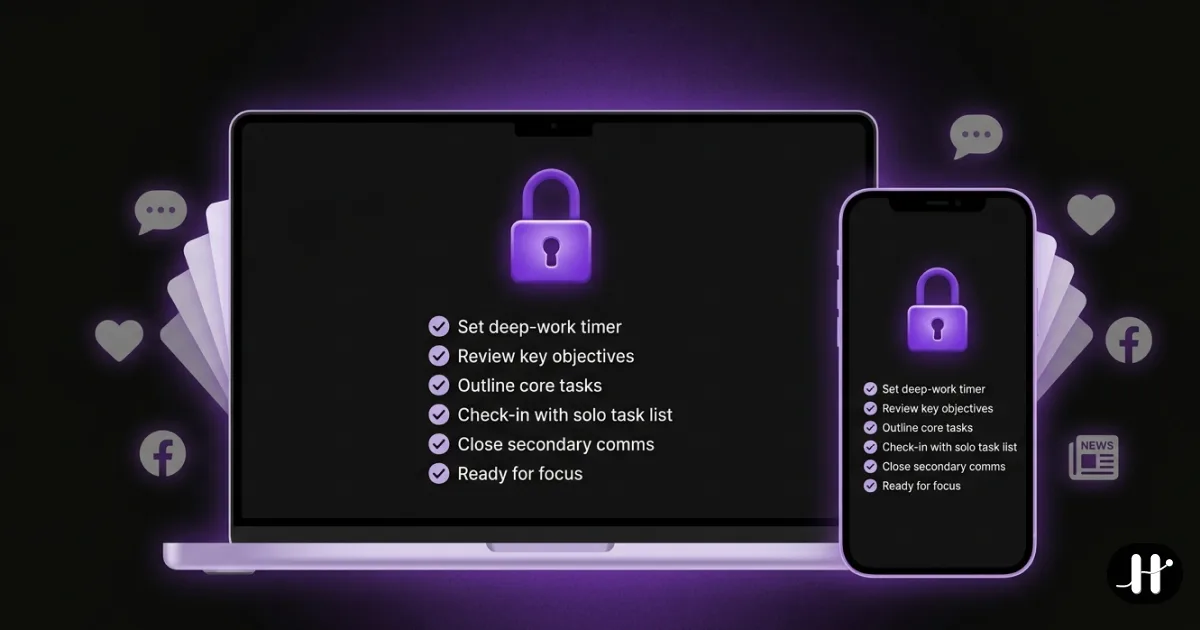
App blocker for entrepreneurs: quick answer
The best app blockers for founders and solo operators in 2026 are Habit Doom (a daily focus routine on your phone, habit-gated, free tier), Freedom (blocks across your laptop and phone at once), Cold Turkey (the toughest desktop lockdown), Opal (scheduled sessions with time analytics), and One Sec (gentle friction on impulse checks). Each solves a different version of the problem. Pick by where you actually lose the hours, not by feature count.
Not a founder, just after a general roundup? Start with the best app blockers of 2026, which tests six of them head to head. This page is specifically about where founders and solo operators lose the hours.
Why founders need this more than most:
- No boss, no schedule: nobody enforces your focus but you, so the block has to do the enforcing.
- Two screens at once: you work across a phone and a laptop, and distraction leaks through whichever one is not blocked.
- Context-switching is the tax: "just checking" Slack or X pulls you out of deep work, and the cost is the ramp-back, not the thirty seconds.
- The stakes are yours alone: a distracted afternoon does not hurt a manager's number, it hurts your runway.
Below: five tools worth testing, with current pricing and what each one actually does differently.
The entrepreneur's focus problem
When you work for someone else, the structure is built in. Meetings, a manager, coworkers who notice when you go quiet. When you work for yourself, all of that disappears. There is no external friction between you and your phone, which means the only thing standing between a deep-work block and an hour lost to feeds is your own willpower at 2pm on a Tuesday.
That is a bad thing to rely on. Founders also carry a specific kind of distraction: the "just checking" reflex, the same reflex that catches a lot of young professionals. Checking analytics, checking Slack, checking whether that email came in. Each check feels productive and costs almost nothing on its own. The real cost is the context-switch: you leave the hard problem, and getting back into it takes far longer than the check did.
The other wrinkle is devices. Your work does not live on one screen. You are drafting on a laptop and your phone is face-up next to it, or you step away and scroll on the phone during a build. A blocker that only covers one device leaves the other one wide open, which is why founders often need either cross-device coverage or a tool that locks down the screen where they actually drift.
The 5 best app blockers for entrepreneurs in 2026
1. Habit Doom: best for enforcing a daily focus routine on your phone
Instead of blocking apps on a timer you can cancel, Habit Doom locks them by default and unlocks them when you finish your habits. Ship your morning writing, do your workout, hit your reading, whatever the day requires. Apps stay locked until the work is done, which turns "I should focus" into a boundary that enforces itself when no external structure will. It runs on the Apple Screen Time API and holds through uninstall, force-quit, and system clock changes, so a weak moment does not undo the block.
The limitation is real. it is phone-only and it expects you to define habits. If your real drift is on a desktop, or you want a plain timer with no routine attached, this is the wrong shape. It also has an optional Anti-Cheat feature (free) where checking a habit off opens the camera and an on-device AI model verifies the photo matches, closing the "I'll just mark it done" loophole. See the habit tracker you cannot cheat breakdown. Pricing is free with 3 habits, app blocking, custom alarms, streaks, and Anti-Cheat, then $4.99/month, $19.99/year (with a 7-day free trial), or $29.99 lifetime for unlimited habits.
Best for you if: most of your drift happens on your phone and you want a daily routine that enforces itself instead of a timer you can dismiss.
2. Freedom: best for blocking across your laptop and phone at once
Freedom is the strongest pick for the founder who works on two screens at the same time. One subscription blocks across iPhone, iPad, Mac, Windows, Android, and Chrome, and you can run a synchronized session that shuts distractions on all of them at once. That is the exact gap most single-device blockers leave open: you lock the laptop, then reach for the phone. Freedom closes both.
The tradeoff is on iOS specifically. Its blocking there is VPN-based, which can be inconsistent. If you want the unbreakable version on the phone, use Freedom's Locked Mode, which is the option you cannot cancel mid-session. Pricing is $8.99/month, $39.99/year, or $199 lifetime in-app. Freedom's own site regularly discounts the lifetime plan to $99.50.
Best for you if: your work genuinely spans a laptop and a phone and you want one tool covering every device rather than stitching two blockers together.
3. Cold Turkey: best for locking down a desktop for deep work
If your real work happens at a computer and that is where you drift, Cold Turkey has the toughest desktop lockdown of anything here. It is desktop-first and built to be genuinely hard to escape. Its Frozen Turkey mode locks the entire computer except for the apps you whitelist, which is about as close to a hard wall as software gets for a founder who keeps opening new tabs "to research."
The catch is mobile. Cold Turkey's phone companion is minimal, so it does not solve the phone side of the problem on its own. Pair it with a phone blocker (Habit Doom or Freedom) if that is where you also lose time. Pricing is a free basic version, or $39 one-time for Pro, which is a fair deal for a lifetime desktop tool.
Best for you if: your deep work is at a desktop and you want the strongest possible block on that machine, with a separate tool for the phone.
4. Opal: best for scheduled deep-work sessions with time analytics
Opal runs scheduled focus sessions and gives you polished analytics on where your time went. You set the windows ("Deep Work 9 to 12"), pick the apps, and Opal enforces the schedule on the clock so you are not deciding in the moment. The analytics are the standout: for a founder who needs to know where the hours actually go, or who bills time and wants clean reporting, that data is genuinely useful.
Worth knowing before you commit: it is the priciest option here at $19.99/month or $99.99/year, the free tier is limited, and it is iOS only. It also does not track habits, so it is a scheduling-and-reporting tool, not a routine builder. You are paying for automation and insight into your own patterns.
Best for you if: you want focus windows that run on a schedule and detailed time analytics to see where your day really goes.
5. One Sec: best for gentle friction on impulse checks
There is no hard block here, and for some founders that is the point. One Sec interrupts the moment you open X or Slack with a breathing pause, then asks whether you still want to continue. What it gives you is awareness of the "just checking" reflex: it tracks how often you decided not to open the app after the pause, which is concrete data on your impulse control over time.
The catch is the flip side of the design. After the pause, you can proceed. There is no wall, so for anyone who needs a genuine boundary during set hours, One Sec is gentler than the others. It runs on iOS and Android, free with limits, or $19.99/year for premium.
Best for you if: your problem is reflexive impulse checks rather than long scroll sessions, and you want to build awareness instead of a hard block.
Quick comparison: app blockers for founders
| App | Price | Devices | Blocking model | Free tier | Best for |
|---|---|---|---|---|---|
| Habit Doom | Free / $4.99 mo | iOS | Habit-gated | Yes (3 habits) | Phone focus routine |
| Freedom | $8.99 mo | All devices | Scheduled + Locked Mode | Limited | Laptop + phone at once |
| Cold Turkey | Free / $39 once | Desktop-first | Whitelist lockdown | Yes (basic) | Desktop deep work |
| Opal | $19.99 mo | iOS | Scheduled sessions | Limited | Sessions + analytics |
| One Sec | Free / $19.99 yr | iOS + Android | Breathing pause | Yes (limited) | Impulse-check friction |
Which one fits which founder?
If you drift on your phone and want a routine that enforces itself: Habit Doom, which is the only option here that gates your apps behind finished habits and has a real free tier.
If your work spans a laptop and a phone all day: Freedom, for one subscription that blocks every device at once. Use Locked Mode on iOS for the unbreakable version.
If your deep work is at a desktop and that is where you lose focus: Cold Turkey, for the strongest lockdown on the machine. Pair it with a phone blocker.
If you want scheduled focus windows and time reporting: Opal, as long as the price does not bother you.
If you only need a nudge on impulse checks: One Sec, for gentle friction and awareness rather than a hard block.
If you want free: Habit Doom's free tier, Cold Turkey's basic desktop version, or One Sec with limits.
Disclosure: Habit Doom is our app. We have tried to give every tool on this list a fair read, but factor that in. Freedom is genuinely the best cross-device option, Cold Turkey is the toughest desktop lockdown, Opal has the best analytics, and One Sec is the gentlest nudge. The best blocker is the one that matches where you actually lose the hours, not the one with the longest feature list. For broader context, see the best iPhone app blockers of 2026 or the task-based app blockers roundup.
The honest take
Working for yourself removes every external guardrail at once. No manager, no schedule, no coworker to notice you have been quiet for three hours. That freedom is the whole reason you did it, and it is also why focus is so hard: the only friction between you and a lost afternoon is you. A blocker is not a productivity hack here, it is the structure you no longer get from a job. Habit Doom ties your phone apps to finished work, Freedom covers every device you touch, Cold Turkey walls off the desktop, Opal schedules and measures your sessions, and One Sec slows the reflex checks. Pick one that matches where you drift. Use it for two weeks. If it does not stick, try the next. Cycling between blockers without committing is the slowest path to getting your hours back.
Frequently Asked Questions
Keep Reading
Try Habit Doom
Lock your distracting apps. Complete your habits. Earn your screen time. It takes 30 seconds to set up.
Download Free