
How to lock TikTok until homework is done (a student's guide)

 X
X LinkedIn
The homework problem is not what you think
You sit down to study. You open your laptop. You tell yourself this time will be different. Then your phone buzzes. Or it does not buzz — you just pick it up anyway. TikTok is open. One video turns into ten. Ten turns into an hour. The homework is still sitting there, untouched, and now you have less time and more guilt.
Here is the thing nobody tells you: this is not a discipline problem. TikTok's algorithm is literally engineered to keep you watching.
"The technologies we use have turned into compulsions, if not full-fledged addictions. It is the impulse to check a message notification. It is the pull to visit YouTube, Facebook, or Twitter for just a few minutes, only to find yourself still tapping and scrolling an hour later."
— Nir Eyal, Hooked: How to Build Habit-Forming Products
You are not weak for getting sucked in. You are fighting a system designed by hundreds of engineers whose entire job is to make you scroll.
So stop trying to out-willpower a billion-dollar algorithm. Use a system instead.
Lock TikTok until the work is done
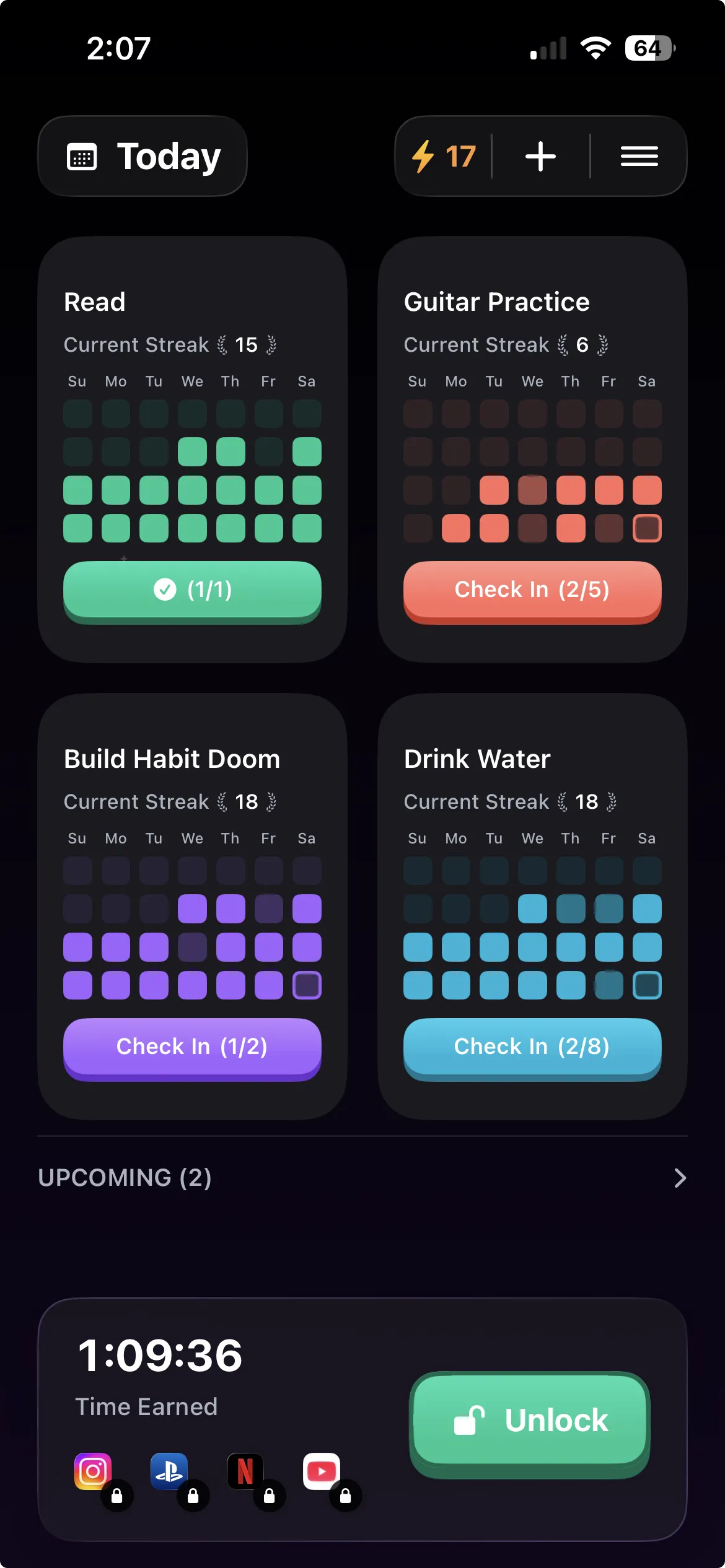
Habit Doom is an app that locks your distracting apps until you complete your daily habits. Not a gentle reminder. Not a timer you can dismiss. The apps literally will not open until you check off your tasks.
Here is how it works for homework. You create a habit called "Study" or "Homework" or whatever you want to call it. You add TikTok to your block list. Now when you reach for TikTok, you see a lock screen. The only way through is to do your homework and check it off.
You still get to use TikTok. You just have to earn it first.
Set it up in 2 minutes
Step 1: Download Habit Doom from the App Store. Free to download.
Step 2: Create your homework habit. Tap the plus button, name it something like "Study 30 min" or "Finish homework." Keep it specific enough that you know when it is done.
Step 3: Block TikTok. Add TikTok to your block list. Throw in Instagram, YouTube, Snapchat — whatever else pulls you away from your desk. They are all locked until the habit is checked off.
Step 4: Do your homework. Not because you are motivated. Not because you have great discipline. Because TikTok is locked and the only key is finishing your work.
That is the entire setup. No parental controls, no complicated schedules. Just a locked app and a checkbox.
Hard Mode for exam weeks
Regular mode is great for daily homework. But exam season is different. You need to disappear for a few days and actually focus.
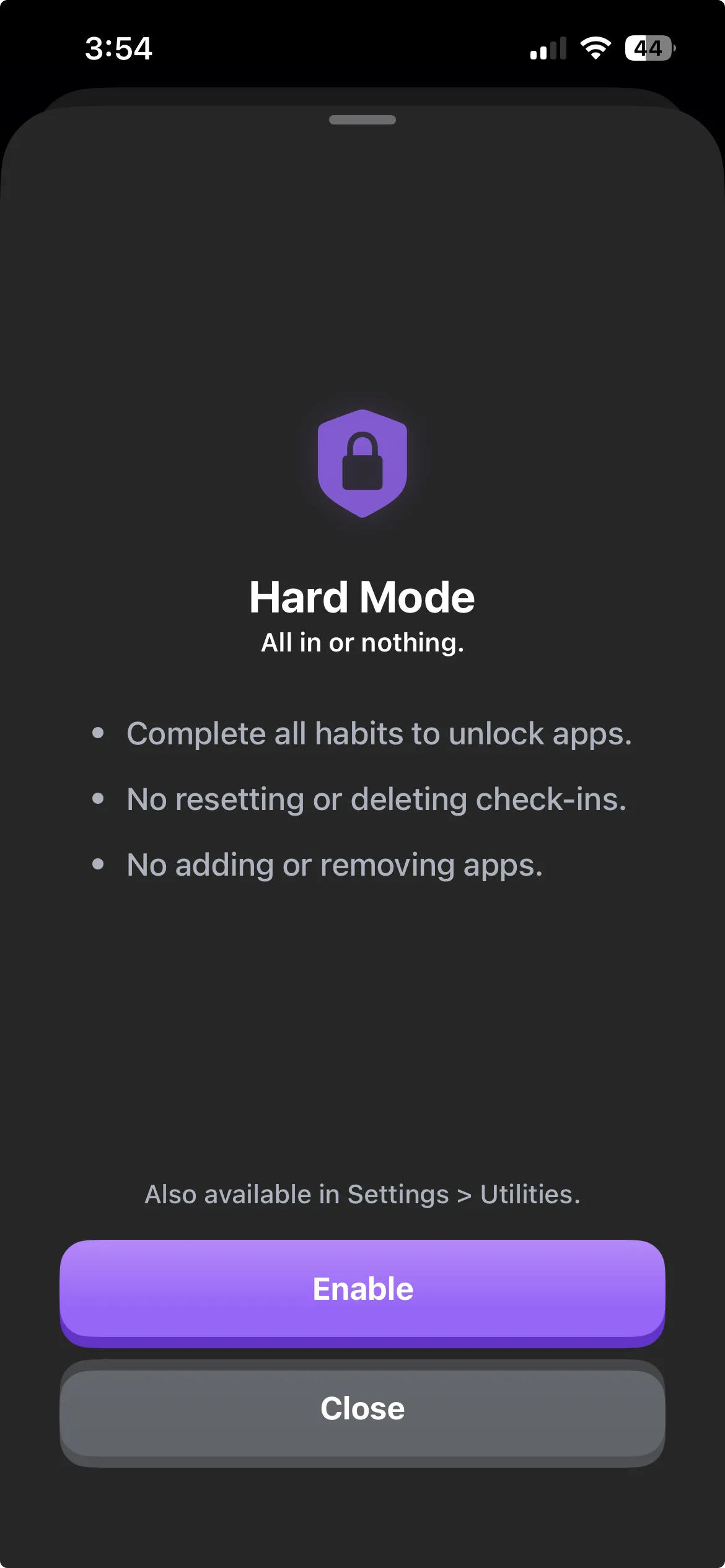
That is what Hard Mode is for. Turn it on and the block gets stricter — apps stay locked longer, and every habit needs to be completed before anything unlocks. No partial credit. Think of it as putting your phone in a lockbox, except you can still use it for calls, messages, and anything that is not on your block list.
Turn it on for finals week. Turn it off after. You control when the training wheels come on and off.
Streaks make it stick
The first few days are the hardest. After that, something shifts. You start building a streak — 5 days, 10 days, 30 days of doing your homework before touching TikTok. And once the streak is long enough, you do not want to break it.
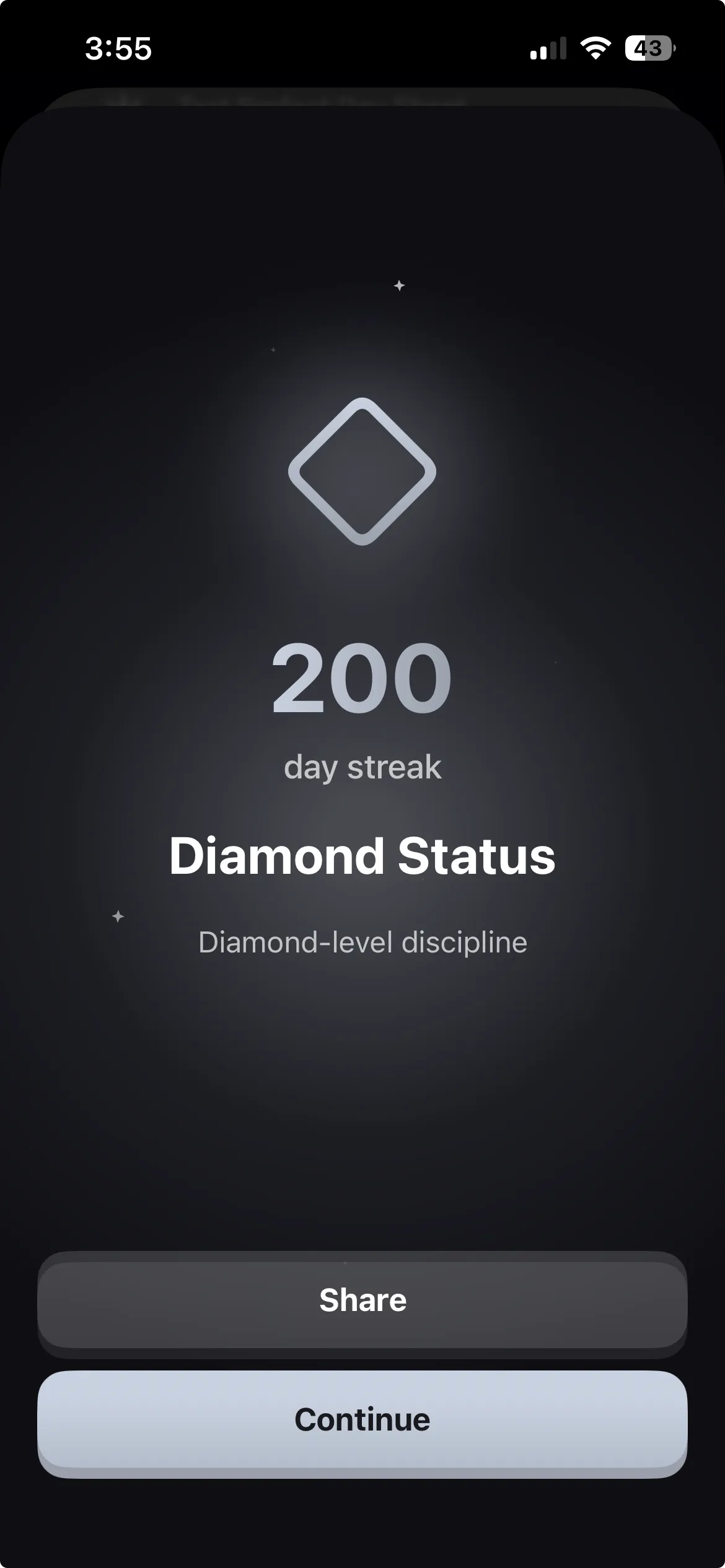
This is the same psychology that keeps you on Snapchat streaks, except now it is working in your favor. Habit Doom tracks your streaks and gives you milestones as you level up. Hit 200 days and you unlock Diamond Status. It sounds silly until you are on day 47 and the thought of breaking the chain is what gets you off the couch and to your desk.
Anti-Cheat: no shortcuts
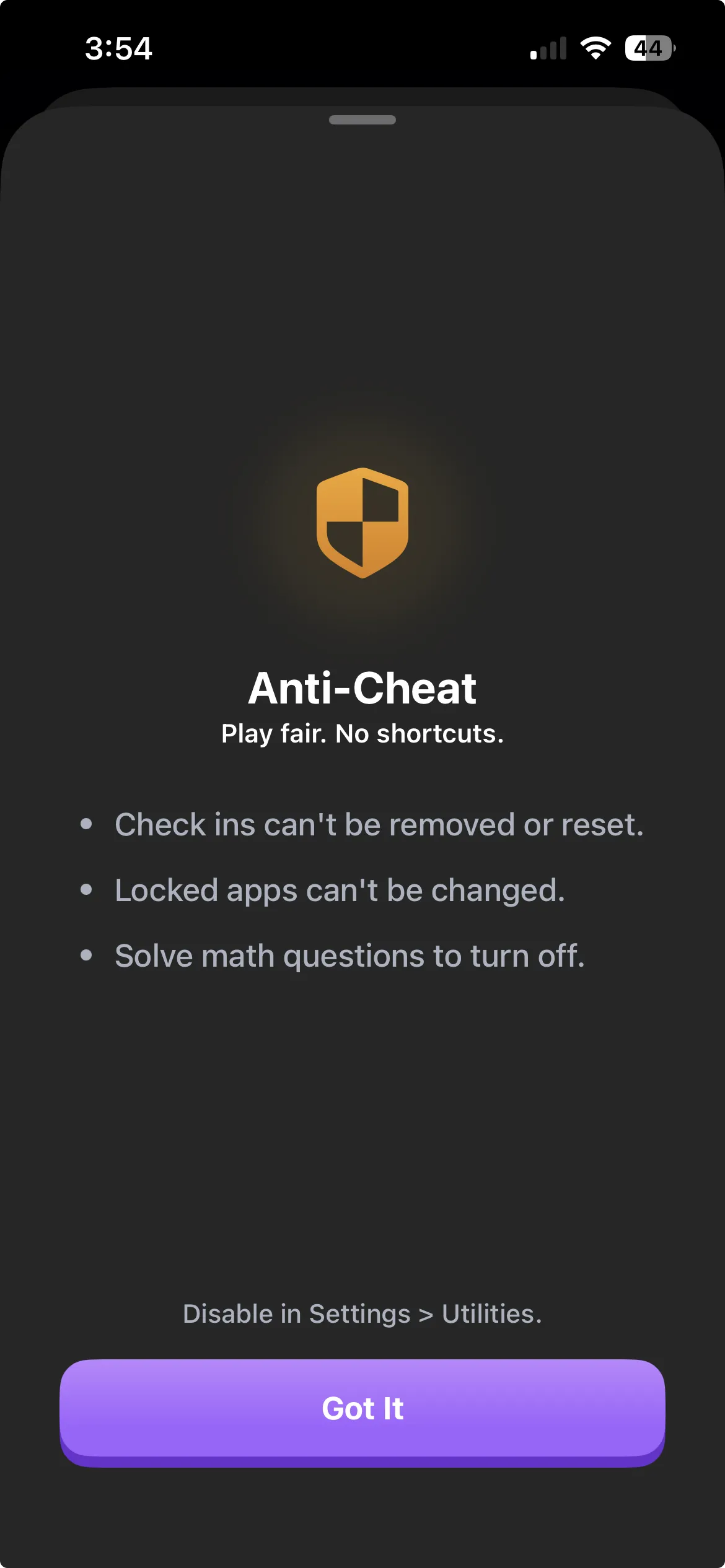
You might be thinking, "I will just delete the app when I want TikTok." Habit Doom thought of that. The Anti-Cheat system detects when you try to bypass the block — whether that is uninstalling the app, clearing data, or other workarounds. It is designed to make cheating harder than just doing the habit.
This is not about punishing you. It is about protecting you from your future self — the version of you at 11pm who really wants to watch "just one more" TikTok instead of finishing that essay.
Why this beats every other method
Screen Time limits? You tap "Ignore Limit" and you know it. Those limits are suggestions, not barriers. They ask you to make the right choice at your weakest moment.
Deleting TikTok? You will reinstall it. Maybe not today, but by the weekend.
Leaving your phone in another room? Works until you need to check a message, and then TikTok is right there.
Habit Doom does not ask you to be disciplined. It makes the undisciplined choice unavailable. The app is locked. The only path forward goes through your homework. That is it. No decision fatigue, no negotiating with yourself, no guilt spiral when you give in.
Your future self will thank you
Download Habit Doom, block TikTok, add one homework habit, and start tomorrow. The version of you who has a 30-day streak, better grades, and still watches TikTok — just after the work is done — is only a month away.
TikTok is not going anywhere. Your homework deadline is.
Frequently Asked Questions
Keep Reading
Try Habit Doom
Lock your distracting apps. Complete your habits. Earn your screen time. It takes 30 seconds to set up.
 Download Free