


One Sec Alternatives for iPhone 2026 (5 That Block)

 X
X LinkedIn
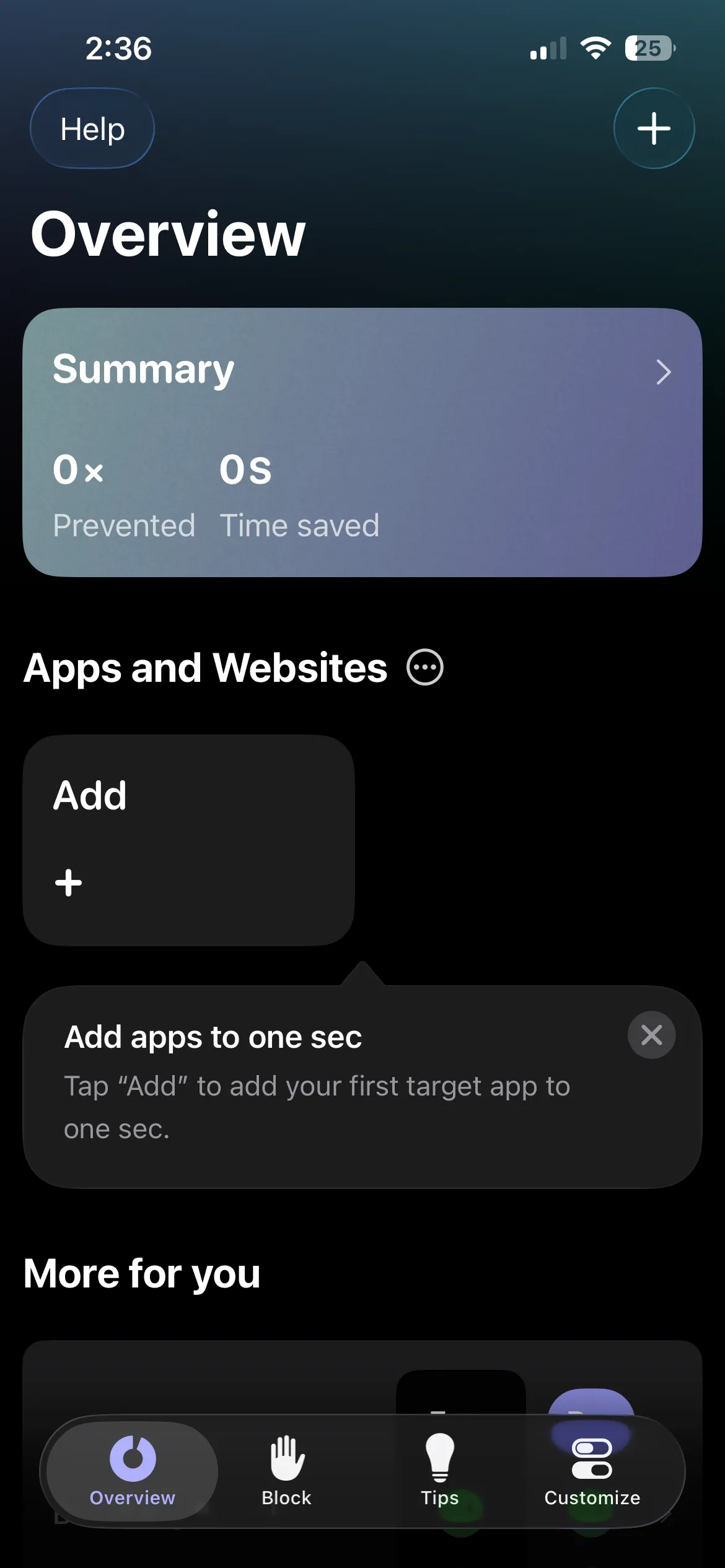
One Sec is the gentlest entry into the app-blocker category. One screen. You pick the apps to gate, and tapping any of them triggers a 10-second breathing pause. After the pause you can still open the app, but many people find the brief interruption enough to break the automatic loop. If your scrolling habit is light and your self-direction is intact, One Sec is exactly the right tool. For everyone who outgrows the pause, it is time to consider what comes next.
This guide covers five One Sec alternatives for iPhone in 2026. Two of them are functionally similar (other friction-based apps). Three escalate to harder enforcement.
Why One Sec stops working
One Sec's core mechanic relies on the user choosing to honor the pause. The 10-second breathing screen creates a moment of deliberation. The deliberation is the entire mechanism. When the user starts tapping through automatically, the deliberation collapses and the pause becomes ceremony without function.
A user on r/getdisciplined captured the friction limit succinctly with the comment "I love one sec!" but the broader Reddit pattern across multiple threads shows that friction-only blockers retain best for users with mild scrolling and worst for users with deep automatic habits.
The friction works in three scenarios. The user is not yet automatic. The user genuinely wants the pause. The user is at the beginning of behavior change. The friction stops working when these conditions fade. Most users who outgrow One Sec do so because their underlying scrolling habit deepened, not because One Sec failed at its design goal.
Quick comparison: 5 One Sec alternatives for iPhone (2026)
| App | Mechanic | Enforcement | Photo verification | Free Tier | Price |
|---|---|---|---|---|---|
| ScreenZen | Delay timer before app launch | Soft (skippable) | No | Yes | Free (donations) |
| Habit Doom | Locked until daily habits done | iOS ManagedSettings | Yes (free) | Yes (full) | Free + $4.99/mo |
| Opal | Scheduled focus sessions | iOS ManagedSettings | No | Limited | Free + $19.99/mo |
| Apple Screen Time | Daily limits + downtime | Trivial (Ignore button) | No | Free | Free, built in |
| Brick | Physical NFC tap required | Configuration Profile | No | App free | $59 hardware |
The split is sharp. ScreenZen uses the same friction layer as One Sec. The other four are escalations. Each picks a different enforcement model.
Detailed reviews
1. ScreenZen: Same mechanic, different UX
ScreenZen replaces One Sec's breathing screen with a customizable delay timer. The user picks the apps to gate and sets the delay (5 seconds, 10 seconds, 30 seconds, up to several minutes). Tapping a gated app shows the countdown. After the countdown, the app opens.
ScreenZen is the natural sideways move for One Sec users who want the same friction with different aesthetics. The interface is plainer. The customization is more granular. The bypass behavior is identical because both are friction-only.
ScreenZen retains the same fundamental limitation as One Sec. Users with strong automatic habits can wait out the timer the same way they wait out the breathing screen. If you are not actually past the friction stage, ScreenZen is essentially One Sec with a different look: a customizable delay and a plainer UI, the same skippable enforcement, and it is completely free, funded by optional donations.
2. Habit Doom: Escalation to real iOS blocking
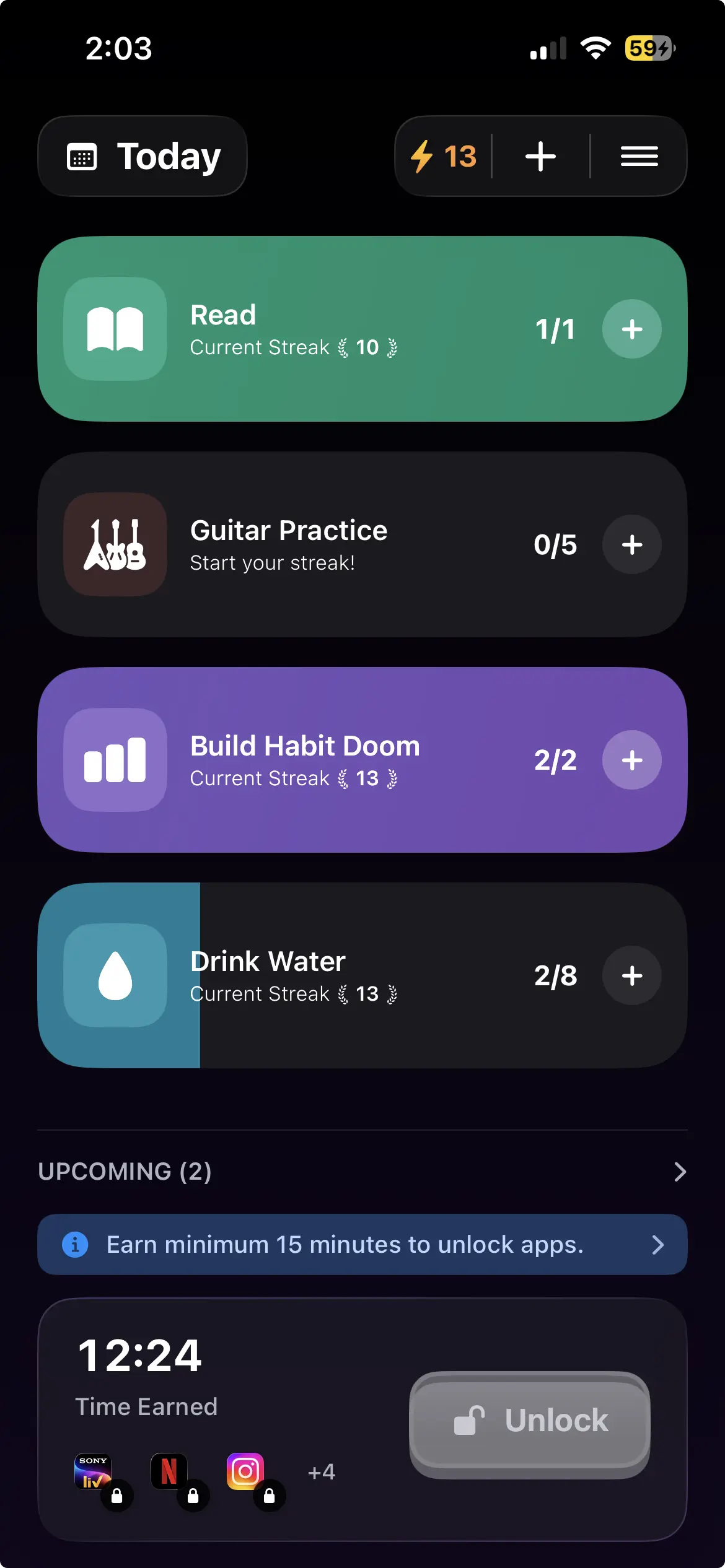
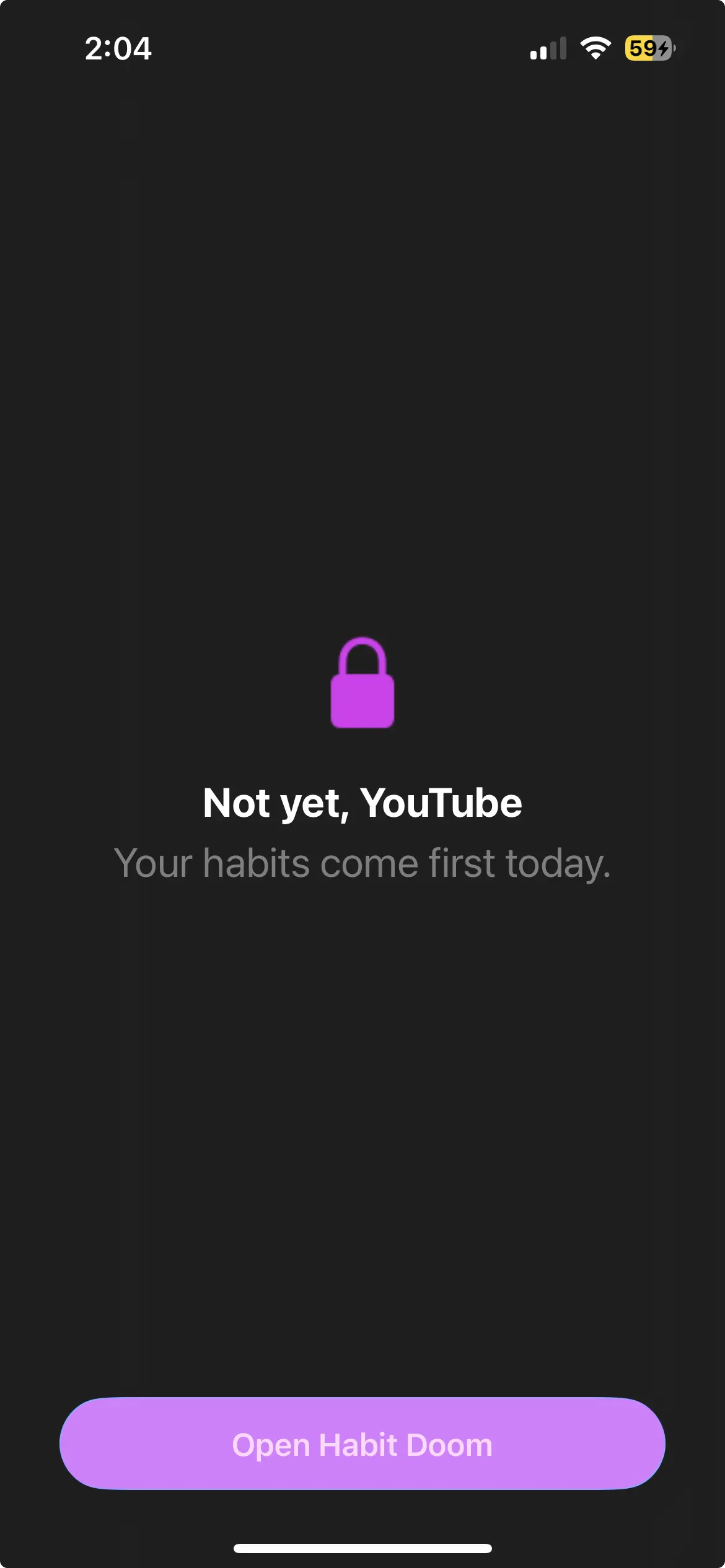
Habit Doom replaces the friction pause with a real iOS-level lock tied to daily habit completion. You define two to ten daily habits and choose which apps to lock, and those apps stay blocked at the iOS ManagedSettings layer until the habits are checked off. Force-quitting Habit Doom does not release the lock, and you cannot tap through it.
That is the natural escalation for anyone who outgrew One Sec's pause. The structural difference is that the block is non-negotiable at the moment of weakness: there is no timer to wait out, and the only way to open Instagram is to finish the habit list.
The trade-off is that Habit Doom expects you to define that list. If you only want a blocker with no habit framing, the setup is the friction rather than the usage. If your real goal is trading scrolling time for productive habits, the habit layer is the entire point.
In June 2026 Habit Doom added AI photo verification, called Anti-Cheat. Check off a habit and the camera opens for a real-time photo, which an AI model running entirely on the iPhone confirms in under half a second, with the photos never leaving the device. Where One Sec relies on you honoring a pause and does not track habits at all, this confirms the habit actually happened before the apps unlock. It is opt-in and free for everyone, detailed in the habit tracker you cannot cheat breakdown.
Against One Sec, it is a real iOS-level block tied to habit completion rather than a skippable pause, in exchange for the setup of defining daily habits. It is free, with premium at $4.99 a month, $19.99 a year, or $29.99 lifetime.
3. Opal: Scheduled blocking
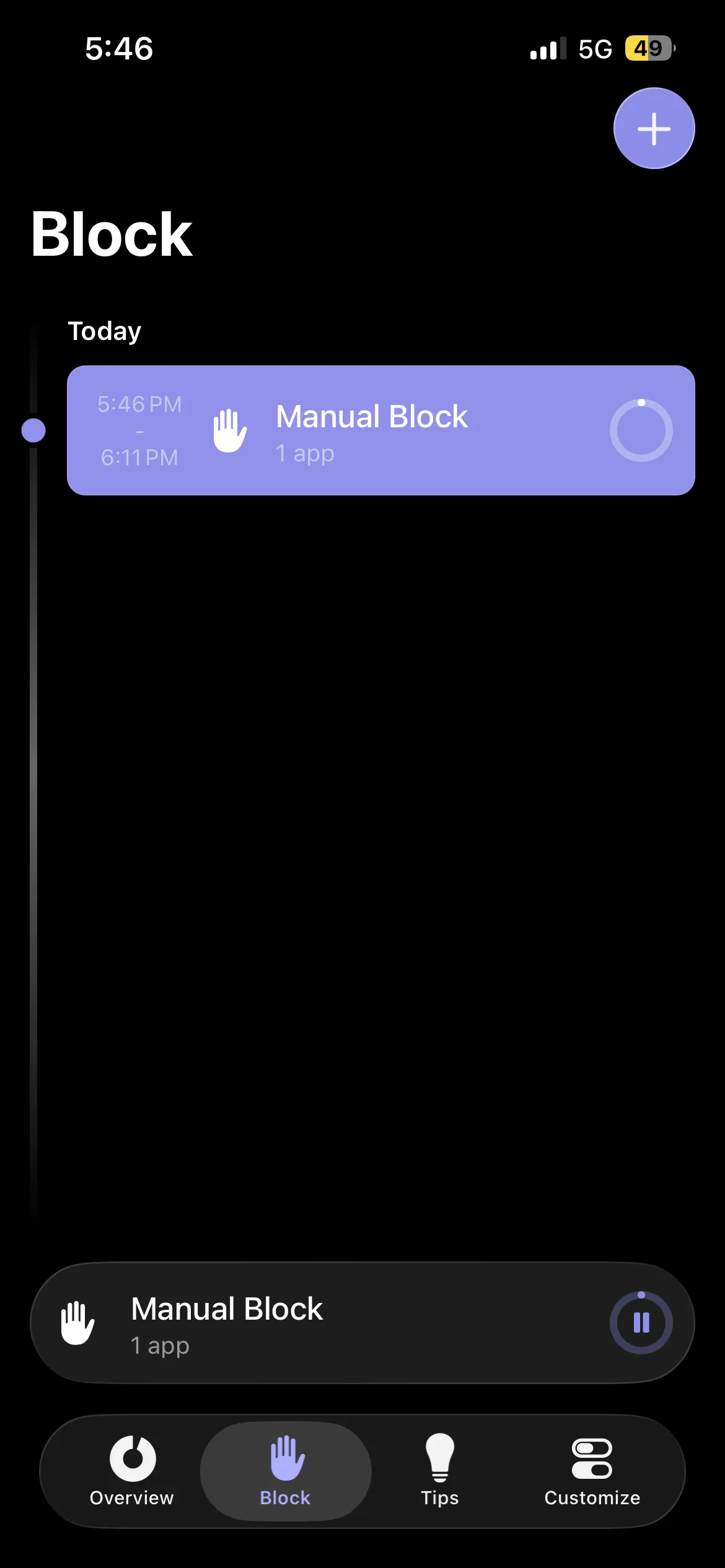
Opal blocks selected apps during scheduled focus sessions. You set the time windows (Deep Work 9 to 12, Evening Wind-Down 9 to 11) and Opal enforces them with a real, iOS-level block, leaving the apps unrestricted outside those windows.
It is the right escalation if you want time-based discipline. The mechanic differs from Habit Doom in that the unlock is tied to the clock rather than to something you do. For anyone with a predictable schedule and consistent calendar discipline, that works well. For anyone whose schedule shifts around, the schedule itself becomes the friction.
The weakness Reddit cites most is that you can pause Opal mid-session, which defeats the block. The pause is intentional, but it undercuts enforcement for exactly the people who would not need a blocker if they could reliably honor a manual pause. Set against One Sec, it is a real block during scheduled sessions, with the caveats that it is schedule-driven and pausable. It is free with limits, then $19.99 a month or $99.99 a year for full features.
4. Apple Screen Time: Free but ineffective for adults
Apple Screen Time is built into iOS and free, and you can configure daily app limits and downtime windows. For absolute minimal investment, it is the floor of the category. The problem is the Ignore Limit button: hit your own limit and one tap dismisses it. Screen Time was designed for parental control, so for an adult managing their own behavior that bypass is the whole structural weakness. As an escalation from One Sec it does not qualify, because the enforcement is weaker, not stronger. It is free and built in, and that is both the pitch and the ceiling.
5. Brick: Hardware commitment device
Brick is a small NFC-tagged hardware device. You block apps in the Brick app and unlock them by tapping the phone against the Brick, which means physically walking to wherever it is stored. That makes it the strictest escalation in the category, because the physical action defeats automatic behavior in a way software-only tools cannot. If you outgrew One Sec because your automatic habit powers straight through any on-screen friction, Brick adds a real-world step the habit cannot skip.
The trade-off is the hardware. Brick is a roughly $59 one-time purchase, and the app is free after that. Anyone who wants a software-only solution will not want the device, but anyone serious enough to invest tends to find it uniquely effective.
How to pick
The escalation ladder.
- The user still likes friction, wants a sideways move. ScreenZen.
- The user wants action-driven blocking instead of friction. Habit Doom.
- The user wants scheduled blocking. Opal.
- The user wants the strictest possible enforcement. Brick.
- The user wants free and built in. Apple Screen Time, knowing the limits.
For most people who specifically searched "One Sec alternative", the right answer is escalation, not substitution. You are not looking for a different pause. You are looking for something the pause failed to provide. Habit Doom is the closest match in 2026 because it preserves the lightweight setup One Sec users like while replacing the soft pause with real iOS-level enforcement.
The friction category has a natural ceiling. Users with light habits stay. Users with deeper habits escalate. The honest framing is that One Sec is a successful onboarding tool, not a permanent solution. For the broader iPhone blocker survey see the best app blockers comparison and the minimal app blocker breakdown.
Frequently Asked Questions
Keep Reading
Try Habit Doom
Lock your distracting apps. Complete your habits. Earn your screen time. It takes 30 seconds to set up.
Download Free