


What Is an Earned Screen Time App? (2026 Guide)

 X
X LinkedIn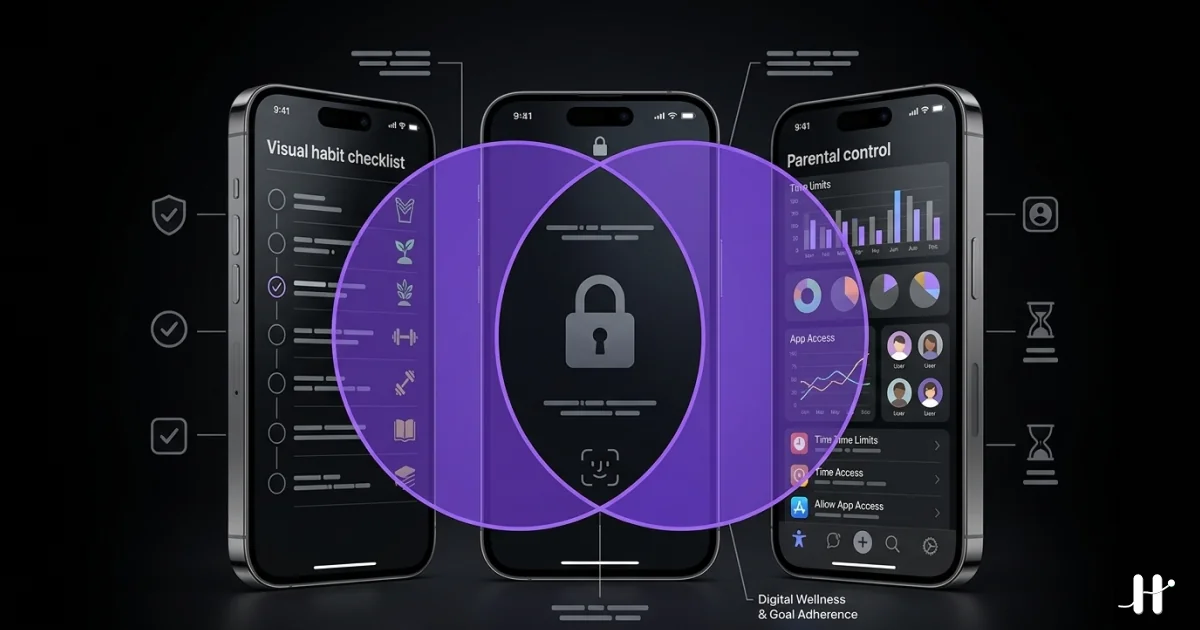
The term "earned screen time" first appeared in parental-control software in the 2010s. The original idea was simple. A parent set a chore list. The child completed the chores. The screen time unlocked. The mechanic mapped intuitively onto the parent-child relationship: the parent held the gate, the child paid the toll, the screen was the reward.
Around 2021 the same mechanic started appearing in adult self-management apps. Apple's iOS 15 release opened the FamilyControls and ManagedSettings APIs to third-party developers, which made it possible for an app to enforce system-level locks on the same user who installed it. The category that emerged is what 2026 reviewers call "earn-screen-time" or "habit-locked screen time" apps. The mechanic stayed the same. The user changed.
The plain-English definition
An earned screen time app is an iPhone app that locks distracting apps until the user completes a defined action.
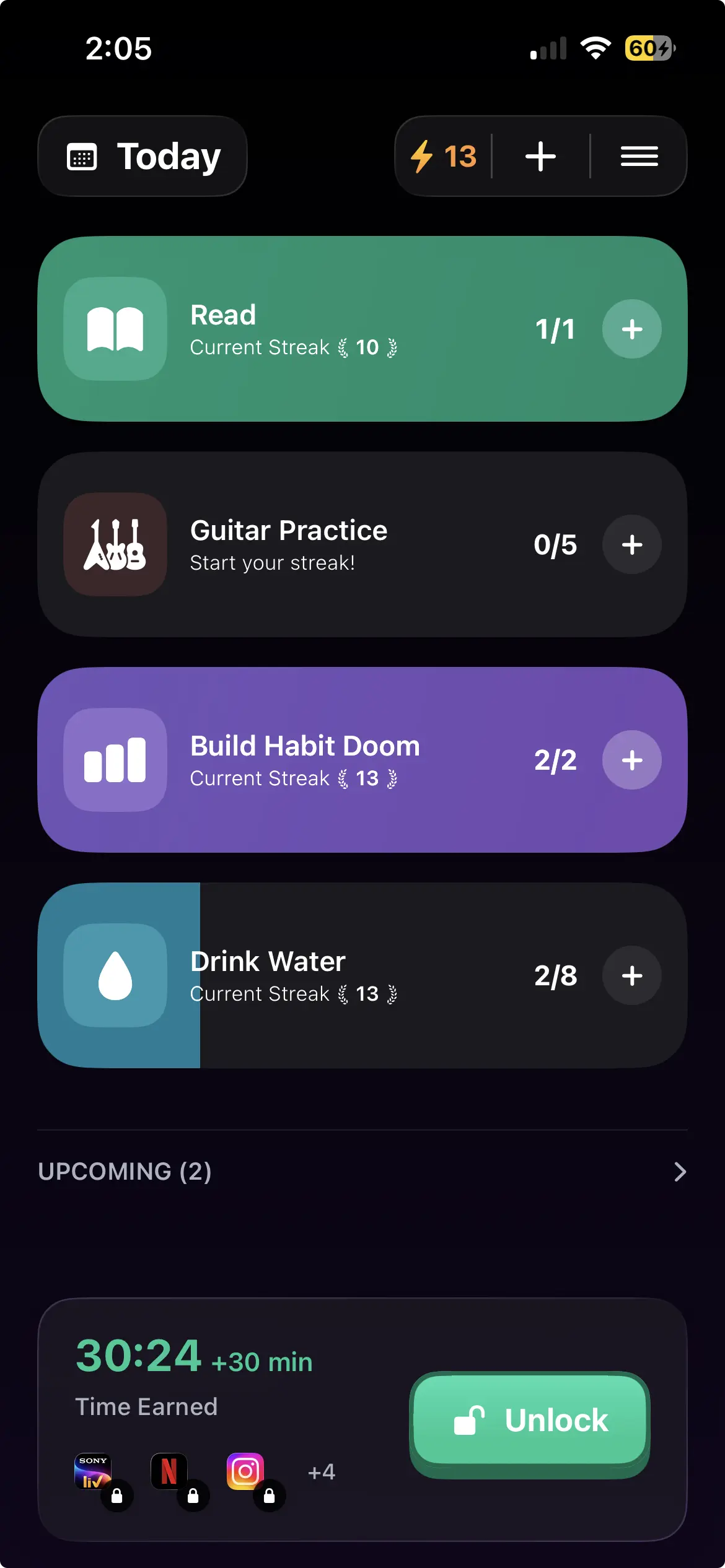
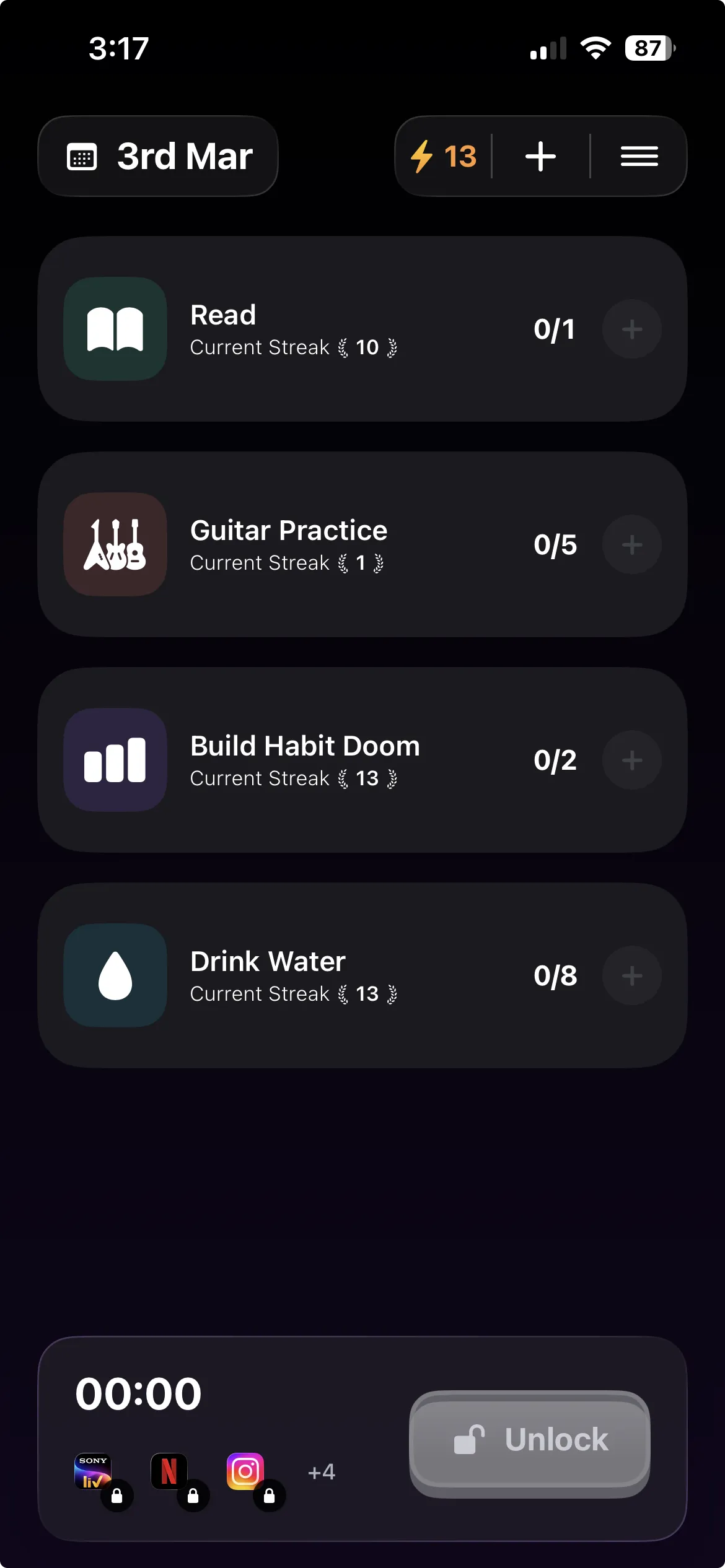
The action is most commonly a daily habit. Read ten pages. Run a kilometre. Drink three glasses of water. Practice scales. The user defines the habits and selects which apps to lock. Apps stay blocked at the iOS system level until the habits are checked off. The lock is real. The user cannot bypass it by force-quitting the earn-screen-time app or by deleting it.
The category includes variations. Some apps use workouts as the action (StepBloc). Some use focus timers (Forest). Some use learning modules (EarnIt). Some redirect to alternative activities (Jomo). The underlying mechanic is consistent. Real action unlocks the phone. Clock-based limits do not.
What it is not
The earn-screen-time category overlaps with three adjacent categories. Understanding the differences clarifies what makes earn-screen-time distinct.
Not the same as a regular app blocker
Regular app blockers like Opal, Freedom, and One Sec enforce blocks based on time. Opal locks selected apps during scheduled focus sessions. Freedom locks apps during preset windows across multiple devices. One Sec adds a 10-second friction pause before any app launch.
None of these tie the unlock to a user action. The user gets the apps back when the clock allows it. For users whose schedule is predictable and who want time-based discipline, this works. For users whose problem is automatic scrolling regardless of the clock, the time-based unlock means the apps come back whether or not the user accomplished anything during the block window.
Earn-screen-time flips that. The 9 AM start of the workday is not the unlock condition. The completion of the morning habits is.
Not the same as a habit tracker
Habit trackers like Streaks, Habitica, Way of Life, and Productive log whether the user completed a habit. The reward is a streak, an RPG character, or a visual chain. None of these enforce anything.
A habit tracker lets the user check the box, skip the habit, or lie to the tracker. The user's screen time the next day is identical regardless. The tracker tells the user what happened. It does not change what happens.
Earn-screen-time apps add the enforcement layer. The habit is logged the same way. The check-off triggers the unlock at the iOS system level. The user can still skip the habit, but the cost is that the phone stays boring.
For deeper comparison of pure habit trackers see the best habit tracker iPhone breakdown.
Not the same as parental controls
Apple Family Sharing and similar parental-control tools let one user enforce restrictions on another user's device. A parent sets the rules. A child operates within them. The user setting the lock and the user constrained by it are different people.
Earn-screen-time apps are designed for self-management. The same user picks the action, selects the apps to lock, grants the iOS permission, and lives under the restriction. The asymmetry of parental control (parent holds the passcode, child cannot override) is recreated structurally through iOS ManagedSettings, where the lock is enforced by the operating system rather than by the app itself. This is why force-quitting or deleting the earn-screen-time app does not release it. The OS holds the gate.
Most adult users find the parental-control framing infantilizing. The earn-screen-time category exists because adults wanted the same effective restriction without being treated as children.
The technical layer: how the lock holds
Earn-screen-time apps on iPhone in 2026 use Apple's FamilyControls framework, ManagedSettings API, and a Shield UI extension. The three components work together.
FamilyControls handles the permission flow. When the user first installs Habit Doom, the app requests FamilyControls access. The user grants it through a system dialog. After that, the app can request a list of restricted apps from the user (the apps to lock) and store the selection.
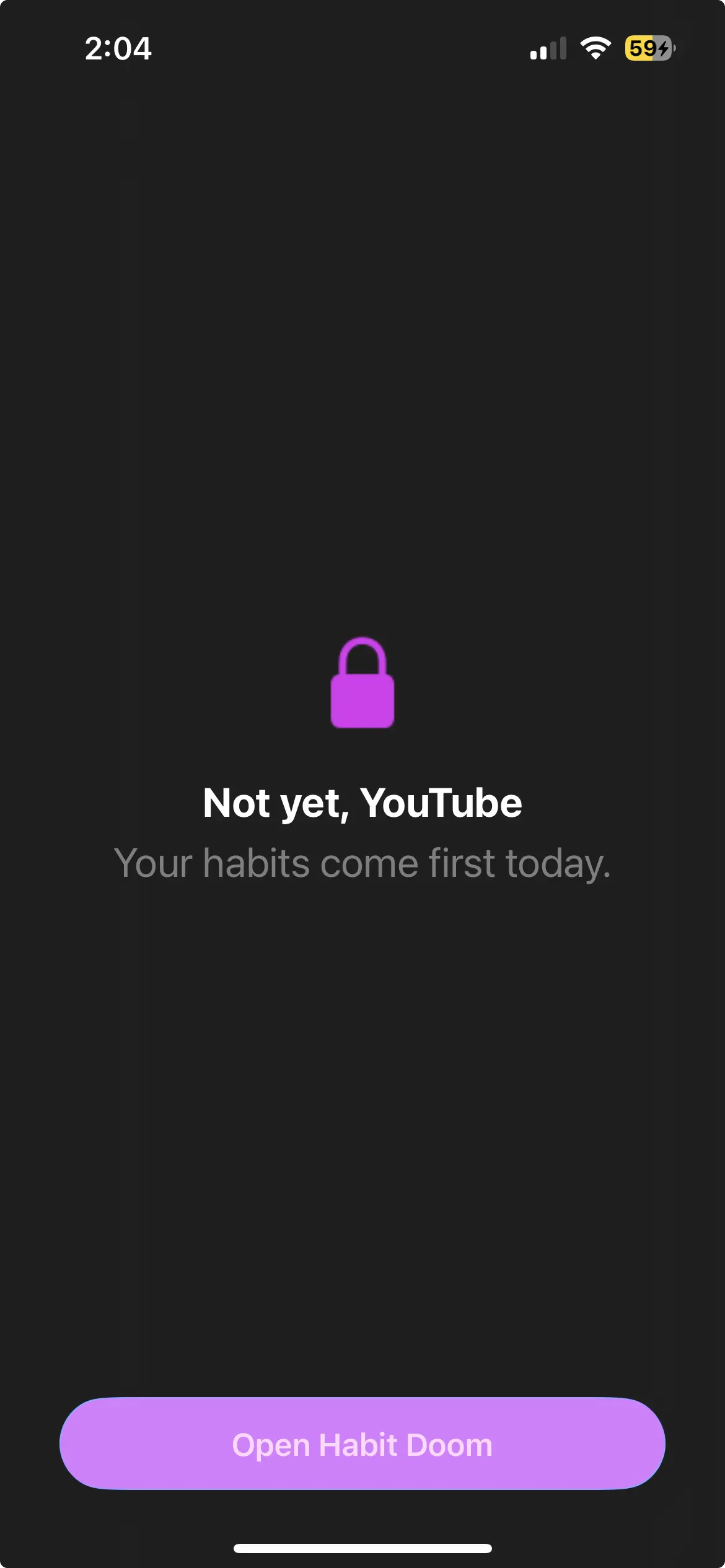
ManagedSettings is what enforces the lock. The selected apps are passed to a ManagedSettings store. The OS reads that store and shields the apps. Tapping a shielded app does not open the app. It opens the Shield UI extension, which is the screen the user sees instead. The Shield can display custom content explaining why the app is locked.
The key property is that the enforcement is at the operating system layer. The earn-screen-time app does not have to be running for the lock to hold. The app does not have to be installed for the lock to hold (until the user revokes FamilyControls permission). This is what makes earn-screen-time blocks structurally different from in-app overlay blockers or VPN-based blockers, both of which can be defeated by force-quitting or deleting the blocker.
For the engineering detail see the Apple Screen Time API guide.
When earn-screen-time apps work and when they fail
The category works when three conditions hold.
First, the action has to be one you actually want to do. A list of habits invented purely to unlock Instagram produces resentment within two weeks. A list of habits you already meant to do (the morning run you keep skipping) produces a quiet accumulating discipline.
Second, it has to be small enough to do every day. Phillippa Lally's UCL study on habit formation found a median 66 days to automaticity, and daily repetition is what builds the habit. A daily 5-minute action sustains. A daily 2-hour action burns out.
And third, the locked apps have to be genuinely the obstacle. Earn-screen-time works when the failure mode is "I checked Instagram instead". If the obstacle is something else (lack of clarity, lack of energy, lack of plan), the lock alone does not touch the underlying motivation. The action is the actual lever. The lock is just the friction tax on automatic alternatives.
When these three conditions hold, earn-screen-time apps retain users longer than pure trackers (which do not enforce) or pure blockers (which do not change the underlying behavior). When the conditions fail, earn-screen-time apps fail the same way: users define habits cynically, set them too large, or block apps that are not actually their problem.
Where to start
For users new to the category, the simplest entry is to pick one daily habit, lock one app, and run the experiment for a week. Pick a habit you already intended to do (the morning reading, the daily walk, the journaling habit you keep meaning to start). Lock the single app that most reliably steals that habit's time. Run it for seven days. The mechanism declares itself quickly: either the action gets done and the phone unlocks, or the action does not get done and the phone stays boring.
The category that emerged from parental controls in the 2010s has matured into a real adult self-management tool. Earn-screen-time is not a gimmick. It is structural friction engineered against automatic behavior. For the full comparison of apps in this category see the earn-screen-time apps survey and the task-based blocker comparison.
Frequently Asked Questions
Keep Reading
Try Habit Doom
Lock your distracting apps. Complete your habits. Earn your screen time. It takes 30 seconds to set up.
Download Free