


Is There an Android App Blocker You Cannot Bypass?

 X
X LinkedIn
No. There is no Android app blocker you cannot bypass.
That is the honest answer, and any article that gives you a different one is either selling something or has not read the platform documentation. What is worth your time is understanding why, because it changes what you should be shopping for.
The reason, in one paragraph
Android provides no way to stop an app from opening. That is the root of it, and everything else follows.
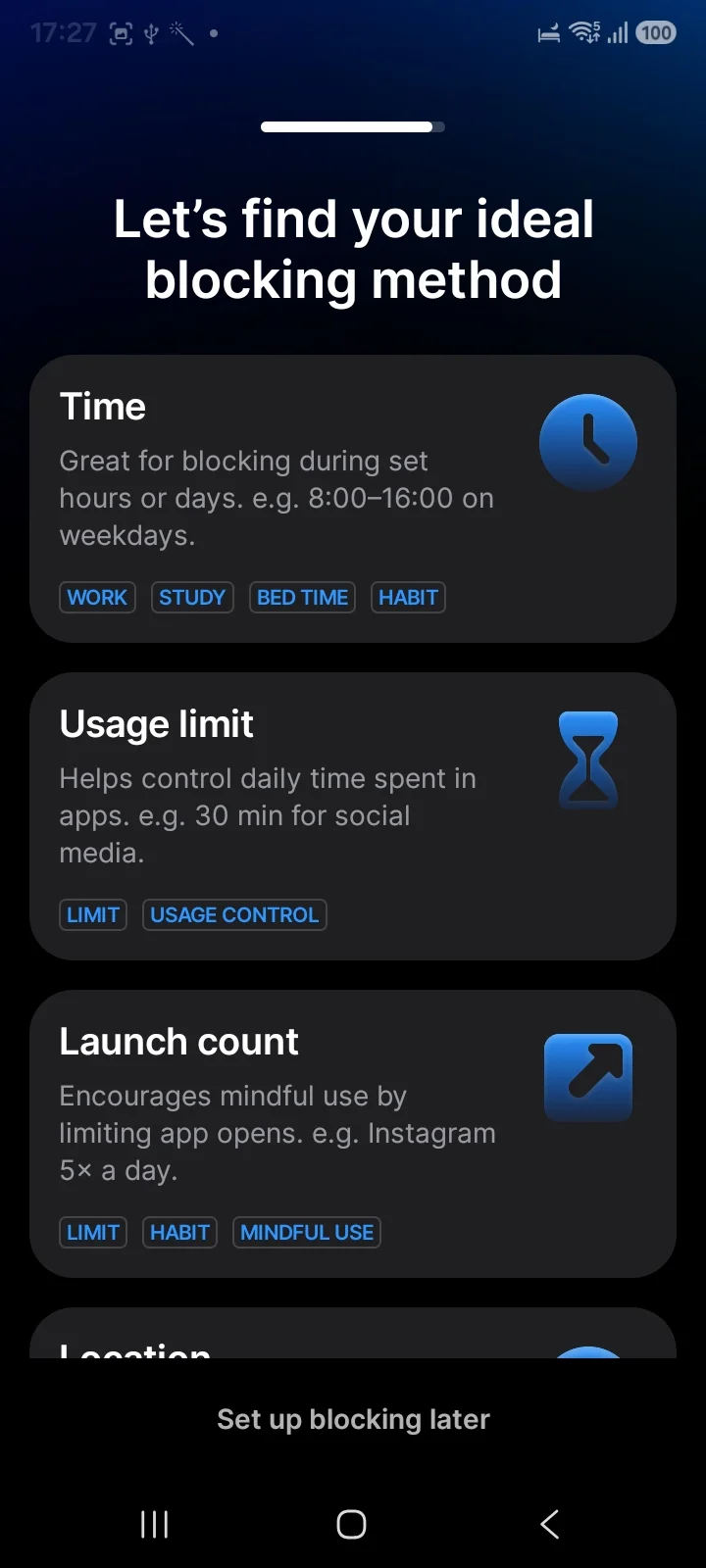
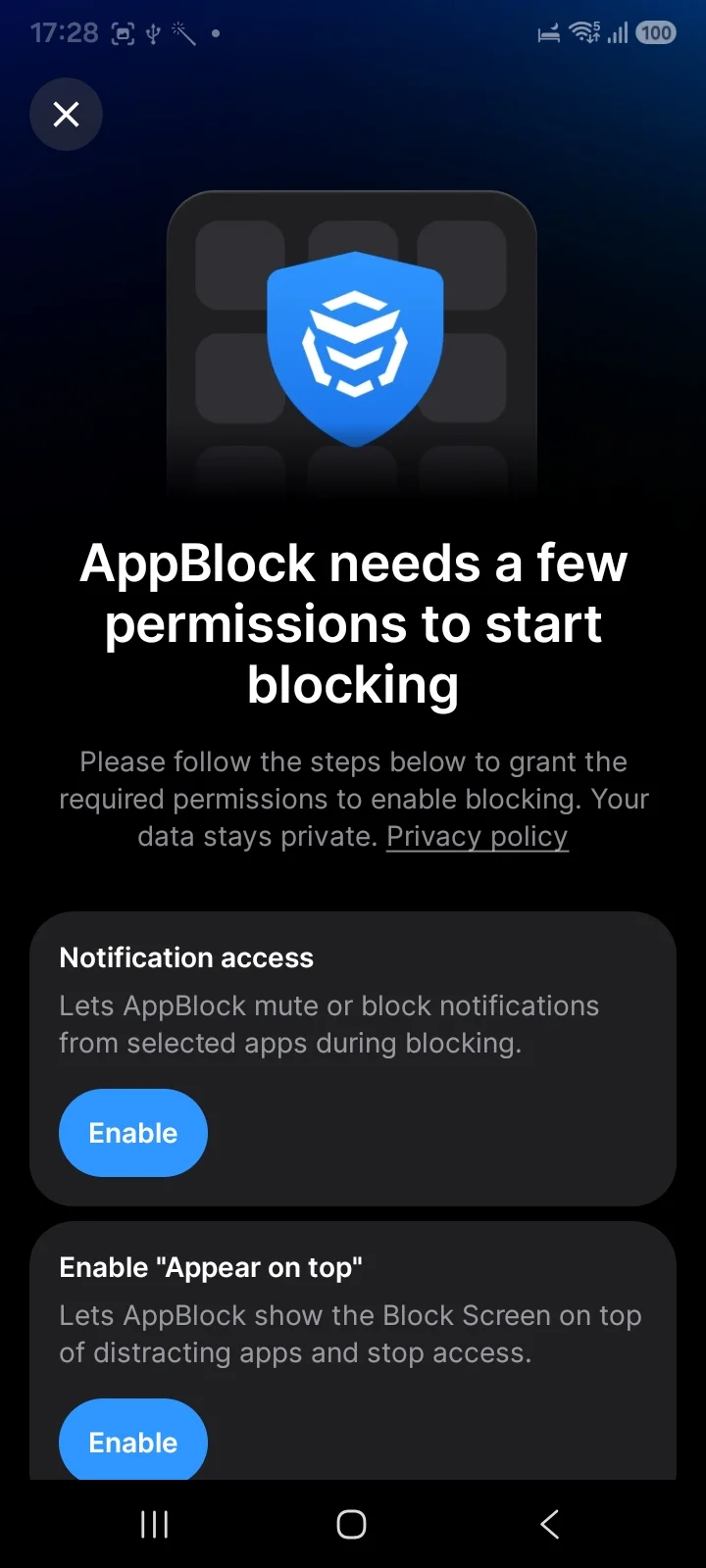
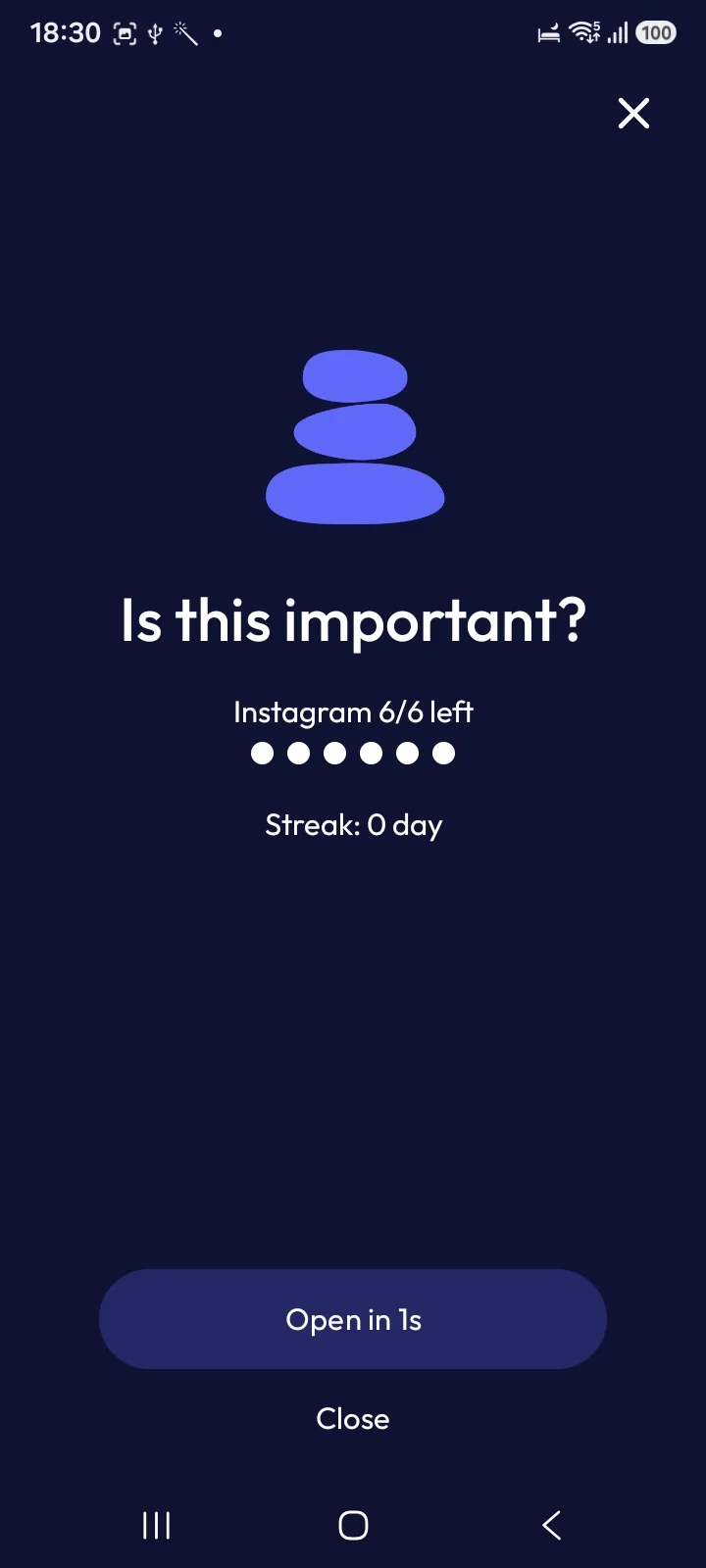
What blockers actually do is wait for the app to launch and then draw a screen over the top of it, using the permission Android calls "Appear on top" or "Draw over other apps". Installed on a Galaxy, both AppBlock and StayFree request precisely this. AppBlock's own permission screen says it "lets AppBlock show the Block Screen on top of distracting apps and stop access." Many blockers additionally use an Accessibility Service to spot which website you are on.
So an Android block is a cover, not a lock. Instagram is open and running; there is a picture in front of it.
That has three consequences. You can revoke the overlay permission in Settings. Battery optimisation can put the blocker to sleep, after which it silently stops covering anything. And because the app underneath is genuinely running, any gap in the cover is a gap in the block.
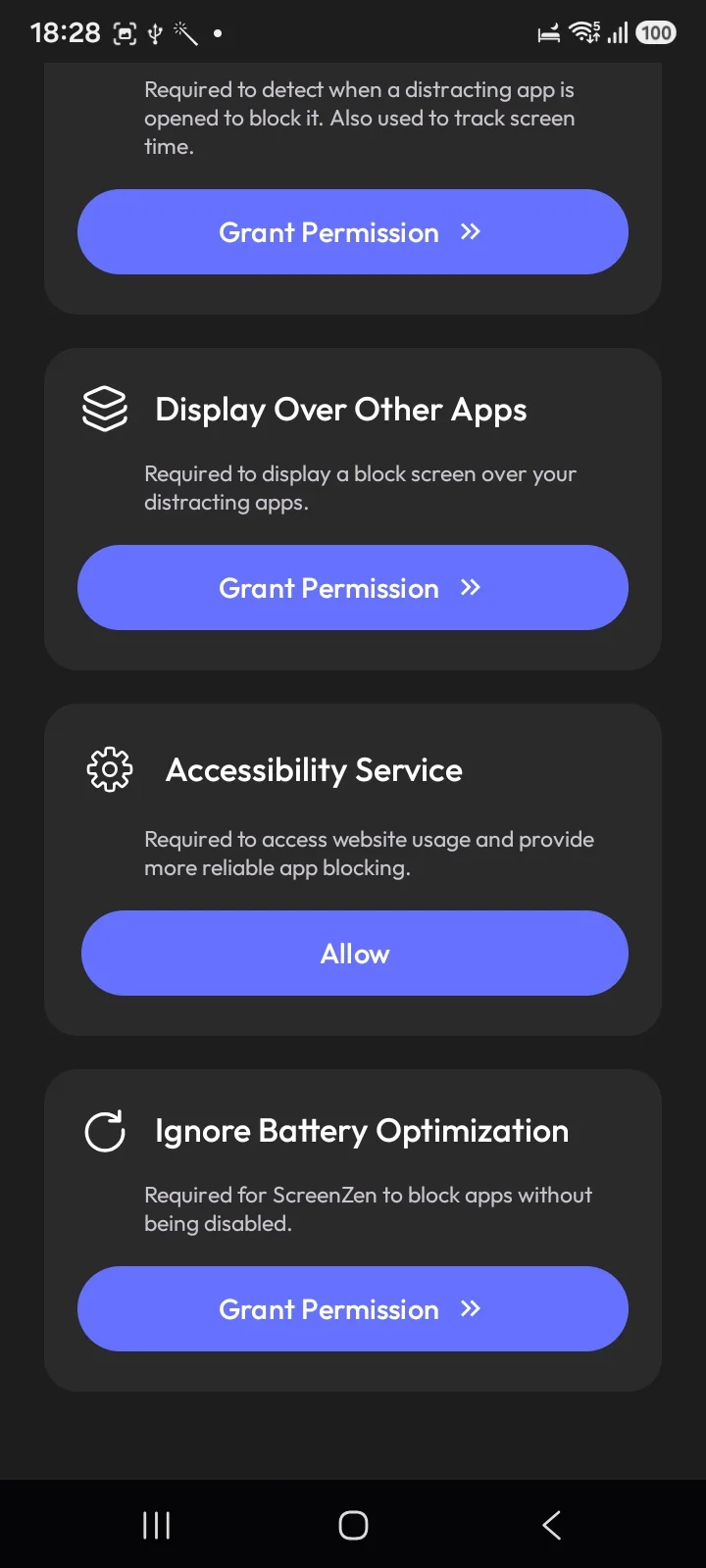
The apps know this. ScreenZen's setup asks for four separate permissions, and the fourth is Ignore Battery Optimization, in its own words "required for ScreenZen to block apps without being disabled." When a blocker has to ask the operating system not to kill it, you are not dealing with a lock.
The switch belongs to whoever is holding the phone, and the phone is in your hand at exactly the moment you want the block gone.
Why iPhone is different
Apple ships ManagedSettings and the Screen Time API, which grant an approved app real system-level authority over what is allowed to open. The app never starts. That is a categorically different thing from covering it up afterwards, and it is why a well-built iPhone blocker can survive a force-quit and, in some configurations, an uninstall.
Android has no equivalent. This is not a case of Android developers being lazier. The API simply does not exist, so every Android blocker is building on softer ground.
Worth knowing if you are comparing apps across platforms, or reading a roundup written by someone who only tested on an iPhone.
What comes closest
Digital Wellbeing's App limits PIN, if your phone has it. On Google's build this is the most underrated option on Android. Settings → Digital Wellbeing → App limits → App limits PIN. Set a 4-digit code and limits cannot be changed without it, and Google's support page suggests setting an app's limit to zero with the PIN on, which blocks that app entirely. Free, built in, and most people who conclude Android blocking is useless never turned it on.
⚠️ Check before you rely on it. Samsung ships its own Digital Wellbeing rather than Google's, and on a Galaxy running One UI 8.0.5 the app timer flow has no PIN option at all. Samsung's timers are better in other respects, with alerts and per-day schedules, but nothing locks them. Since Samsung is the largest Android manufacturer, this is not an edge case.
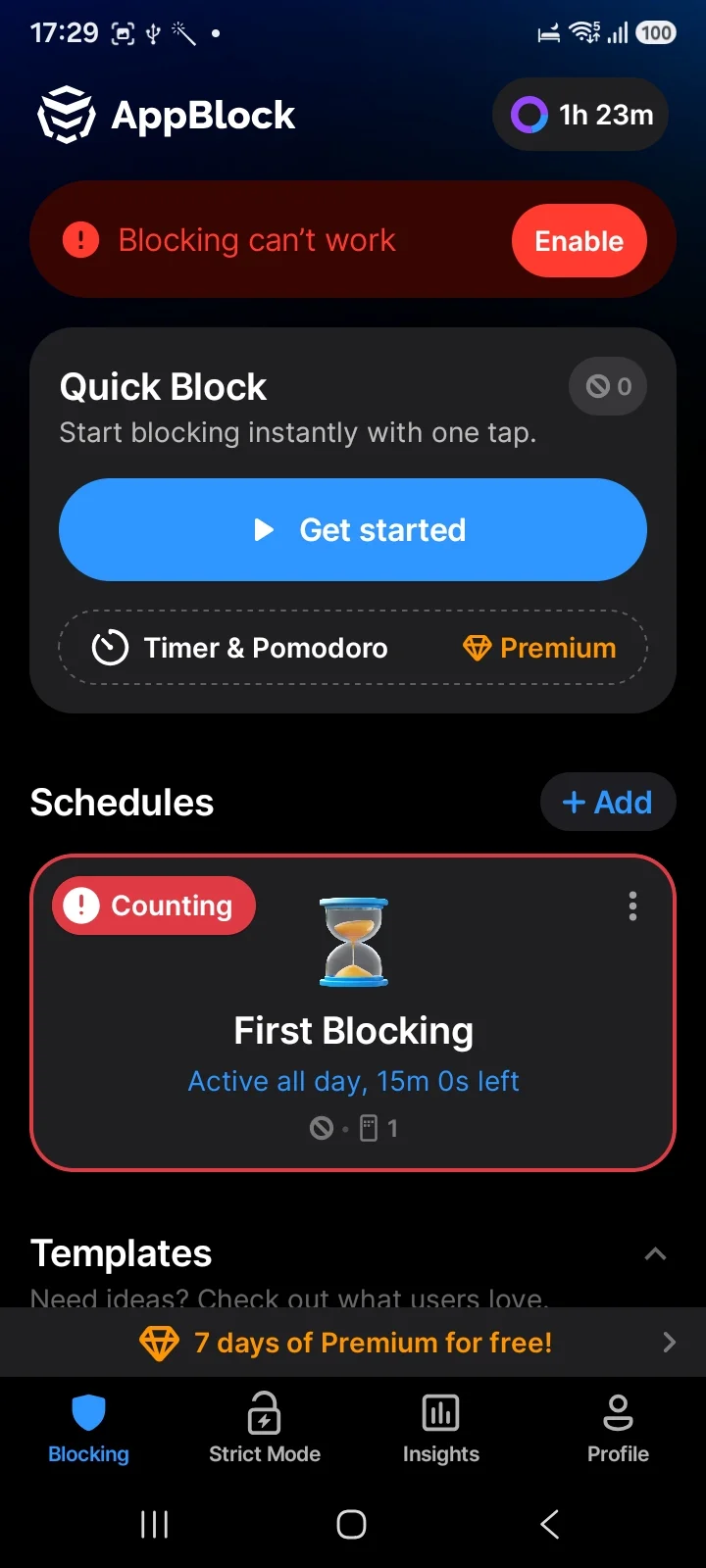
AppBlock's Strict Mode. 4.7 stars and roughly 238,000 Play reviews, reviewed in our Android roundup. Strict Mode is the best-known third-party attempt at making a block hard to unwind, with options like requiring a long password or emailing an accountability partner.
It is genuinely good friction and it is not absolute. An August 2026 Play review describes getting past it by typing the long password the app itself shows you, and MobileSoft replied acknowledging the gap. That is not a scandal about AppBlock; it is the Accessibility Service limitation surfacing in the biggest app in the category.
A second person. Unglamorous and the most effective option on this page. Give the PIN or the password to someone else. Every technical measure on Android eventually returns the decision to you. Another human does not.
Stop shopping for a wall
Here is the shift worth making. If no Android blocker can be a wall, then comparing apps on how strict they claim to be is comparing marketing copy.
What actually varies is what the block is attached to:
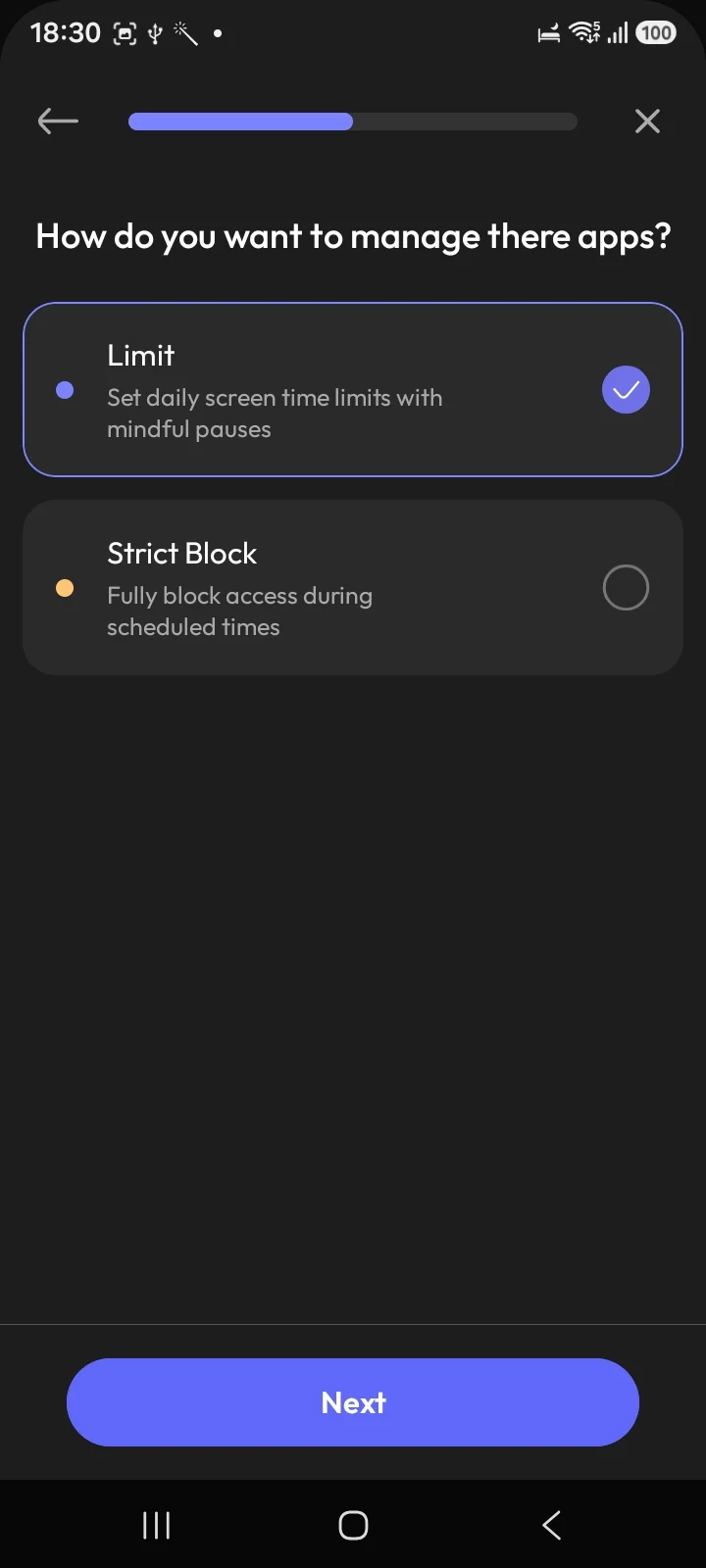
- A timer blocks until a clock says otherwise.
- A schedule blocks during hours you picked in advance.
- A pause blocks for a few seconds and then lets you through.
- A PIN blocks until you enter a number you already know.
Each of those hands the final decision back to you eventually, and each does it at the moment your judgment is at its worst.
The alternative unit
Ours, so weigh it accordingly.
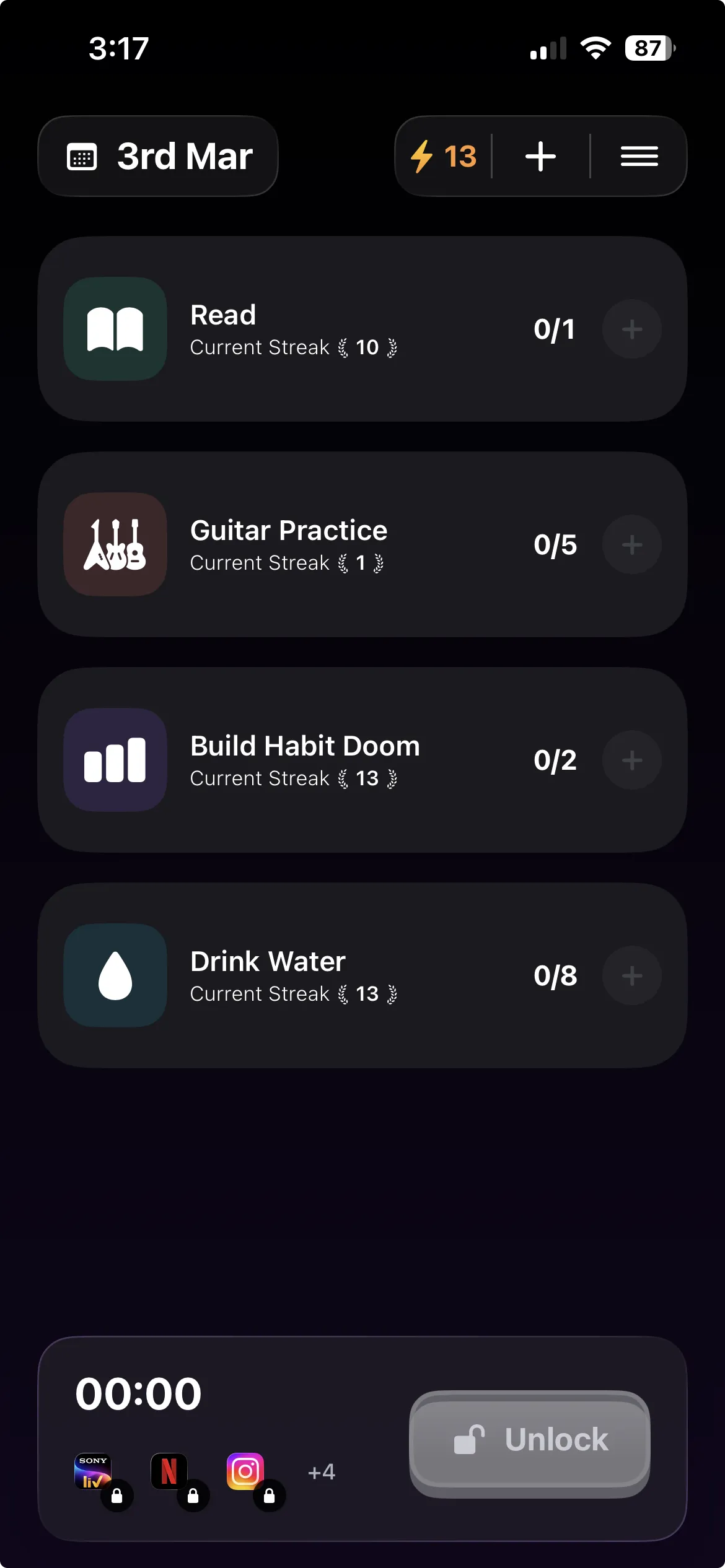
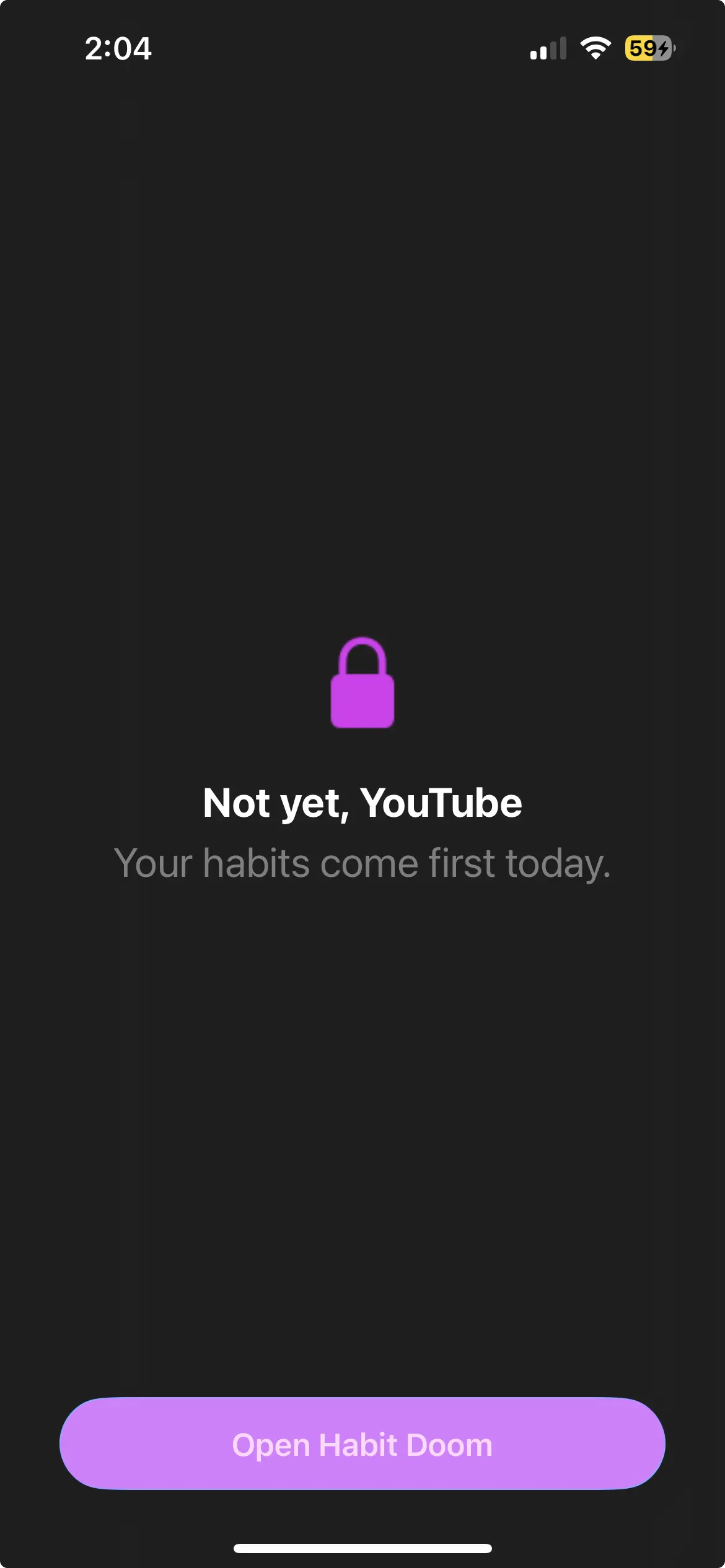
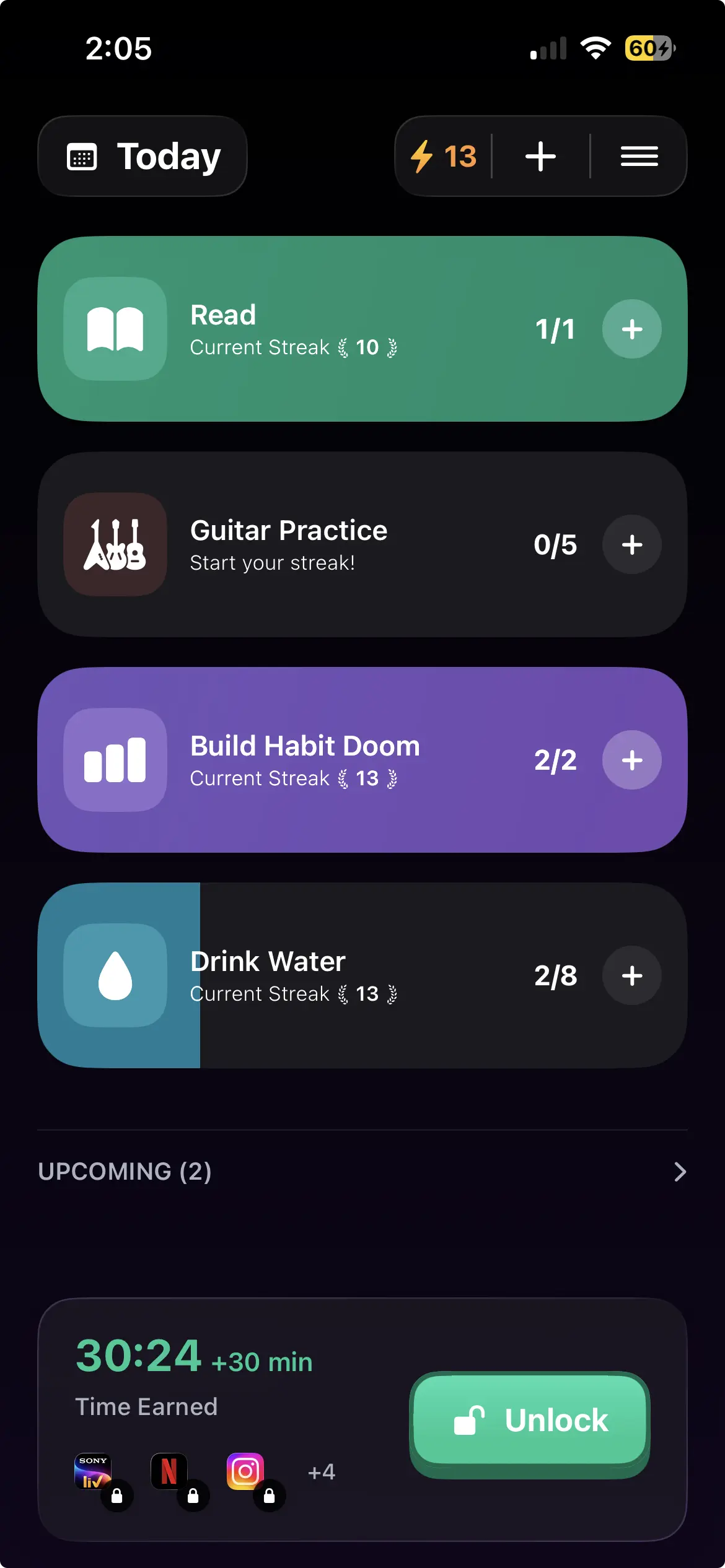
Habit Doom does not try to be a stricter wall, because on Android that race cannot be won. It changes what the lock is attached to. Distracting apps stay locked until your daily habits are done. Not a timer, not a schedule, not a code you memorised. Finished work.
You can still switch off the Accessibility Service, exactly like every other app here. We are not going to claim otherwise. The difference is what the easiest path looks like: with a PIN, the shortcut is remembering four digits. With habit-gated locking, the shortcut is doing the twenty minutes of reading you already decided mattered.
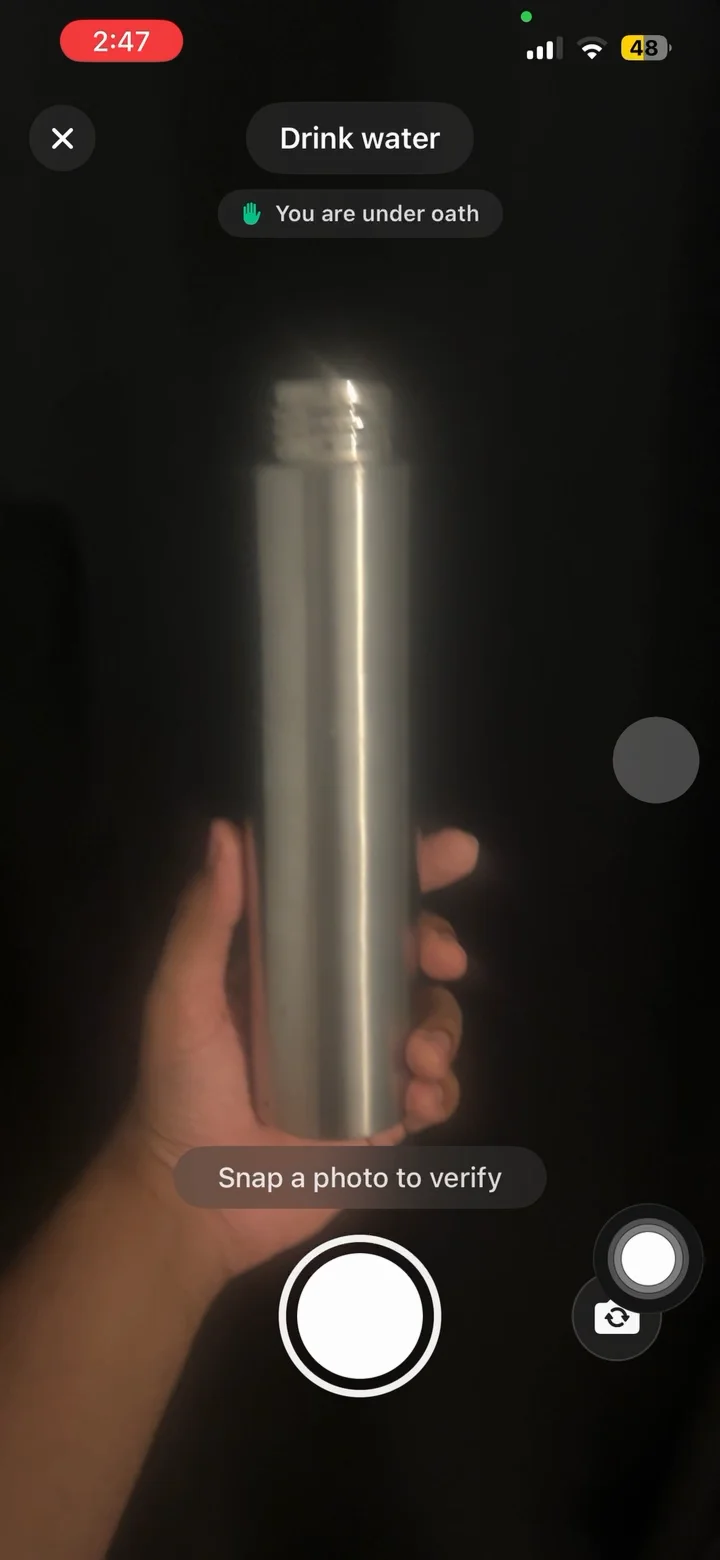
Anti-Cheat photo verification closes the obvious hole, using an on-device model so you cannot mark a habit done by pointing the camera at nothing. It is free for everyone, not a paid tier.
Free tier: 3 habits, app blocking, streaks and Anti-Cheat. Pro adds unlimited habits, Hard Mode and analytics at $4.99/month, $19.99/year with a 7-day free trial, or $29.99 once. No ads. Block Adult Sites is iPhone only, custom alarms are notifications on Android, and it requires Android 10 or newer.
The practical answer
- Turn on the App limits PIN if you have it. Free, already there, and stronger than most paid setups people abandon. Samsung phones ship a different Digital Wellbeing without it, so check first.
- Give the code to someone else if you are serious. Nothing technical beats this.
- Compare what is actually on Play in the Android roundup, and the free options if you would rather not pay.
- Stop looking for unbypassable. It does not exist on Android in 2026.
- Pick the friction that matches your failure. If you break at 11pm out of habit, almost anything helps. If you break deliberately, only another person will stop you.
The uncomfortable truth is that on Android you are always the last line of defence. The useful question is not how to remove yourself from that position, but how to make the easy path lead somewhere you wanted to go.
Frequently Asked Questions
Keep Reading
Try Habit Doom
Lock your distracting apps. Complete your habits. Earn your screen time. It takes 30 seconds to set up.
Download Free