


When Digital Wellbeing Is Not Enough

 X
X LinkedIn
Most articles about Digital Wellbeing get it wrong in the same direction: they treat it as a toy. It is more capable than that, and the case against it is more interesting than "it is easy to bypass."
Let us start with what it actually does, because there is a feature in there that almost nobody uses.
What Digital Wellbeing is
"Digital Wellbeing" is actually two different products with the same name, and which one you have depends on who made your phone.
Google's version ships as an app (com.google.android.apps.wellbeing) on 10B+ devices. Google's own documentation hedges it as working "on some phones" and warns that "some of these steps may vary based on your device."
Samsung ships its own (com.samsung.android.forest). On a Samsung running One UI 8.0.5, Google's app is not installed at all. Given Samsung is the largest Android manufacturer, a very large share of Android users have never seen the version most articles describe.
Either way you reach it through Settings rather than by opening an app, which is why many people never realise they have it.
Google's version offers a usage dashboard, daily app timers, an App limits PIN, Focus mode, Bedtime mode and Chrome website limits.
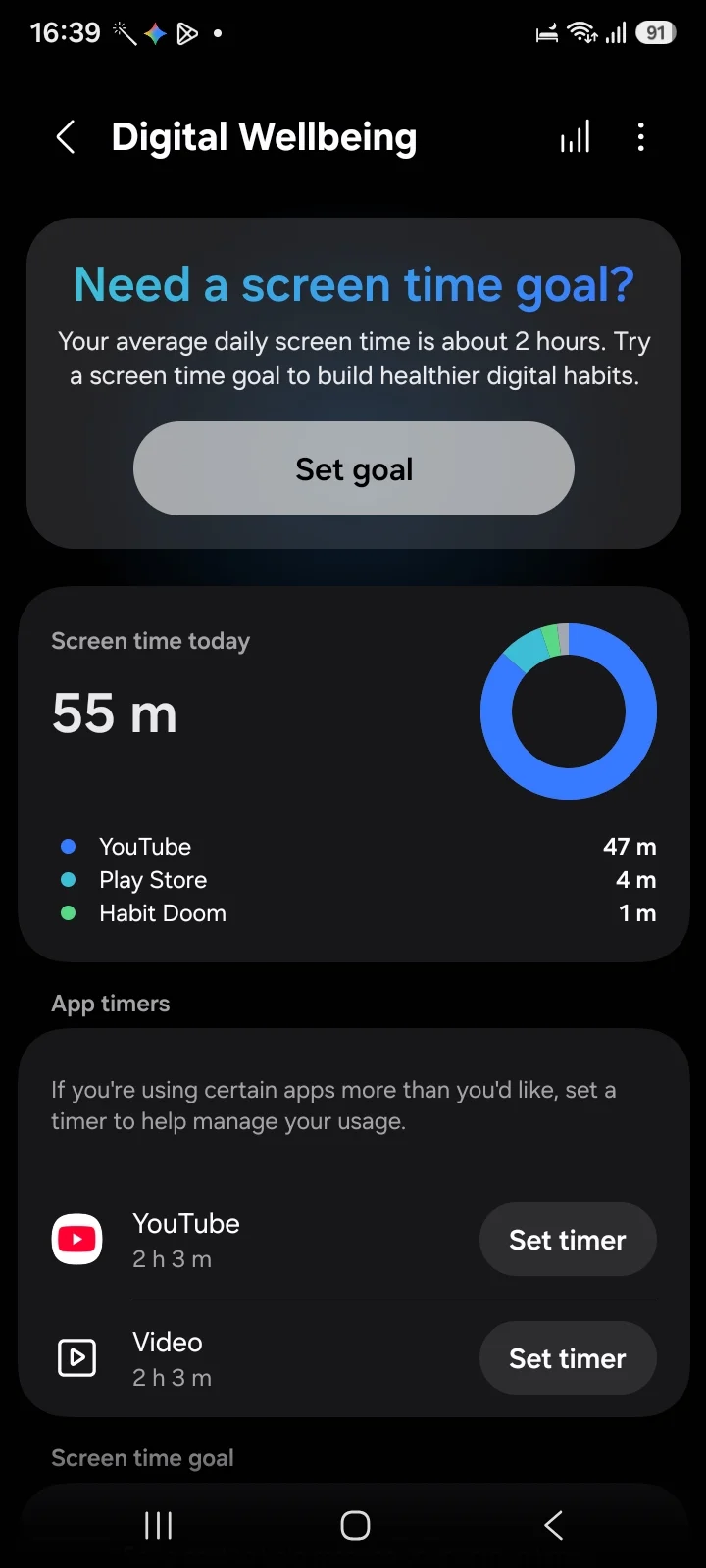
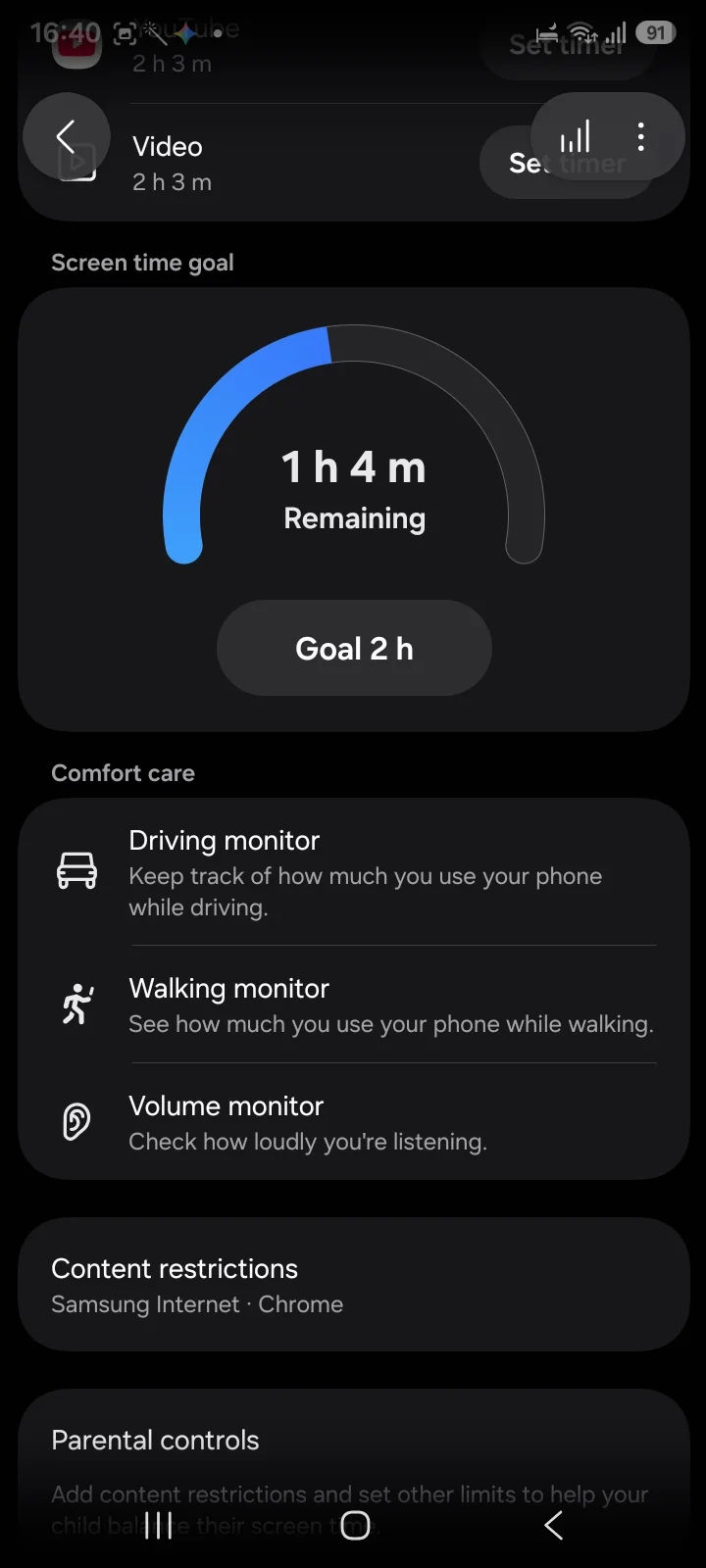
Samsung's version, checked on One UI 8.0.5, offers rather more in places:
- A usage dashboard. Time per app, with a daily breakdown.
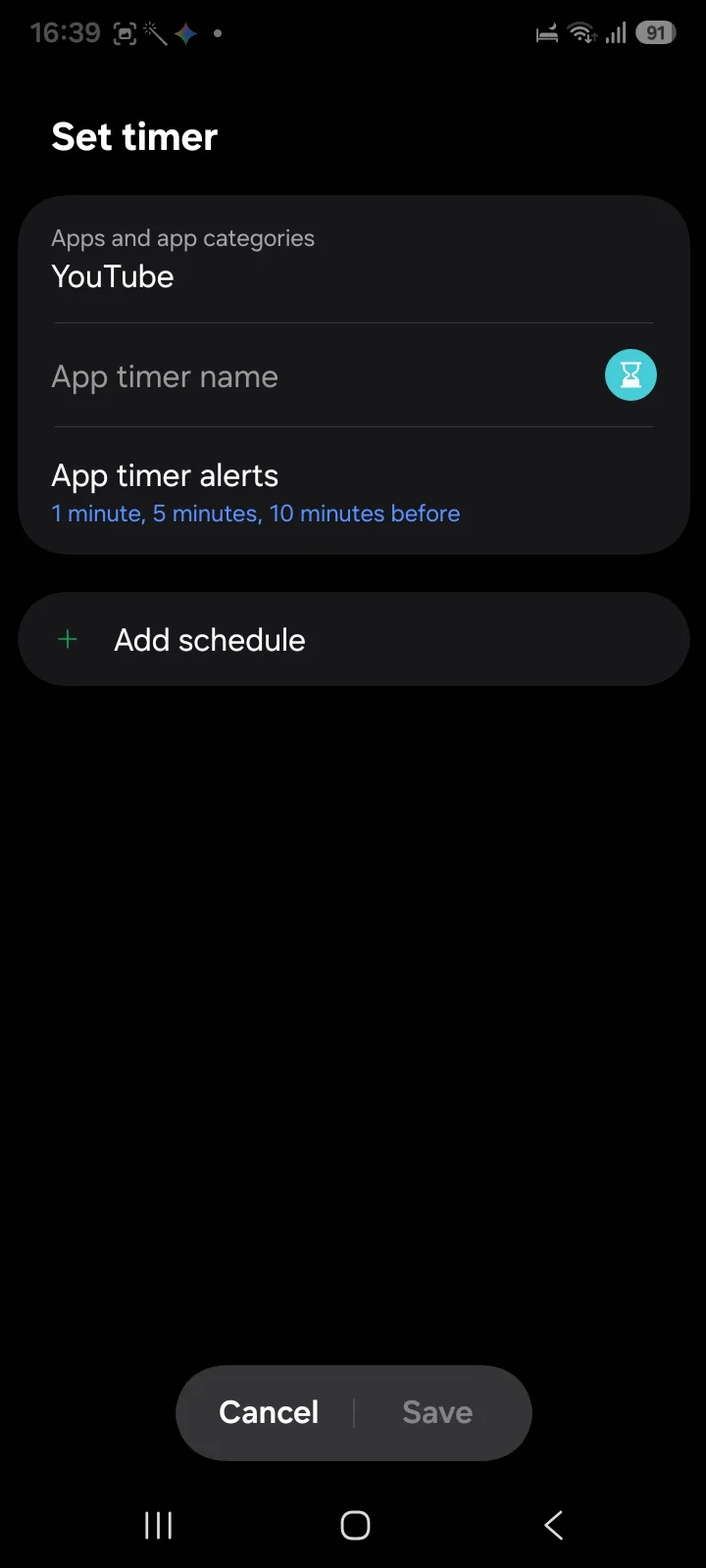
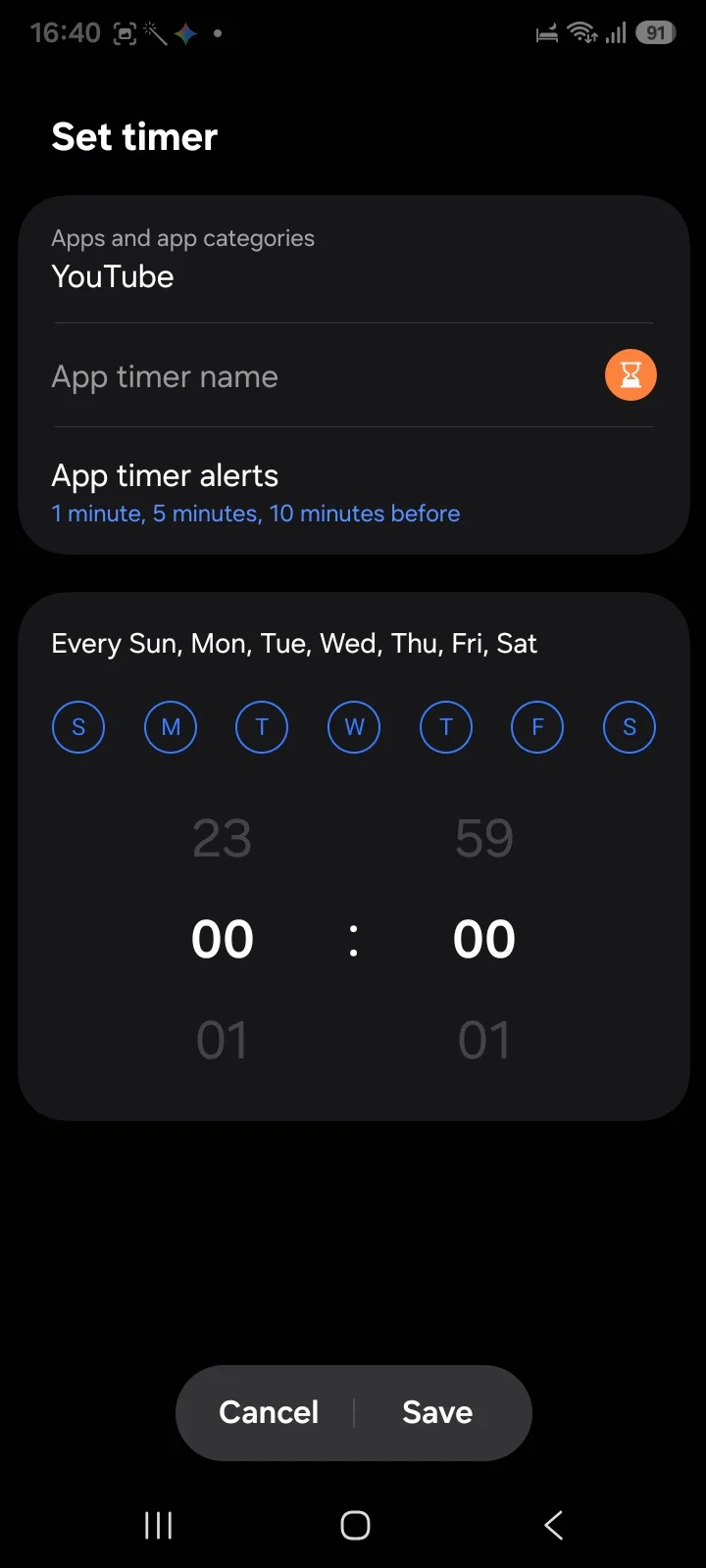
- App timers, with timer alerts at 1, 5 and 10 minutes before the cap, and per-day schedules with a time picker.
- Screen time goal. A daily target with a remaining gauge, which Google's version does not document.
- Comfort care. Driving, walking and volume monitors.
- Content restrictions for Samsung Internet and Chrome.
- Parental controls.
The feature nobody talks about, if you have a Pixel
Google's Digital Wellbeing has an App limits PIN. Settings → Digital Wellbeing → App limits → App limits PIN. You set a 4-digit code, and a limit cannot then be changed without it. Google's support page adds a tip most people never see: set an app's limit to zero with the PIN active, and that app is blocked outright.
That is a genuinely strong free lock, and if you have decided Digital Wellbeing "does not work," there is a fair chance you never turned it on.
⚠️ On Samsung, we could not find it. Checking a Galaxy on One UI 8.0.5, the app timer flow offers a timer name, alerts and a schedule, with no PIN option anywhere in it. Samsung's protection sits under Parental controls instead, which is a different feature aimed at someone else's device rather than your own.
So the honest version: if you have a Pixel or a phone running Google's build, set the PIN, it is the best free option available to you. If you have a Samsung, you have richer timers and goals but no equivalent lock on your own limits.
Where it still falls down
Two real limits, and neither is the one usually cited.
The PIN is yours, where it exists at all. On Google's build it stops the impulsive change, which is most of the value, but not the deliberate one, because you chose the number and you remember it. A lock you hold the key to is a speed bump for the person holding it. On Samsung there is no PIN on app timers, so a limit is two taps from being removed.
Everything is measured in time. This is the deeper problem. Digital Wellbeing can tell you that you have had thirty minutes of Instagram. It has no idea whether you exercised, whether you read anything, or whether you did the one piece of work you promised yourself you would do.
For a lot of people the complaint is not "I spend too many minutes on my phone." It is "I spend those minutes instead of the things I actually wanted to do." A time budget cannot see that distinction, because time is the only unit it has.
That is why people who set a sensible thirty-minute cap often end up feeling like it changed nothing. They stayed inside the budget and still did not do the thing.
The Android reality behind all of this
Worth knowing before you shop for a replacement: Android blocking runs on an Accessibility Service that you grant in Settings and can revoke in Settings. There is no Android equivalent of Apple's ManagedSettings layer, which lets an iPhone blocker survive a force-quit.
So a third-party app is not going to give you a harder wall than Digital Wellbeing's PIN. If someone advertises tamper-proof blocking on Android, they are describing something the platform does not currently offer. What third-party apps can change is the unit the block is measured in.
Changing the unit
This is our app, so weigh it accordingly.
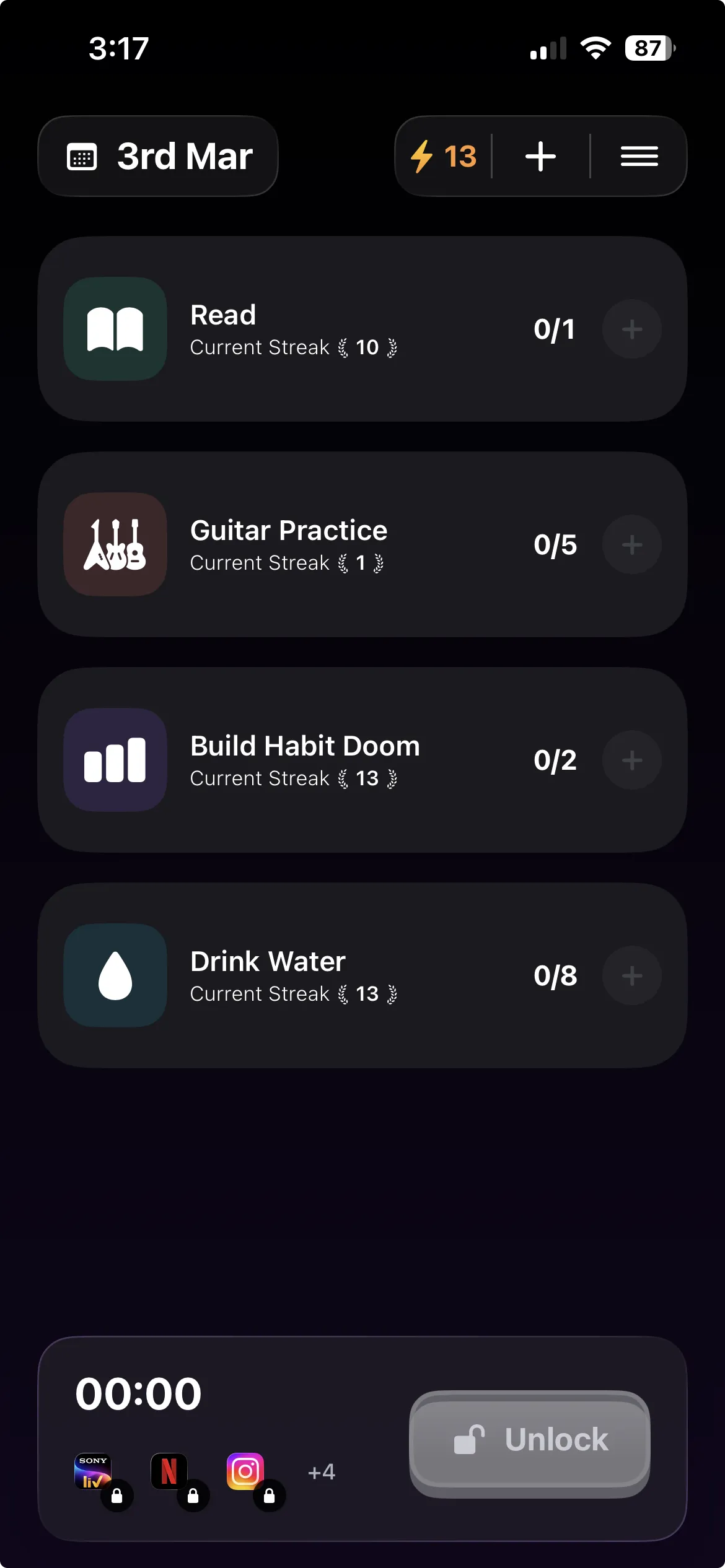
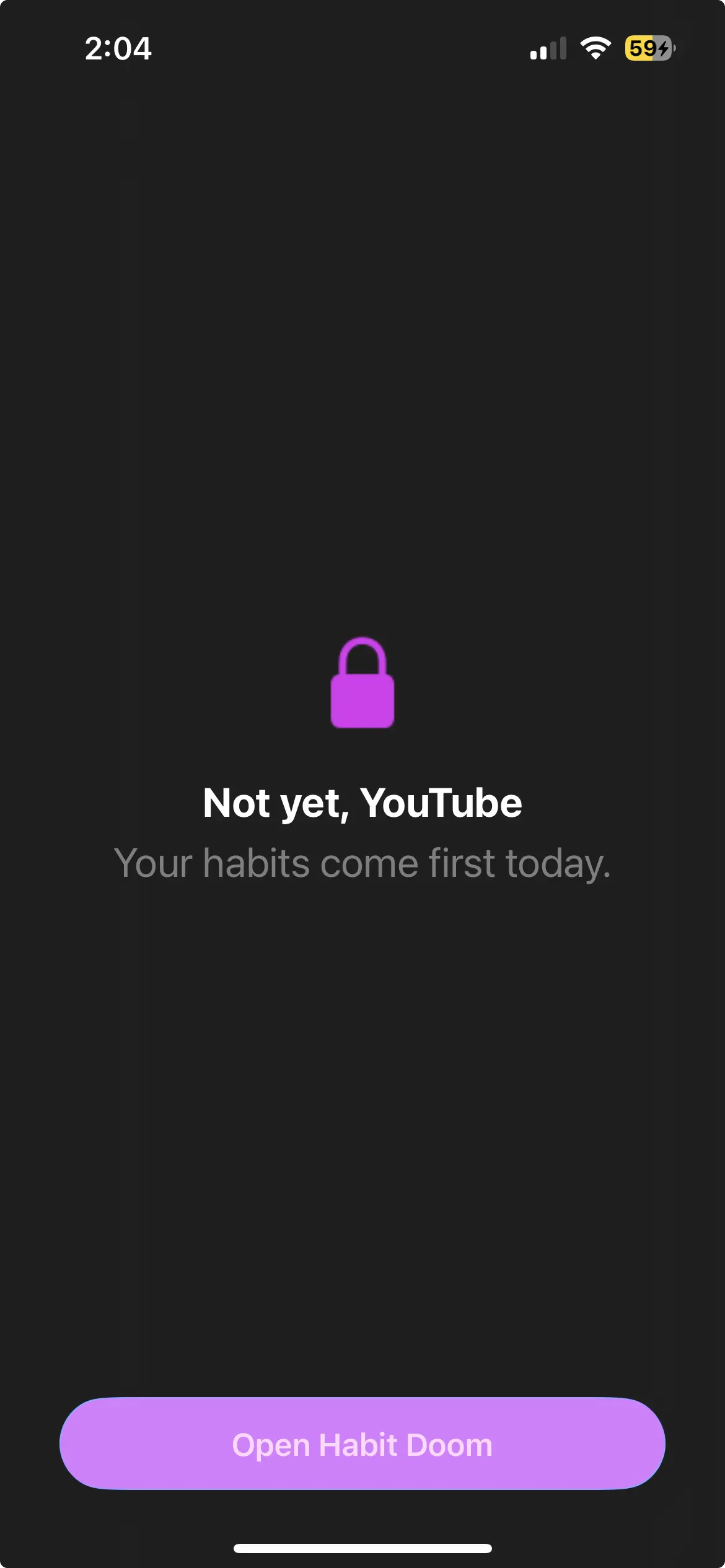
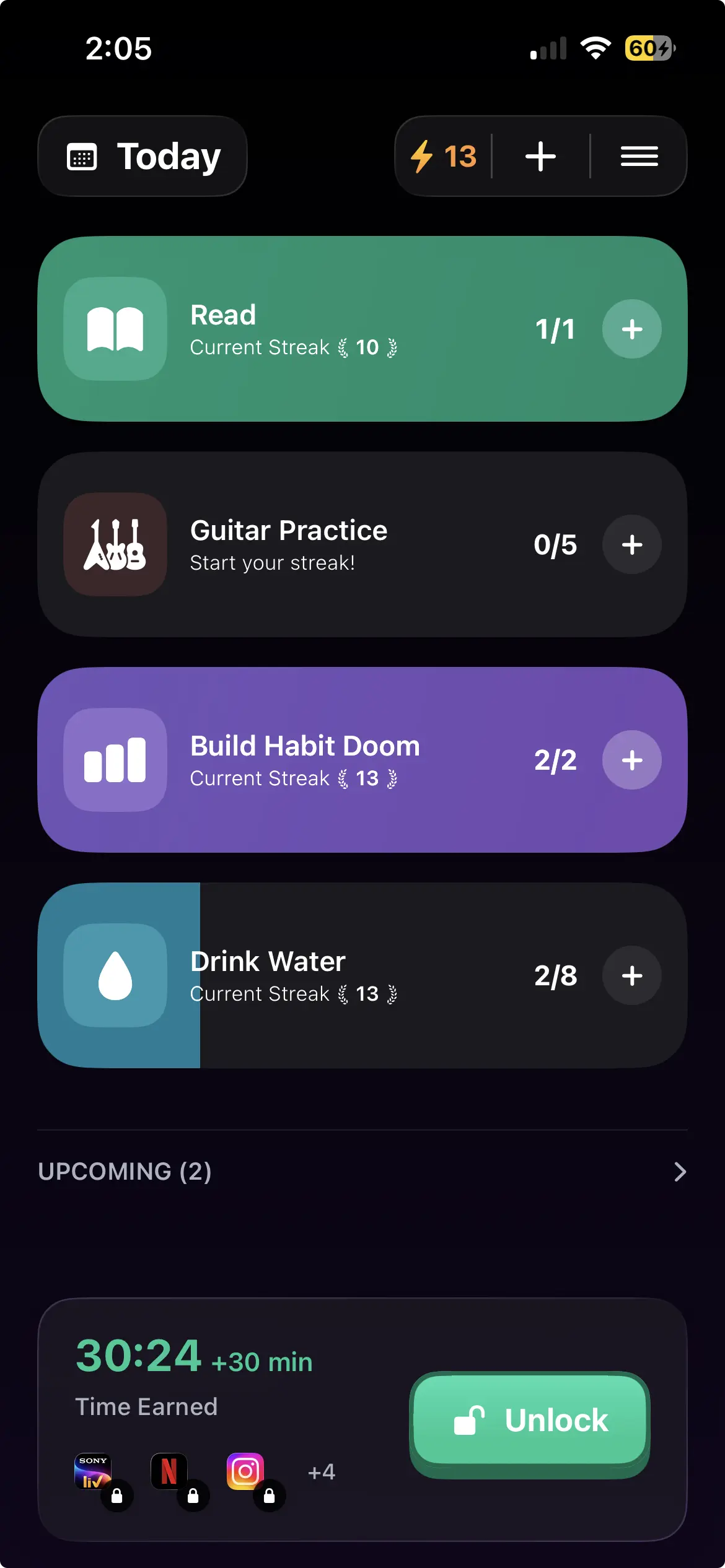
Habit Doom does not give you a time budget. Distracting apps auto-lock, and they open once your daily habits are done. The condition is not a clock and not a PIN, it is finished work: read for twenty minutes, do the workout, whatever you set.
That solves the specific failure Digital Wellbeing cannot, because the question changes from "how long have I been on this" to "have I done the thing yet." You can still bypass it, same as everything else on Android. The difference is that the path of least resistance now runs through something you wanted to do anyway.
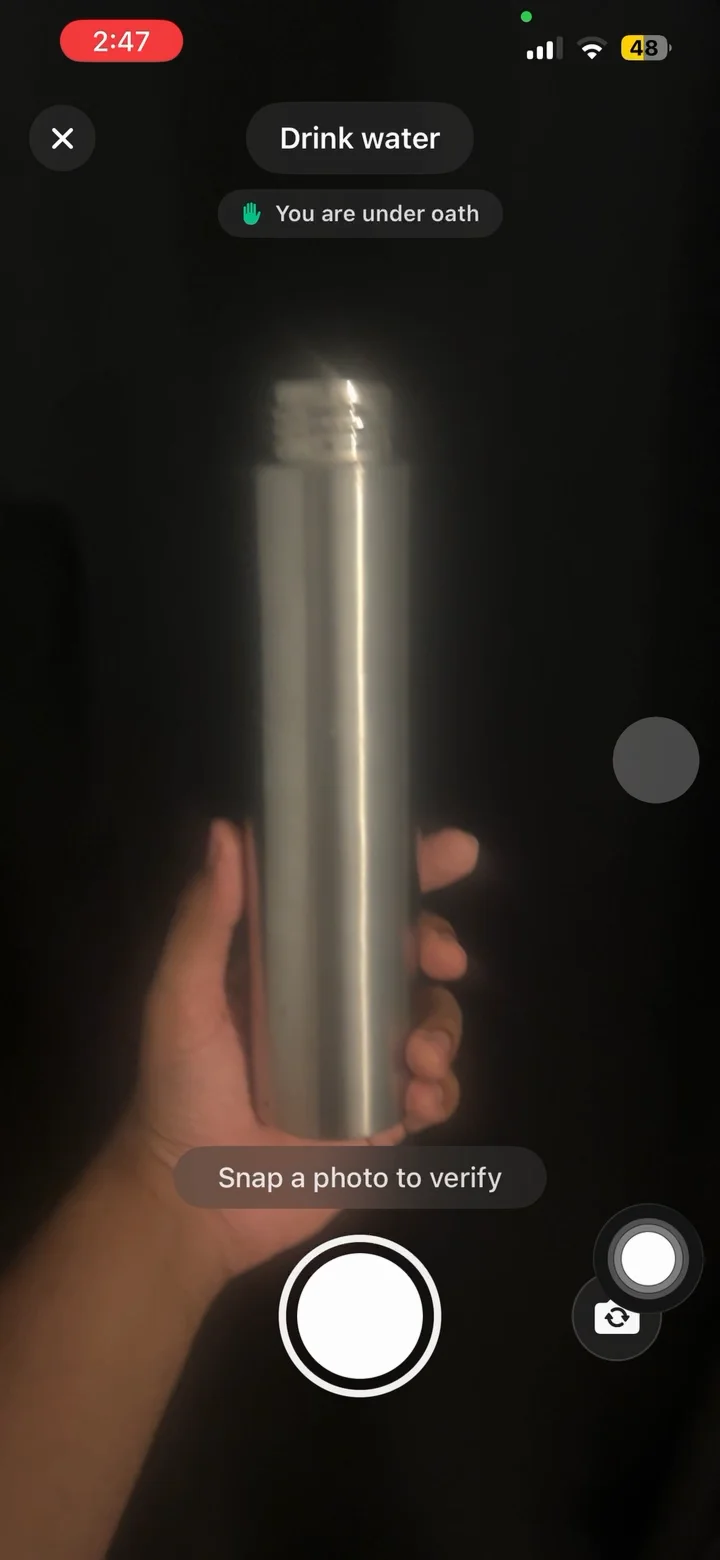
Free tier: 3 habits, app blocking, streaks, and Anti-Cheat photo verification, which uses an on-device model so a check-in cannot be faked. Anti-Cheat is free for everyone. Pro adds unlimited habits, Hard Mode and analytics at $4.99/month, $19.99/year with a 7-day free trial, or $29.99 once. No ads.
Stated plainly: Block Adult Sites is iPhone only, custom alarms are notifications on Android, and it needs Android 10 or newer.
What to do
You are on a Pixel or a Google build and have never set the App limits PIN. Do that first. It is free and it is the single biggest upgrade available to you.
You are on Samsung. Set a Screen time goal and app timers with alerts and schedules. They are better built than Google's, but nothing there locks your own limits, so treat them as information rather than enforcement.
It works and time limits fit your problem. You are done. Stop reading articles like this one.
You want deeper scheduling than Settings offers. AppBlock covers that ground, and the full Android roundup has the alternatives.
You keep switching your own limits off. That is not a discipline problem, it is that no Android blocker is a lock.
You stay inside your limits and still feel like nothing changed. That is the signal that time is the wrong unit. Tie access to finished habits instead, and the number of minutes stops mattering.
Frequently Asked Questions
Keep Reading
Try Habit Doom
Lock your distracting apps. Complete your habits. Earn your screen time. It takes 30 seconds to set up.
Download Free