
How to block TikTok on your kid's phone until homework is done

 X
X LinkedIn
The nightly screen time battle
You have had this conversation a hundred times. "Put the phone down." "Just five more minutes." "You have not even started your homework." Your child is glued to TikTok, their assignment is sitting untouched, and every attempt to set limits turns into an argument.
You are not imagining this. TikTok is specifically designed to hold attention. The algorithm learns what your child watches and serves an infinite feed of exactly that. A teenager's developing brain is especially susceptible to this — the short dopamine hits from each video make homework feel unbearable by comparison.
You have probably tried the obvious fixes. Screen Time limits get dismissed with a single tap. Taking the phone away leads to resentment and sneaking. Setting rules about "no phone until homework is done" requires constant monitoring and enforcement. It is exhausting, and it strains the relationship.
There is a better approach. One that does the enforcing for you, so you do not have to be the bad guy.
Let the system be the parent
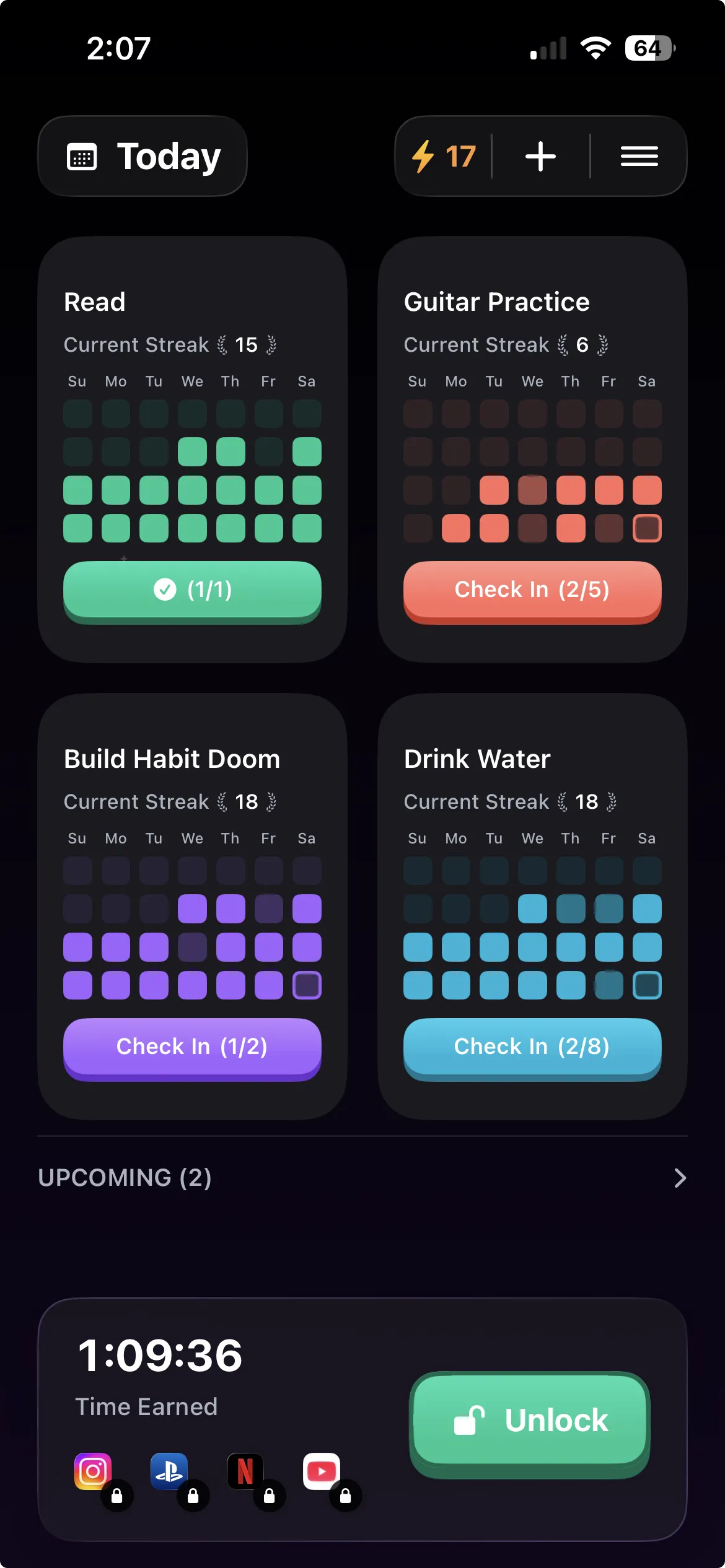
Habit Doom is an app that locks distracting apps until daily habits are completed. Install it on your child's phone, set up their habits (homework, reading, chores — whatever matters to your family), and add TikTok to the block list. Now when they try to open TikTok, they see a lock screen. The only way through is to complete their habits first.
This is not another timer they can dismiss. The app is physically locked. It does not open. There is no "Ignore Limit" button, no five-minute extension. The habit gets done, or the app stays locked.
The key difference from other approaches: you are not taking anything away. TikTok is still there. They still get to use it. They just have to earn it first. This reframes the entire dynamic — screen time becomes a reward for responsibility, not a privilege you are constantly threatening to revoke.
How to set it up on their phone
This takes about 2 minutes. You can do it together or set it up for them.
Step 1: Download Habit Doom on your child's phone from the App Store. It is free to download.
Step 2: Create their habits. Tap the plus button and add the habits that matter to your family. Keep them specific and completable: - "Finish homework" or "Study for 30 minutes" - "Read for 20 minutes" - "Practice piano" or "Complete chores"
Avoid vague habits like "Be productive." The clearer the task, the less room for negotiation.
Step 3: Block the distracting apps. Add TikTok to the block list. Consider also adding Instagram, YouTube, Snapchat, or any other apps that consume their attention. These apps will be inaccessible until all habits are checked off.
Step 4: Lock down the setup. Use Apple's built-in Screen Time restrictions to prevent your child from deleting Habit Doom. Go to Settings > Screen Time > Content & Privacy Restrictions > iTunes & App Store Purchases > Deleting Apps > Don't Allow. This ensures the system stays in place.
That is it. Tomorrow when they reach for TikTok after school, they will find it locked. The only key is their completed homework.
Features that prevent workarounds
Kids are resourceful. They will look for ways around the block. Habit Doom is built with this in mind.
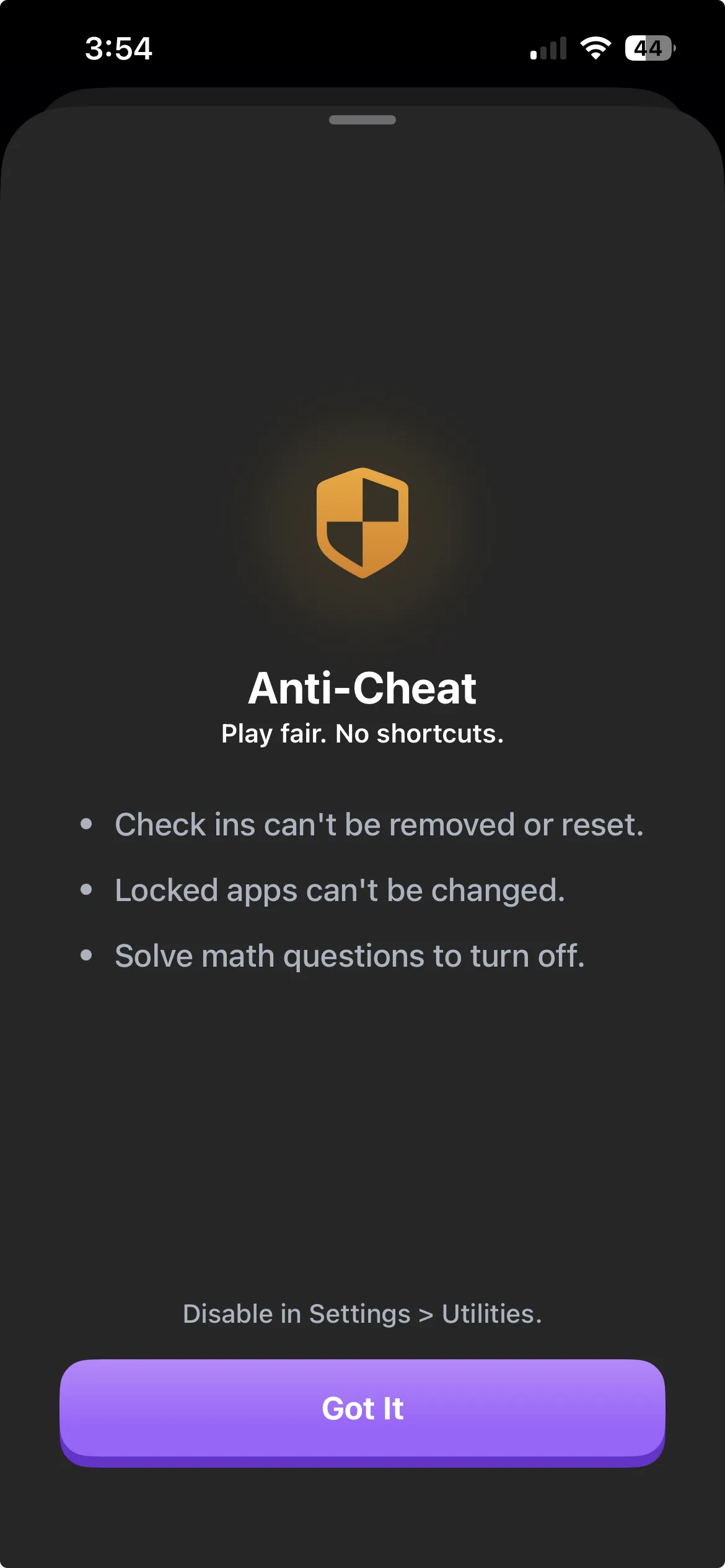
Anti-Cheat detects attempts to bypass the system — whether that is uninstalling the app, clearing data, or other common workarounds. It is designed to make cheating harder than just doing the habit. Combined with Apple's deletion restriction, the block is solid.
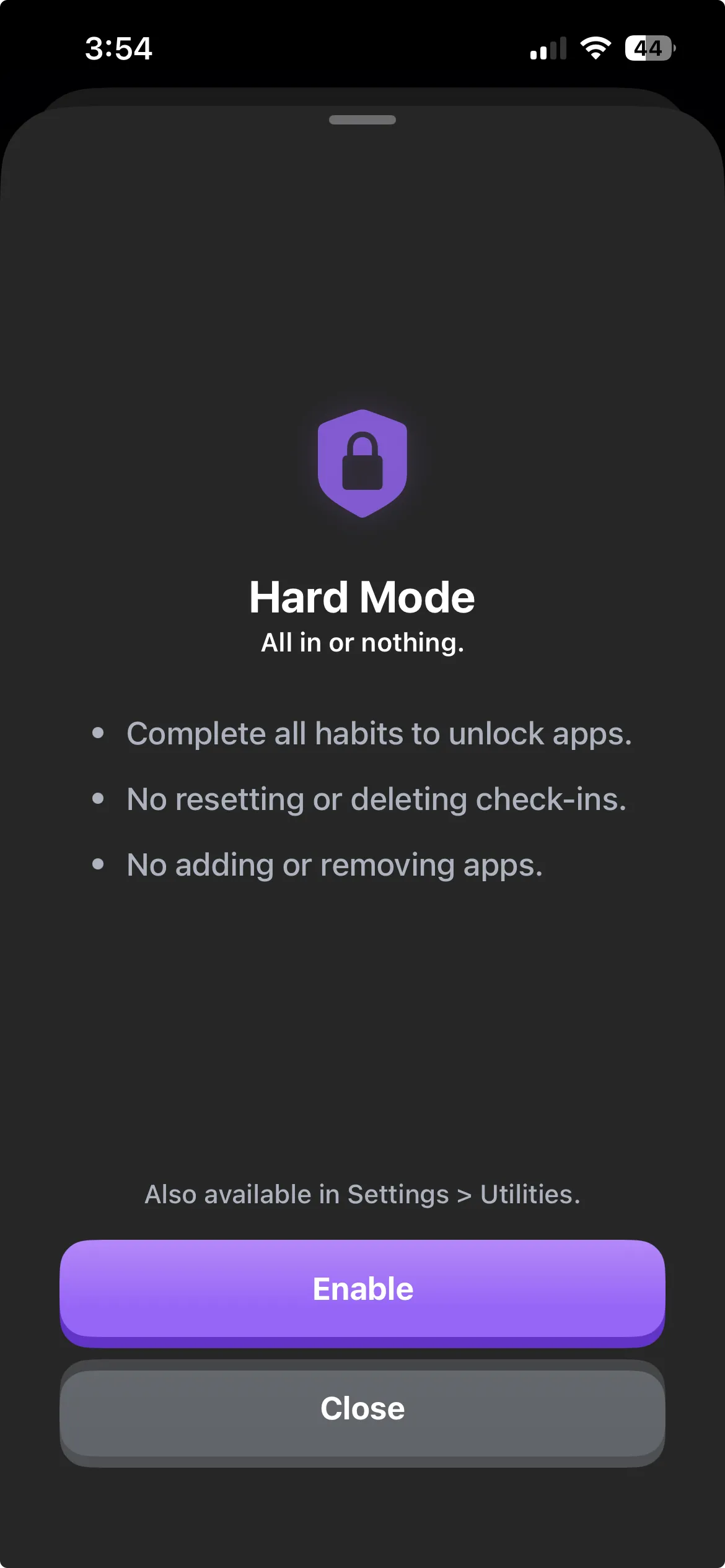
Hard Mode makes the block stricter when you need it. During exam weeks or grading periods, turn on Hard Mode and every single habit must be completed before any app unlocks. No partial credit. This is useful for the weeks when focus matters most.
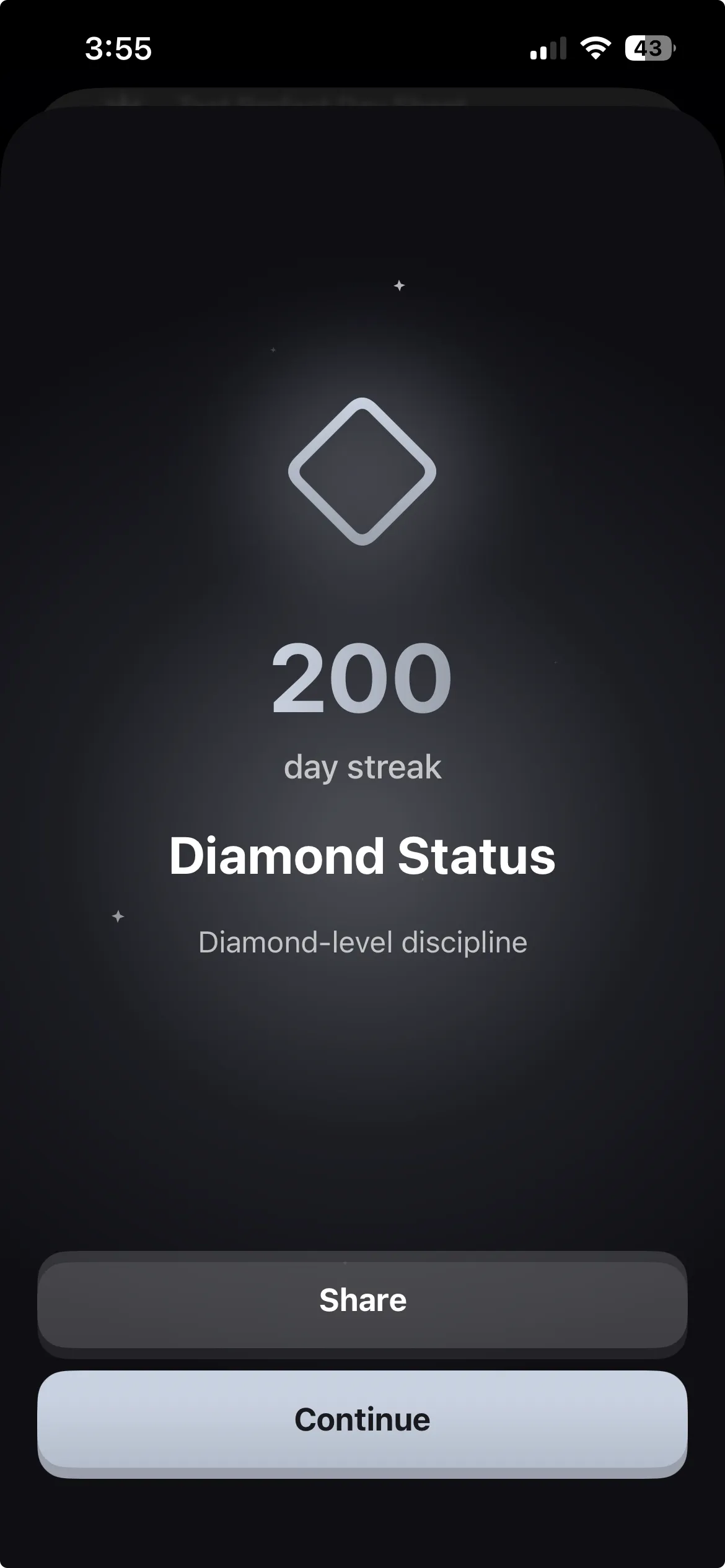
Streaks and Milestones create intrinsic motivation. After the first week of resistance, something shifts. Your child starts building a streak — 10 days, 30 days, 100 days of completing habits before using TikTok. The streak becomes its own reward. Habit Doom tracks this with milestones and status levels, tapping into the same psychology that makes social media streaks addictive. Hit 200 days and you reach Diamond Status.
What to expect in the first two weeks
Days 1-3: Resistance. Expect pushback. They will test the system, look for workarounds, and probably complain. This is normal. The app holds firm. Your job is to not cave.
Days 4-7: Adjustment. The new routine starts to feel less foreign. They begin doing their habits faster because they want their apps. The homework gets done earlier in the day.
Days 7-14: Habit formation. This is where it gets interesting. The streak counter is climbing. They start taking a small amount of pride in the number. The arguments about screen time have mostly stopped because the system handles it. You are no longer the enforcer — the app is.
After 2 weeks: For many families, this is when the dynamic shifts permanently. The habit of doing homework before TikTok becomes automatic. Some kids start adding their own habits to the app. The screen time battle is replaced by a system both of you can live with.
Why this works better than taking the phone away
"Children don't need more willpower. They need environments designed to support good choices."
— BJ Fogg, Tiny Habits
Taking the phone away punishes. It creates resentment, sneaking, and a power struggle. It also does not teach anything — the moment they get the phone back, the behavior resumes.
Screen Time limits suggest. They ask your child to make the right choice, then offer an easy bypass. Every single time.
Habit Doom enforces without punishing. The phone is still there. The apps are still there. They are just locked behind a reasonable condition: do your responsibilities first. This teaches the skill of delayed gratification — the thing you actually want them to learn.
It also removes you from the equation. You are not monitoring, nagging, or confiscating. The app is the gatekeeper. If your child complains, you can honestly say, "It is not me — finish your homework and TikTok opens right up." That changes the dynamic from parent-vs-child to child-vs-their-own-habits.
Set it up tonight
Download Habit Doom on your child's phone, add their habits, block TikTok, and lock down deletion. Tomorrow after school, when they reach for TikTok on autopilot, they will find a lock screen instead. And for the first time, the homework will get done without you having to ask.
The screen time argument ends when screen time has to be earned.
Frequently Asked Questions
Keep Reading
Try Habit Doom
Lock your distracting apps. Complete your habits. Earn your screen time. It takes 30 seconds to set up.
 Download Free