


Habit Doom vs Opal vs One Sec: Which App Blocker Wins?

 X
X LinkedIn
Why This Comparison Matters
Habit Doom, Opal, and One Sec are three of the most popular app blockers on iOS in 2026. Same problem, three very different answers to it: you keep opening apps you know are wasting your time. If you have ever searched for "best app blocker" and landed on a pile of conflicting recommendations, this guide will cut through the noise.
The average smartphone user checks their phone 186 times per day and spends over four hours on apps that provide little real value. App blockers exist to break that cycle, but not all blockers are created equal.
Some use scheduled time limits. Others add friction to slow you down. And one, Habit Doom, takes an entirely different approach by tying app access to your real-world habits.
Full disclosure: we built Habit Doom. But we genuinely believe all three apps serve different people well. The goal of this comparison is to help you pick the tool that matches your specific problem, whether that is chronic doomscrolling, unfocused work sessions, or simply wanting to build better daily habits. We are not here to tell you ours is the best. We are here to help you find what works for you.
Quick Comparison Table
Before diving into the details, here is a side-by-side overview of the three apps across the features that matter most when choosing an app blocker for iPhone.
| Feature | Habit Doom | Opal | One Sec |
|---|---|---|---|
| Price | Free tier + $4.99/mo premium | $19.99/mo or $99.99/yr | Free tier + $19.99/yr premium |
| Blocking Method | Screen Time API (locks apps until habits are done) | VPN-based scheduled blocking sessions | Friction-based breathing exercise before opening |
| Actually Blocks Apps? | Yes, full lock | Yes, during sessions | No, adds delay only |
| Habit Tracking | Built-in, core feature | None | None |
| AI photo verification (Anti-Cheat) | Yes (free) | None | None |
| Bypass Difficulty | High (Screen Time API) | Medium (VPN profile can be removed) | Low (exercise can be skipped) |
| Privacy | No data leaves device | Collects usage data | Minimal data collection |
| Platforms | iOS | iOS, macOS | iOS, Android |
| Best For | Building habits while blocking apps | Scheduled focus sessions with analytics | Adding mindful pauses before app usage |
Habit Doom: Deep Dive
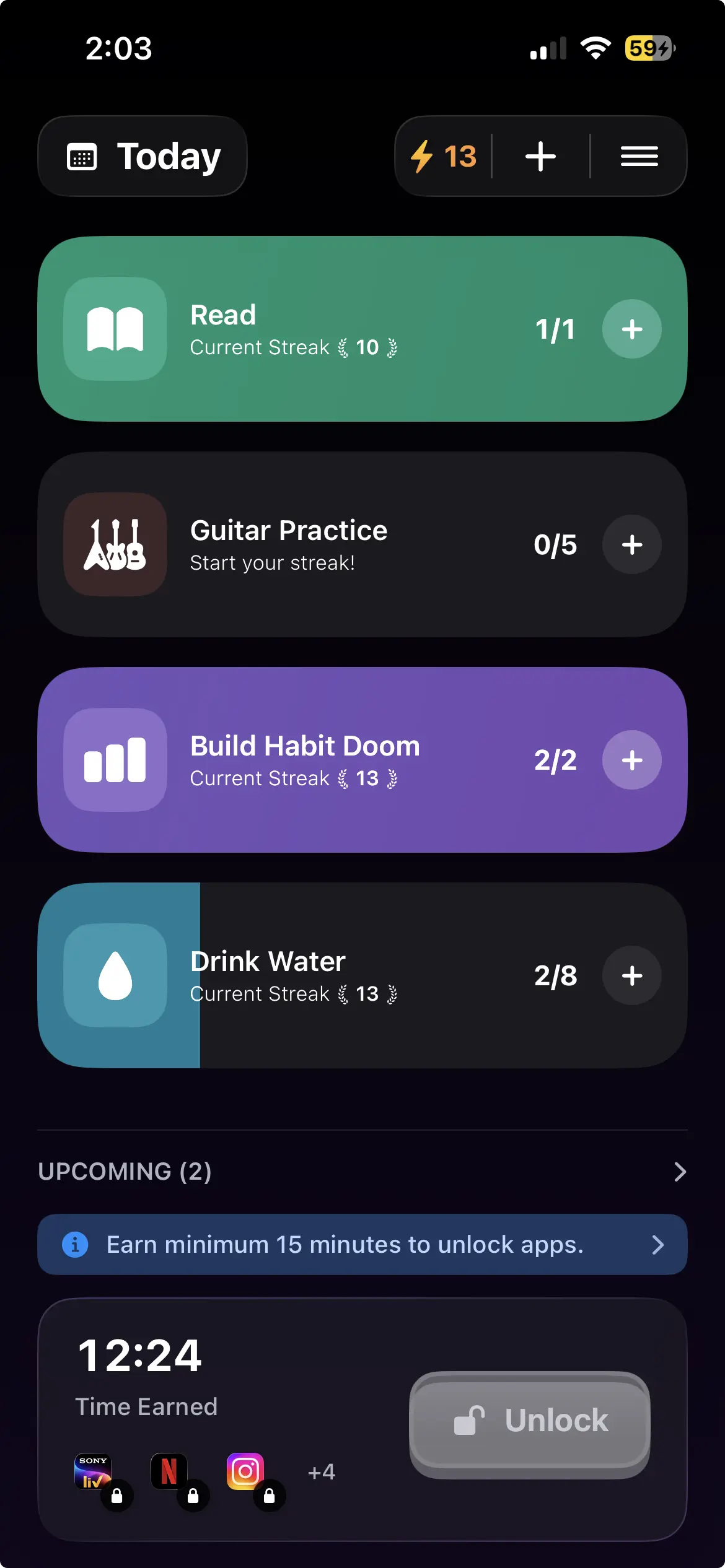
Habit Doom is an iPhone and Android app that locks distracting apps until you complete your daily habits. Rather than using timers or schedules, it ties app access to habit completion. If you are curious about why we built Habit Doom this way, the founder story covers the philosophy behind the approach.
How Habit Doom Works
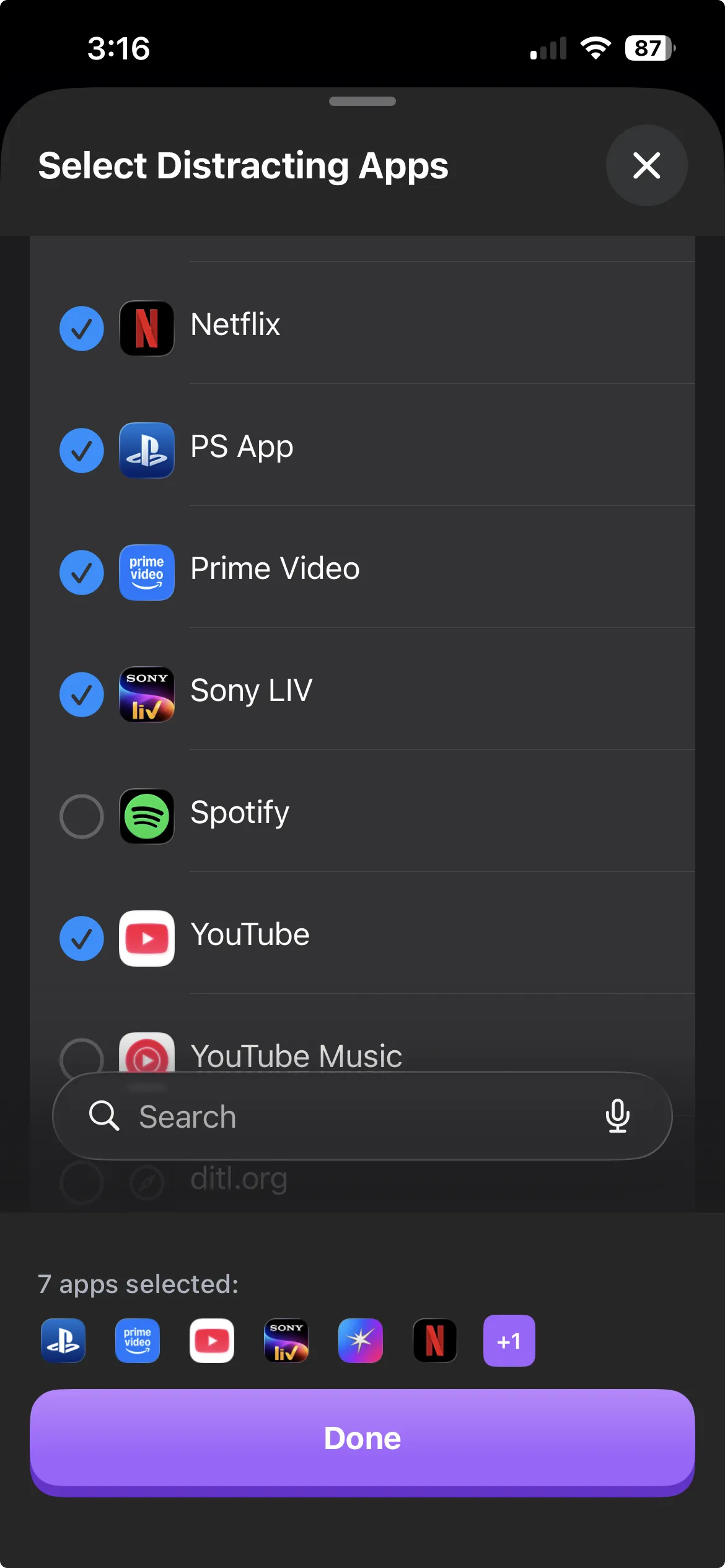
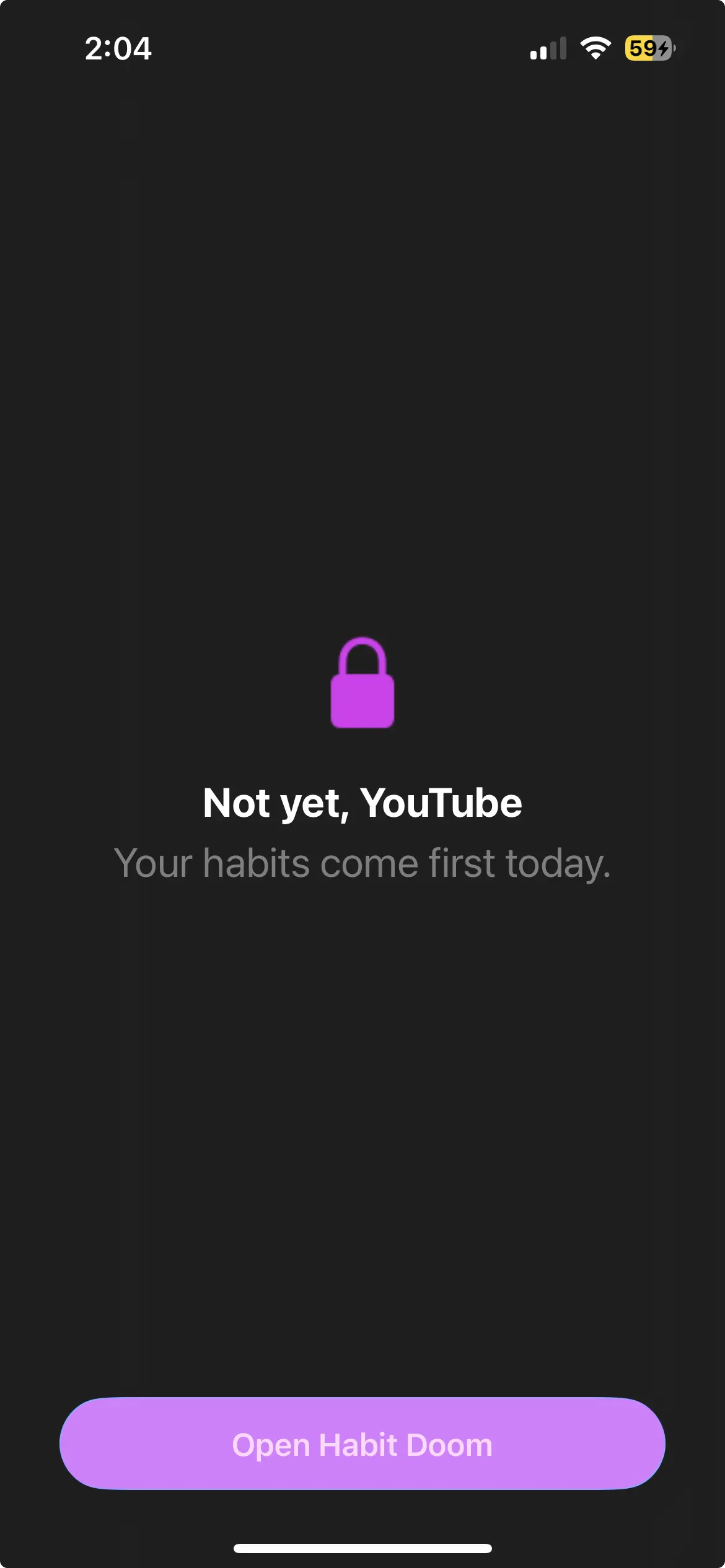
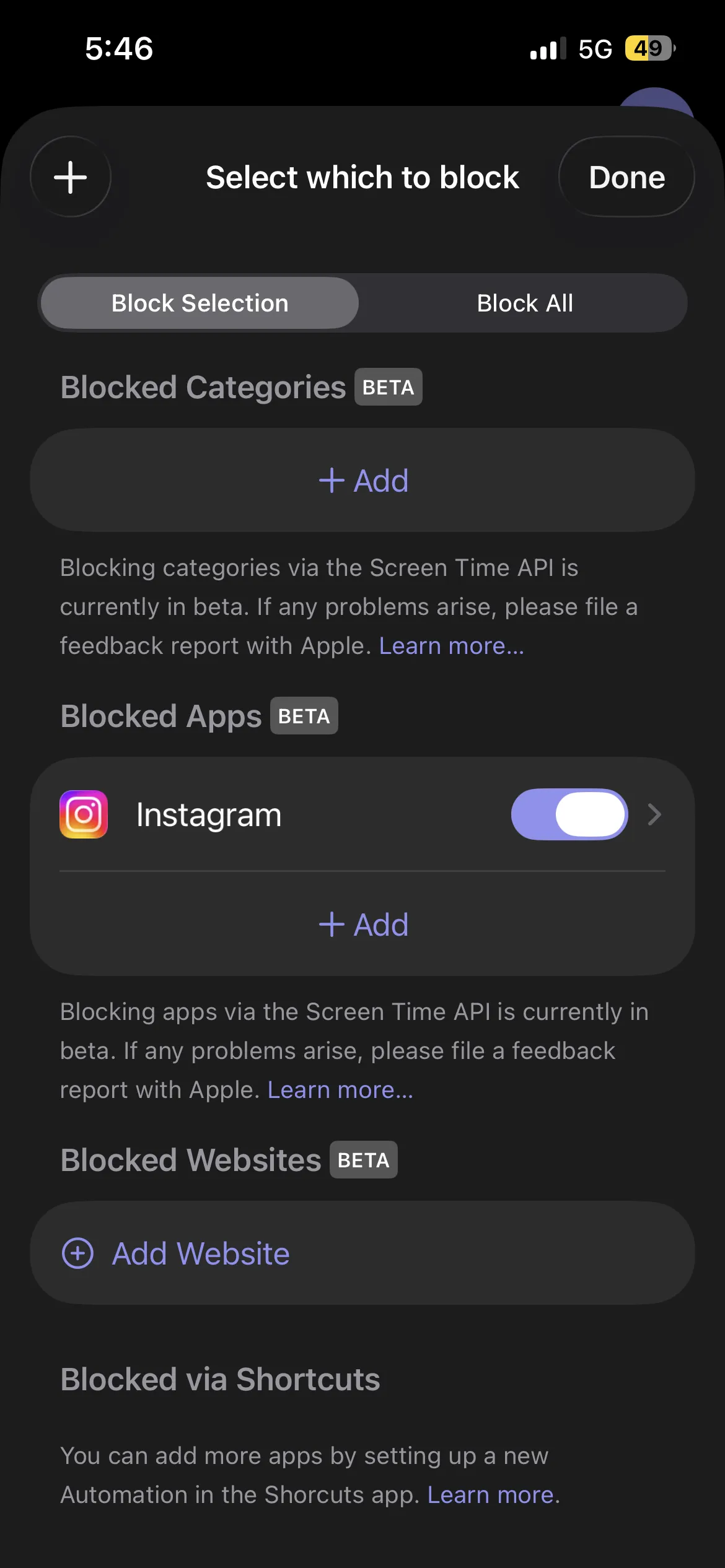
You choose which apps to lock and define the habits you want to complete each day. When you wake up each morning, your selected apps are locked. The only way to unlock them is to check off your habits. It uses Apple's Screen Time API for device-level blocking. For a full walkthrough, see our guide on how Habit Doom works.
Key Features
- Habit-based unlocking. Apps stay locked until every habit on your daily list is checked off.
- Screen Time API integration. Uses Apple's system-level Screen Time API for device-level blocking.
- On-device data. All data stays on your device.
- Customizable habit lists. Track any habit you want, from exercise to journaling to language practice.
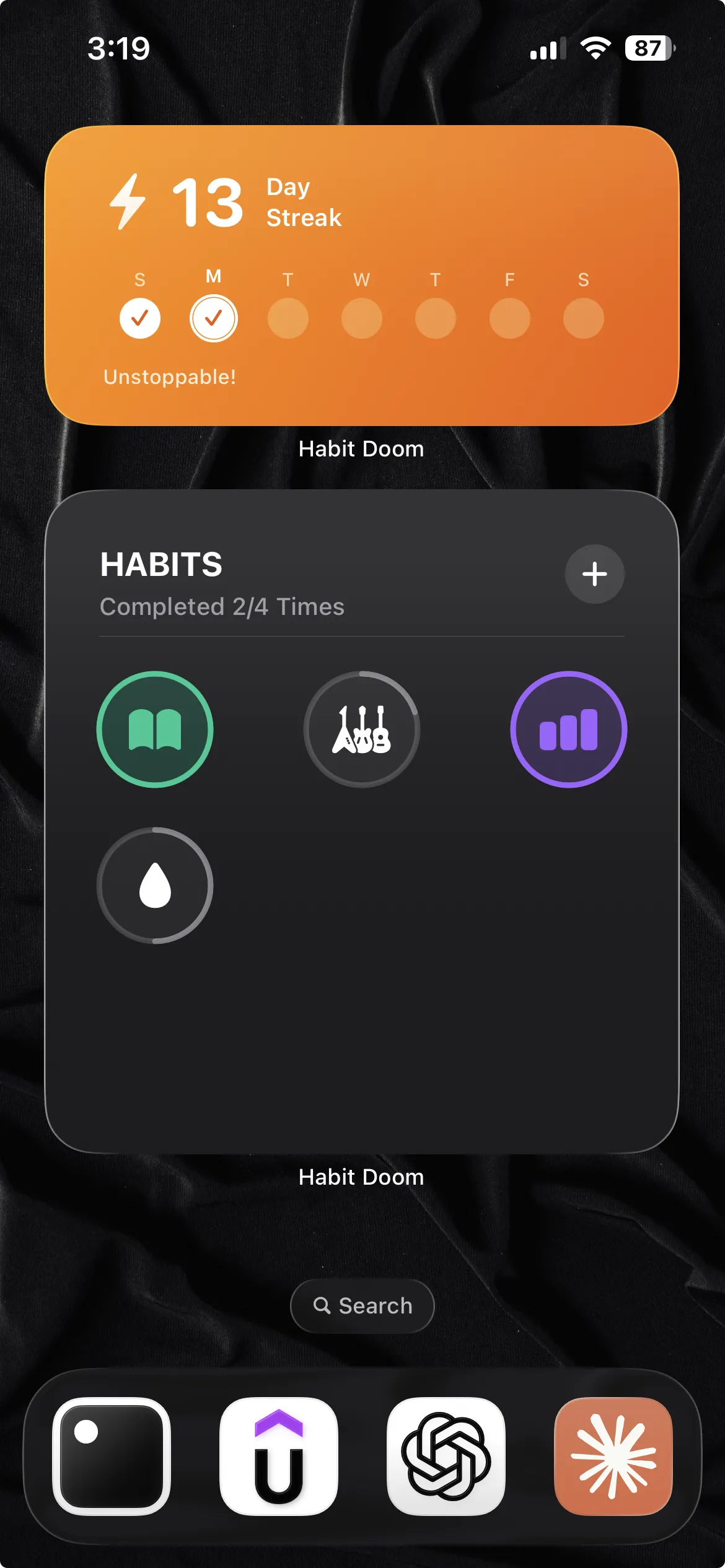
- Streak tracking. See how many consecutive days you have completed your habits.
- AI photo verification (Anti-Cheat). A free feature shipped in June 2026. Checking off a habit opens the camera for a real-time photo, and an on-device AI model confirms it matches the habit in under half a second.
Anti-Cheat is the piece that separates Habit Doom from a self-report tracker. Mark a habit done, the camera opens, you snap a photo, and an AI model running entirely on the iPhone verifies the photo matches the habit. Usually in under half a second. The photos and verification data never leave the device, so there is nothing uploaded and nothing collected. It is opt-in per habit and free for everyone. Neither Opal nor One Sec verifies habit completion, because neither tracks habits at all. The full mechanic is covered in the habit tracker you cannot cheat breakdown.
Pricing
Habit Doom is free to download and use. Premium is $4.99/month, $19.99/year (with a 7-day free trial), or $29.99 lifetime.
Pros and Cons
| Pros | Cons |
|---|---|
| Free tier + $4.99/mo premium | No macOS or Windows app |
| Screen Time API blocking (hard to bypass) | No scheduled focus sessions |
| Built-in habit tracking | No detailed screen time analytics |
| Data stays on device | No social or team features |
Opal: Deep Dive
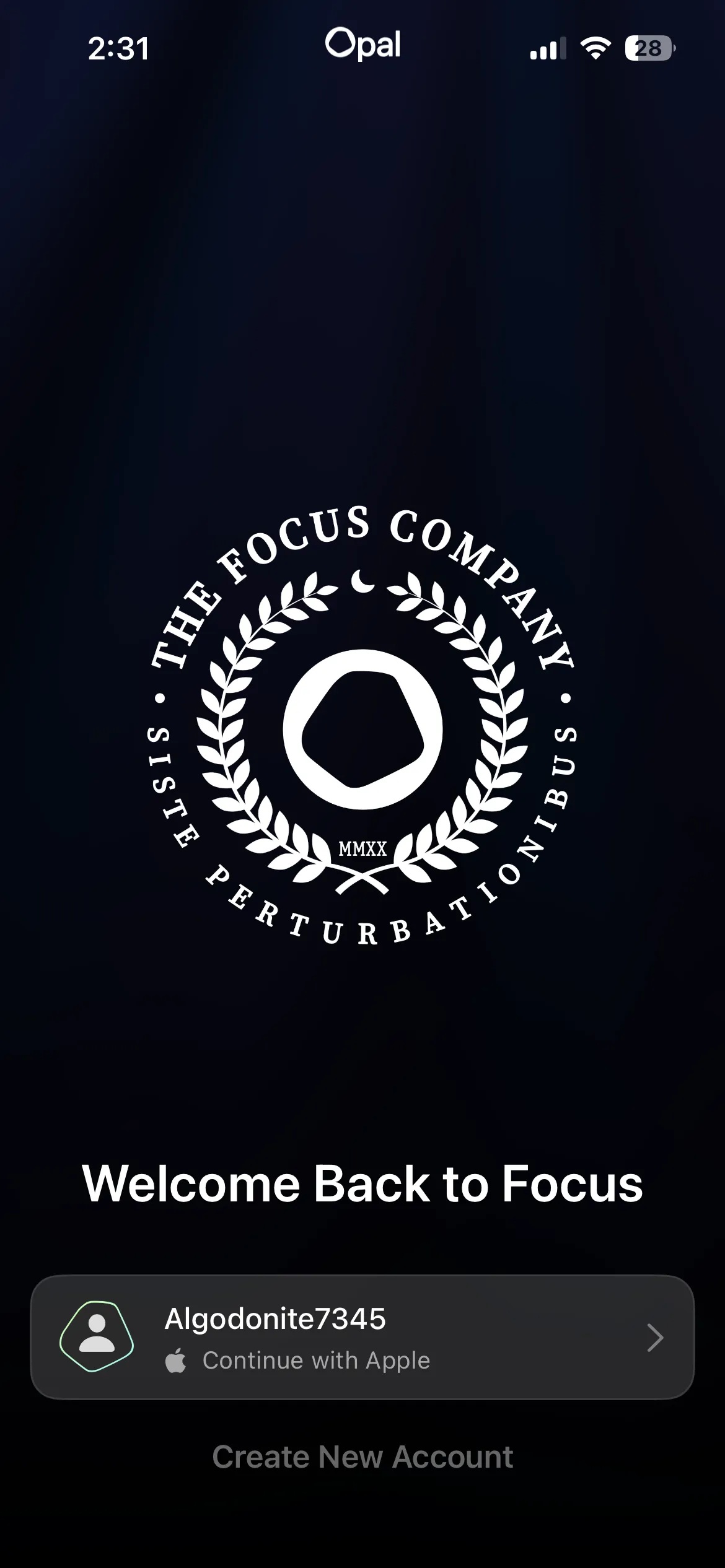
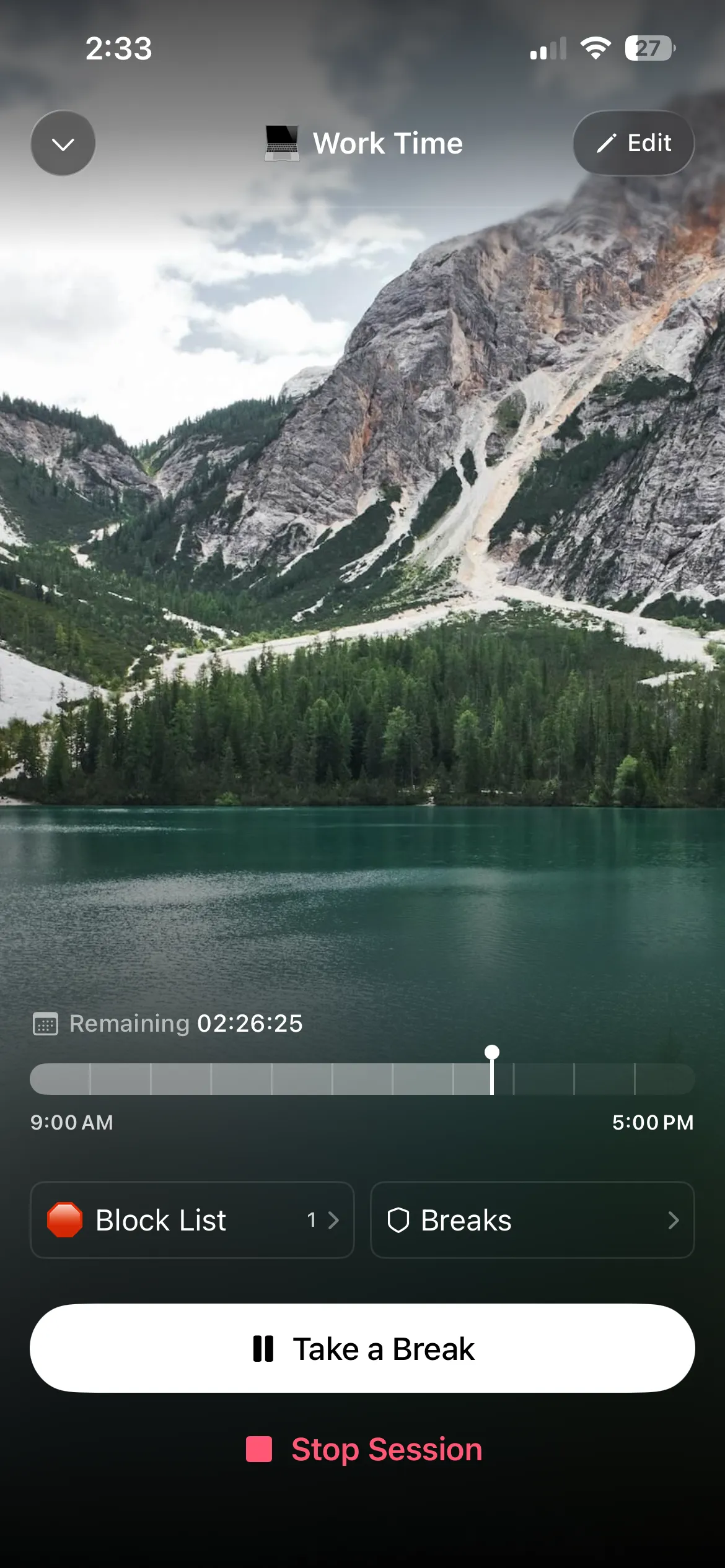
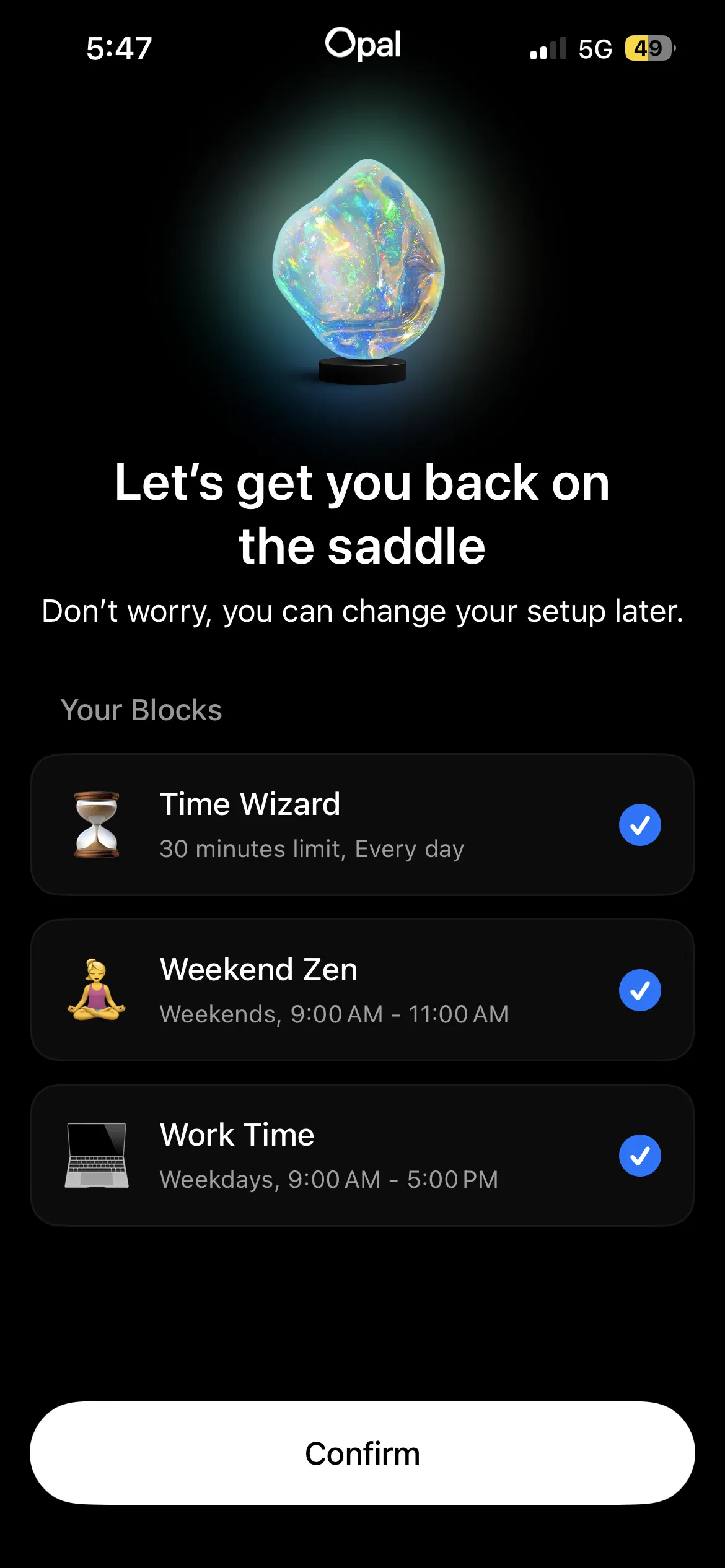
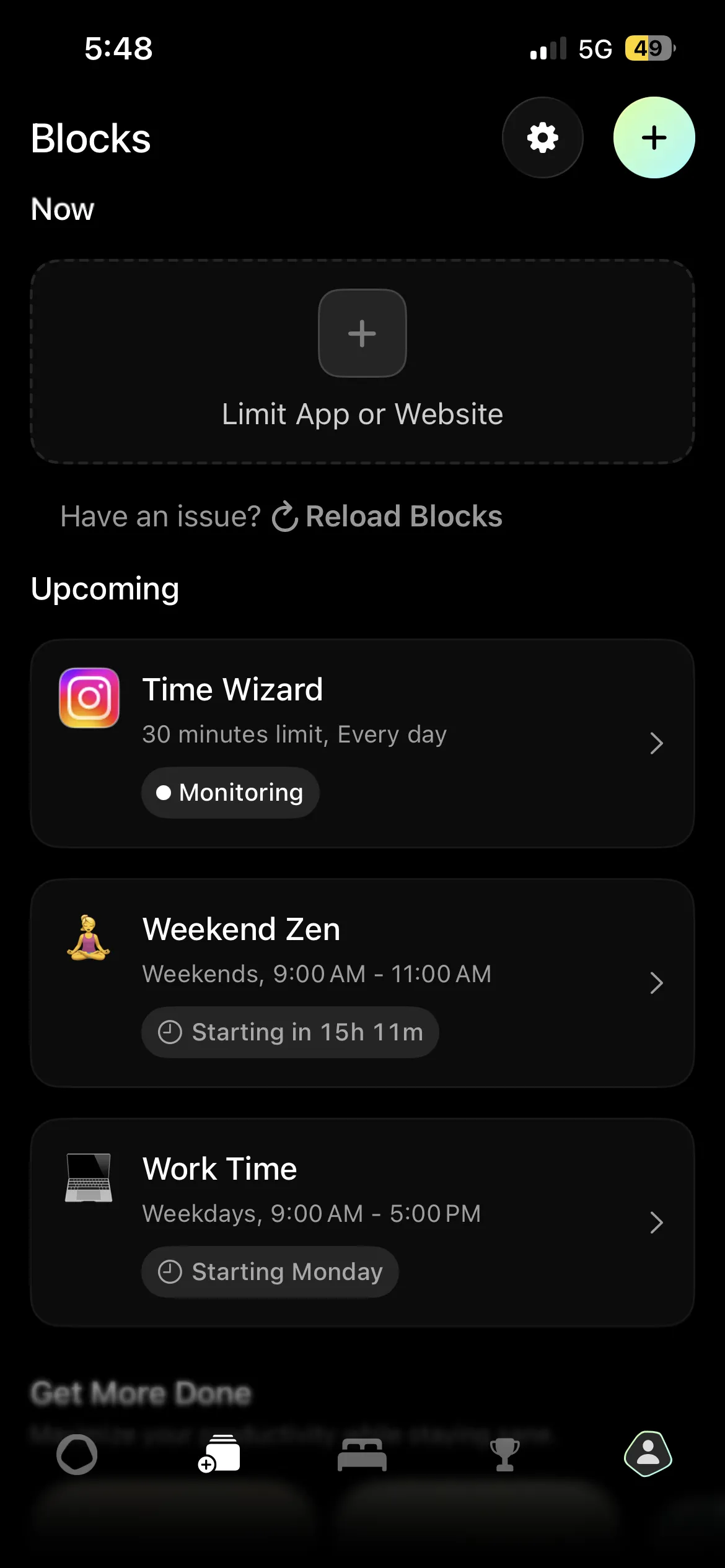
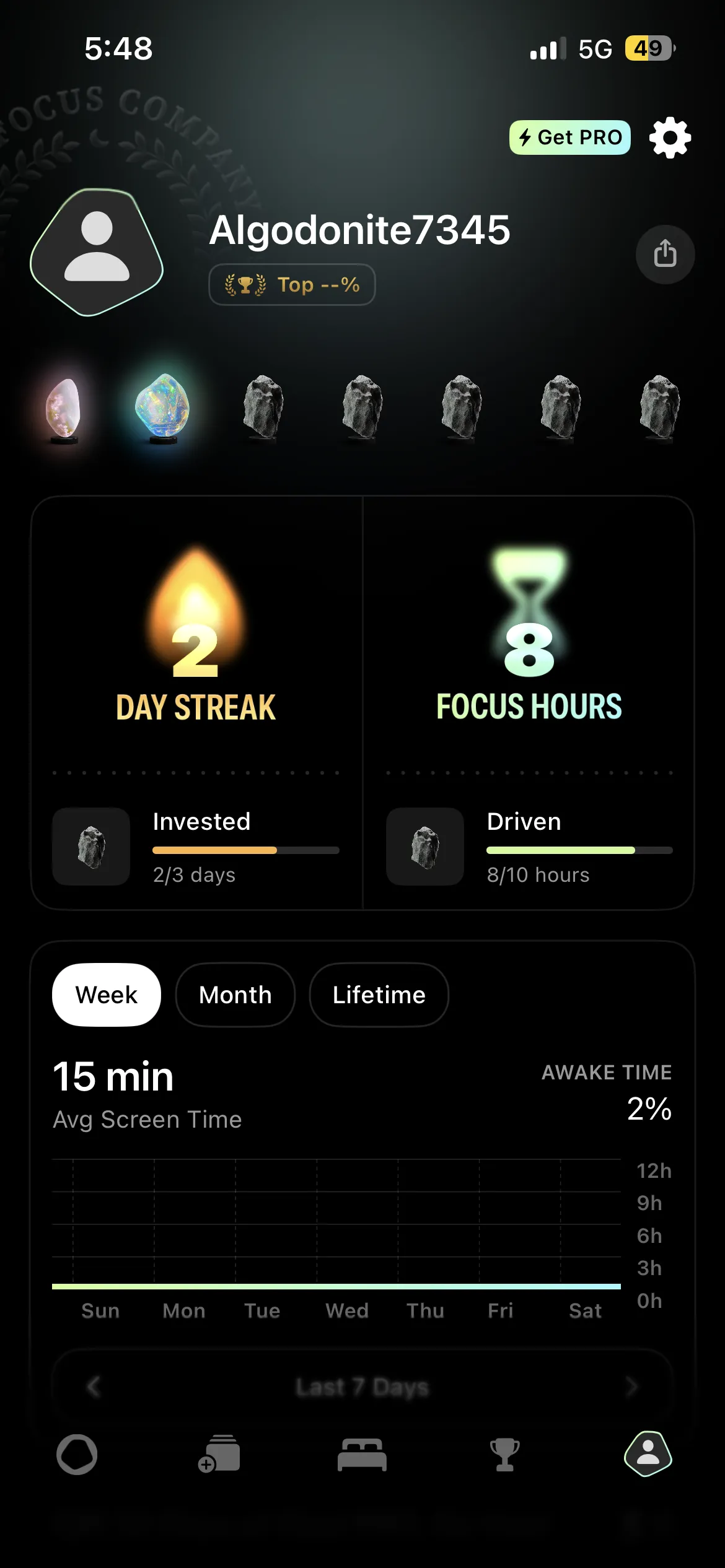
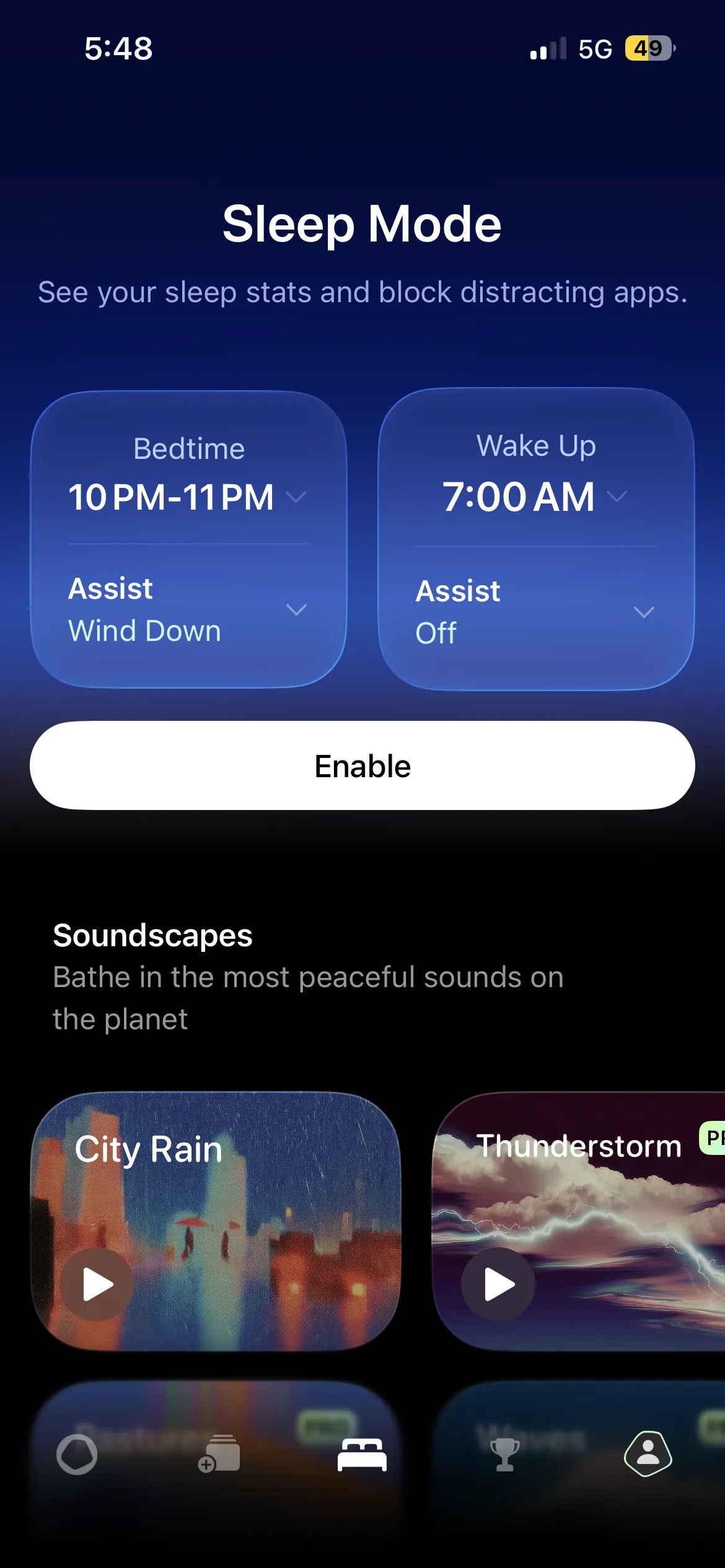
Opal is a premium app blocker for iOS and macOS that focuses on scheduled focus sessions, screen time analytics, and social accountability. It has a polished, well-designed interface and offers granular control over when and how your apps are blocked. Opal is aimed at professionals and students who want to schedule distraction-free work periods throughout the day.
How Opal Works
Opal uses a combination of VPN-based blocking and Screen Time restrictions to prevent you from opening selected apps during scheduled focus sessions. You create "sessions" that define which apps to block and for how long (for example, block social media from 9am to noon every weekday). During a session, attempting to open a blocked app shows you an Opal interstitial screen. You can also start one-off sessions manually for ad hoc focus time.
Key Features
- Scheduled focus sessions. Set recurring blocks for specific times and days.
- Screen time analytics. Detailed breakdowns of how much time you spend on each app.
- App groups. Create categories like "Social Media" or "News" for batch blocking.
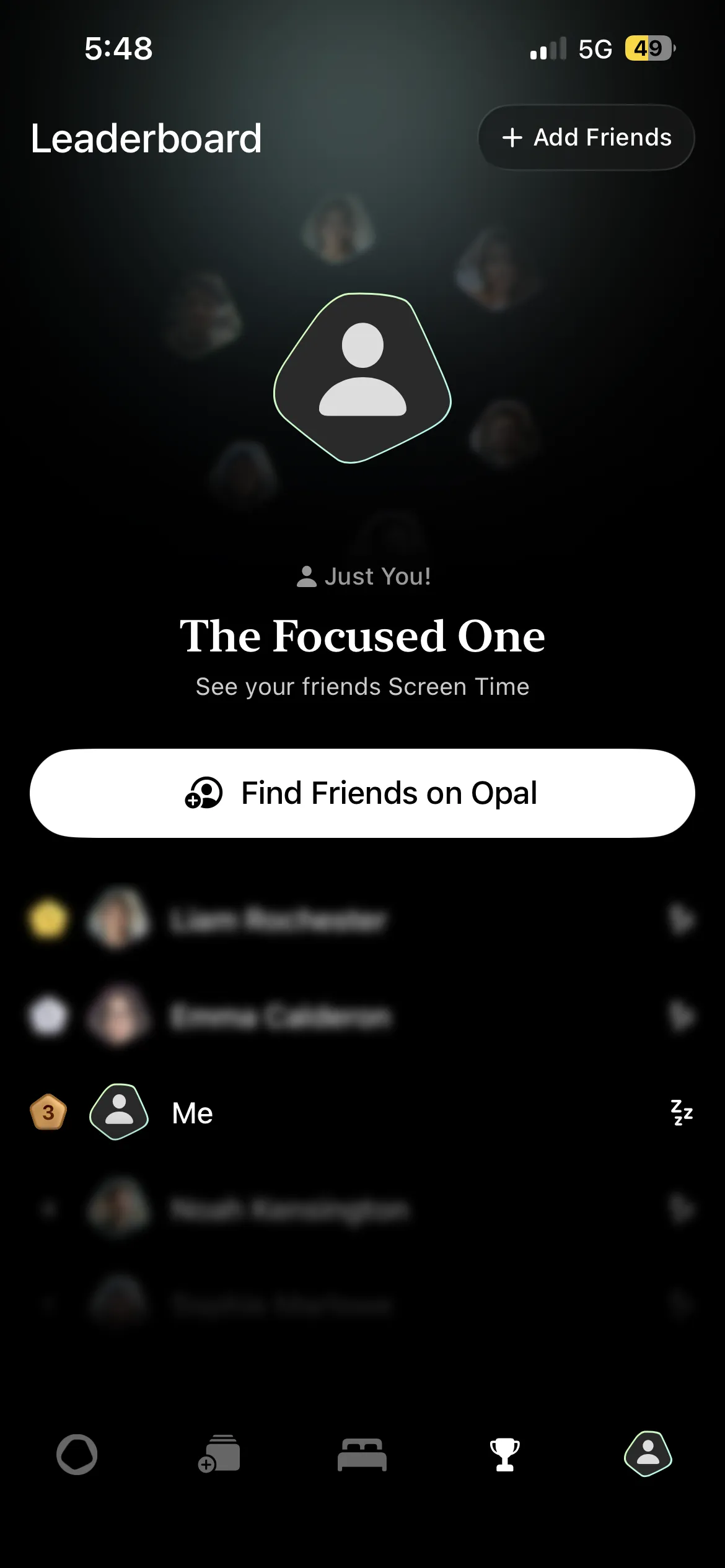
- Social features. Share focus sessions with friends or teams.
- Deep focus mode. Stricter blocking that is harder (but not impossible) to bypass.
- macOS support. Block websites and apps on your Mac too.
Pricing
Opal offers a limited free tier, but most useful features require a premium subscription at $19.99 per month or $99.99 per year. The price is high, but it reflects the depth of analytics and scheduling features included. Opal requires you to create an account before you can use the app.
Pros and Cons
| Pros | Cons |
|---|---|
| Beautiful, polished UI | Expensive at $19.99/mo or $99.99/yr |
| Flexible scheduled focus sessions | VPN blocking can be bypassed by deleting the profile |
| Detailed screen time analytics | No habit tracking whatsoever |
| Social and team accountability features | Collects user data for analytics |
| Cross-platform (iOS + macOS) | Free tier is very limited |
One Sec: Deep Dive
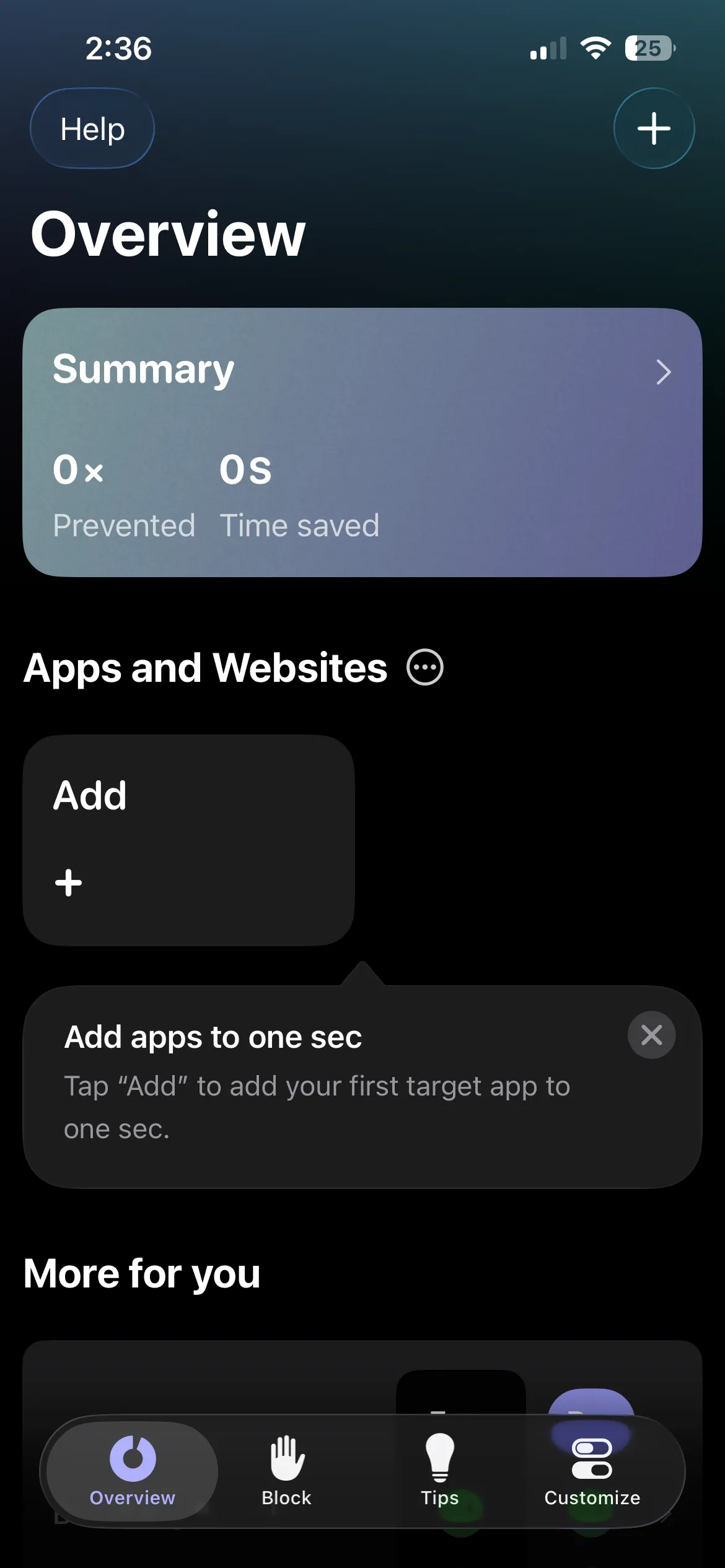
One Sec is a friction-based app blocker available on iOS and Android that forces you to take a deep breath before opening distracting apps. Rather than fully blocking app access, One Sec inserts a mandatory pause (typically a breathing exercise lasting a few seconds) between your impulse to open an app and actually using it. The idea is grounded in behavioral psychology: by creating a gap between stimulus and response, you give your rational brain time to override the habitual impulse.
How One Sec Works
One Sec uses iOS Shortcuts automation to intercept app launches. When you try to open a configured app (say, Instagram), the Shortcuts automation triggers first and presents a breathing exercise. After completing the exercise, you are asked whether you still want to open the app. Many users find that the pause alone is enough to make them reconsider. One Sec tracks how many times you were "nudged" and how often you chose not to open the app after the pause.
Key Features
- Breathing exercise intervention. A forced pause before opening any configured app.
- Impulse tracking. See how many times you tried to open apps and how often you followed through.
- Intent journaling. Optionally write why you want to open the app (premium).
- Customizable delay duration. Adjust how long the breathing exercise lasts (premium).
- Cross-platform. Available on both iOS and Android.
Pricing
One Sec has a free tier that covers a breathing intervention for one app. The premium tier at $19.99 per year unlocks unlimited app configurations, intent journaling, custom delay durations, and detailed analytics.
Pros and Cons
| Pros | Cons |
|---|---|
| Clever friction-based approach grounded in psychology | Does not actually block apps (you can still open them) |
| Free tier available | Breathing exercise can be skipped or dismissed |
| Useful impulse-tracking data | No habit tracking |
| Available on iOS and Android | Best features require $19.99/yr premium |
| Lightweight, does not drain battery | Relies on Shortcuts automation, which can be unreliable |
Head-to-Head Comparisons
Habit Doom vs Opal
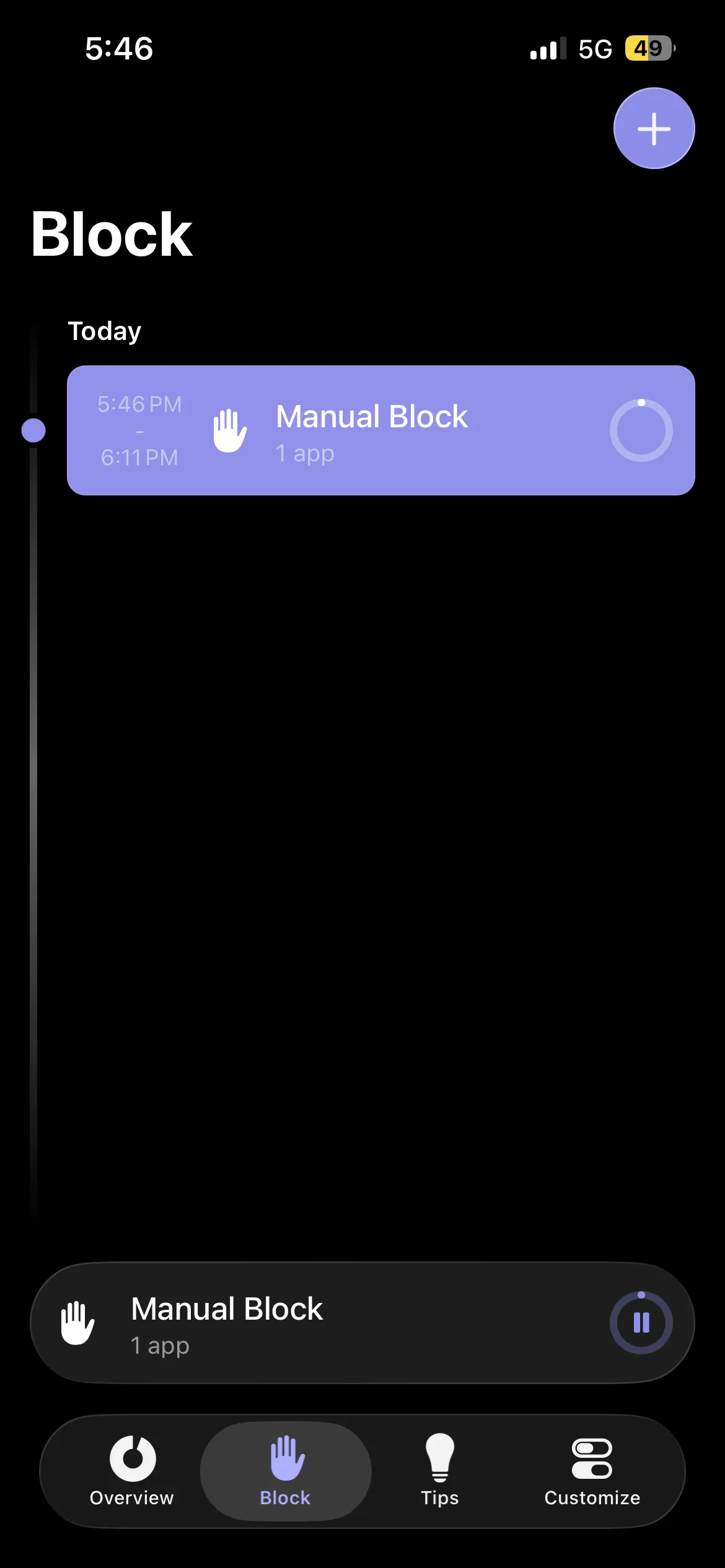
Habit Doom and Opal represent two different philosophies of app blocking. Opal is built around the concept of time-based focus sessions: you schedule blocks of time during which certain apps are unavailable, similar to putting your phone in a timed safe. Habit Doom is built around behavior-based unlocking: your apps are locked by default every day, and you earn access by completing real-world habits.
The practical difference is significant. With Opal, you define exactly when apps are blocked and when they are available, which is useful for structured workdays. With Habit Doom, access is tied to completing tasks rather than a clock, so the unlock is earned rather than scheduled. Both create accountability, but in different ways.
| Category | Habit Doom | Opal |
|---|---|---|
| Price | Free tier + $4.99/mo premium | $19.99/mo ($99.99/yr) |
| Blocking Approach | Habit-based (unlock by completing habits) | Time-based (unlock when session ends) |
| Bypass Difficulty | High (Screen Time API) | Medium (VPN-based) |
| Habit Tracking | Yes, core feature | No |
| Usage Analytics | Basic | Detailed |
| macOS Support | No | Yes |
| Best For | People who want to build habits AND reduce screen time | People who need scheduled focus windows for work |
Bottom line: Choose Opal if you need time-scheduled focus sessions with detailed analytics. It is the best tool for blocking apps during specific hours, especially during a structured workday. Choose Habit Doom if you want blocking tied to daily habits rather than the clock. Both are effective; they just solve different versions of the problem.
Habit Doom vs One Sec
Habit Doom and One Sec solve the same problem but sit at opposite ends of the enforcement spectrum. One Sec uses a "soft" approach: it adds friction by making you breathe before opening an app, hoping that the pause is enough to change your mind. Habit Doom uses a "hard" approach: it locks the app entirely until you have completed your habits for the day. There is no breathing exercise, no question asking if you are sure. The app simply does not open.
One Sec's approach is psychologically clever, and it works well for people with moderate phone habits. The data it collects on impulse openings is genuinely insightful. The catch: One Sec does not actually prevent app access. You can still open the app after the breathing exercise. For some people the pause is enough. For others, honestly, it isn't, and a hard block is the only thing that sticks.
| Category | Habit Doom | One Sec |
|---|---|---|
| Price | Free tier + $4.99/mo premium | Free tier / $19.99/yr premium |
| Blocking Approach | Full lock until habits are completed | Breathing pause before opening |
| Prevents Access? | Yes, full lock | No, pause only |
| Habit Tracking | Yes | No |
| Impulse Tracking | No | Yes, logs every attempt |
| Android Support | No | Yes |
| Best For | People who need a hard lock they cannot bypass | People who want a gentle nudge before opening apps |
Bottom line: One Sec is a clever, lightweight tool that works well for people with moderate phone habits. The breathing exercise genuinely helps many people cut impulsive app opens by half. If you need something stronger (a hard lock with no option to tap through), Habit Doom provides that. Many people start with One Sec and upgrade to a hard blocker later, or use both together.
Opal vs One Sec
Opal and One Sec are worth comparing directly because many users consider them as alternatives. Opal fully blocks apps during scheduled sessions, while One Sec adds a mindful pause before each opening. They work in complementary ways and some users actually run both.
Opal is better for structured productivity: block social media during your 9-to-5 workday and access it freely in the evening. One Sec is better for 24/7 mindfulness, adding a moment of awareness every time you reach for Instagram, regardless of the time of day. However, Opal costs significantly more and its VPN-based blocking can be bypassed, while One Sec never truly blocks anything at all.
| Category | Opal | One Sec |
|---|---|---|
| Price | $19.99/mo ($99.99/yr) | Free / $19.99/yr |
| Blocking Approach | Scheduled session blocks | Breathing exercise pause |
| Enforcement Level | Medium (blocks but bypassable) | Low (does not block) |
| Analytics | Detailed screen time breakdowns | Impulse tracking data |
| Social Features | Yes, share sessions with friends | No |
| Best For | Scheduled focus blocks with analytics | Mindful awareness before every app opening |
The Verdict: Which Should You Choose?
All three apps tackle digital distraction, but they are fundamentally different tools for different problems. If you are weighing a different pairing, we also compare Habit Doom against Forest and against Freedom:
Choose Habit Doom if you want app blocking tied to daily habit completion. Apps are locked by default and unlock when your tasks are done. Best for people who want to replace scrolling with productive routines. Free to download, with premium at $4.99/month.
Choose Opal if you need structured, time-based focus sessions with detailed analytics. Opal excels at blocking apps during specific hours, great for professionals and students with a defined work schedule. The interface is polished and the scheduling is flexible. Worth the investment if you need that level of control.
Choose One Sec if you want a lighter, psychology-based approach. The breathing exercise genuinely works for many people, reducing impulsive opens by roughly half. It is the least invasive option and available on both iOS and Android. A good starting point if hard blocking feels too aggressive.
On privacy, all three come out well, though they differ in what they collect and whether an account is required. We read each published policy in full in do screen time apps sell your data?
Honestly? All three are good apps solving the same problem in different ways. The best one is whichever matches how you want to approach it. So pick the one that sounds right for your situation, give it two weeks, and watch what your screen time does.
Still researching? Check out our complete roundup of the best app blockers for iPhone in 2026 for a wider comparison, our guide to the best apps to reduce screen time for tools beyond blockers, or learn more about how Habit Doom works under the hood.
Frequently Asked Questions
Keep Reading
Try Habit Doom
Lock your distracting apps. Complete your habits. Earn your screen time. It takes 30 seconds to set up.
Download Free