


Habit Stacking on iPhone: The Best 2026 Apps

 X
X LinkedIn
Habit stacking is the most useful single technique in James Clear's Atomic Habits. The formula is small. After I do X, I will do Y. X is something you already do reliably every day. Y is the new habit you want to build. By anchoring the new habit to the existing one, you borrow the existing cue and skip the hardest part of habit formation: building a new cue from scratch.
The technique works on paper. On an iPhone, it runs into the same problem habit formation always does: most trackers do not actually enforce a stack. They track parallel habits in independent slots, and you have to remember to perform them in sequence. This guide covers the stacking formula in 2026, the iPhone apps that genuinely support it, and where pure trackers fall short.
The framework in 90 seconds
Clear's habit stacking formula is two sentences and one rule.
The formula: "After I do [current habit], I will [new habit]."
The rule: the new habit has to take less than two minutes initially. Once the stack survives three weeks, you can extend the new habit's duration. Adding more than two minutes upfront is the most common reason stacks fail.
The mechanism aligns with B.J. Fogg's Behavior Design Lab framework at Stanford. Fogg argues that behavior happens when motivation, ability, and prompt converge. The anchor habit handles the prompt. The two-minute rule handles ability. You supply the motivation, and only enough to start. The stack grows over time because the anchor stays stable and each new habit, once formed, becomes the anchor for the next.
Why pure habit trackers undersupport stacking
Most iPhone habit trackers (Streaks, Way of Life, Done, Habitica) treat habits as independent items in a list. You check off each one as you complete it. The check-off is binary: did you do the habit today, yes or no.
This is correct for tracking but blind to sequencing. A habit list of "make coffee", "journal for 5 minutes", "do 20 pushups" shows up as three independent rows. The tracker does not know the journal is supposed to come after the coffee. It does not prompt the next step once the first is done. You have to remember the order yourself, which is the exact part habit stacking is supposed to remove.
The honest workaround for pure trackers is to name the habits in a way that implies order ("1. Coffee", "2. Journal", "3. Pushups"). That communicates the sequence but does not engineer it. You can still check them off out of order, skip one, or do them in different rooms at different times. The cue chain that stacking depends on is held together by your own discipline, not by the app.
Two categories of iPhone app support stacking more directly. Routine apps explicitly chain steps. Habit-locked apps reward completing all items in the list together.
Quick comparison: 4 iPhone apps for habit stacking (2026)
| App | Stacking Support | Mechanism | Best For |
|---|---|---|---|
| Routinery | Native sequencing | Timed step-by-step routines | Users wanting full guided routines |
| Habit Doom | Order + completion incentive | Apps stay locked until full stack done | Users whose stack competes with phone time |
| Streaks | Independent slots | Parallel tracking, user orders manually | Users with reliable self-direction |
| TickTick | Tasks plus habits | Combined task and habit sequencing | Users wanting one app for tasks plus habits |
Each handles stacking differently. Routinery is the most explicit. Habit Doom enforces completion as a bundle. Streaks supports stacking only through user discipline. TickTick mixes habits with task lists.
Detailed reviews
1. Routinery: Native sequencing with timers
Routinery is the only iPhone app built explicitly for sequenced routines. You define a morning routine, an evening routine, or any other named sequence, and Routinery walks you through each step with timers and audio prompts. The interface treats the routine as the unit, not the individual habit.
For habit stacking, it supports the formula directly. Your anchor and your new habit live as adjacent steps, and the app prompts the next step automatically. The cue chain is engineered rather than held together by discipline.
The trade-off is rigidity. Routinery shines if you want a coached sequence, but if you prefer flexibility (variable habit order day to day, different lengths) it starts to feel constraining. The structured pacing rescues chaotic mornings and gets in the way of already-fluid ones. It is free with limits, and premium starts around $5.49/month or $36/year.
2. Habit Doom: Stack as a unit, enforced by app lock
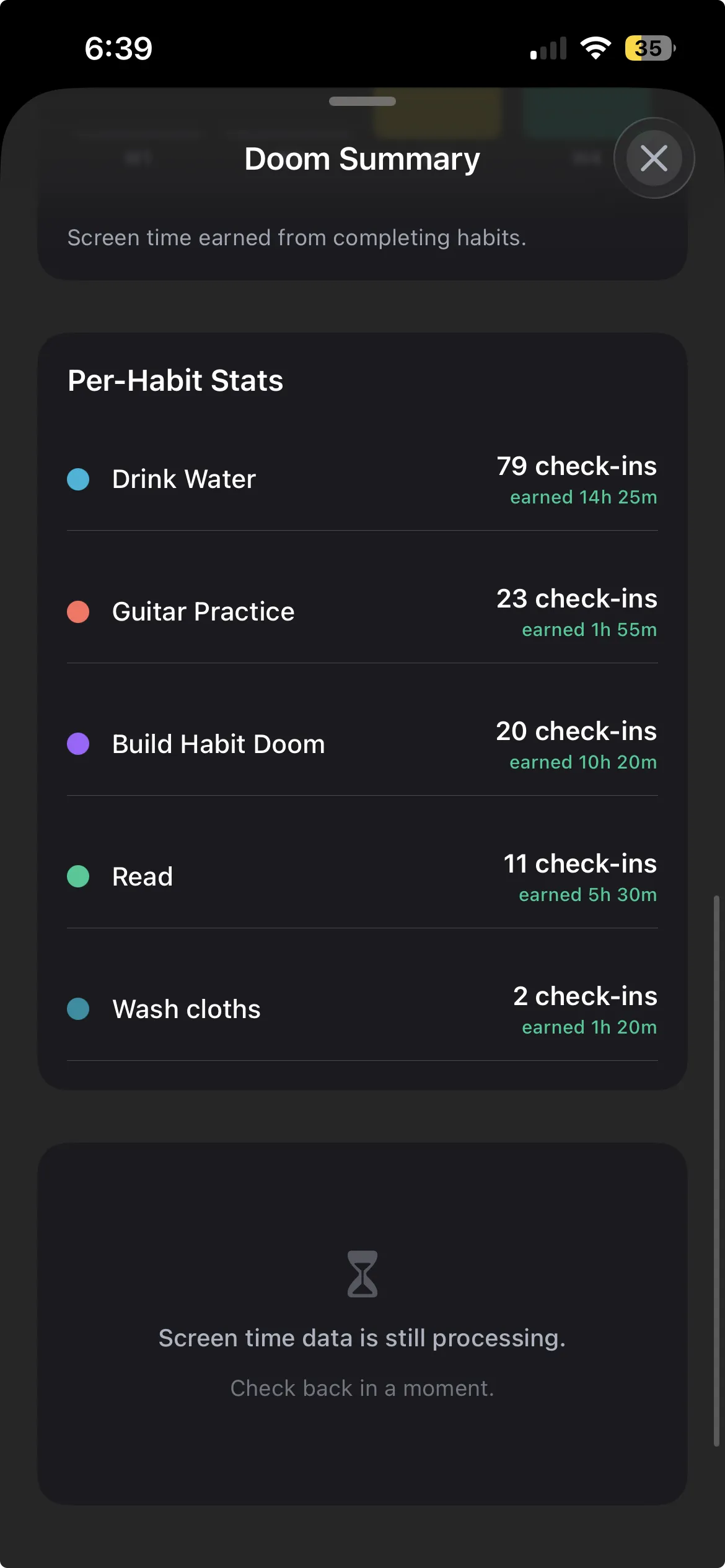
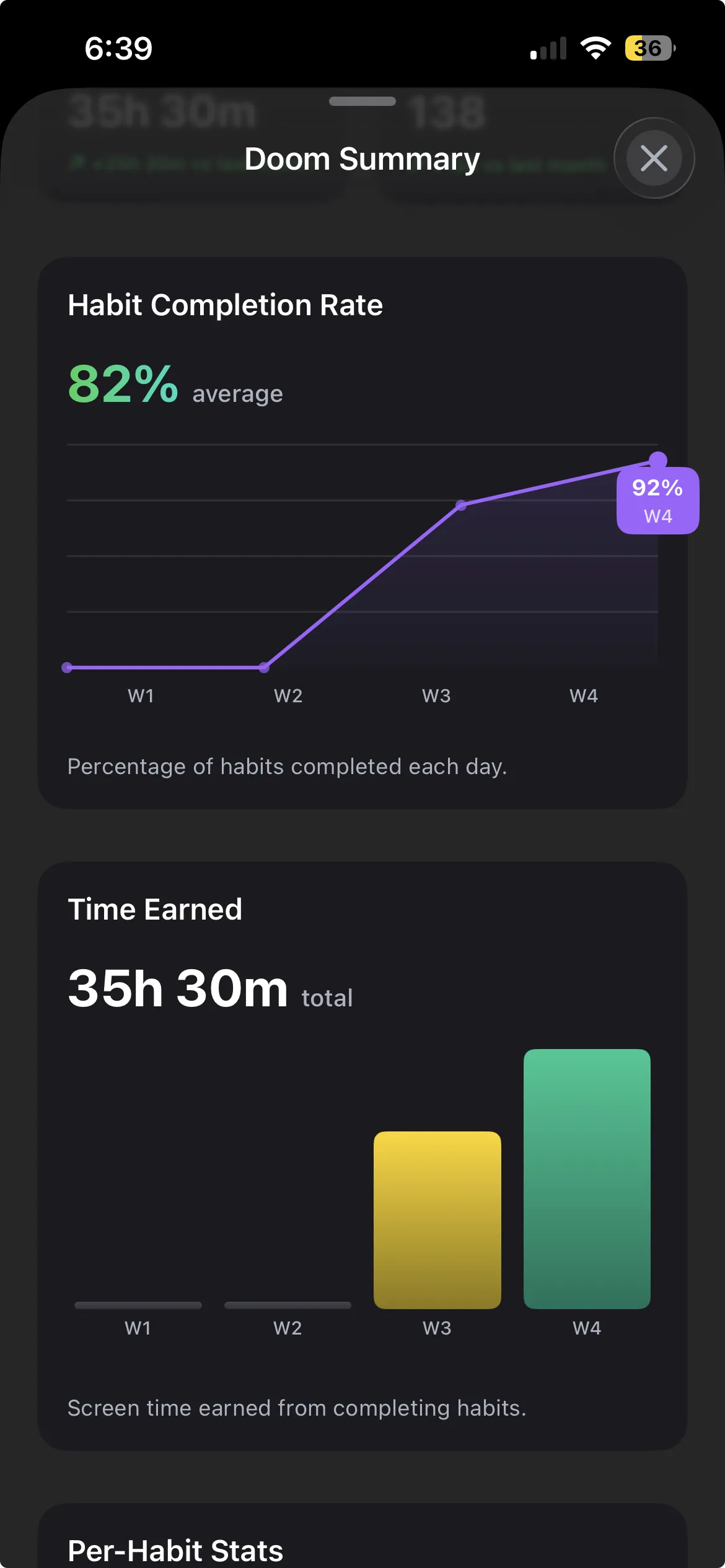
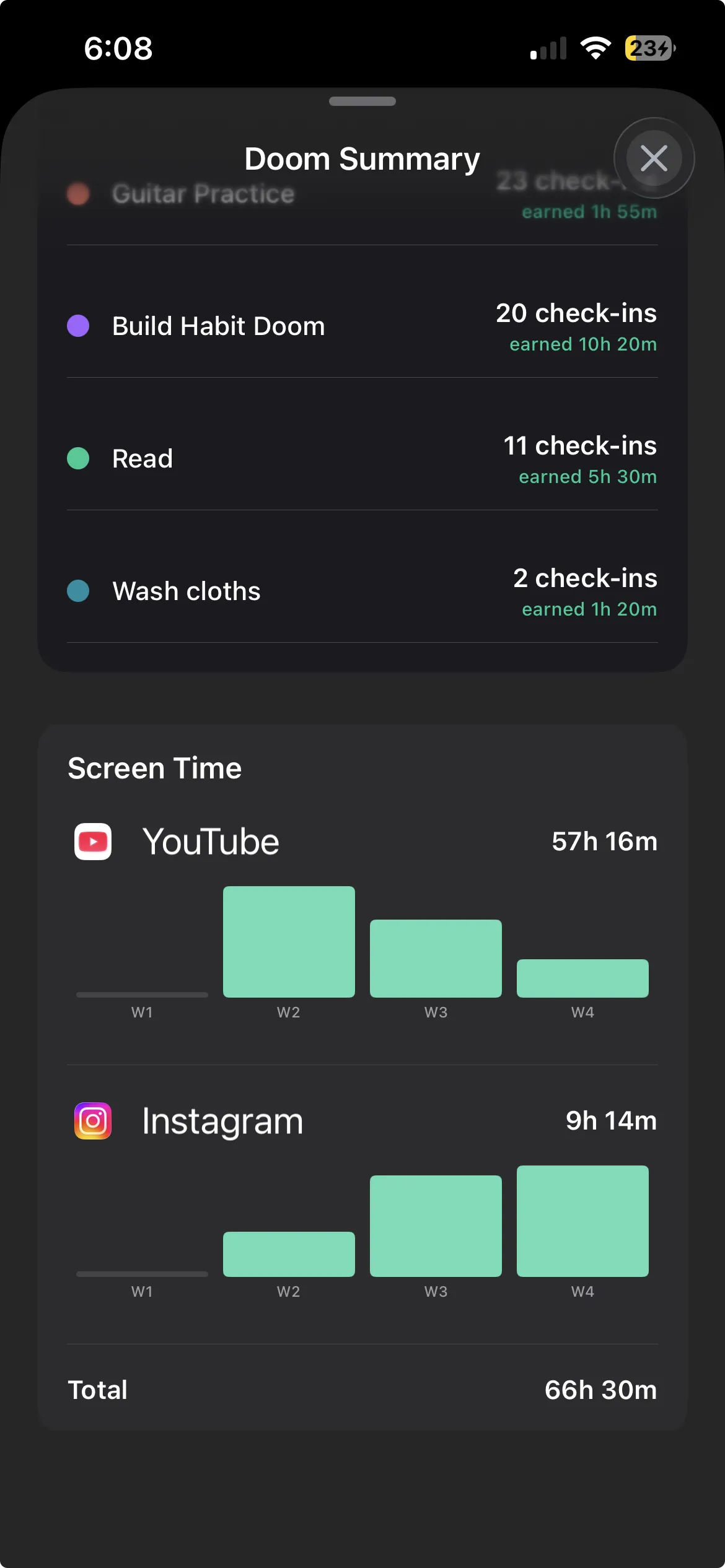
Habit Doom does not enforce step order, but it enforces stack completion. Your selected iOS apps stay locked until every daily habit on your list is checked off. You can complete them in any order, and the phone stays boring until the full stack is done.
For habit stacking, that creates an unusual incentive structure. Order matters less, because you have to finish all of them anyway. But order still helps you start: anchoring the first habit to a reliable cue gets the chain going, and finishing the full stack triggers the unlock, which is the immediate reward Clear's Fourth Law (make it satisfying) recommends.
If your stacking falls apart because phone distraction keeps interrupting you between steps, this is the structural fit. The lock closes off that failure path, so you cannot scroll Instagram between the coffee and the journal. The one thing it does not do is enforce a specific step order. See how Habit Doom works for the mechanic. It is free, with premium at $4.99/month or $29.99 lifetime.
3. Streaks: Parallel slots, user-managed order
Streaks supports stacking through your own discipline rather than through app structure. The 12-habit cap is enough for most stacks, the visual chain rewards consistency, and the widget keeps the daily list visible.
You implement the stack by ordering the habits in the list (Streaks supports reordering) and remembering to perform them in that order. The app does not enforce the sequence. You supply the discipline.
If you are strongly self-directed, Streaks is the cleanest tracker for stacks, and its Apple Design Award visual polish is unbeaten. If your failure mode is "I forget to do the journal after the coffee", it stays silent on the gap. It records both habits and trusts you to chain them. It is a one-time $5.99.
4. TickTick: Combined task and habit stacking
TickTick combines tasks and habits in a single app, which suits users whose stacks include both. A morning stack might be: brew coffee (habit), check today's tasks (task), journal for 5 minutes (habit). TickTick handles all three in one workflow without app switching.
For habit stacking specifically, TickTick is a competent generalist rather than a specialist. The habit module supports daily tracking. The task module supports sequenced project work. Stacking habits with tasks works in either direction.
The trade-off is that habits feel like a secondary feature here. If you want habit-first design, Streaks or Habit Doom stay more focused; if you want one app for everything, TickTick is the efficient pick. It is free with limits, and premium is $3.99/month.
How to design a habit stack that survives week one
The mistake most people make on day one is designing a 10-step stack packed with 60 minutes of new habits. It fails for two reasons. The new habits are too large. And the chain is too long for the anchor to support.
The reliable starting pattern is one anchor, one new habit, two minutes maximum.
Step 1: Identify a reliable anchor. Something you already do every single day without thinking. Physiological habits (waking up, brushing teeth, eating breakfast) are the strongest anchors. Built habits can work but only if they are well-established. New habits should not be anchors.
Step 2: Pick one new habit. Just one. Resist the temptation to stack three. The single new habit is the test of whether the stack works at all.
Step 3: Make the new habit take less than two minutes initially. "Five push-ups" not "30-minute workout". "One paragraph" not "morning journal session". The two-minute rule is what makes the stack survive the first three weeks.
Step 4: Write the sentence. "After I [anchor], I will [new habit]." Write it down, ideally somewhere visible.
Step 5: Choose the tracker. Routinery if you want the app to guide the sequence. Habit Doom if you want completion enforced. Streaks if you have the discipline to manage the order yourself. TickTick if the stack mixes habits and tasks.
Step 6: Run for three weeks. Do not add another habit until the first one is consistent. The temptation to expand the stack early is the most common failure pattern.
After three weeks, the new habit is the new anchor for the next addition. The stack grows one habit at a time. By month three, you can have a four-habit morning stack that runs reliably because each addition was given time to become its own anchor.
This is the difference between habit stacking on paper and habit stacking on an iPhone. On paper it is a formula. On the phone it is a tracker plus discipline. The trackers that support the formula best are the ones whose structure aligns with the mechanic: Routinery for sequencing, Habit Doom for completion, Streaks for visual reward. The discipline is yours. The app is just the scaffold. For the broader morning routine pattern see the morning routine guide and for habit research see the deliberate practice breakdown.
Frequently Asked Questions
Keep Reading
Try Habit Doom
Lock your distracting apps. Complete your habits. Earn your screen time. It takes 30 seconds to set up.
Download Free