


Is ScreenZen Free? Yes, But Here Is the Catch (2026)

 X
X LinkedIn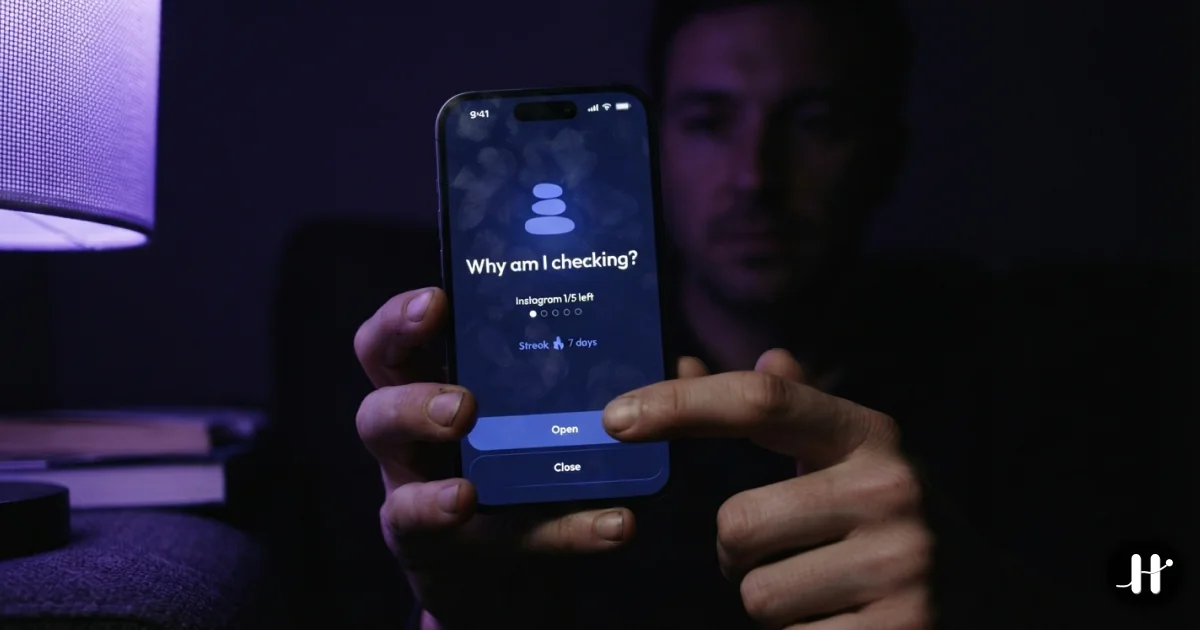
Yes, ScreenZen is completely free. There is no subscription, no premium tier, and no in-app purchases. It runs on optional donations, and its App Store listing shows a 4.8-star rating across more than 30,000 reviews. The only catch is the model, not the money: ScreenZen adds friction, not a hard block.
Most "best screen time app" lists bury one fact that should be at the top: one of the genuinely good ones is completely free. ScreenZen has no subscription, no premium tier, and no in-app purchases. Its App Store listing shows a 4.8-star rating across more than 30,000 reviews and more than 500,000 monthly active users, and the developer runs it on optional donations. That is rare in a category where almost everything else wants $30 to $100 a year.
So the real question is not "is ScreenZen worth the money." It is free. The question is whether the model behind it is enough for you. Honest review first, then a short map of where to go if it isn't.
What ScreenZen actually does
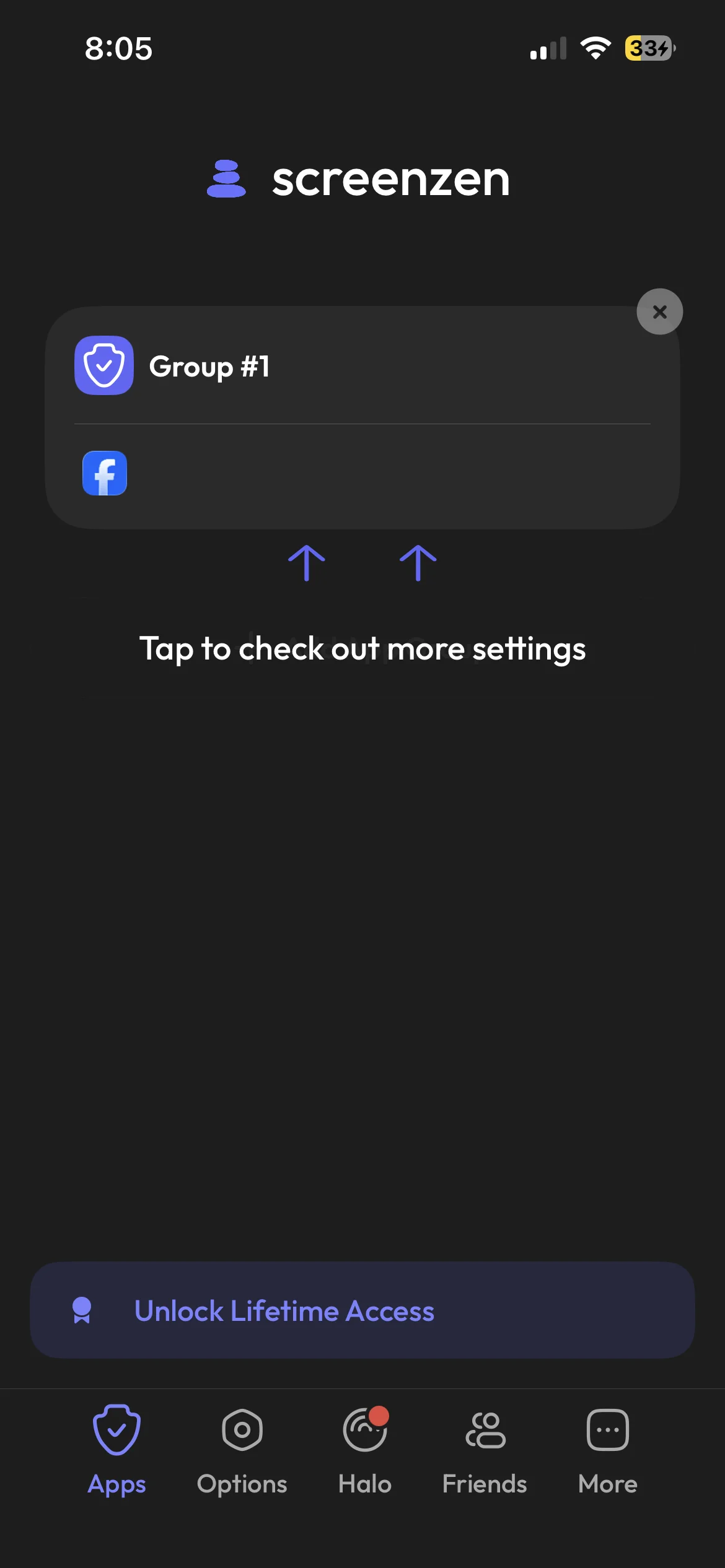
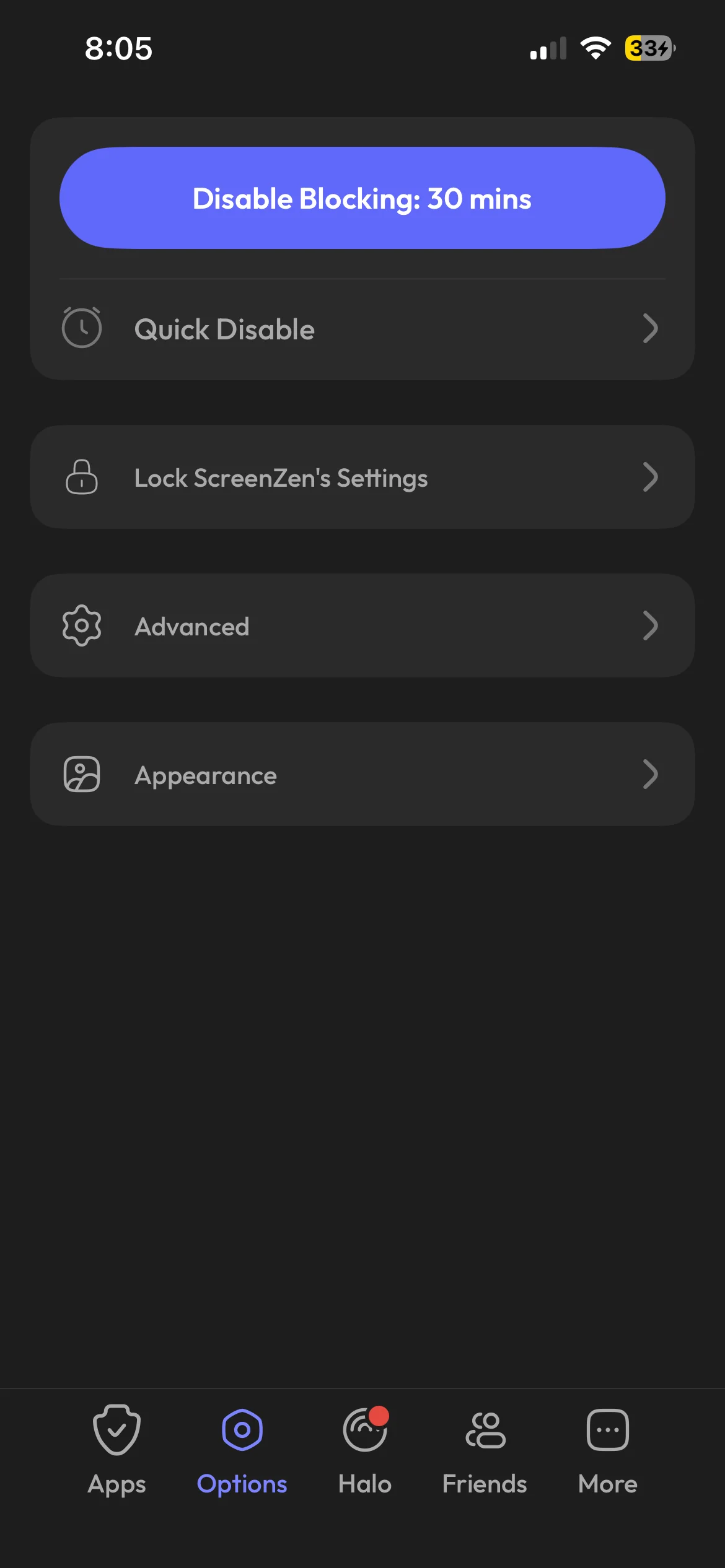
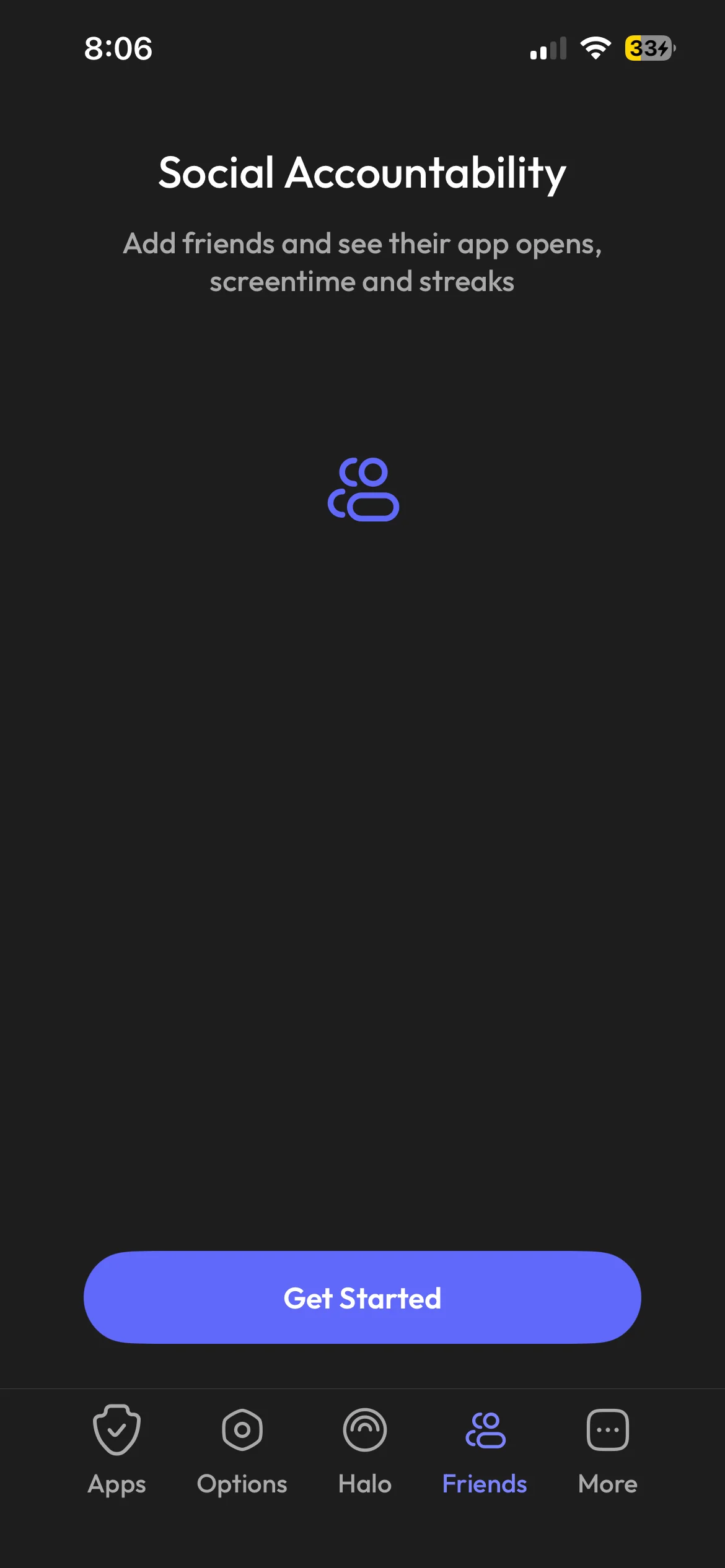
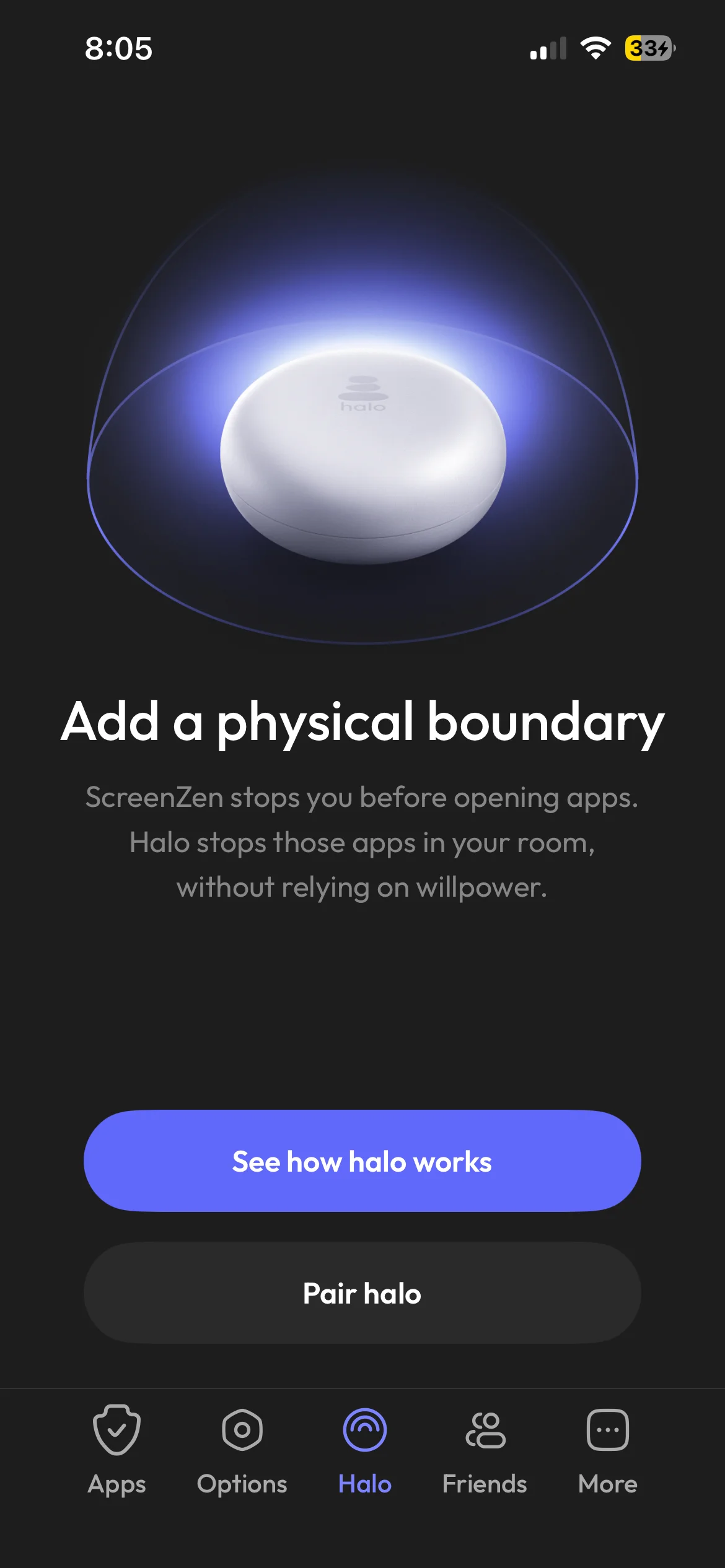
ScreenZen does not hide your apps or pull them off the home screen. You pick the apps and websites you want to gate. When you tap one, ScreenZen lets it start to load and then interrupts you with a pause screen. That screen can ask you to wait out a customizable delay, set an intention ("what are you seeking?"), or confirm you really want to continue. You can also set daily limits, cooldowns between sessions, and scheduled blocks.
The model has a name worth saying plainly: friction. ScreenZen slows you down and makes you choose. It does not take the choice away. That distinction is the whole story of whether it will work for you.
It also gets the boring things right. No account is required. The setup is fast. The interface stays out of the way. For a tool you interact with dozens of times a day, low ceremony matters more than feature count.
Why friction is often exactly enough
It is tempting to assume stricter is always better. It is not.
A lot of phone use is autopilot, not desire. You reach for Instagram in a gap of three idle seconds before your brain has formed any actual intention. The reach is a reflex, and reflexes are interruptible. A two-second pause with the question "what are you seeking?" is frequently enough to make the reflex fail, because once the conscious brain is in the loop, the honest answer is usually "nothing." You put the phone down.
If your relationship with your phone is "I scroll a bit more than I'd like," friction is the right-sized fix. It is the least invasive tool that still works, it costs nothing, and it respects that you are mostly capable of running your own life. Recommending a hard lock to someone in this situation is overkill. ScreenZen is the correct answer, full stop.
The same logic is why One Sec has a loyal following. It is the same friction model with a deep-breath animation in place of ScreenZen's timer. One Sec's free tier covers a single app, and unlimited apps plus its extra features sit behind Pro pricing. If you specifically like the breathing-exercise framing and don't mind paying, One Sec is a fine pick. If you want the same idea for zero dollars across as many apps as you want, ScreenZen is the more generous version of the same thing.
Where ScreenZen stops being enough
Here is the honest limit. ScreenZen's pause is dismissible. That is not a bug. The entire model depends on you choosing well in the moment the pause appears. When you choose well, it works beautifully. When you don't, there is nothing behind the pause.
For some people, the pause stops landing. The delay finishes and the thumb is already moving. The intention prompt becomes a screen you swipe past without reading, the way you stopped reading terms-of-service checkboxes years ago. The friction has become ceremony. You are tapping through it the same way you used to open the app directly, just with an extra step.
This is not a failure of ScreenZen. It is the ceiling of friction itself. Any dismissible interruption depends on the user honoring it, and a deep automatic habit is, by definition, the thing that stops honoring interruptions. If you have noticed yourself blowing past every pause you set, no amount of redesigning the pause will fix it. The pause is the part that broke.
When you reach that point, the structural fix is to remove your ability to override the block at the exact moment you are weakest. Not a longer countdown. No skip button at all.
ScreenZen vs One Sec vs Habit Doom
| ScreenZen | One Sec | Habit Doom | |
|---|---|---|---|
| Model | Friction (pause, intention, limits) | Friction (breathing pause) | Conditional lock until habits done |
| Can you dismiss it? | Yes, by design | Yes, by design | No. Locked until the habit is done |
| Enforcement | Soft, app-level | Soft, app-level | iOS ManagedSettings, tamper-resistant |
| Account required | No | No | No |
| Free tier | Fully free, all features | One app only | Up to 3 habits, blocking, alarms, streaks |
| Price | Free (donations) | Free + Pro subscription | Free + Pro $4.99/mo, $19.99/yr (7-day trial), $29.99 lifetime |
The table makes the split obvious. ScreenZen and One Sec are two flavors of the same friction model. Habit Doom is a different category of enforcement. It is not "more friction." It removes the dismiss button.
The escalation: conditional locking
Habit Doom is built for the case where friction stopped working. Instead of pausing before an app and trusting you to make the right call, it locks chosen apps at the iOS ManagedSettings layer until your daily habits are checked off. There is no countdown to wait out and no skip to tap. Instagram unlocks when the habit list is done, and not before. Force-quitting the app does not release the lock. Neither does deleting it.
The trade you are making is real, so it is worth stating plainly. ScreenZen asks for almost nothing in setup: pick apps, done. Habit Doom asks you to define what you are unlocking the time for. You set up to three habits on the free tier (workout, read, write, whatever earns your screen time back), and completing them is what lifts the block. If you only want a passive blocker with no goals attached, that setup is more than ScreenZen asks of you. If your actual aim is to swap scrolling time for habits you keep failing to start, the habit layer is the entire point rather than overhead.
One genuinely useful piece for the "I cheat on myself" crowd: Habit Doom's Anti-Cheat photo verification. When you check off a habit, the camera opens and an AI model running entirely on your iPhone confirms the photo matches the habit in under half a second. The photos never leave the device, and the feature is free for everyone. Where ScreenZen trusts you to honor a pause and does not track habits at all, this verifies the habit actually happened before anything unlocks. Details are in the habit tracker you can't cheat writeup.
Habit Doom is free to download and use, and unlike a friction app, the free tier includes real iOS-level blocking rather than a skippable nudge. Pro ($4.99/month, $19.99/year (with a 7-day free trial), or $29.99 lifetime) adds unlimited habits, Hard Mode, and advanced analytics. No ads on either tier.
How to pick
The decision is not about which app is "best." It is about which model matches your failure mode.
- You scroll a little more than you'd like and a nudge helps. ScreenZen. It is free, low-friction, no account, and genuinely good at this. Don't overthink it.
- You like the breathing-exercise framing specifically and don't mind paying. One Sec, knowing it is the same model behind the animation.
- You tap through every pause you set and the friction has become ceremony. Habit Doom, because the fix is removing the dismiss button, not redesigning the pause.
The honest framing is that ScreenZen is one of the best free tools in this category and the right answer for a large share of the people searching for it. It only stops being enough when your habit has learned to ignore friction. At that point you are not looking for a better pause. You are looking for something the pause cannot give you, which is a block you cannot talk yourself out of.
If that is where you are, Habit Doom is built for exactly that gap. For the wider field of iPhone options see the best apps to stop mindless scrolling and the no-bypass blocker breakdown.
Frequently Asked Questions
Keep Reading
Try Habit Doom
Lock your distracting apps. Complete your habits. Earn your screen time. It takes 30 seconds to set up.
Download Free