

BePresent vs Opal: Tested Side by Side (2026)

 X
 LinkedIn
BePresent vs Opal: the short answer
BePresent and Opal are the two biggest screen time apps on the App Store, and on paper they do the same job. Both use Apple's Screen Time to block the apps you pick, both want an account, and both run on iPhone and Android.
We installed both on an iPhone on 3 November 2026. The difference shows up in two places: what it takes to end a block, and what you pay before you can start one.
- BePresent turns screen time into a game: streaks, XP, weekly leagues and friends who get a text when you slip. It has no free plan, and any session ends in two taps.
- Opal is plainer and stricter. It has a free plan with one rule, and its paid Hard Mode is a block you cannot end early.
| BePresent | Opal | Habit Doom | |
|---|---|---|---|
| How it blocks | Sessions, schedules, daily open limits | Schedules, time limits, open limits | Locked until your habits are done |
| Ending a block early | Give Up, one confirmation | Possible, except in Hard Mode (Pro) | No Give Up button; you earn the time |
| Free plan | None | 1 rule | 3 habits, app blocking |
| Yearly | About $59.99 | $99.99 | $19.99 |
| Monthly | $3.99 and $14.99 listed | $19.99 | $4.99 |
| Lifetime | None | None on the App Store | $29.99 |
| Account required | Yes | Yes | No |
| Platforms | iPhone, Android | iPhone, Android, Mac | iPhone, Android |
| US App Store ratings | 71,429 (4.8) | 90,839 (4.7) | 24 (4.8), new |
Prices and ratings are from the US App Store on 3 November 2026.
BePresent: how it works


BePresent gives you three ways to block.
- Present Sessions. Tap Block Now and your chosen apps are blocked for a set time, 30 minutes by default.
- Schedules. Setup offers presets for the morning, work hours and before bed, and you can add your own.
- App Intentions. You decide how many times a day you may open an app and for how long. We set Facebook to ten opens of five minutes each, and BePresent started a streak for staying under it.
Everything you do earns XP. XP places you in a weekly league, where the top 20 move up a tier. The Social tab adds accountability partners, who are sent a text when you break a goal, and group leaderboards for friends. The App Store listing also advertises a stricter "Beast Mode", money you stake and lose if you go over, and real-world rewards. We did not test those, so we cannot say how they work.
How easy is a BePresent block to end?
This is the part that matters most if you are prone to giving in. Open a blocked app and BePresent shows "Complete your Present Session before using this app", with an Unlock button. Unlock explains how to unblock: go to BePresent and either Take a Break or Give Up.
Give Up asks you to confirm once, and then the session ends and your apps open. We saw no cost beyond that confirmation. BePresent's bet is that the streak, the league and the friends watching will stop you before you tap it. That works for some people. If you already know you will tap through, it is not a lock.
The same screen warns you not to delete BePresent while apps are blocked. That is true of every app built on Screen Time: delete the app, and its blocks go with it.
Signing up for BePresent


Setup is long. You sign in with Apple or email, pick a username, and answer questions about your age, gender, goal and daily screen time. You also make a "commitment" by holding your finger on a button.
Two screens stood out. Early on, iOS asks whether BePresent may track your activity across other companies' apps and websites. A few screens later, BePresent says "Your data is completely private and never leaves your device" before asking for Screen Time access. You can decline the tracking request, and the private-data line most likely refers to what Screen Time shares, but the two sit oddly close together. The App Store privacy labels of both BePresent and Opal list identifiers under "Data Used to Track You".
Then setup ends at a paywall, and there is no way past it. The choice is a free 7-day trial that renews into an annual plan, or a paid 30-day trial. On the US App Store the annual plan is about $59.99, and monthly plans are listed at $3.99 and $14.99. There is no lifetime option and no free plan.
Opal: how it works
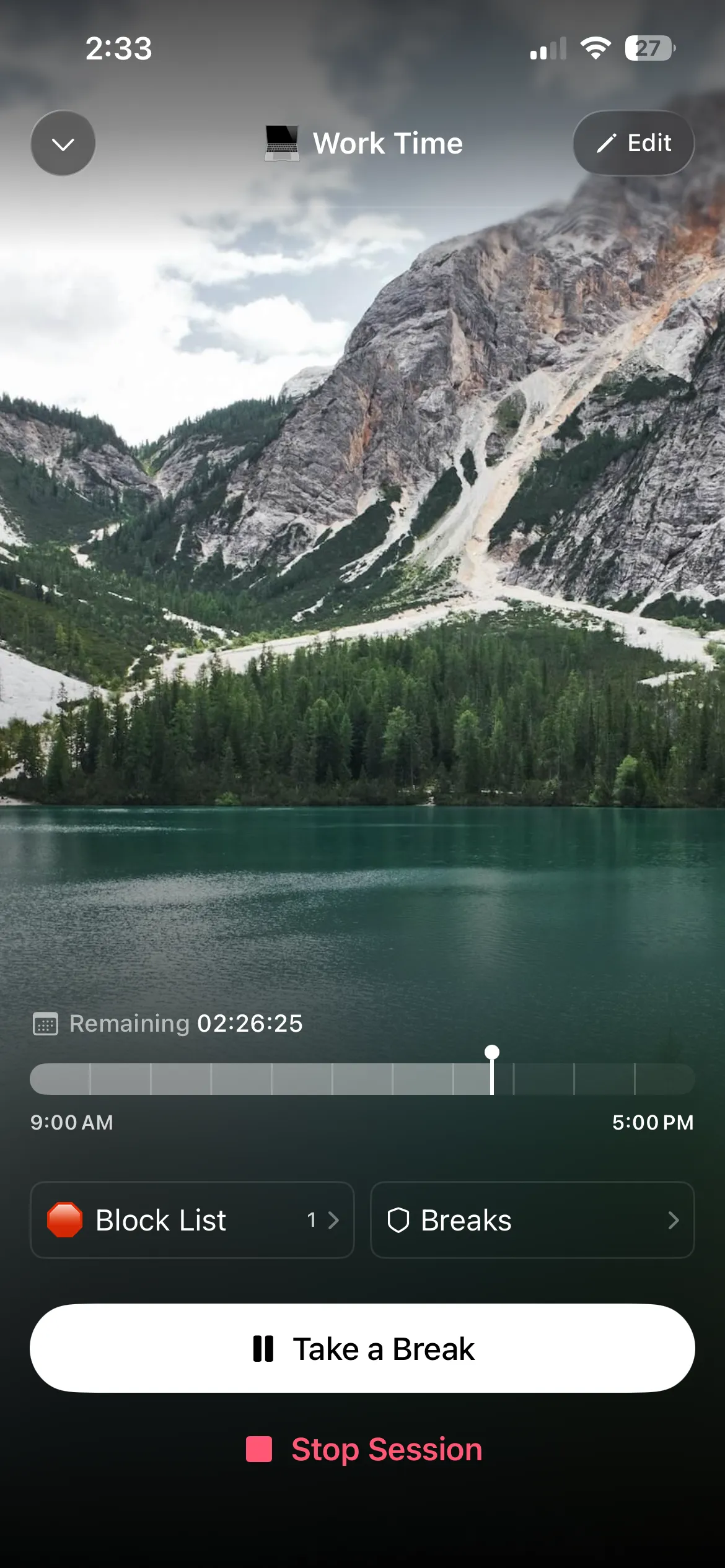
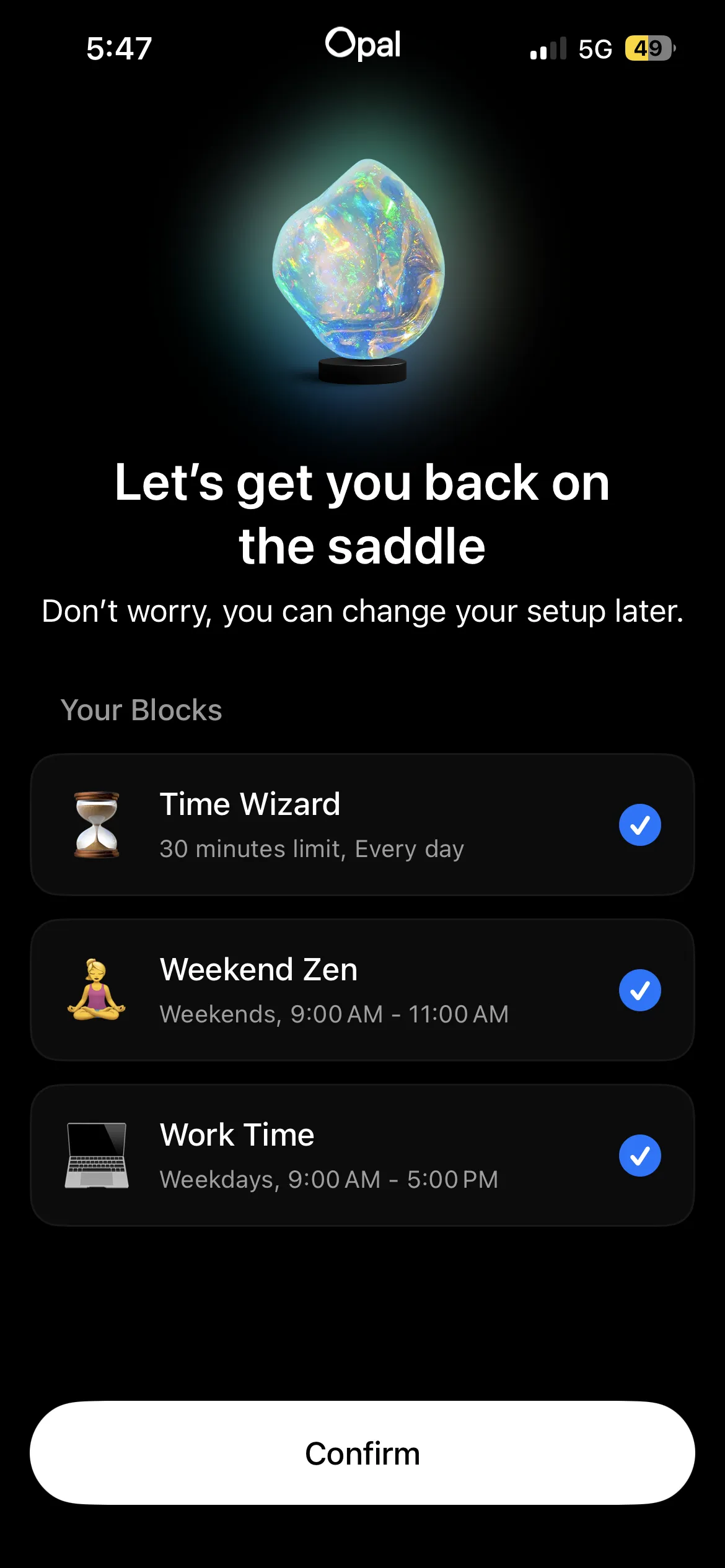
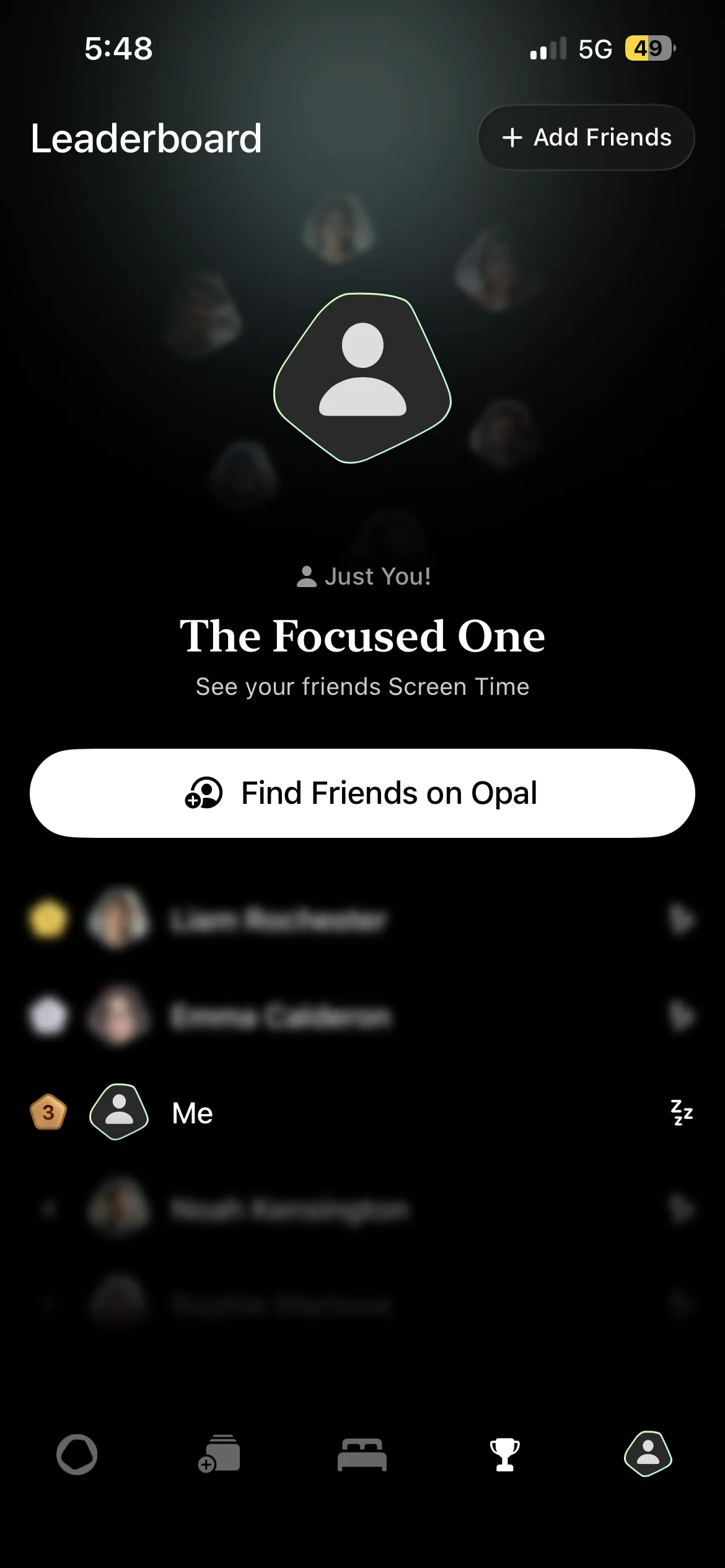
Opal blocks apps and websites on schedules, time limits and open limits, and adds analytics, a daily Opal Score and leaderboards. You create an account, then build rules: "Instagram and TikTok off from 9pm to 7am" is one rule.
The free plan gives you one rule, and it does not expire. Hard Mode, the session you cannot end early, is part of Opal Pro, along with unlimited rules. Pro is $19.99 a month or $99.99 a year, with weekly plans from $4.99, on the US App Store. There is more on what the free plan covers in is Opal free.
Opal has leaderboards too, but competition is a side feature rather than the core of the app. Its focus is the rule: set it once, and the block starts without you having to do anything.
BePresent vs Opal: where they differ
Strictness. On the free plan, you can end an Opal session when you want, much like BePresent's Give Up. Hard Mode on Opal Pro is the difference. Once it starts, it runs to the end. BePresent has nothing we could find that matches it.
Price. BePresent is cheaper per year ($59.99 against $99.99) but has no free plan, so you pay or start a trial on day one. Opal lets you use one rule free for as long as you like.
Motivation. BePresent keeps you off your phone by making it a contest: streaks, XP, leagues, friends. Opal relies on the rule itself. If you respond to scoreboards, BePresent's approach will feel more alive. If you find streaks and leagues tiring, Opal stays out of the way.
Platforms. Both run on iPhone and Android. Opal also has a Mac app.
Habit Doom: a third option
Habit Doom is ours, so read this section with that in mind.
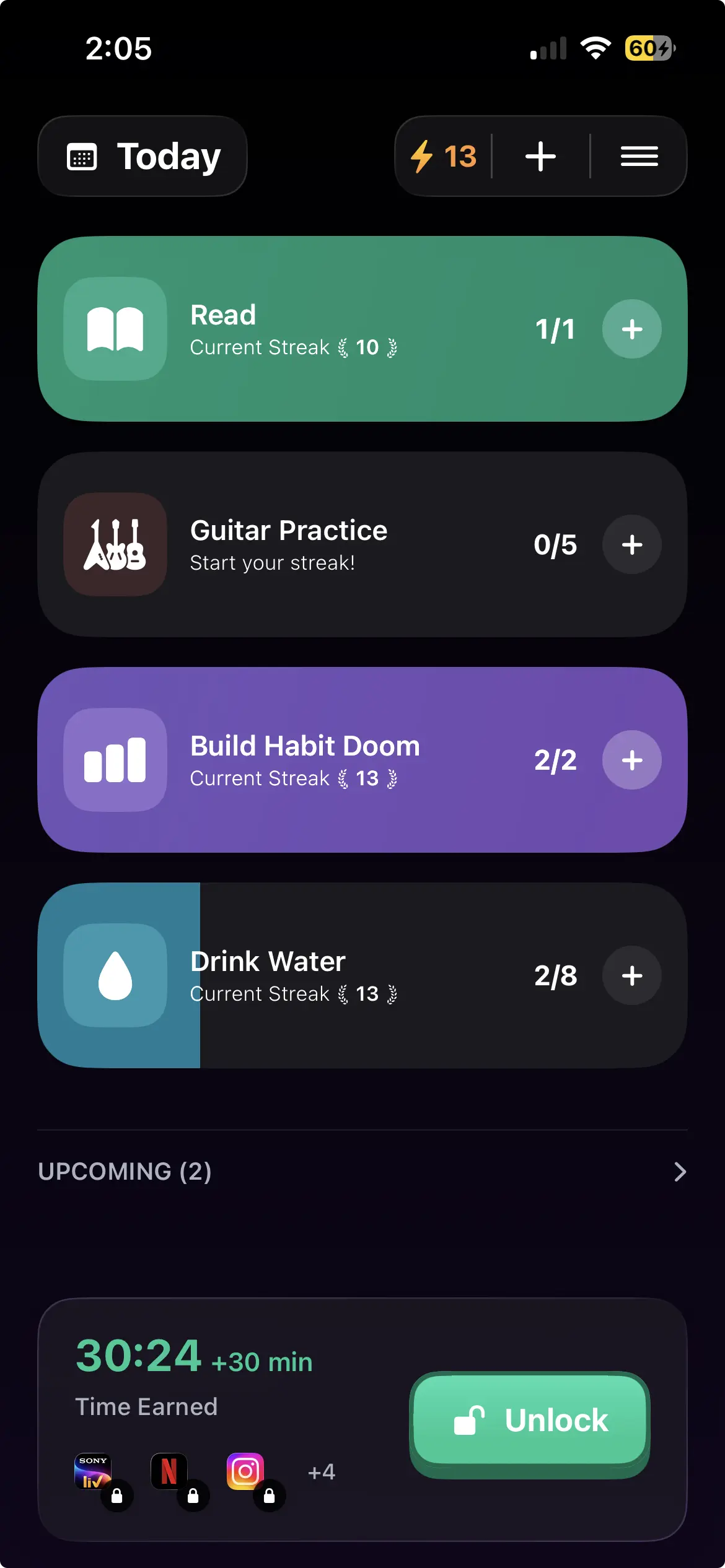
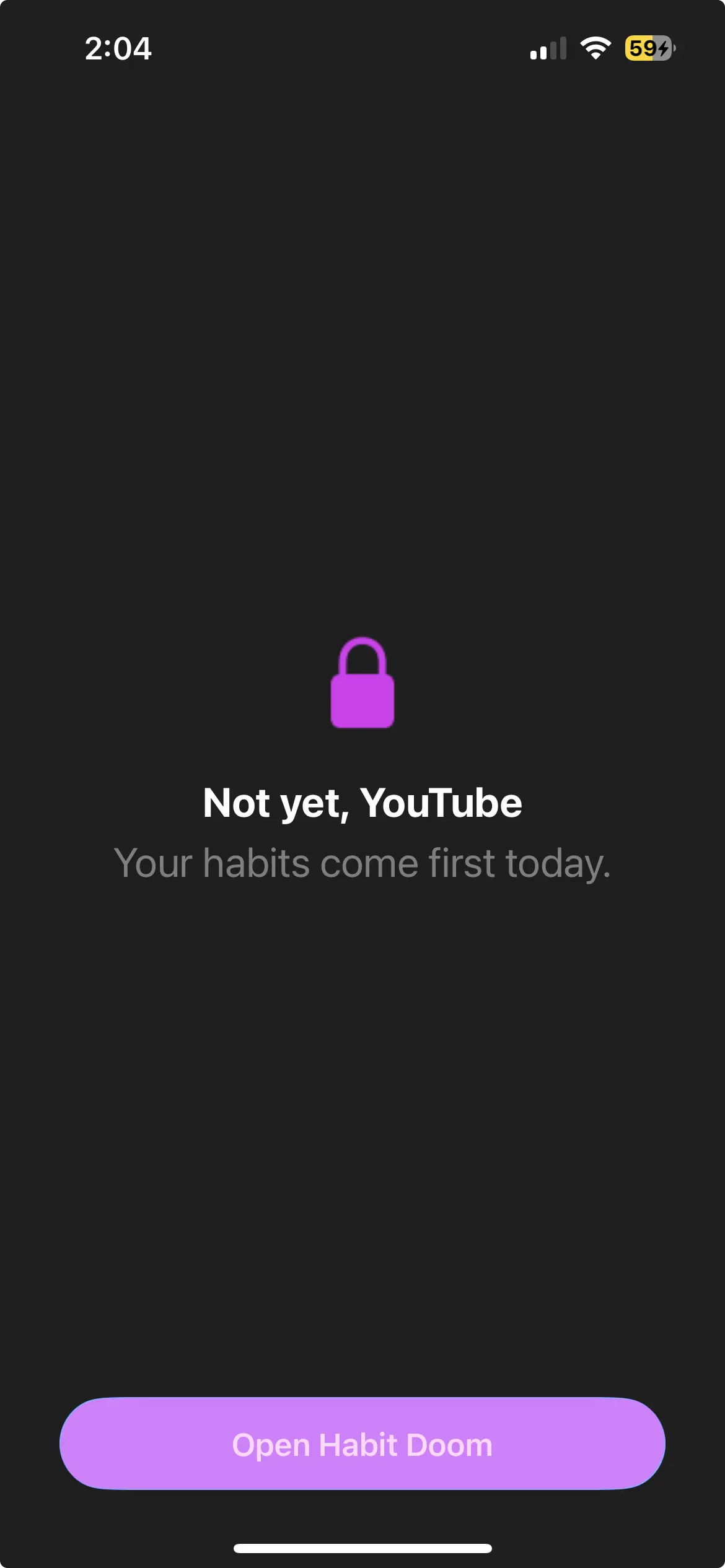
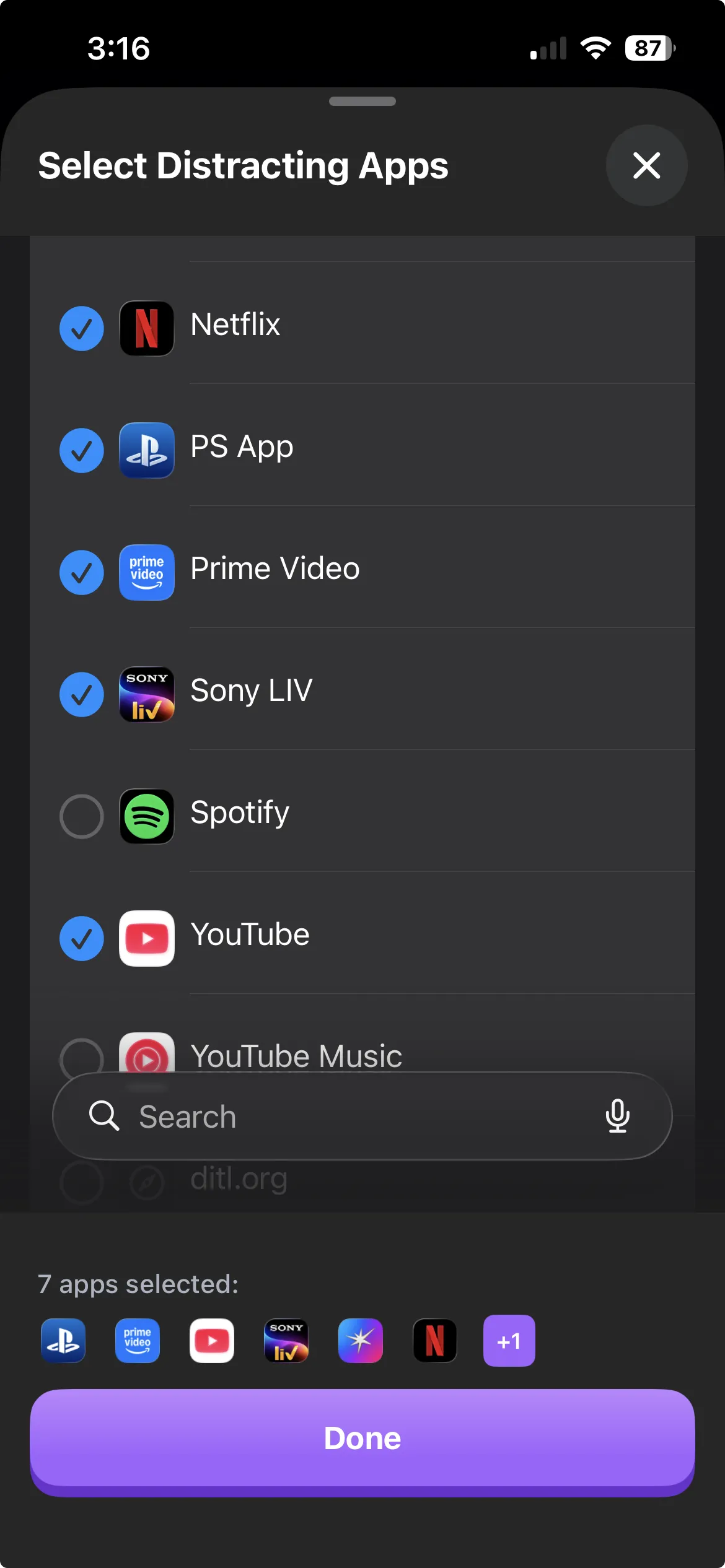
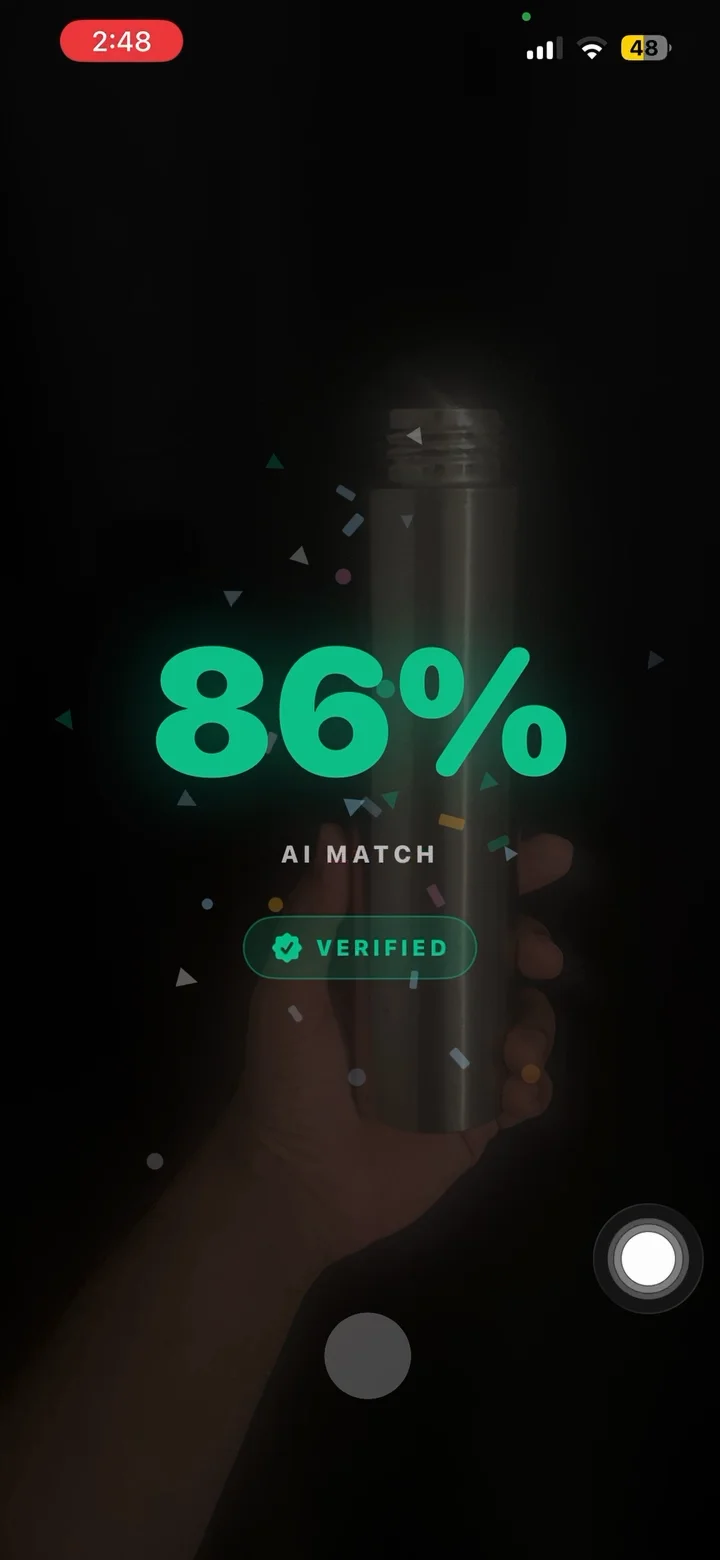
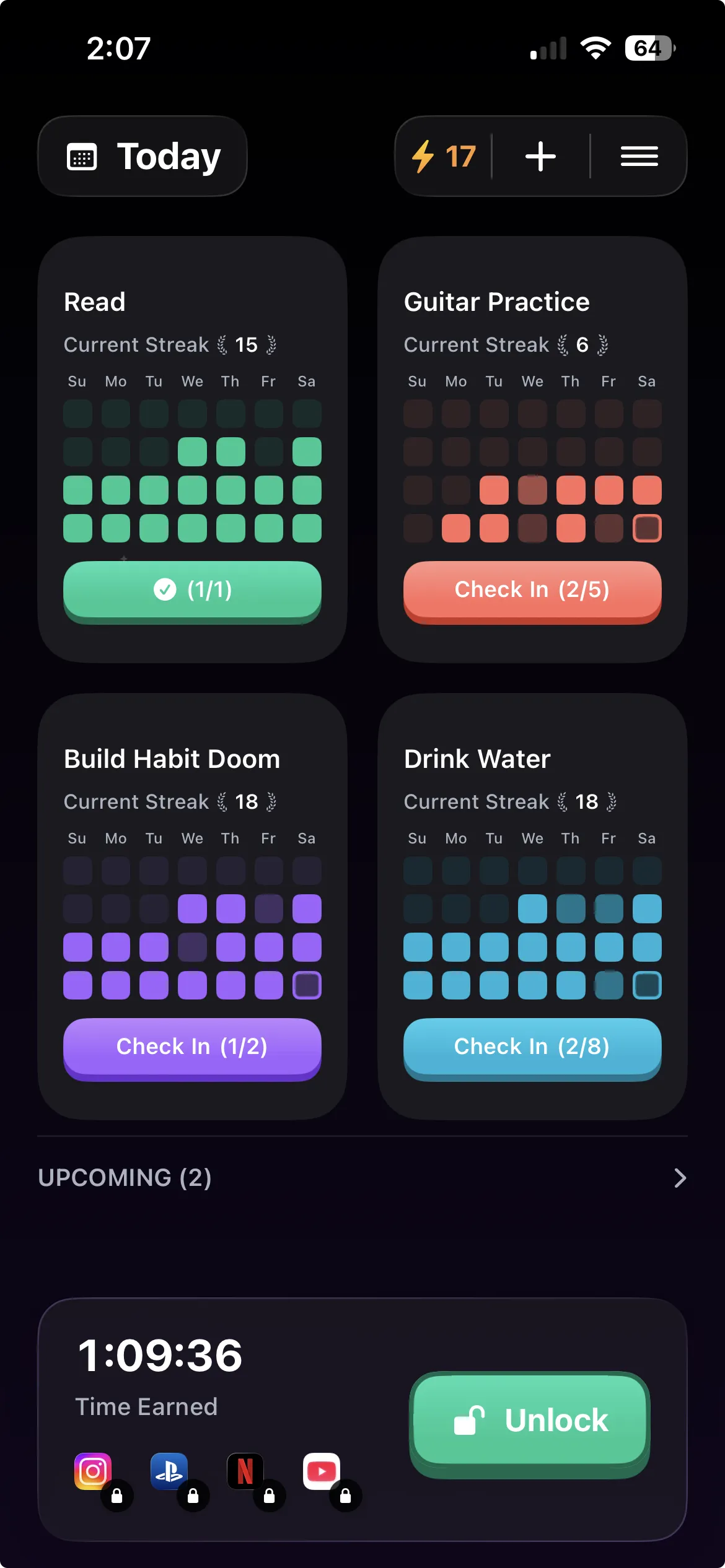
BePresent and Opal both decide when your apps open by the clock: a session ends, or a schedule runs out. Habit Doom opens them when your habits are done. You pick the apps, pick the habits (read, train, study, whatever you are trying to do first), and the apps stay locked until you check those habits off and earn the time.
Most of the time you only look at one screen: today's habits, with the time you've earned and an Unlock button under them. BePresent spreads the same job across five tabs, and Opal leads with scores and reports. If you just want to see what's left to do before you can scroll, Habit Doom is quicker to read.
There is no Give Up button. The lock holds through a force-quit, and the only way to open your apps is to earn the time. Like any Screen Time app, deleting Habit Doom removes its locks, so if you want that closed too, set Screen Time > Content & Privacy Restrictions > Deleting Apps to Don't Allow. Anti-Cheat can ask for a photo before a habit counts. You do not need an account.
The free tier includes 3 habits, app blocking, streaks and Anti-Cheat, with no ads. Pro is $4.99 a month, $19.99 a year, or $29.99 once. It runs on iPhone and Android. On Android, blocking uses an Accessibility Service that you can switch off in Settings.
Where BePresent and Opal are ahead: years of polish, far more users, and social features. Opal also has a Mac app. The Habit Doom vs Opal vs One Sec comparison goes further.
Which one to pick
Competition keeps you going. BePresent. Leagues, streaks and a friend who gets a text are its whole design.
You want to try a blocker without paying. Opal's free plan, with one rule. BePresent has no free plan.
You always end sessions early. Opal Pro with Hard Mode. A BePresent session is two taps from over.
You want the scrolling to come after the work. Habit Doom.
For a wider field, the Opal alternatives roundup covers seven cheaper app blockers, and Opal vs ScreenZen, Jomo and One Sec compares Opal with the pause-first apps.
Frequently Asked Questions
Keep Reading
Try Habit Doom
Lock your distracting apps. Complete your habits. Earn your screen time. It takes 30 seconds to set up.
Download Free