


Is Opal Free? What You Get Without Paying (2026)

 X
X LinkedIn
Is Opal free? The short answer
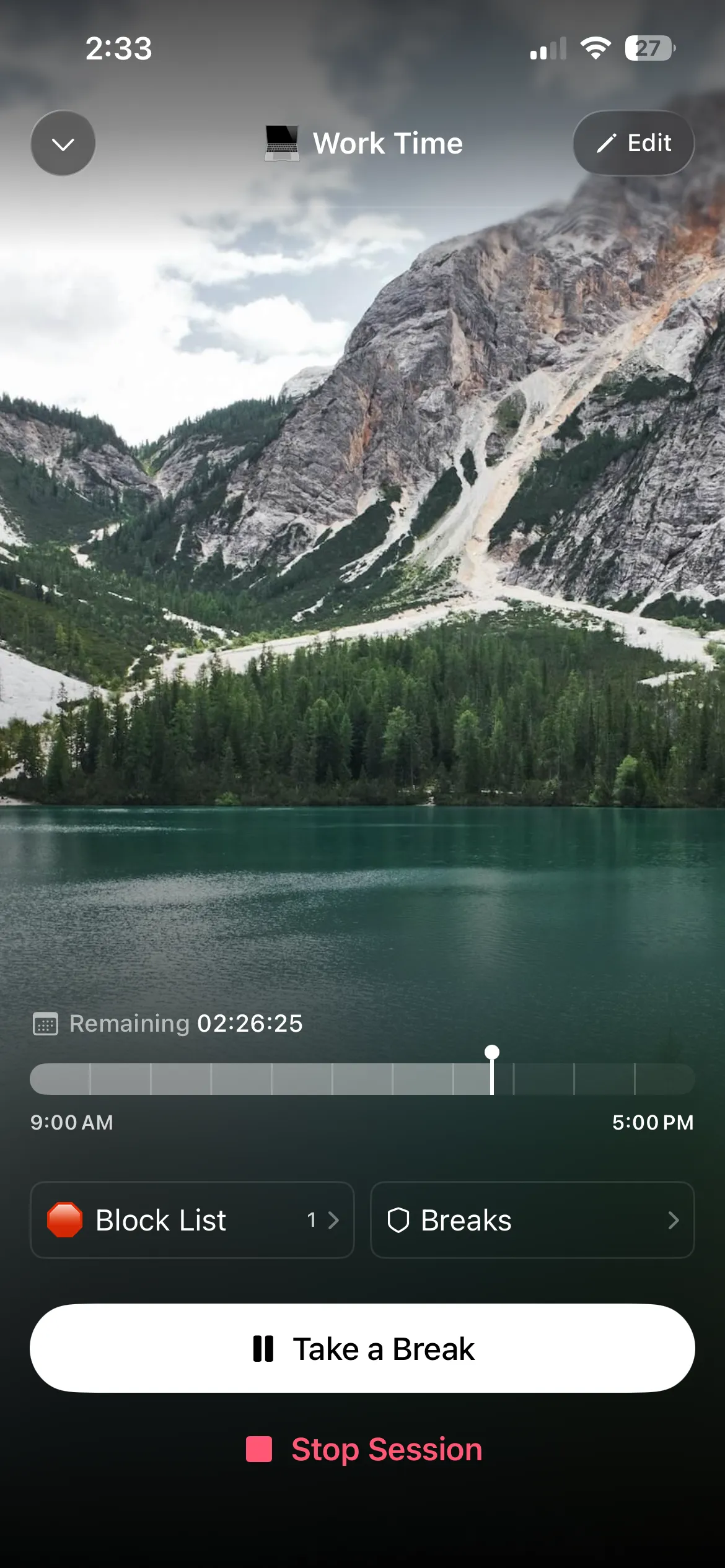
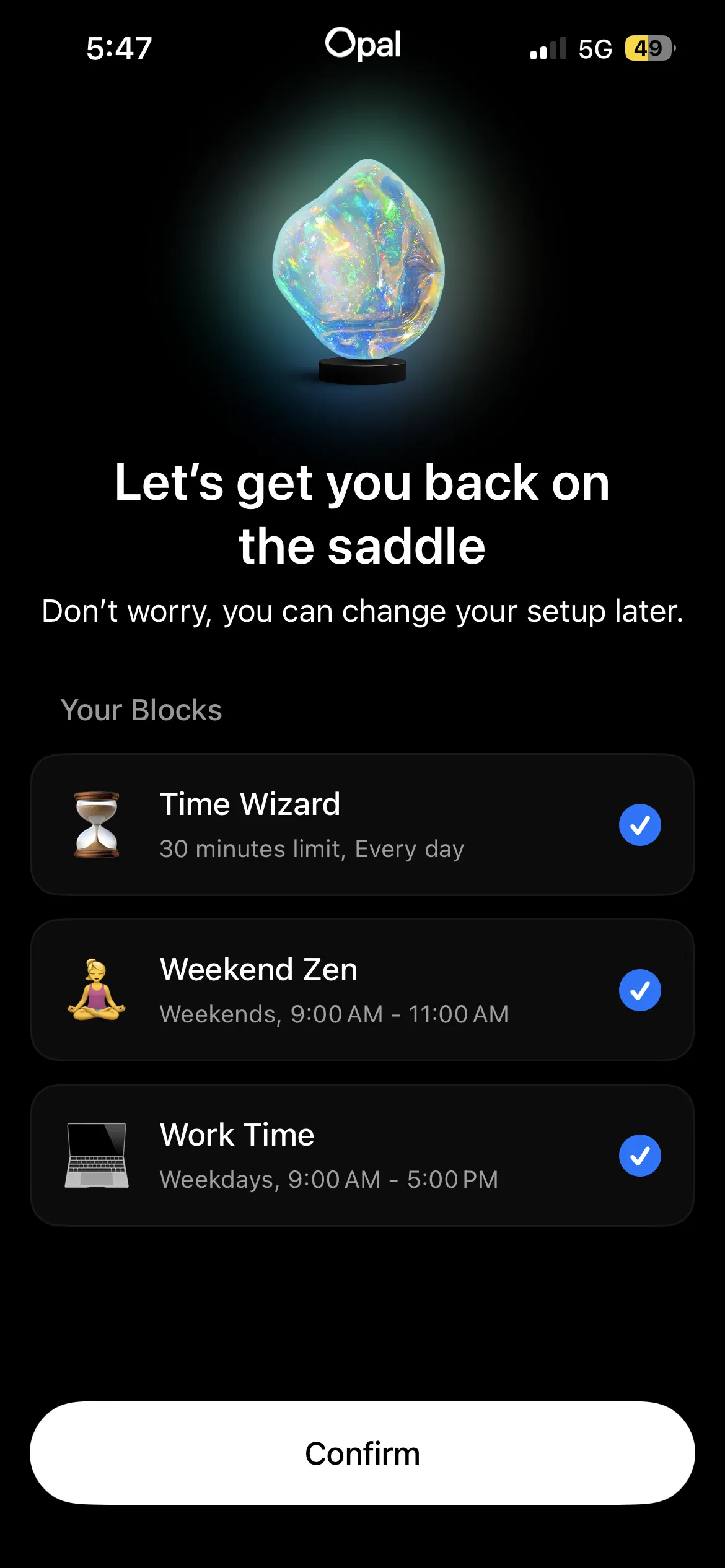
Yes, Opal is free to download, and the free plan does block apps. You get one rule, which can be a schedule, a time limit or an open limit, plus basic timers and today's Opal Score. It does not expire.
What the free plan leaves out is the part many people download Opal for: Hard Mode, the session you cannot turn off. That, along with unlimited rules, is Opal Pro.
Prices below are from Opal's pricing page and its US App Store listing, checked on 30 September 2026.
What Opal's free plan includes
| Opal free | Opal Pro | |
|---|---|---|
| App and website blocking | Yes | Yes |
| Rules (schedules, time limits, open limits) | 1 | Unlimited |
| Hard Mode (cannot turn Opal off) | No | Yes |
| Allow Only list | No | Yes |
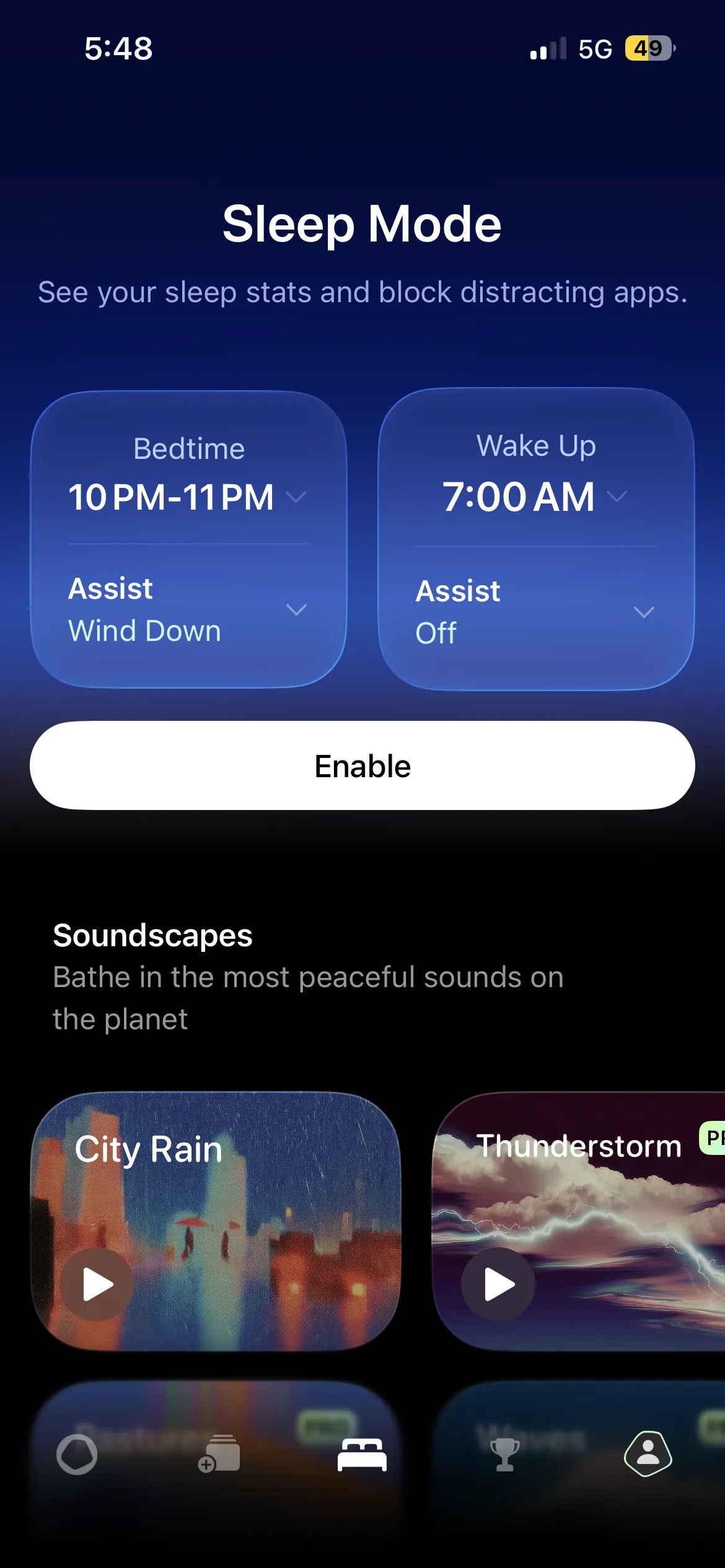
| Timers and soundscapes | Basic | Advanced |
| Opal Score | Today only | With history |
| Platforms | iPhone, Android, Mac | iPhone, Android, Mac |
One rule is more useful than it sounds. "Block Instagram and TikTok from 9pm to 7am" is one rule, and for a lot of people that single schedule is the whole problem solved. Where the free plan runs out is when you want a work block and a bedtime block, or when you notice you keep ending sessions early.
How much Opal Pro costs
| Plan | Price | Trial |
|---|---|---|
| Monthly | $19.99 a month | 3 days free |
| Yearly | $99.99 a year (about $8.29 a month) | 1 week free |
| Lifetime | $399 once | None |
The US App Store listing also shows weekly plans at $4.99 and $9.99 and an Opal Student weekly plan, which appear to be offers shown to some users rather than the standard price. Prices vary by country, so the paywall in your app is the final word.
At $99.99 a year, Opal is one of the more expensive blockers on iPhone. You are paying for polish, analytics and Hard Mode.
Free alternatives to Opal
If the free plan is not enough and $99.99 is too much, these three cost nothing.
Habit Doom takes a different approach from Opal's schedules. Distracting apps stay locked by default and open once your daily habits are done, so the unlock is tied to something you did rather than the time of day. The free tier includes 3 habits, app blocking, custom alarms, streaks and Anti-Cheat photo verification, which checks a habit with a real-time photo matched on your phone. No ads. Pro is $4.99 a month, $19.99 a year with a 7-day trial, or $29.99 once. It is our app, so weigh that.
ScreenZen is completely free and funded by tips. It pauses you before a blocked app opens, shows how many opens you have left, and has a Strict Block mode for set hours.
Foqos is free and open source, with no subscription. You lock and unlock sessions by tapping an NFC tag or scanning a QR code, so ending a session means getting up. It is iPhone only.
Is Opal worth paying for?
Opal is worth it if you will use more than one rule and you want Hard Mode's no-way-out sessions, and if the analytics and leaderboards help keep you honest. The free plan is worth keeping if one schedule covers your problem.
If you find yourself ending sessions early, notice that the fix Opal sells is Hard Mode, which is a paid setting you have to turn on. An approach that ties the unlock to finished work does not rely on you choosing the strict setting in the first place.
For the full field, including paid options, see our Opal alternatives comparison.
Frequently Asked Questions
Keep Reading
Try Habit Doom
Lock your distracting apps. Complete your habits. Earn your screen time. It takes 30 seconds to set up.
Download Free