


Best Free App Blockers for iPhone (2026)

 X
X LinkedIn
The problem with "free" app blockers
"Free app blocker" is one of the most misleading phrases in the App Store. Search it and most of what comes back is not a free blocker. It is a paid blocker with a free demo bolted on, and the demo usually does not block anything. It adds a pause. You tap through the pause. Nothing is locked.
So I installed the free tier of every popular iPhone blocker and tried to break each one the way a bored brain actually does at 11pm: open the app, hit whatever it throws up, and see if I land in the feed anyway. Most folded on the first try. A couple genuinely held. Here is what you actually get for zero dollars in 2026, ranked by how much real blocking survives the paywall.
Free comes in three flavors (and one fake)
Before the list, it helps to name what "free" is doing in each app, because they are not the same thing.
- Free and built in, but bypassable. iOS Screen Time. Already on your phone, costs nothing, and defeated by a single tap.
- Free friction. ScreenZen, One Sec, ClearSpace. The free plan adds a pause or a delay before an app opens. It slows the reflex. It does not stop you if you decide to push through.
- Free with a real lock. Habit Doom's free tier. An actual block you cannot dismiss on a whim, with the trade-off that it is tied to finishing a habit and capped at a few habits for free.
- Fake free. Opal's free tier is a demo, and Freedom has no free tier at all, only a trial. Both show up in "free app blocker" searches. Neither belongs there.
| App | Genuinely free? | What the free plan does | Real block for free? |
|---|---|---|---|
| ScreenZen | Yes (donations) | Delay timer before apps open | No (wait it out) |
| Habit Doom | Yes (free tier) | Locks apps until a habit is done | Yes (up to 3 habits) |
| iOS Screen Time | Yes (built in) | Daily limits + downtime | No (one-tap Ignore) |
| One Sec | Limited free tier | Breathing pause before opening | No (tap through) |
| ClearSpace | Limited free tier | Mindful pause before opening | No (tap through) |
| Opal | Demo only | Very limited sample of features | No |
| Freedom | Trial only | No ongoing free plan | No |
The best free app blockers, ranked
1. ScreenZen: the most genuinely free
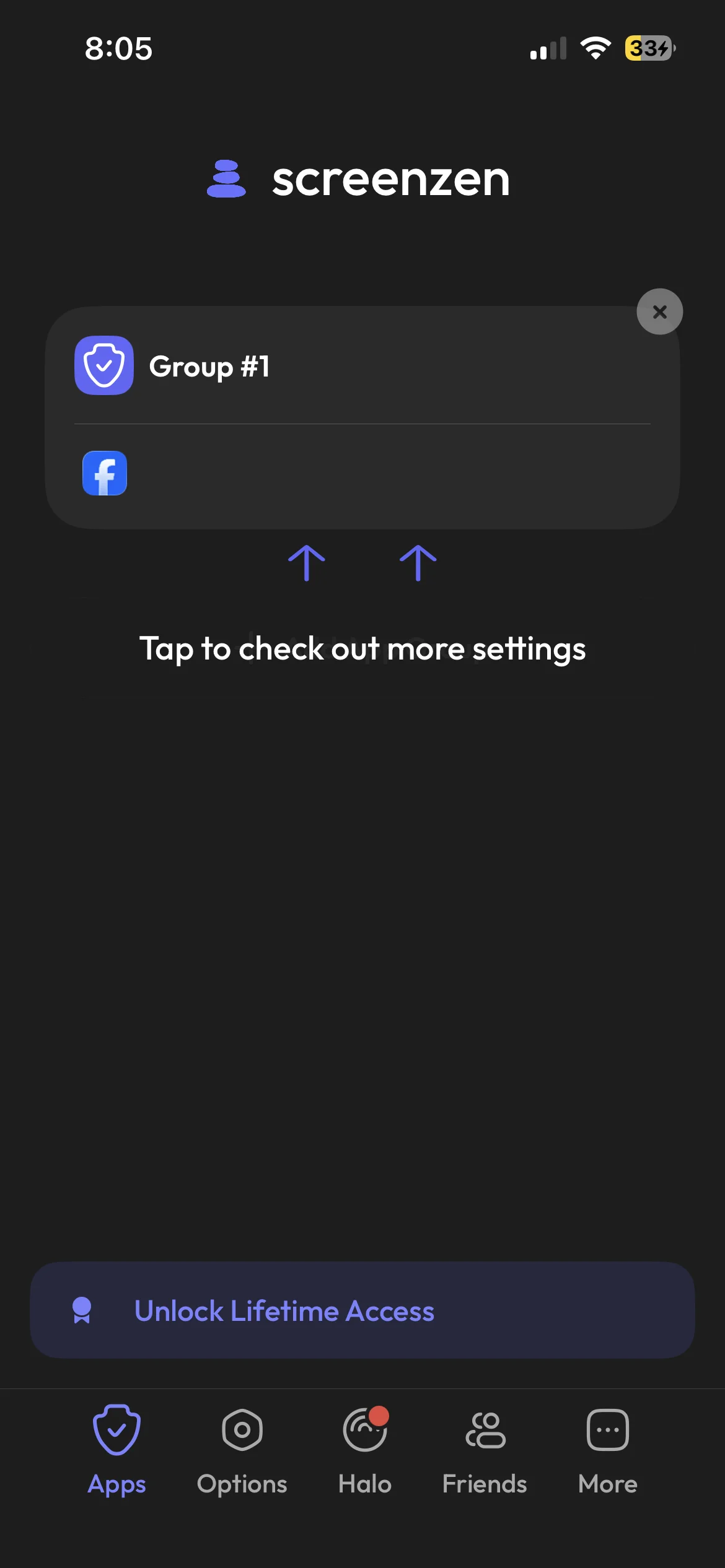
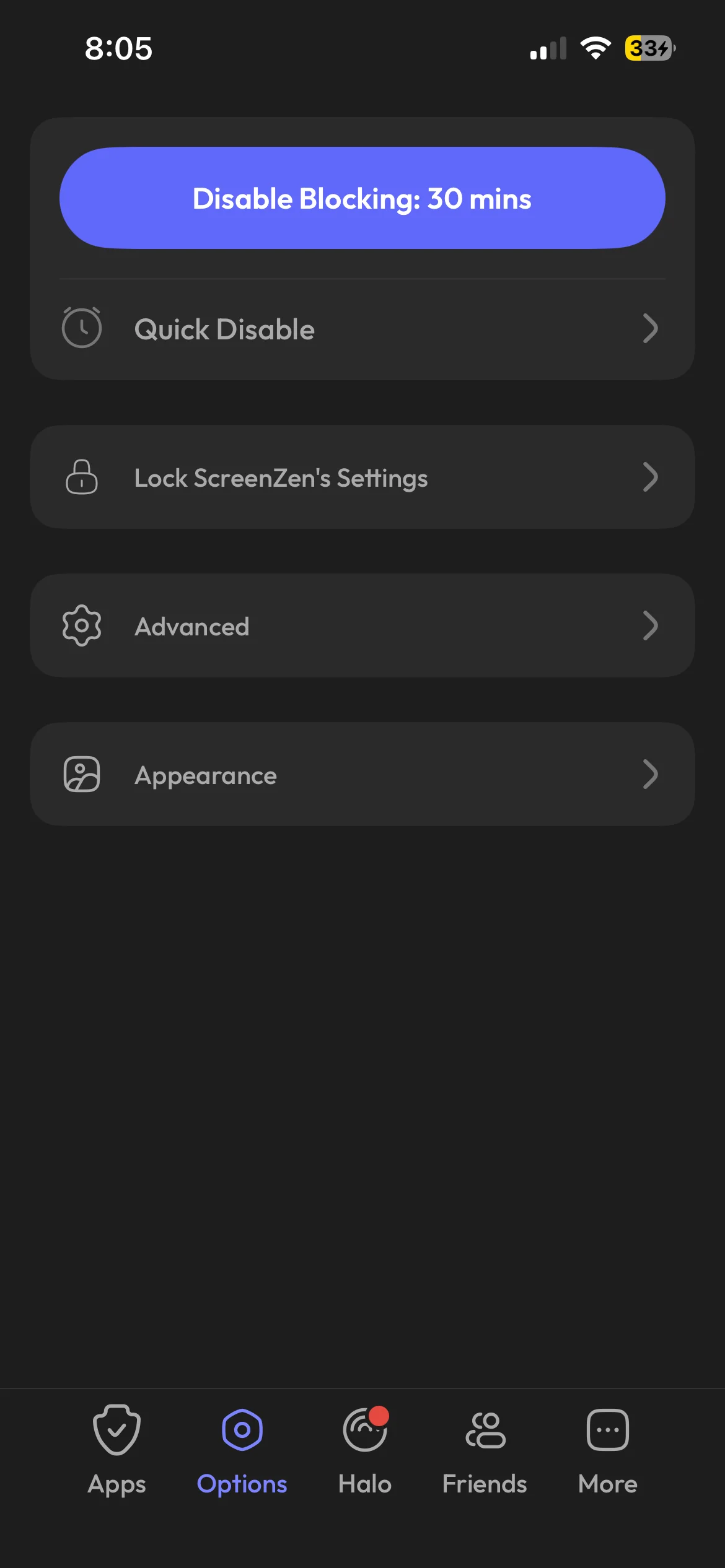
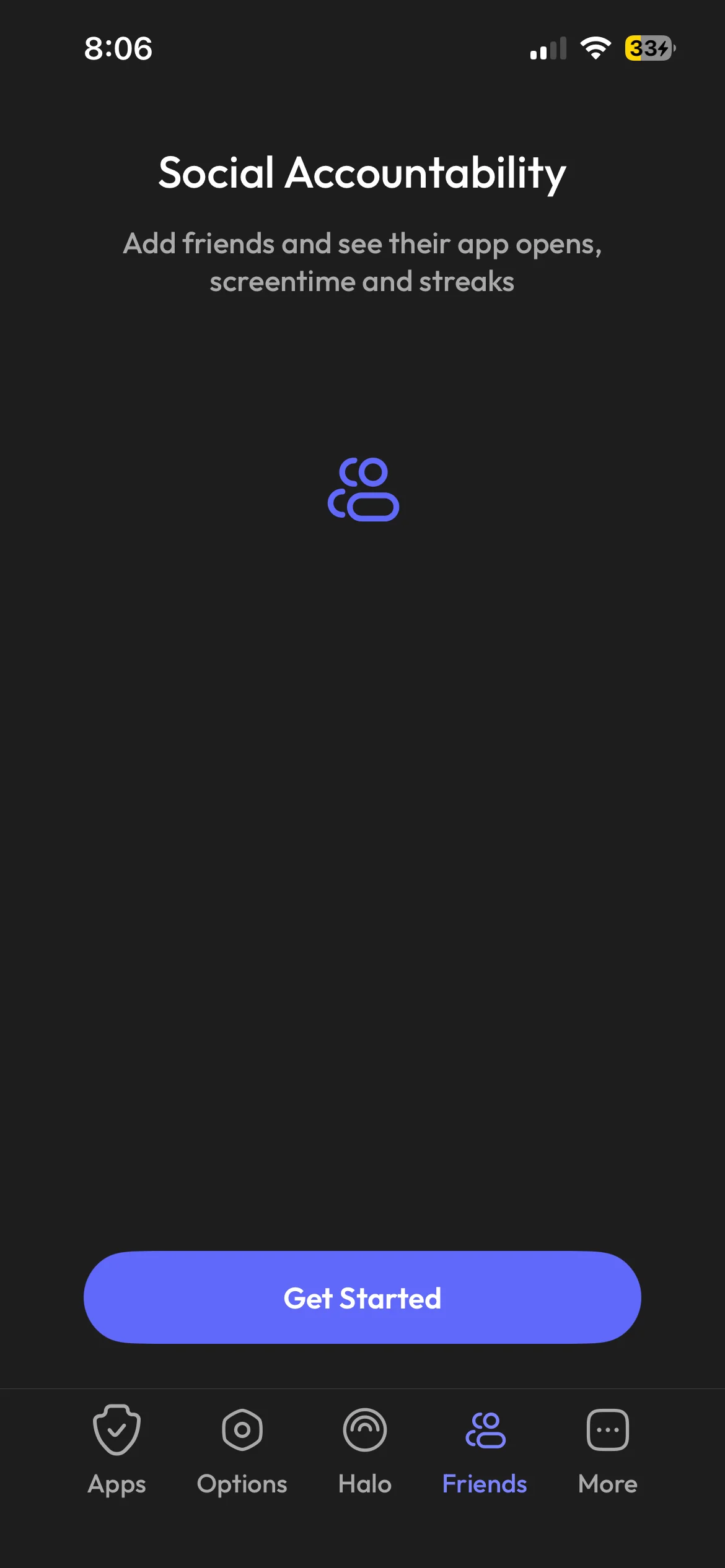
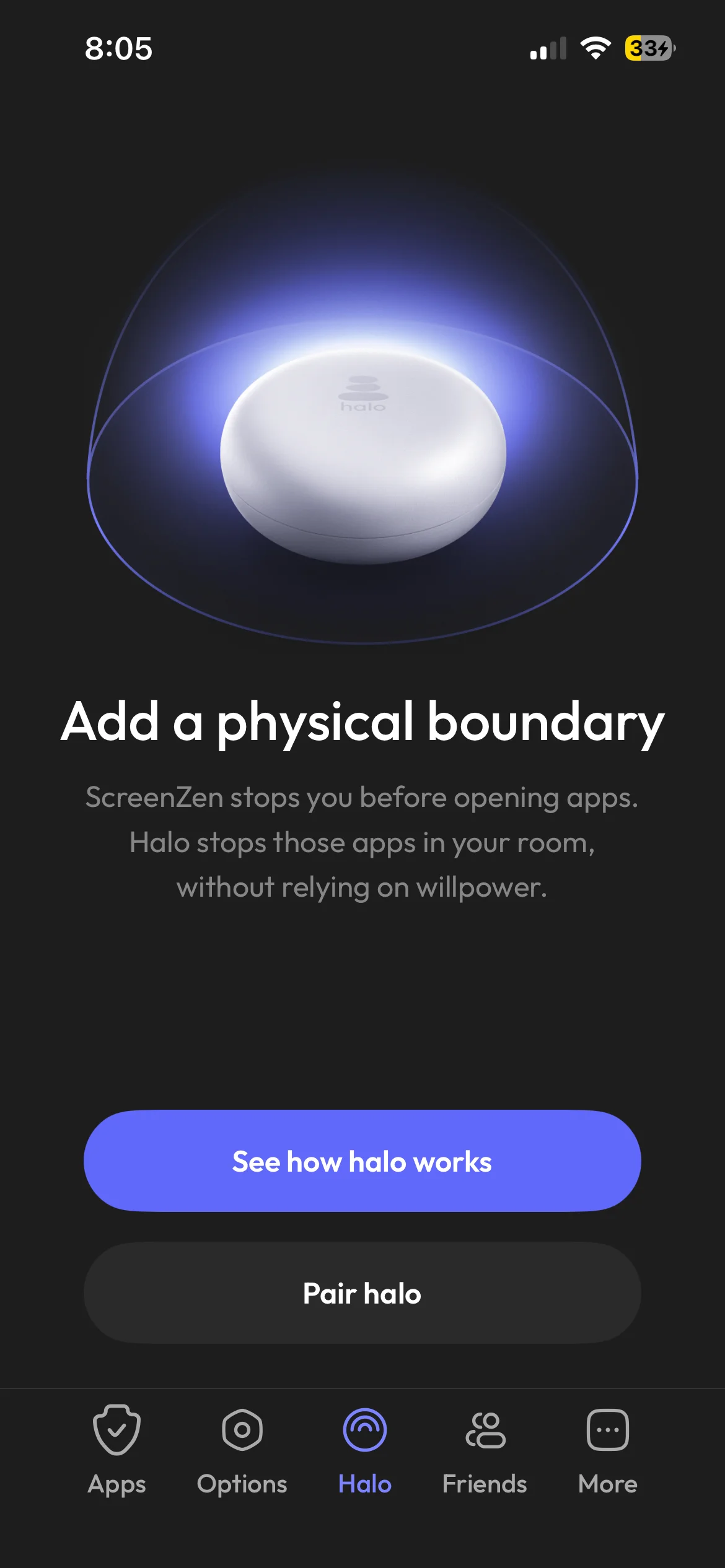
ScreenZen is the only app here with no paywall lurking behind it. It is free, funded by optional donations, and the whole feature set is open. You set a delay before a distracting app opens, anywhere from a few seconds to a few minutes, tuned per app, and it tracks how often the wait actually talked you out of it.
For a tool that costs nothing forever, it is genuinely good. The honest limit is the one every friction app shares: the delay is bypassable. If you are patient enough to sit through a 30-second countdown, TikTok still opens. It slows the autopilot, which is worth a lot, but it will not stop a determined 11pm you. If that trade sounds fine, ScreenZen is the best free-forever pick, and I went deeper on where its pause holds and where it slips in this ScreenZen review.
2. Habit Doom: a real free lock, earned by finishing habits
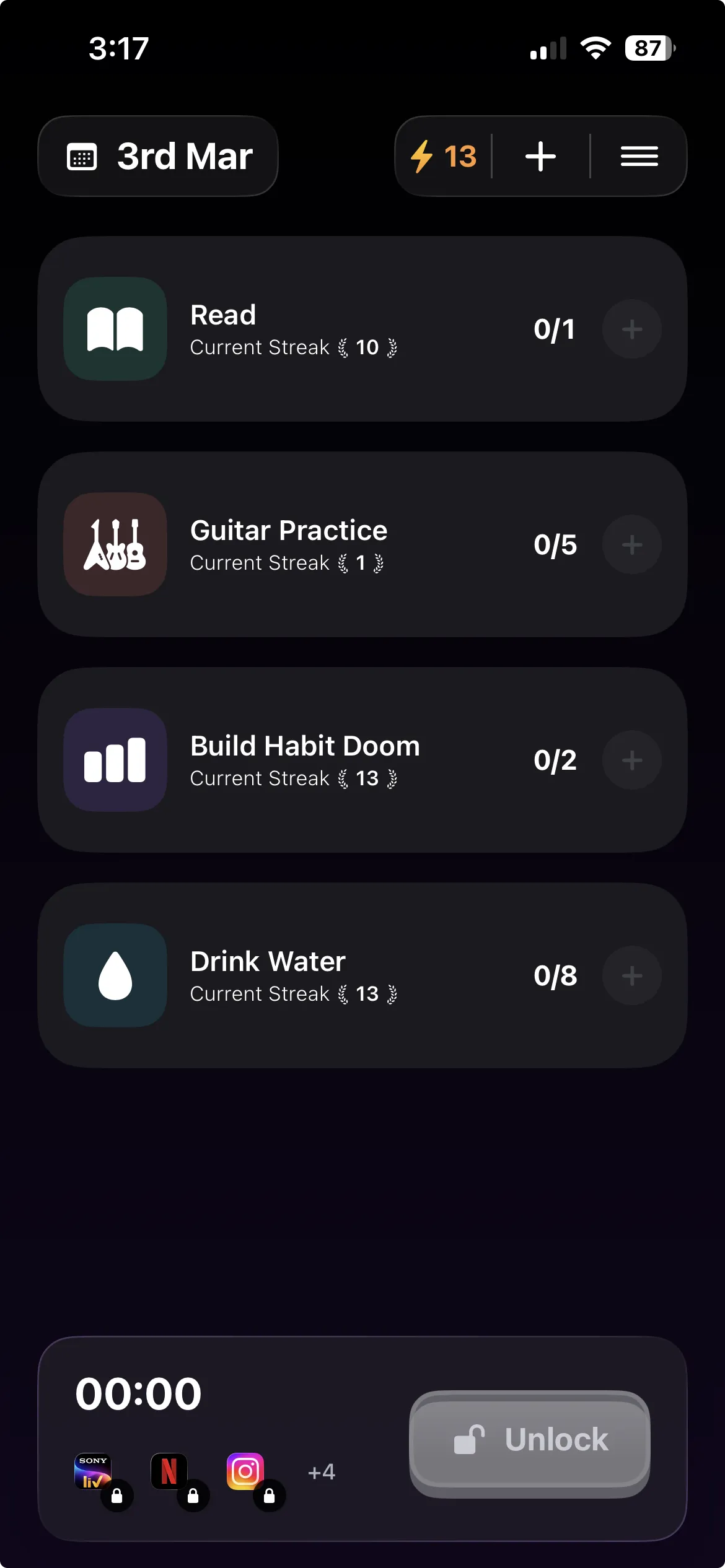
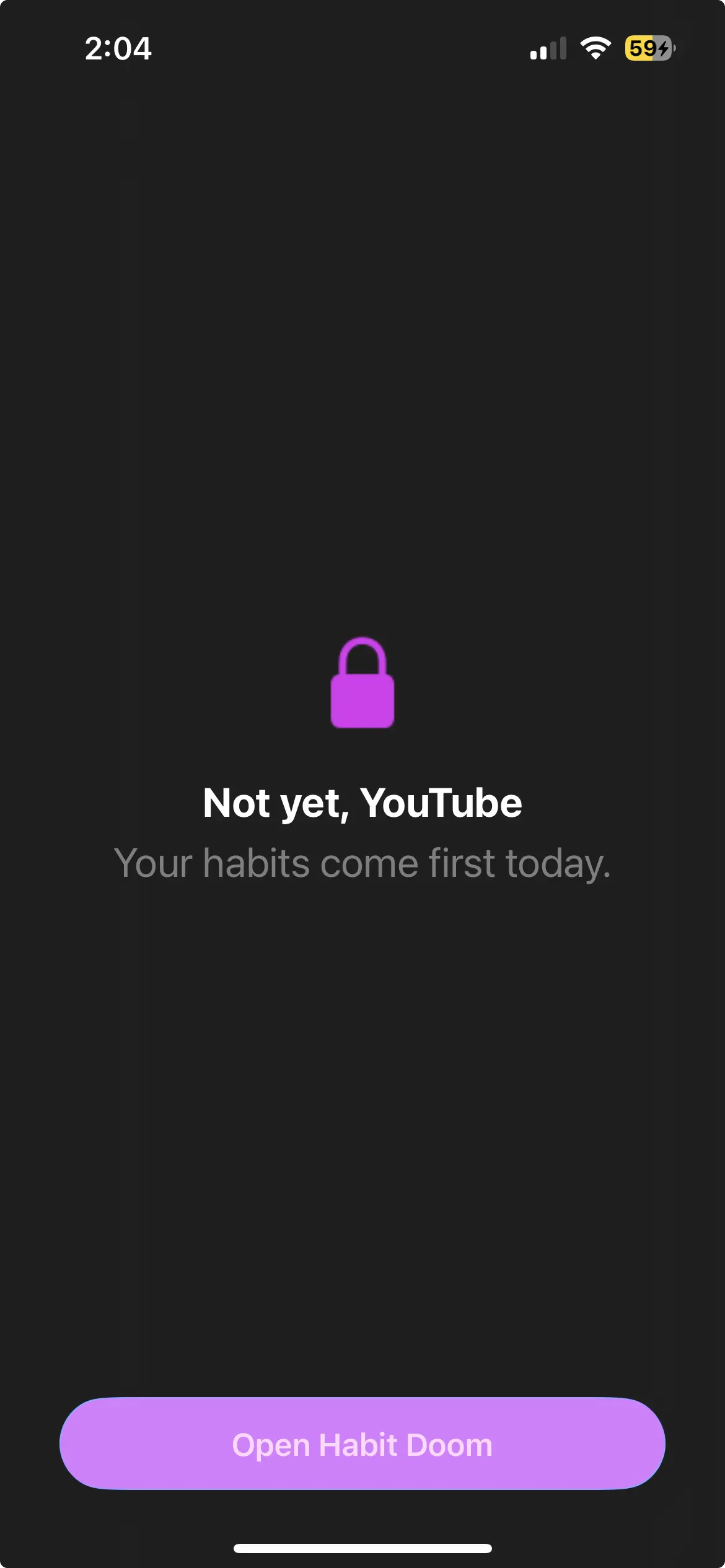
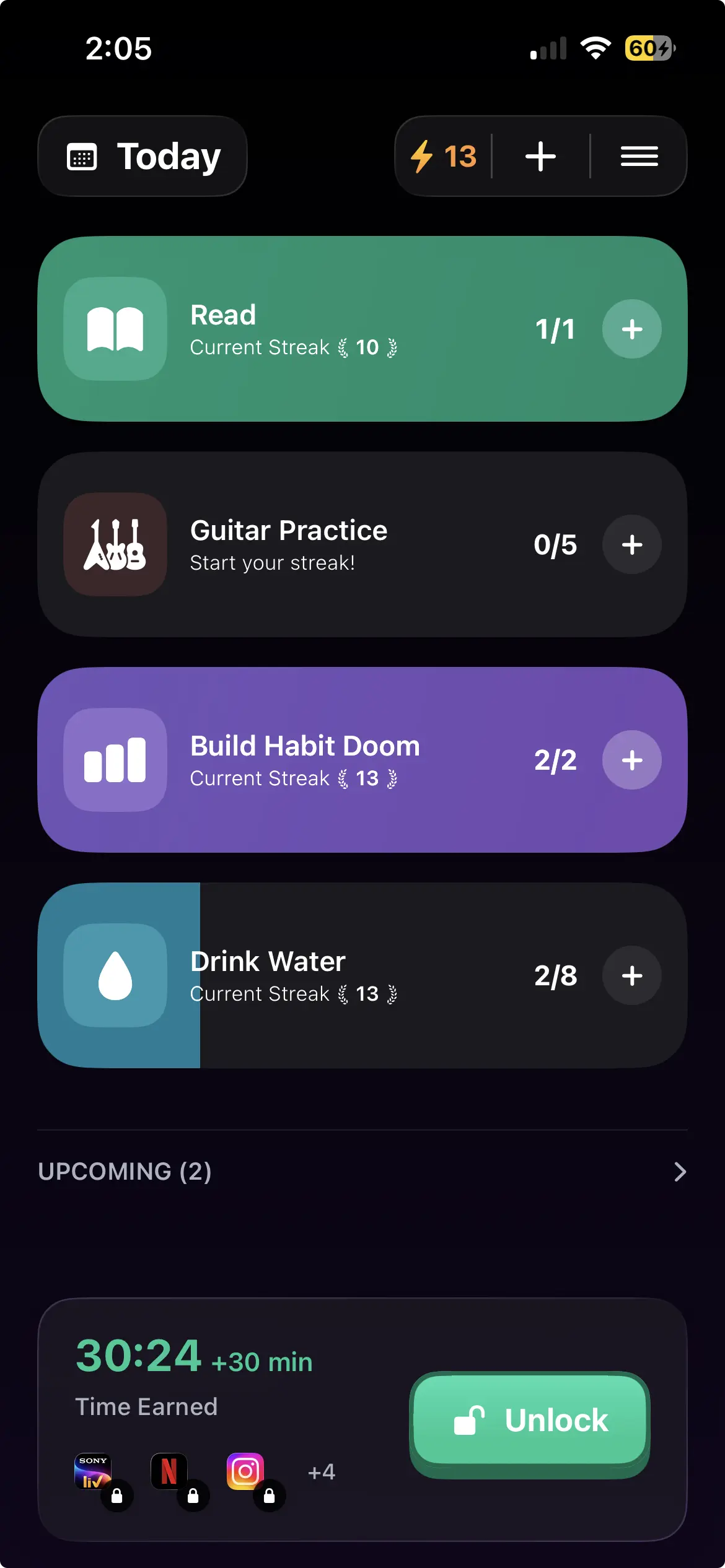
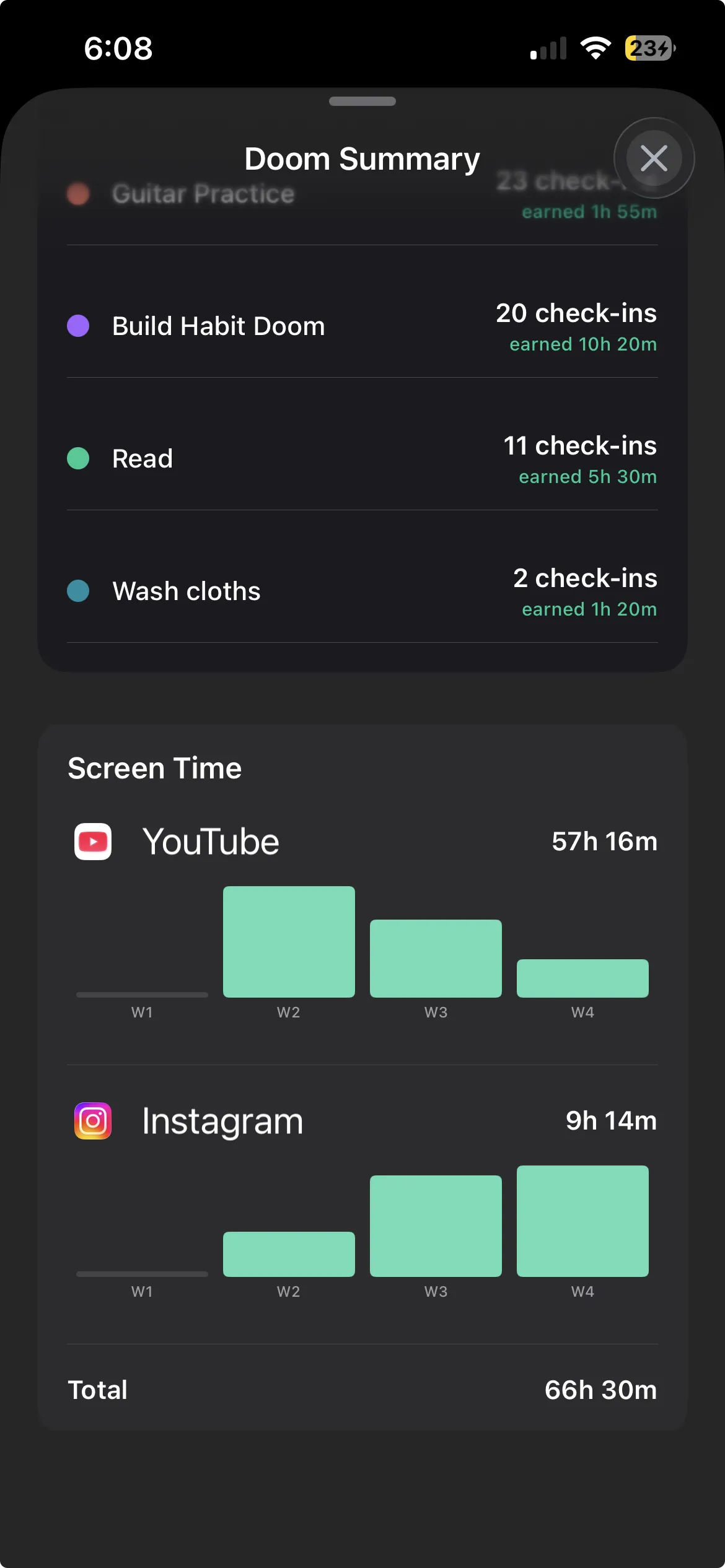
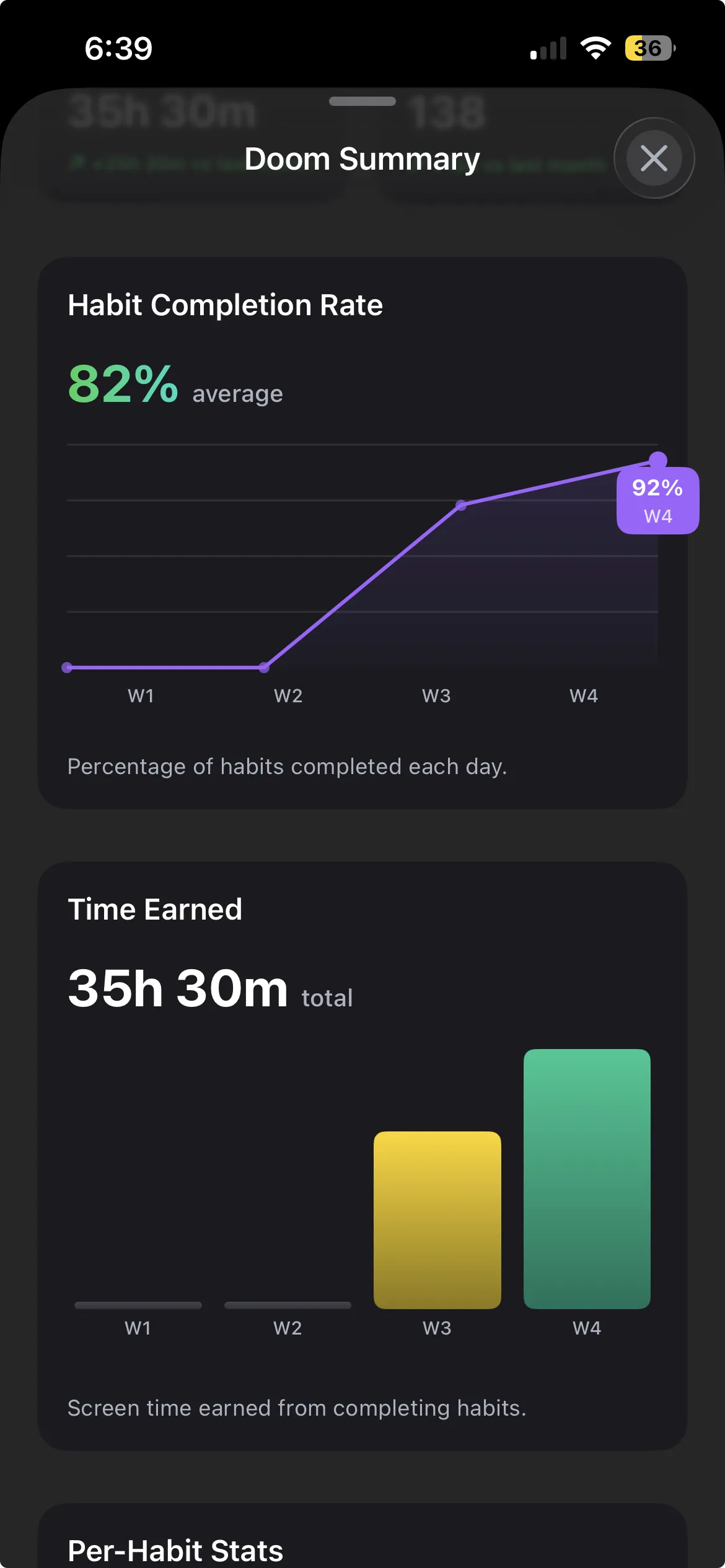
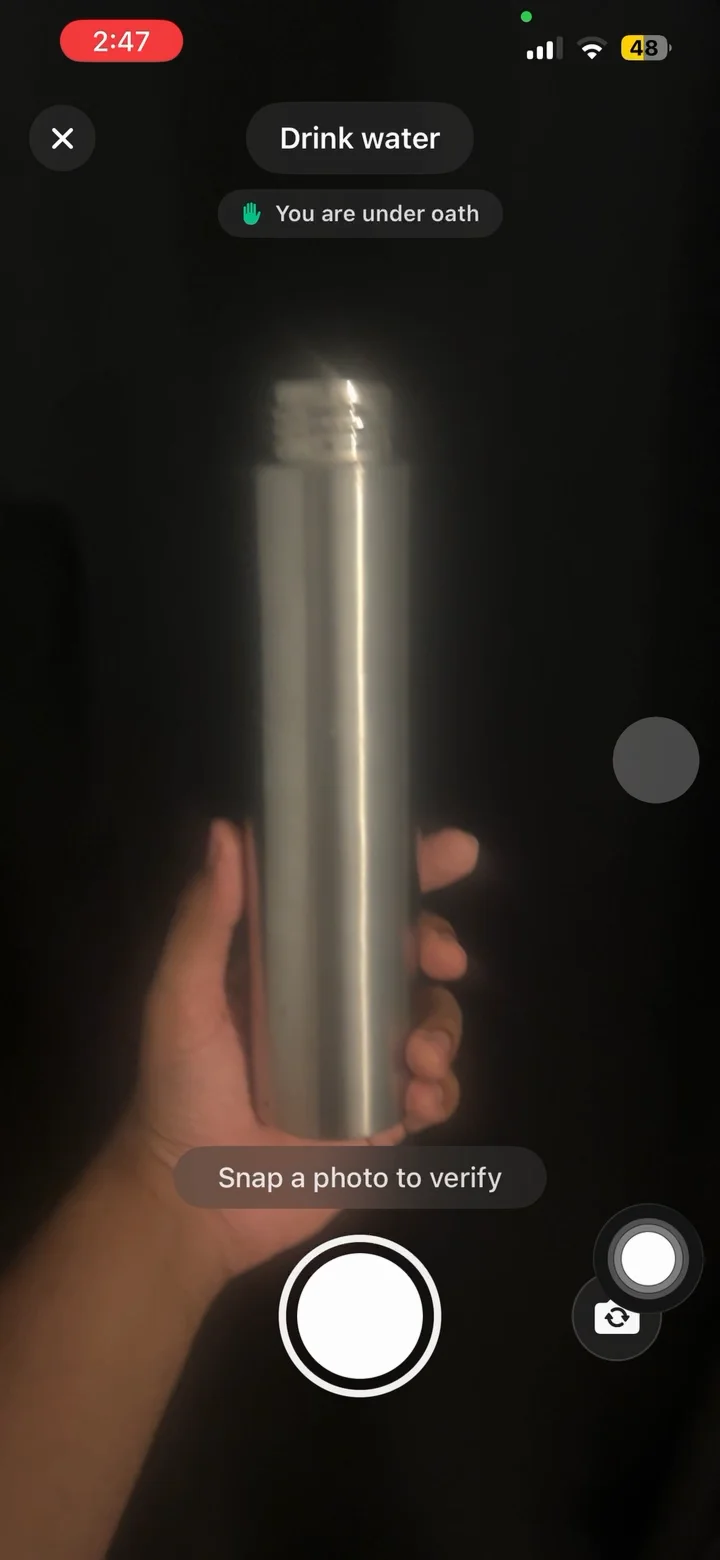
Habit Doom is the one app in this test whose free tier places a real block instead of a pause. Your distracting apps stay locked until you finish a habit, and the lock is not a suggestion. It holds through a force-quit, an uninstall and reinstall, and a system clock change, which is the part most free blockers quietly skip. The free tier covers up to 3 habits, app blocking through the Screen Time API, custom alarms, streaks, and the Anti-Cheat photo check, with no card required.
The trade-offs are real and worth stating plainly. The free tier caps you at 3 habits, and unlimited habits are the main paid upgrade. And the blocking is habit-gated, not scheduled, so if what you want is "block from 9am to 5pm" rather than "block until I finish something," this is the wrong shape and one of the scheduled tools below fits better. If you want an actual free lock and not a pause you can tap past, it is the one that does it here. The mechanic is walked through in how Habit Doom works.
3. iOS Screen Time: the free default
iOS Screen Time is free, already installed, and takes zero setup. As a first layer of awareness, seeing where your hours go and setting a soft limit, it does the job. It is also the right tool for managing a child's device.
The catch is the one everyone already knows. Hit a limit and iOS offers a polite "Ignore Limit" button. One tap and you are through, with no delay and no friction. For a kid whose parent set the passcode, that is a real barrier. For an adult who set their own passcode, it is theater. Useful as a backup layer, not as the thing standing between you and the feed. I wrote more on why Screen Time is not enough if you want the full version.
4. One Sec: the best-designed free friction
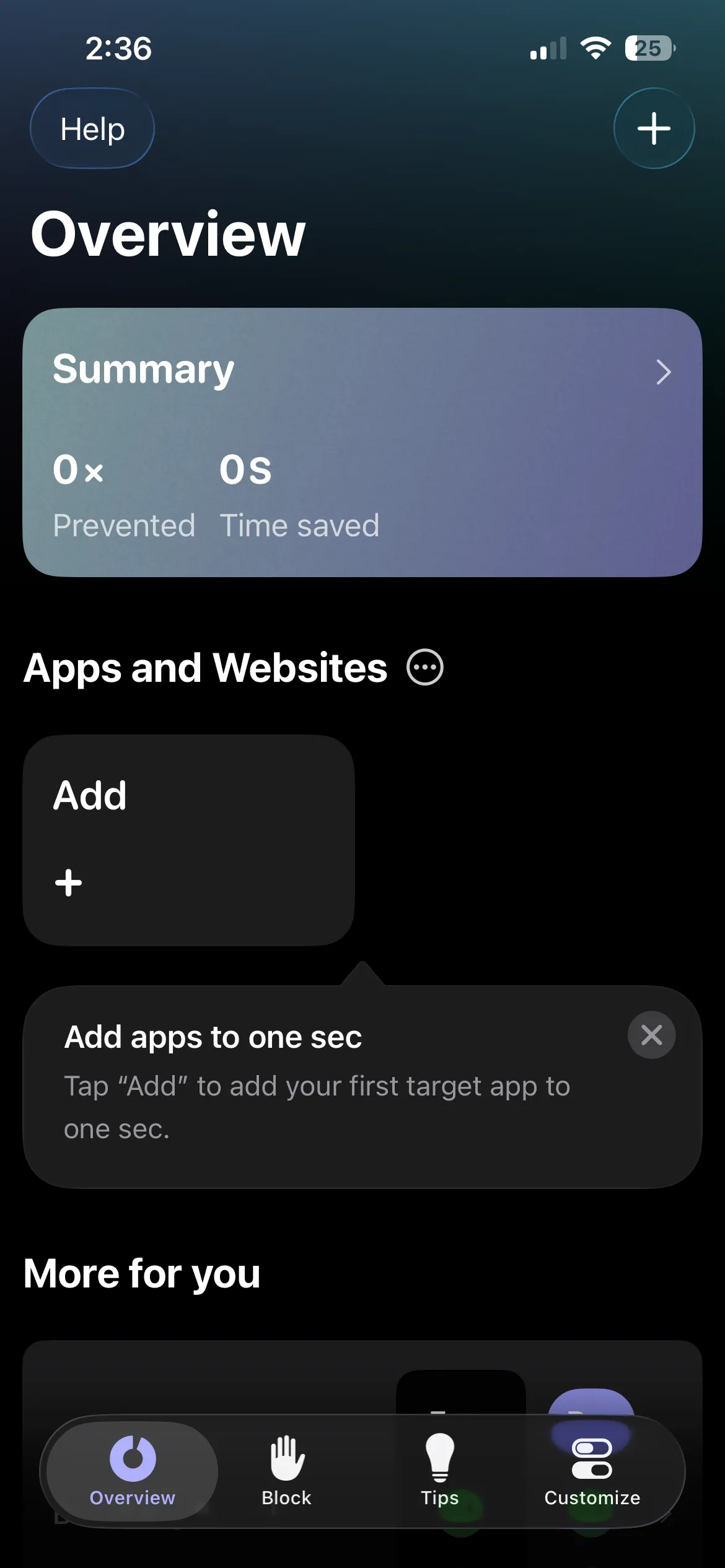
One Sec drops a short breathing exercise in front of a distracting app, then asks if you still meant to open it. The free tier gives you this on a limited set of apps, and the design is the best of the friction tools. The pause is calm rather than annoying, and it counts how often you backed out, which turns "I use my phone too much" into an actual number.
Same ceiling as the rest of the friction group: it never blocks. Push past the breath and you are in. The free tier also caps how many apps you can guard before it asks you to upgrade. Worth it if the pause alone changes your behavior, and the One Sec alternatives piece covers what to reach for if it does not.
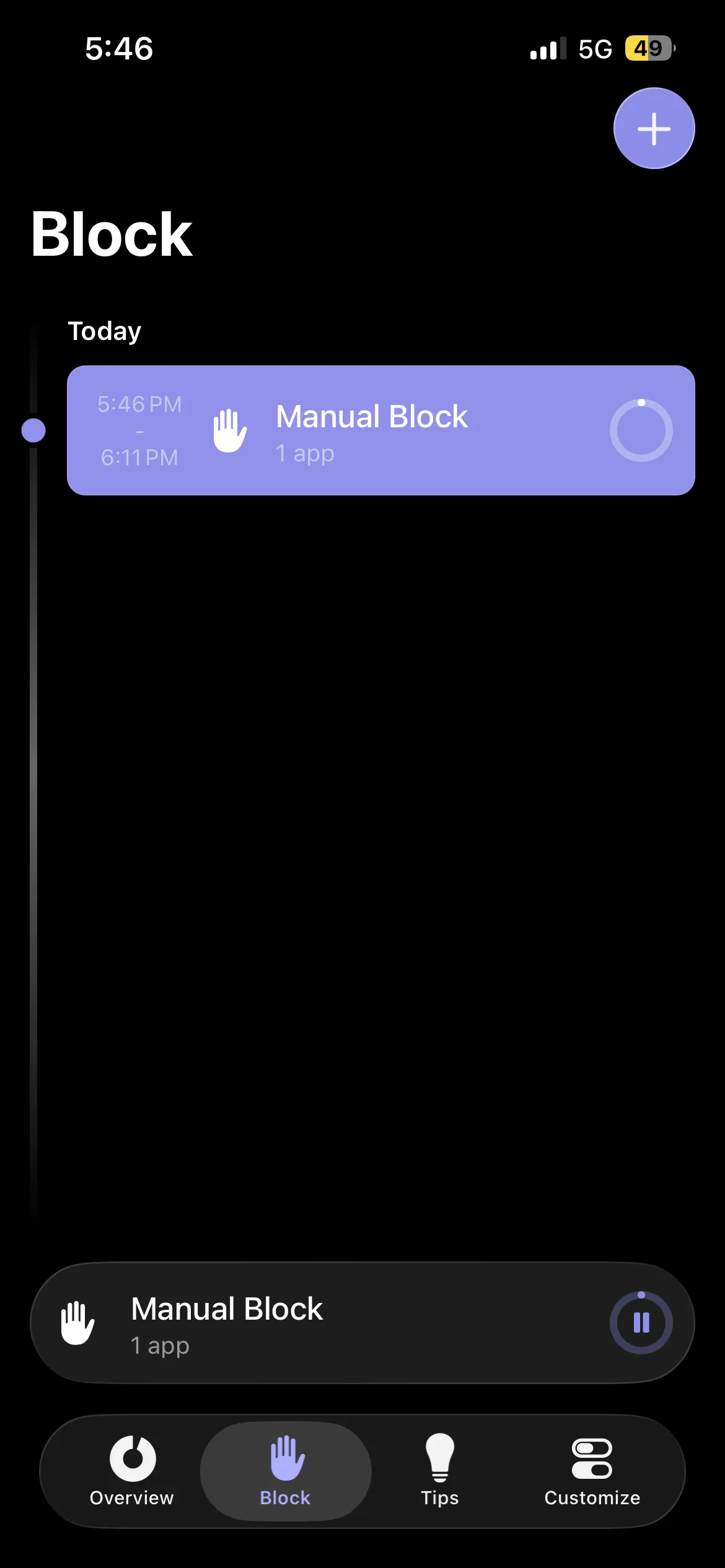
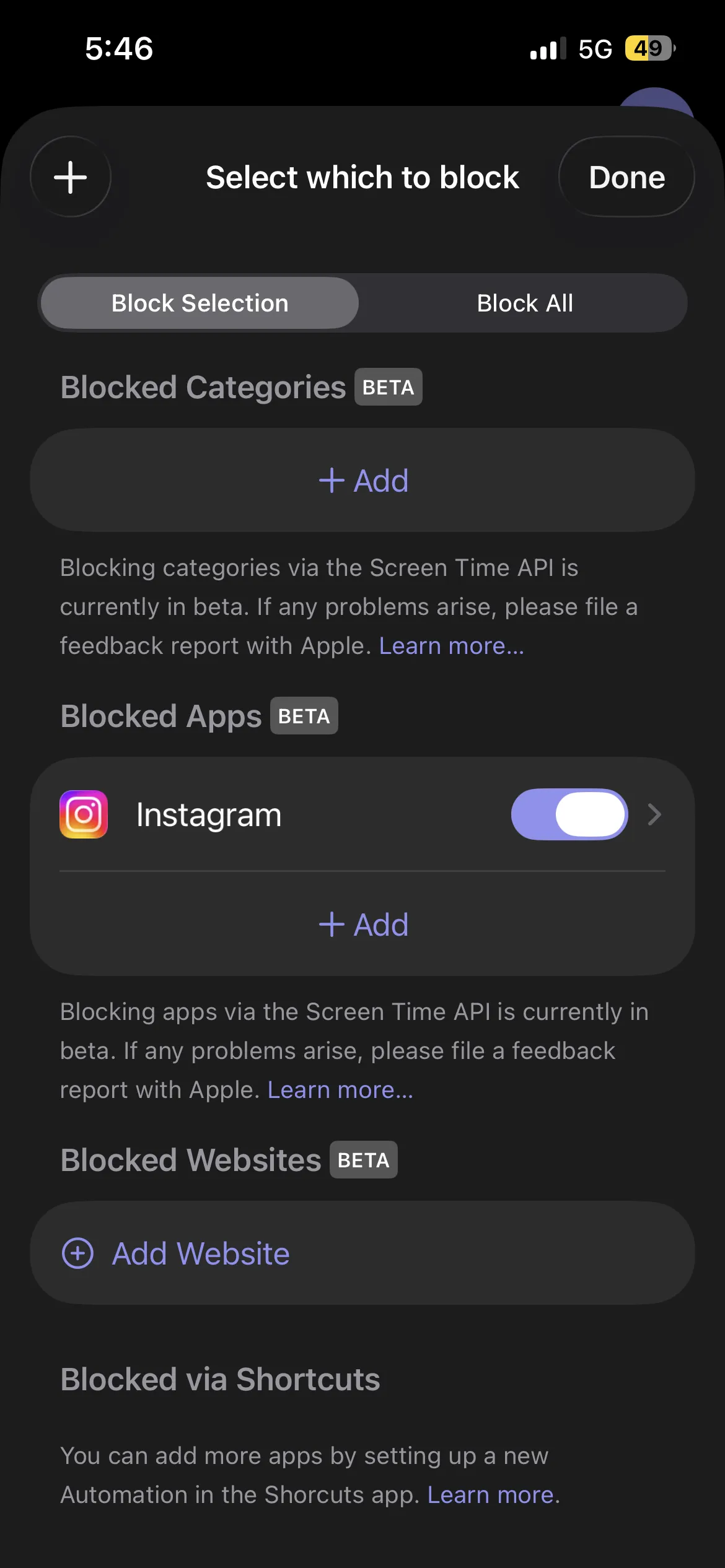
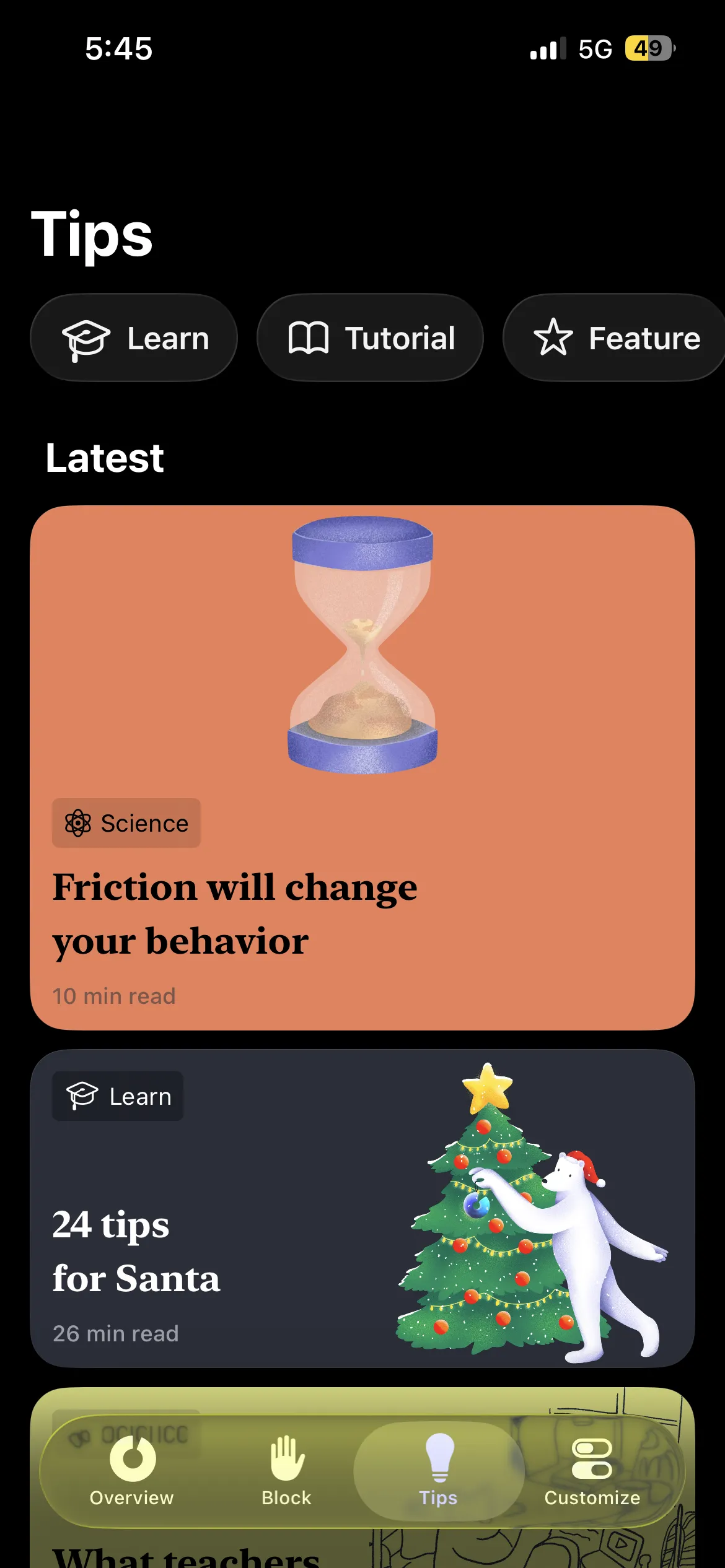
5. ClearSpace: free mindful pause
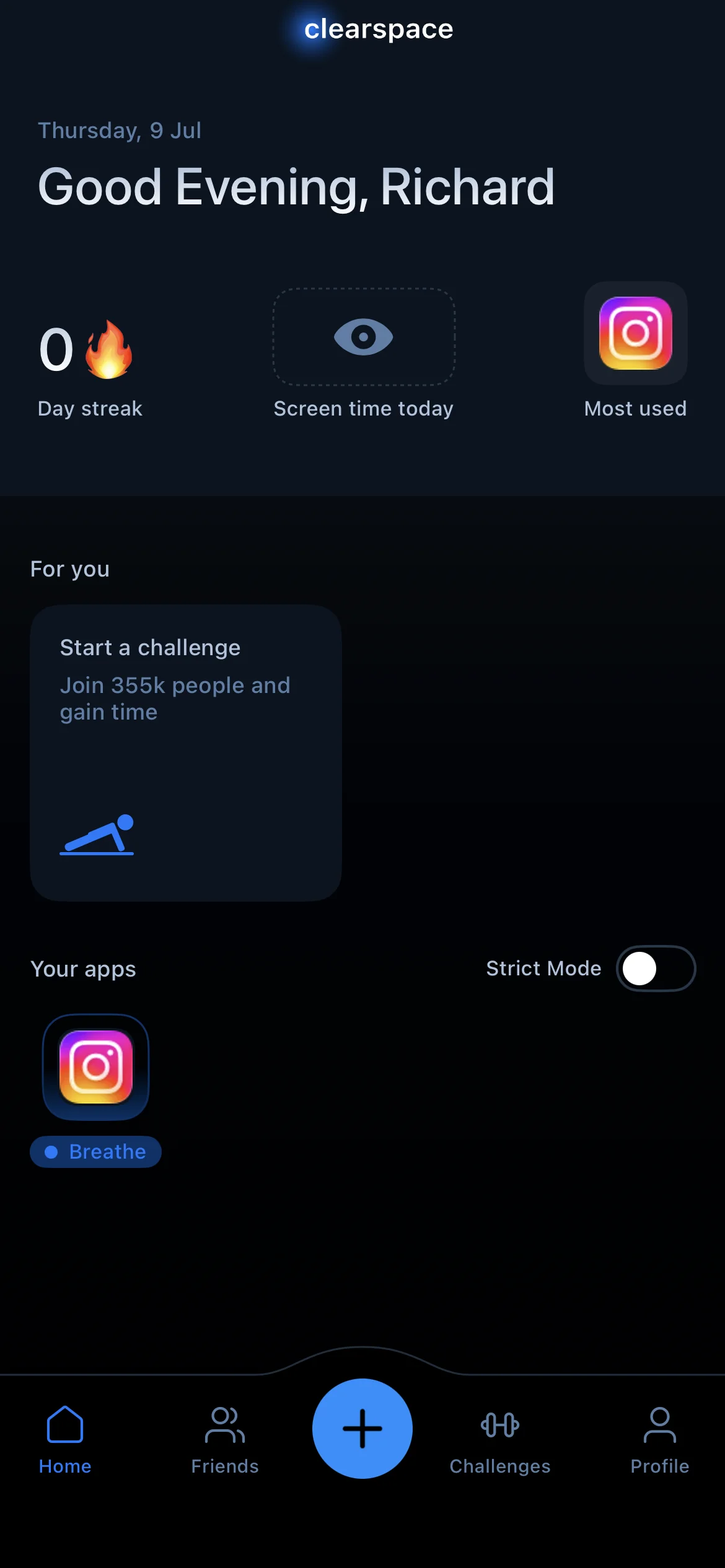
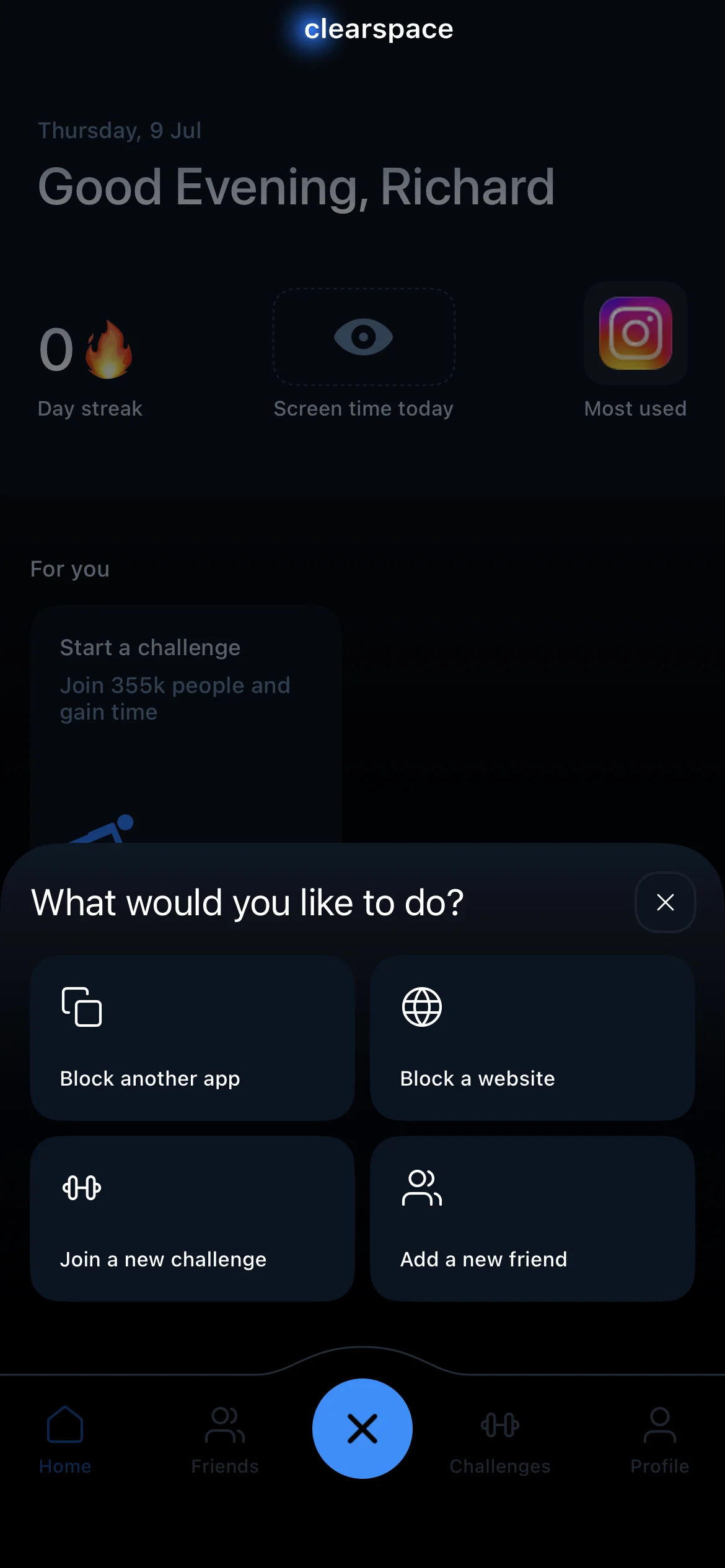
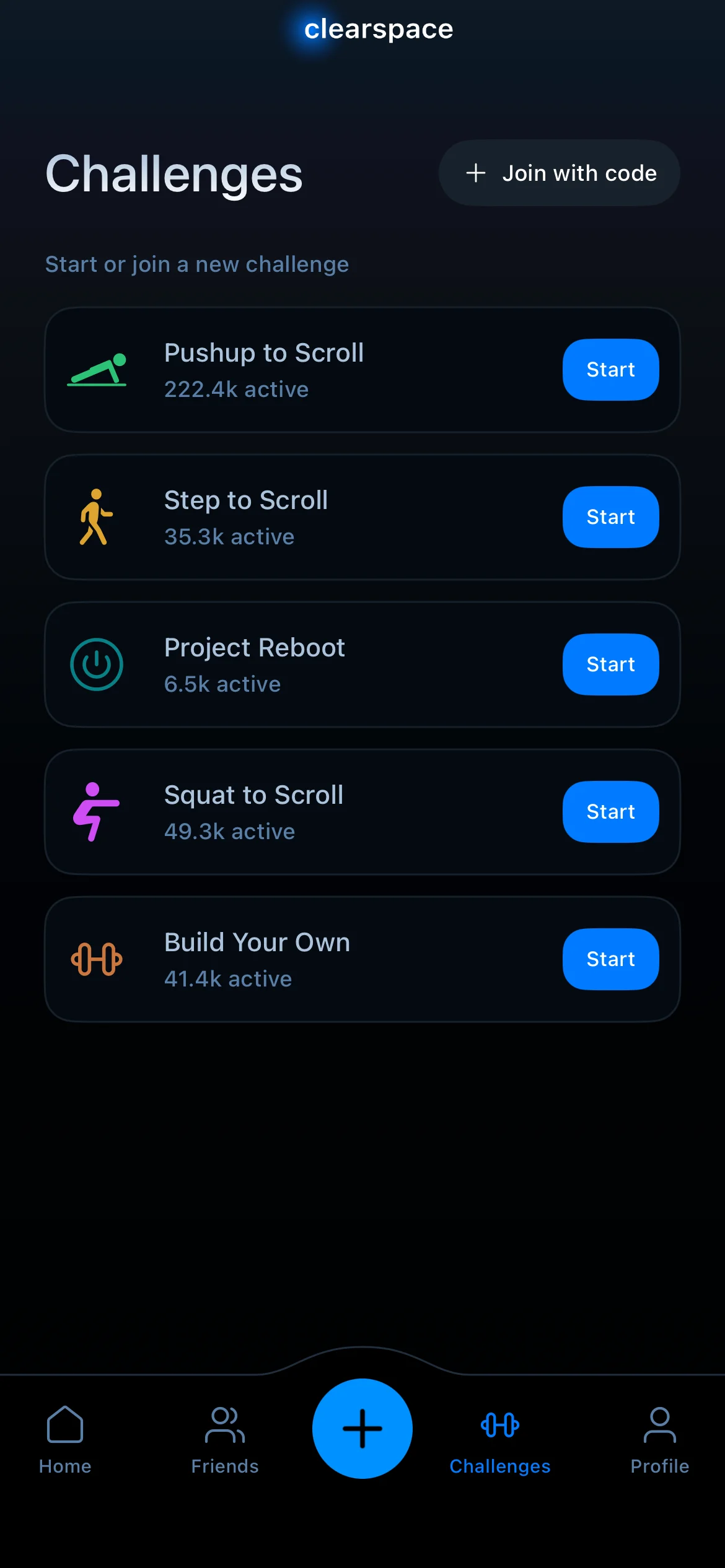
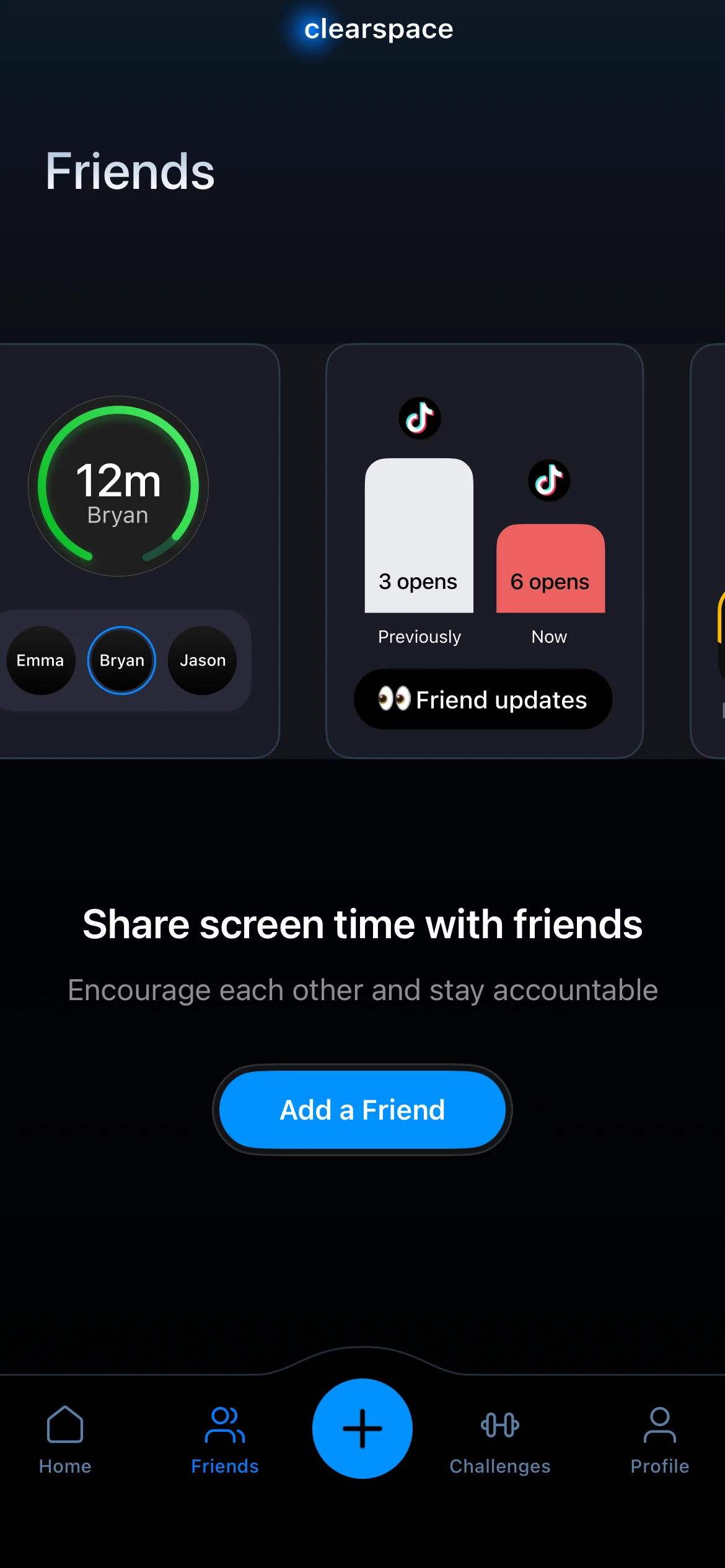
ClearSpace is close to One Sec in spirit, with a slightly longer, more reflective check-in before an app opens: a breath, a question, a beat to decide on purpose. The free tier gives you the core pause, with the deeper features behind a paid plan. Like the others in this group it adds intention rather than a hard stop, so it lives or dies on whether that beat of reflection is enough for you.
What about Opal and Freedom?
Both come up constantly in "free app blocker" searches, and neither is really free.
Opal's free tier is a demo. You get a taste, and the meaningful blocking sits behind a plan that runs about $19.99 a month. It is a strong app if you want scheduled focus sessions with polished analytics and you are willing to pay for them, but do not go in expecting a usable free blocker.
Freedom has no ongoing free plan at all, just a short trial of a handful of sessions. After that it is roughly $8.99 a month. It is the pick if you need blocking across a laptop, a tablet, and a phone at once, which none of the free options here do. Free is not the reason to choose it.
If you are open to paid options and just want the best blocker overall rather than the best free one, the full best app blockers comparison covers paid and free side by side.
Which free blocker should you actually use?
The honest summary, by what you are actually trying to fix:
You want something free forever and just need to slow the reflex. ScreenZen. No paywall, decent friction, and it will not nag you to upgrade.
You want a real lock without paying, and a pause is not enough. Habit Doom's free tier, as long as a 3-habit cap works for you, and you are fine with blocking tied to finishing a habit rather than a clock.
You want zero setup and a first layer of awareness. iOS Screen Time. Just do not expect it to hold when you are tired.
You like the idea of a mindful pause. One Sec or ClearSpace, starting on their free tiers to see if the pause alone moves the needle.
The uncomfortable truth is that "free" and "actually blocks" rarely live in the same app, because a real lock is the thing companies charge for. So decide which one you need first. If a pause changes your behavior, several genuinely free apps will do it. If you need something that holds when willpower does not, your free options narrow fast, and it is worth being honest with yourself about which camp you are in before you install anything.
Frequently Asked Questions
Keep Reading
Try Habit Doom
Lock your distracting apps. Complete your habits. Earn your screen time. It takes 30 seconds to set up.
Download Free