


Opal vs ScreenZen, Jomo and One Sec (2026)

 X
X LinkedIn
Opal vs the others: the short answer
Opal is the biggest name in screen time apps, which is why the other three keep getting measured against it. They are not four versions of the same thing. Two of them block, and two of them mostly ask you to stop.
- ScreenZen vs Opal: ScreenZen is free and starts with a pause. Opal starts with a schedule and charges for its hardest lock.
- Jomo vs Opal: the same scheduled-blocking idea for about a third of the price, without an Android app.
- One Sec vs Opal: a breathing pause instead of a block, and the cheapest paid yearly plan here.
- Habit Doom vs Opal: apps open when your habits are done, not when a session ends.
Prices and ratings below were checked on 10 October 2026 against the US App Store and each maker's own site.
| Opal | ScreenZen | Jomo | One Sec | Habit Doom | |
|---|---|---|---|---|---|
| How it stops you | Schedules, time limits, open limits | A pause, with an optional strict block | Scheduled rules | A breathing pause | Locked until habits are done |
| Free plan | 1 rule | Everything | Limited | 1 app | 3 habits, blocking |
| Monthly | $19.99 | Free | $5.99 | $6.99 | $4.99 |
| Yearly | $99.99 | Free | $29.99 | $19.99 | $19.99 |
| Lifetime | $399 | None | $99.99 | $99.99 | $29.99 |
| Platforms | iPhone, Android, Mac | iPhone, Android, Mac | iPhone, Mac | iPhone, Android, Mac | iPhone, Android |
| US App Store ratings | 89,502 (4.7) | 51,312 (4.9) | 2,476 (4.8) | 23,675 (4.8) | 21 (4.9), new |
How Opal works
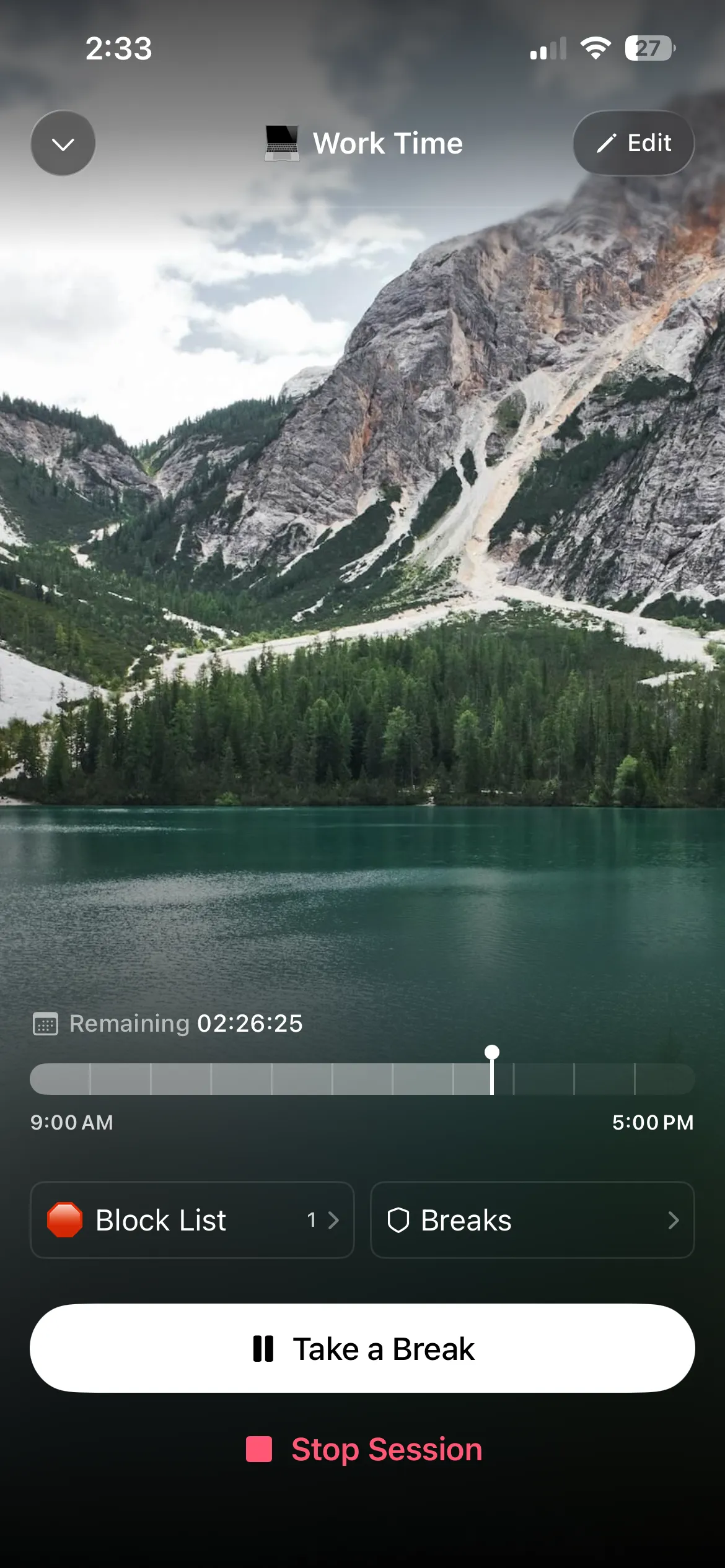
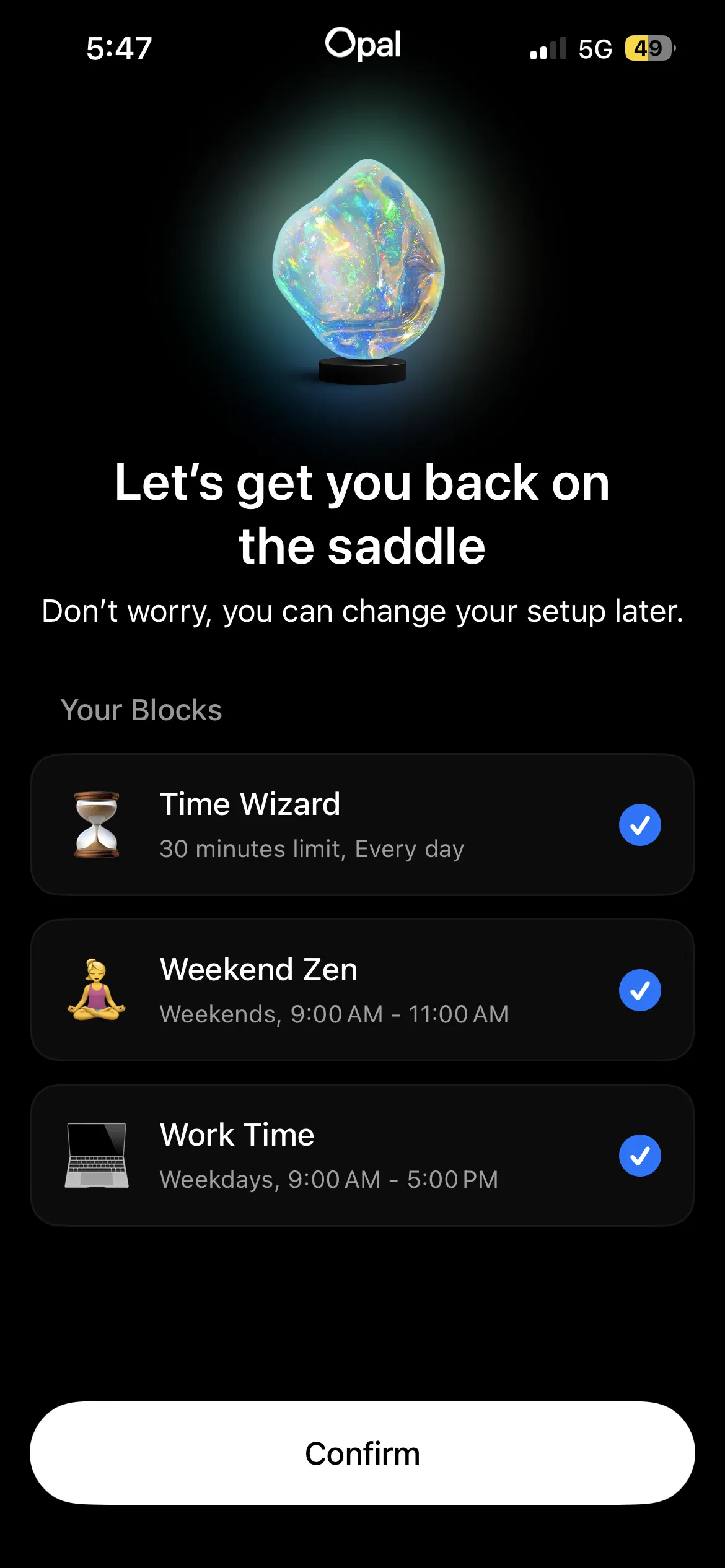
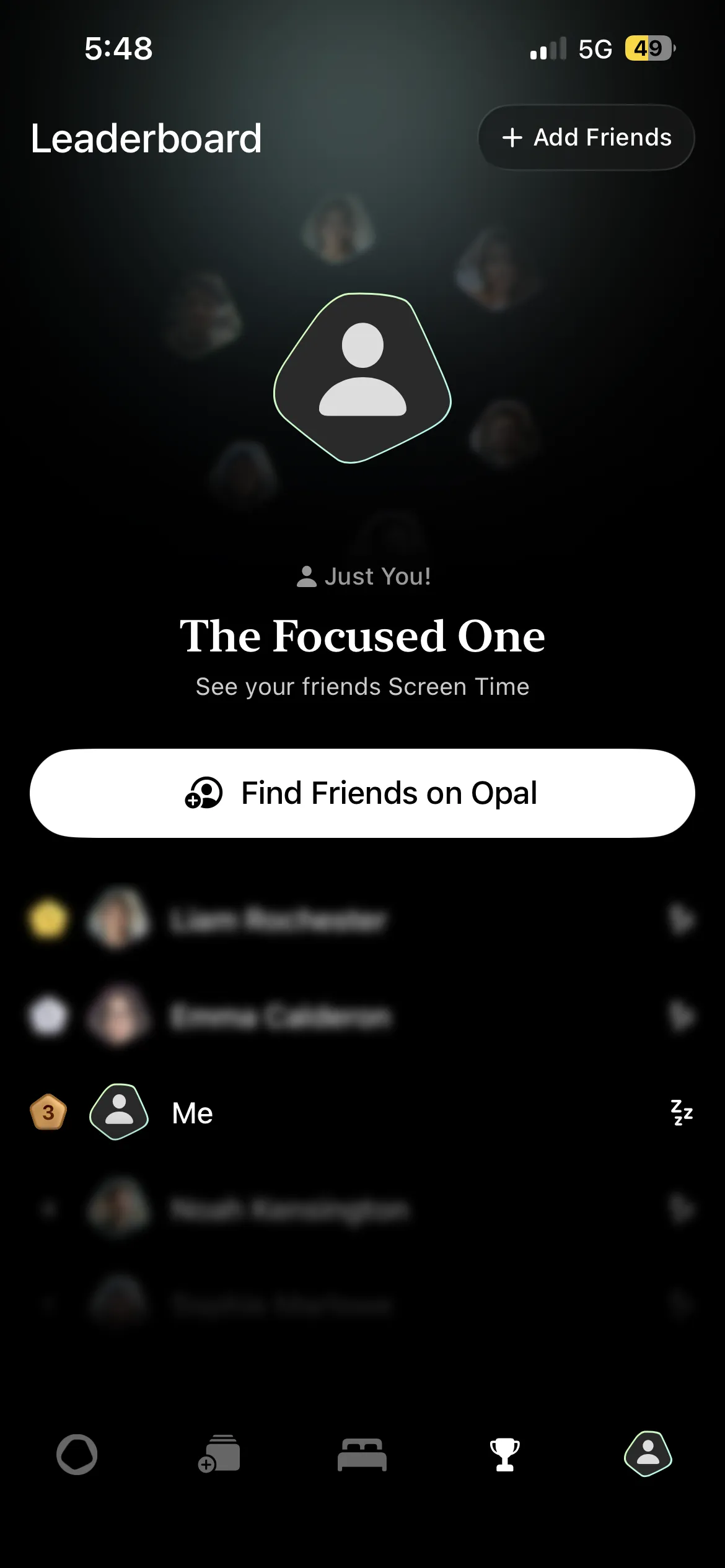
Opal blocks apps and websites on schedules, time limits and open limits, and wraps that in analytics, a daily Opal Score and leaderboards. You create an account first, then build rules: "Instagram and TikTok off from 9pm to 7am" is one rule.
The free plan gives you one rule and it does not expire. Hard Mode, the session you cannot turn off, is Opal Pro, along with unlimited rules. Pro is $19.99 a month or $99.99 a year, and Opal's pricing page also lists a $399 lifetime option. There is more on what the free plan covers in is Opal free.
Opal's strength is that a block can start without you doing anything. Its weakness, on the free plan, is that you can end a session the moment you want to.
ScreenZen vs Opal
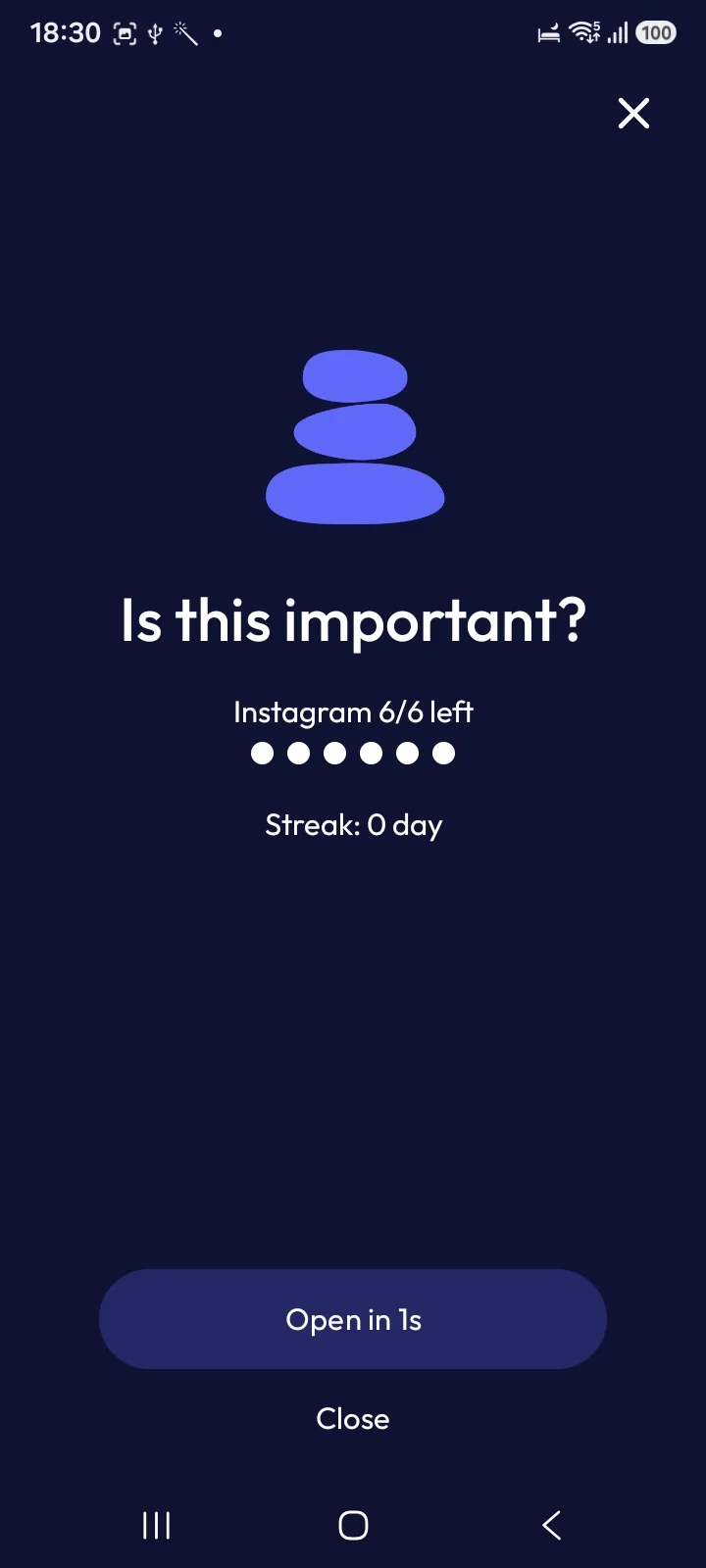
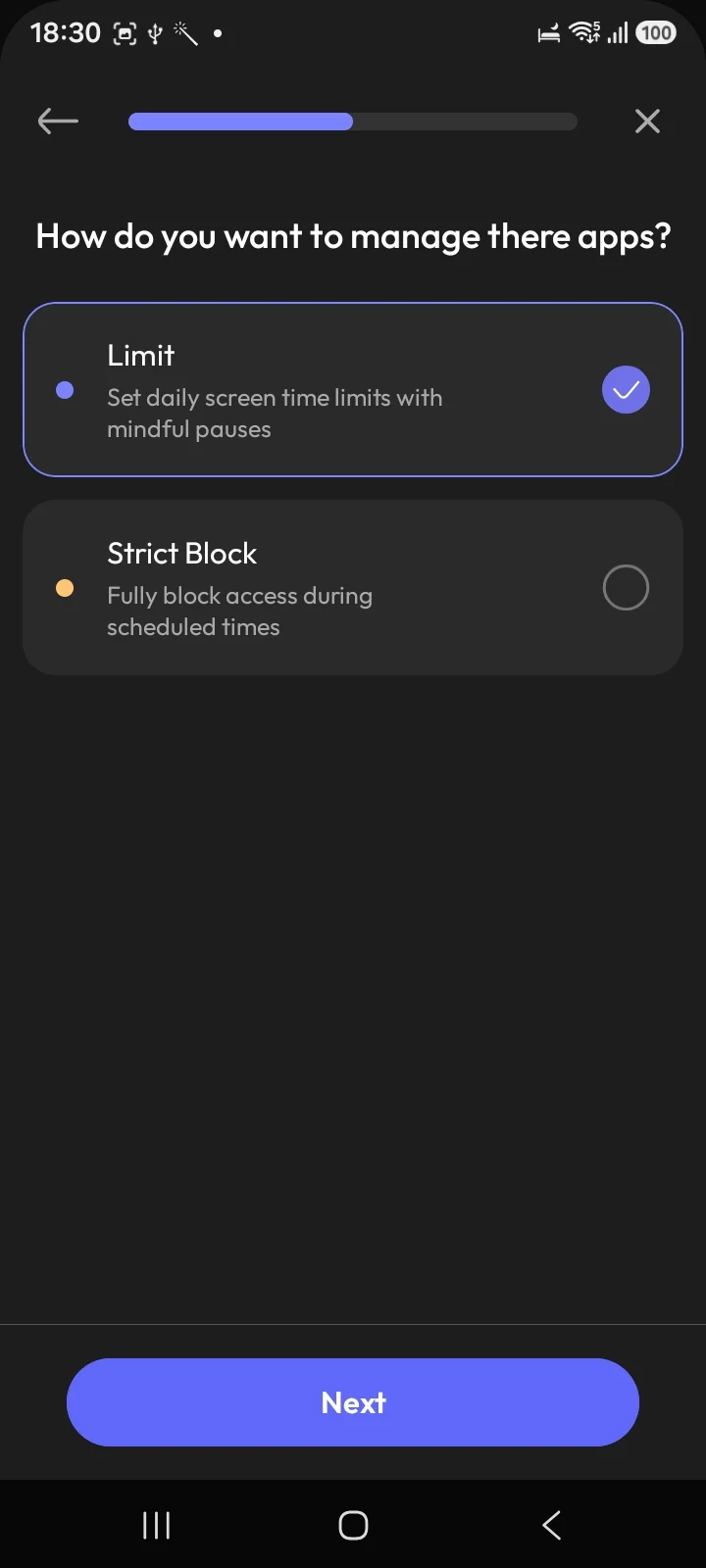
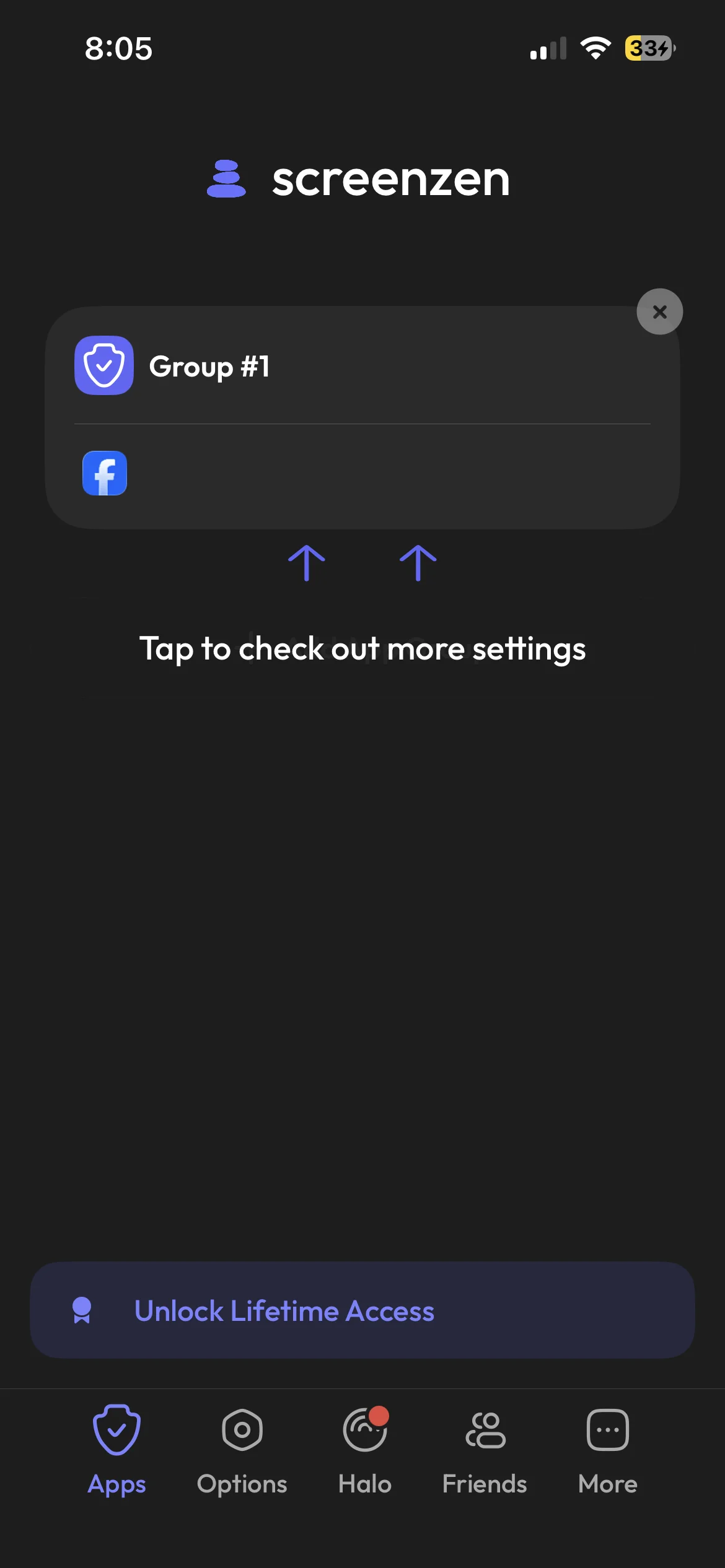
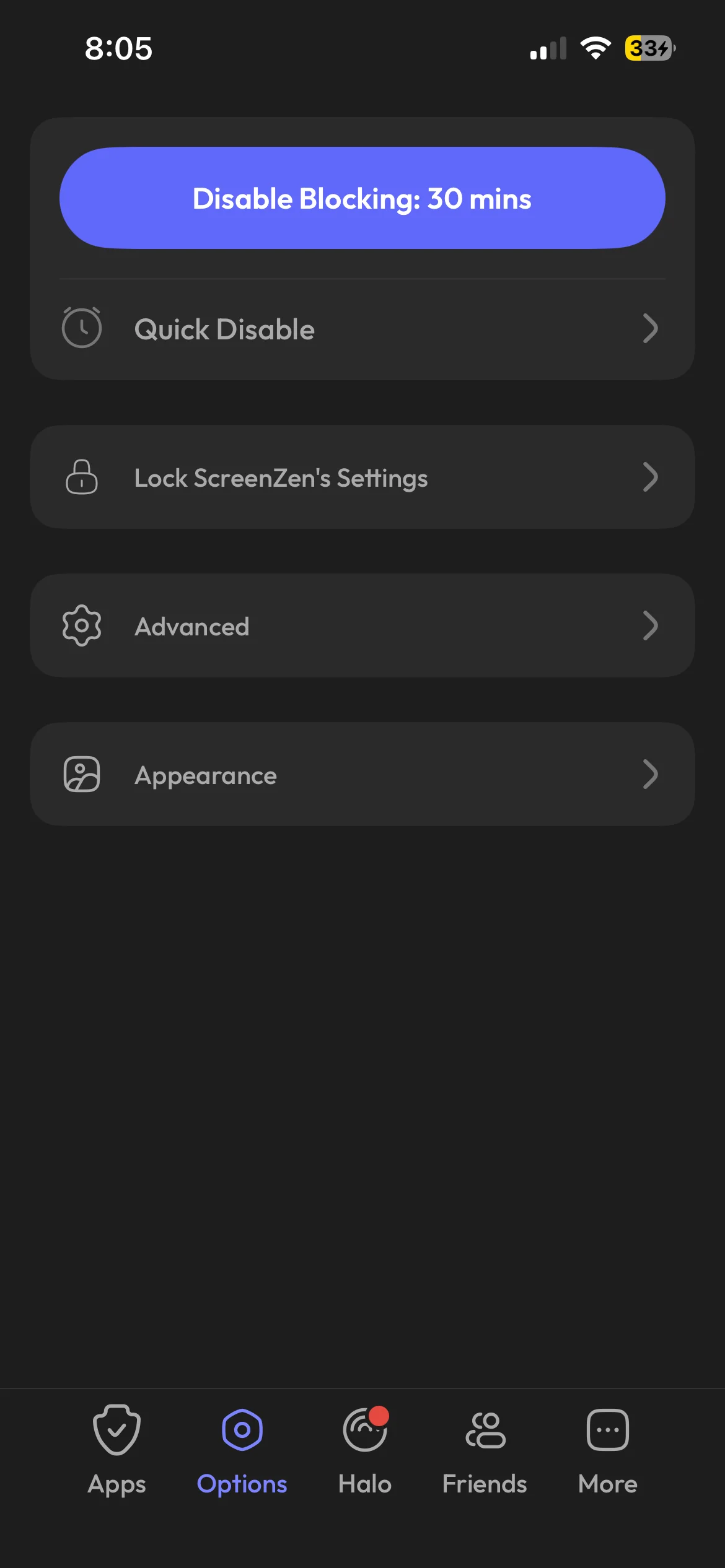
These two start from opposite ends. Opal assumes you will plan your blocks in advance. ScreenZen assumes you will keep opening the app, and makes that slower.
Open a gated app with ScreenZen and you get a pause, an "Is this important?" prompt, and a count of how many opens you have left today. You can also set daily limits and cooldowns. For anyone who taps straight through that, ScreenZen has a Strict Block mode and a lock on its own settings, both of which you switch on yourself.
The price gap is the whole story for a lot of people. ScreenZen has no subscription and no paid tier; it runs on optional tips of $5 to $40. The core app needs no account. Opal's equivalent of a block you cannot dismiss costs $99.99 a year.
What Opal gives you for the money is polish and reporting: the score, the history, the leaderboards, and rules that fire on their own.
Pick ScreenZen if you want to try this for free and a pause might be enough. Pick Opal if you want detailed reporting and blocks that run to a timetable. If the question is whether ScreenZen can be trusted with your data, that is covered separately in is ScreenZen safe.
Jomo vs Opal
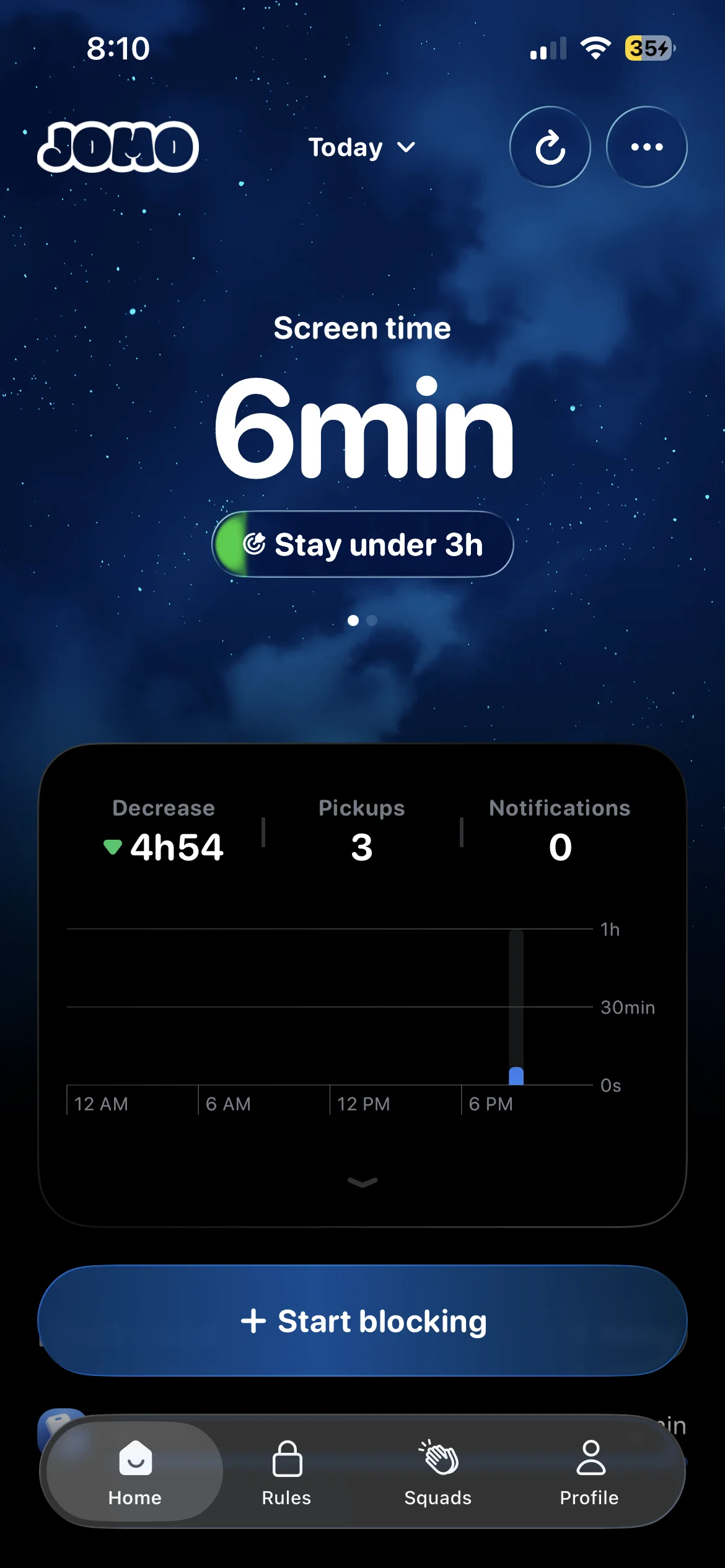
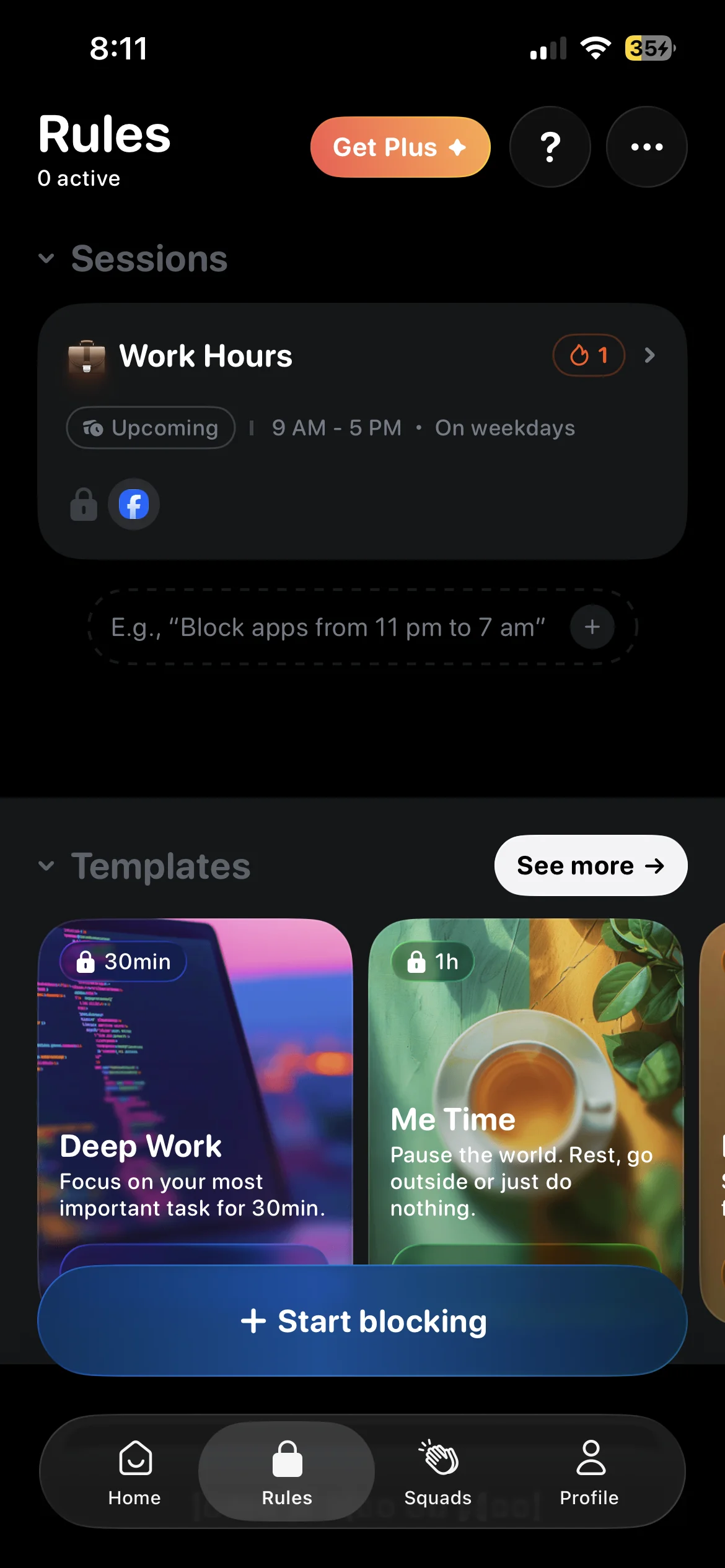
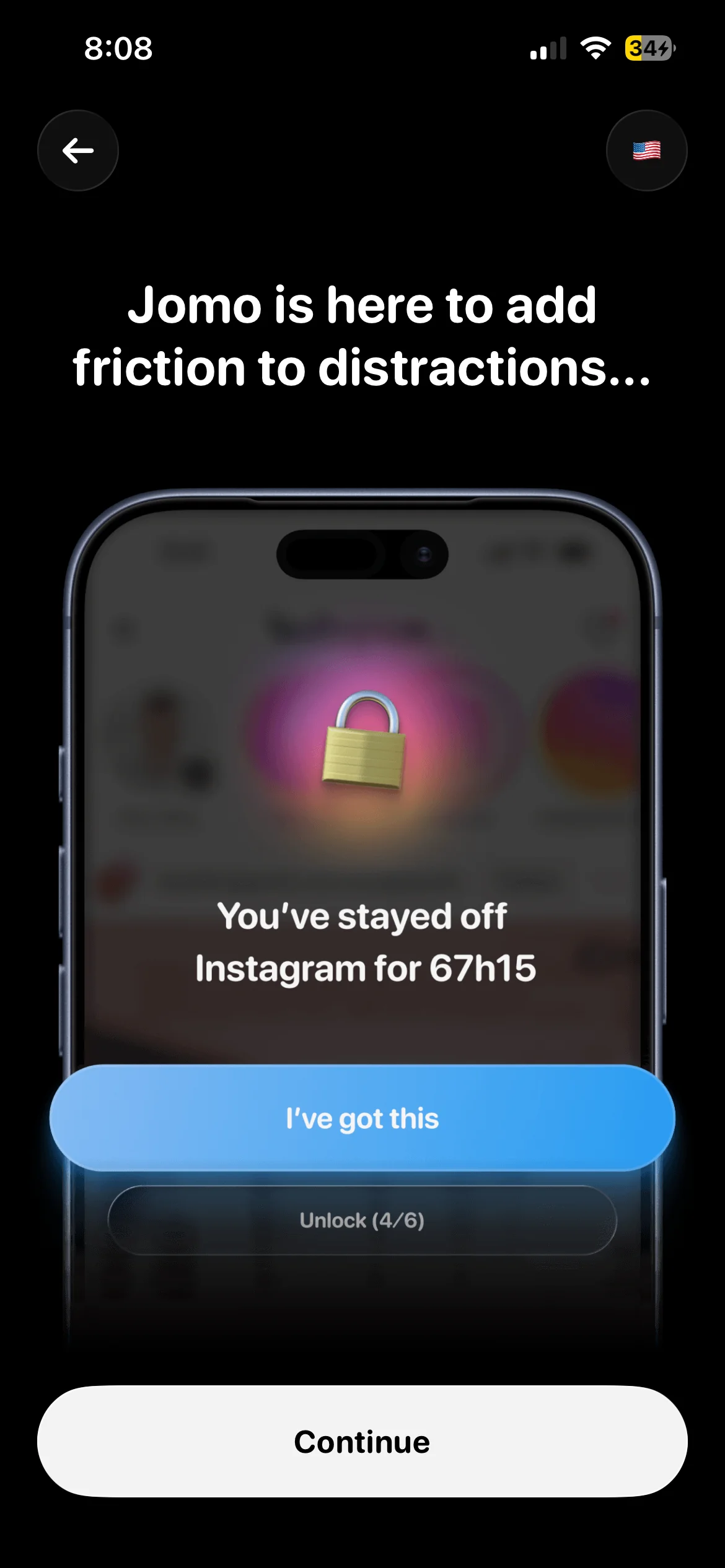
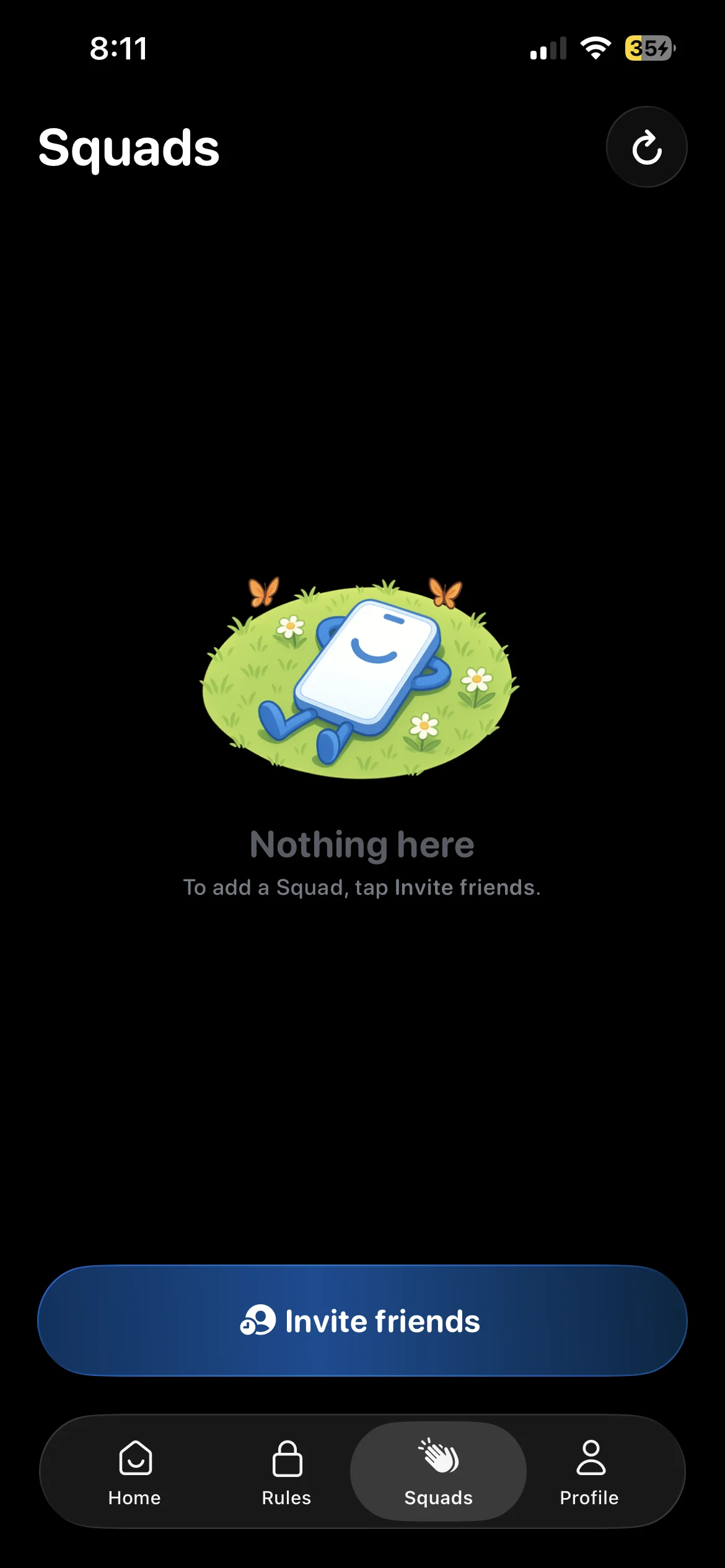
Jomo is the closest thing to Opal on this page. You set rules that block chosen apps during set windows, pick from focus templates, and watch a dashboard that tracks today's screen time against a goal. It also has Squads, for doing this with friends.
The difference is mostly price. Jomo Plus is $5.99 a month, $29.99 a year, or $99.99 once, against Opal's $19.99, $99.99 and $399. If you would pay for Opal but wince at the number, Jomo is the obvious look.
Two things Opal has that Jomo does not. Opal runs on Android, and Jomo is iPhone and Mac only (the Jomo alternatives for Android page covers that gap). And Opal is far larger, with about 89,500 US ratings to Jomo's 2,500.
Pick Jomo if you want Opal's approach and a lifetime price under $100. Pick Opal if you need Android or want the deeper analytics.
One Sec vs Opal
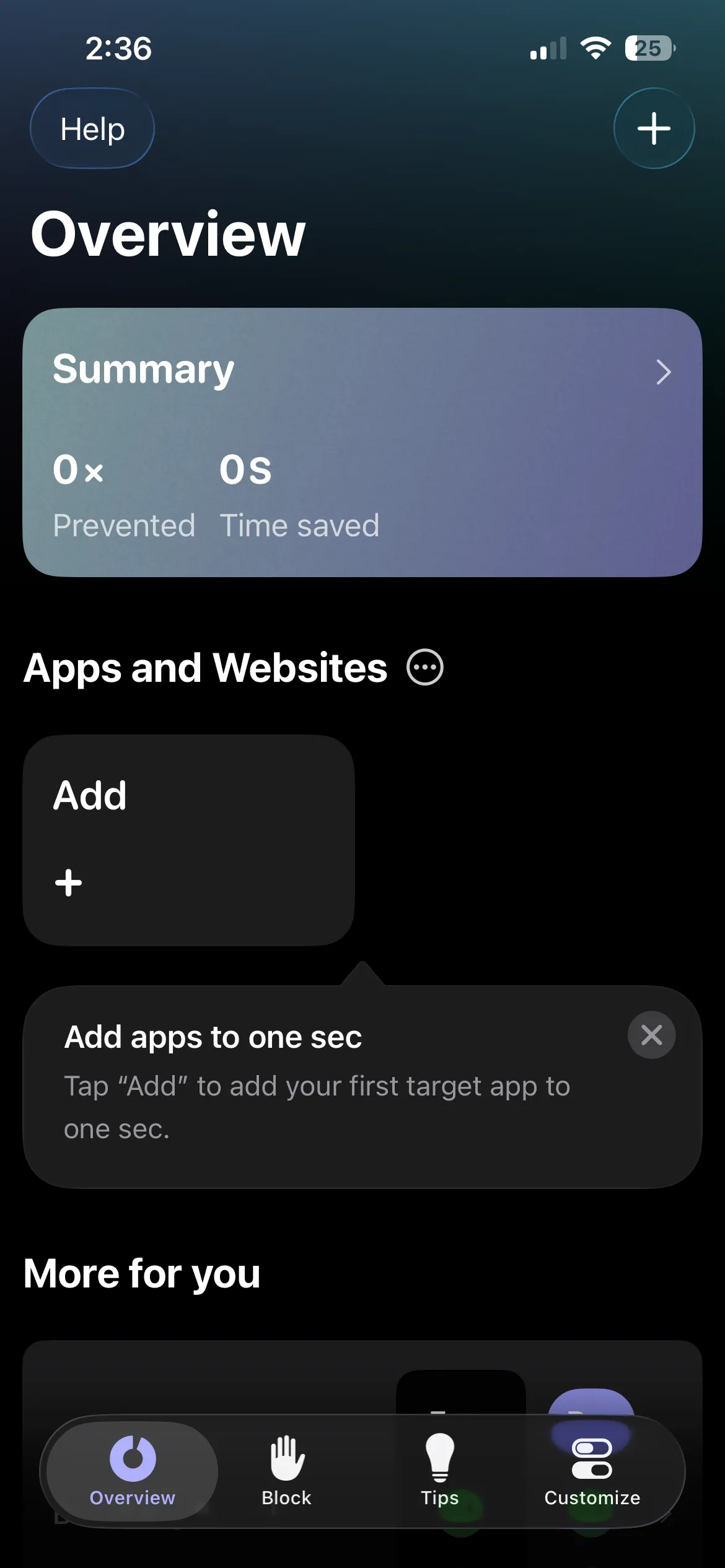
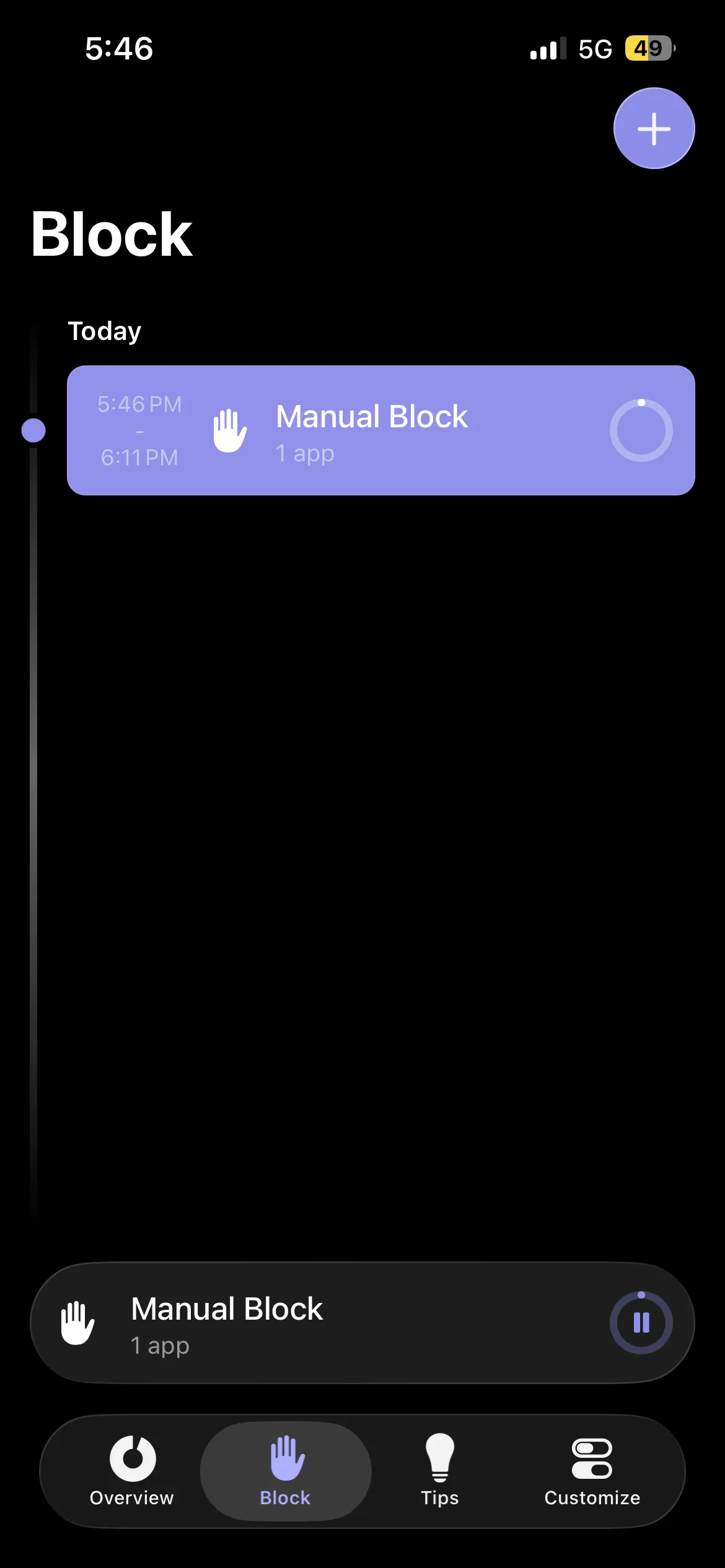
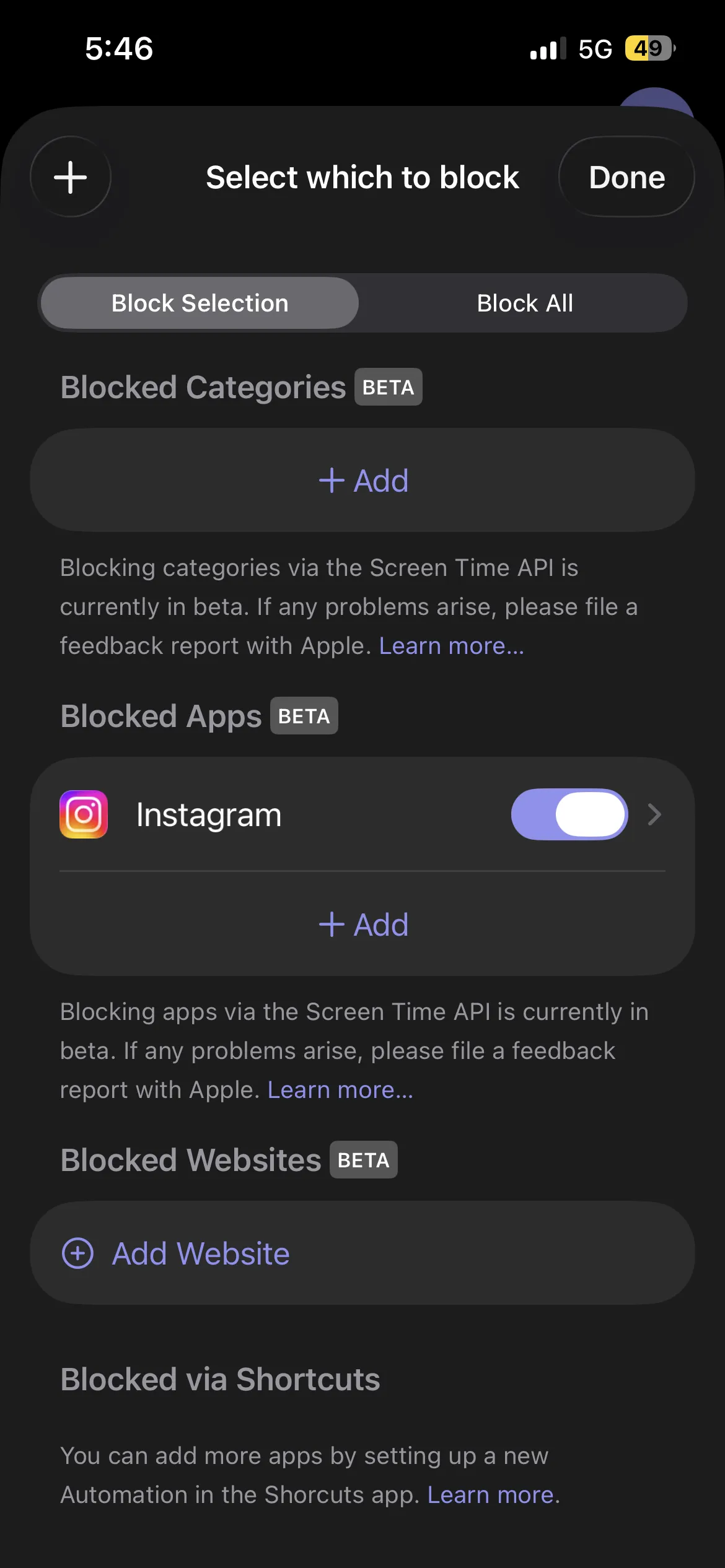
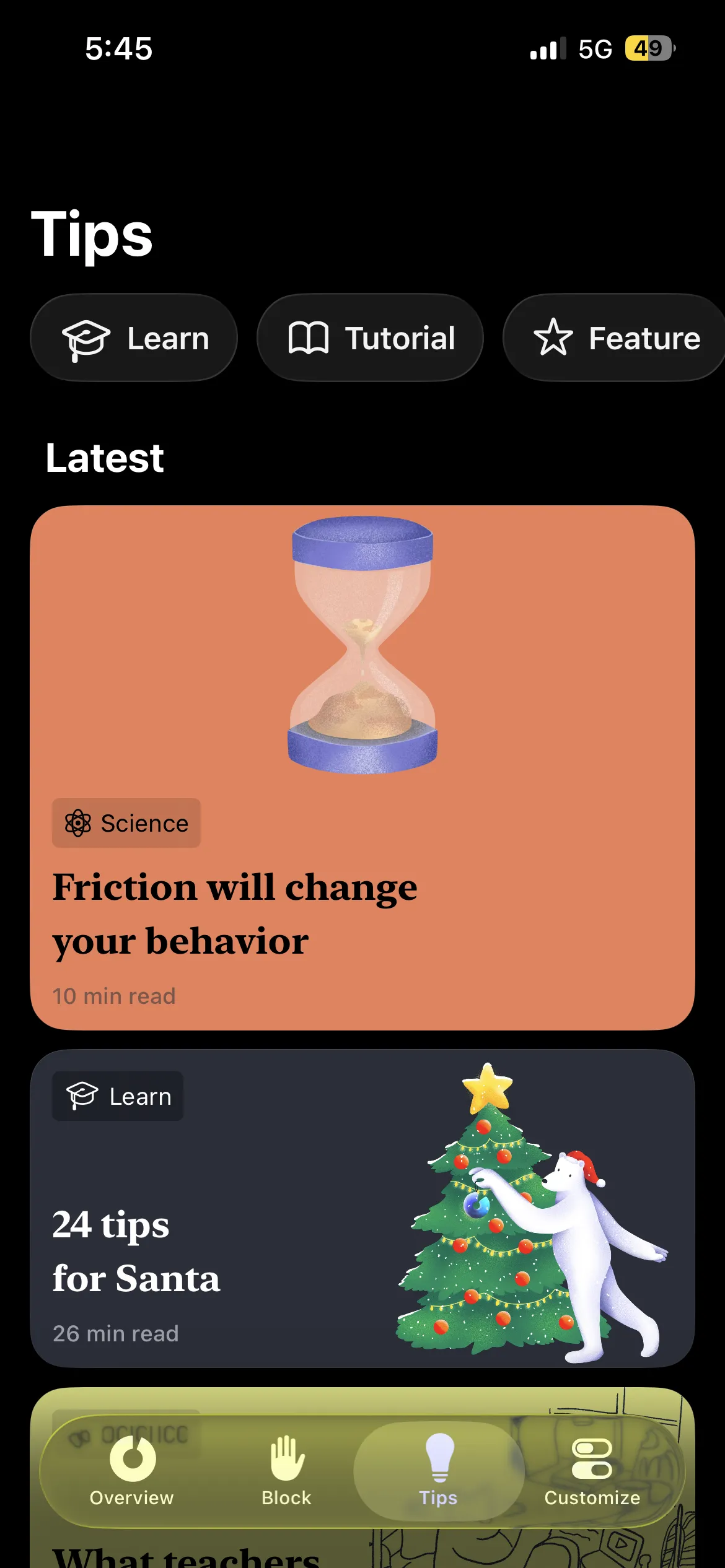
One Sec does not block anything. When you open an app you have chosen, it makes you take a breath, then asks whether you still want to open it. You can say yes every time.
That sounds weak next to Opal, and for a heavy scroller it is. But a pause works well on a light habit, where the problem is opening the app without deciding to. One Sec is free for one app, and Pro covers unlimited apps at $6.99 a month, $19.99 a year or $99.99 lifetime.
Opal is the opposite kind of tool. It does not ask, it shuts the door for the hours you told it to.
Pick One Sec if you mostly open one or two apps out of reflex and want the cheapest way to interrupt that. Pick Opal if you already know a prompt will not stop you.
ScreenZen vs One Sec
These are the two pause-first apps, so the comparison is short.
Both put a moment of friction in front of an app. One Sec's is a breath; ScreenZen's is a delay with a question and a count of opens left. The practical differences are price and ceiling. ScreenZen is free for every app, where One Sec's free tier covers one. And ScreenZen has a strict block to move up to, where One Sec stays a pause.
One Sec is the simpler of the two to live with. If you want one screen and no settings, it is the calmer app.
Opal vs Habit Doom
Habit Doom is ours, so read this section with that in mind.
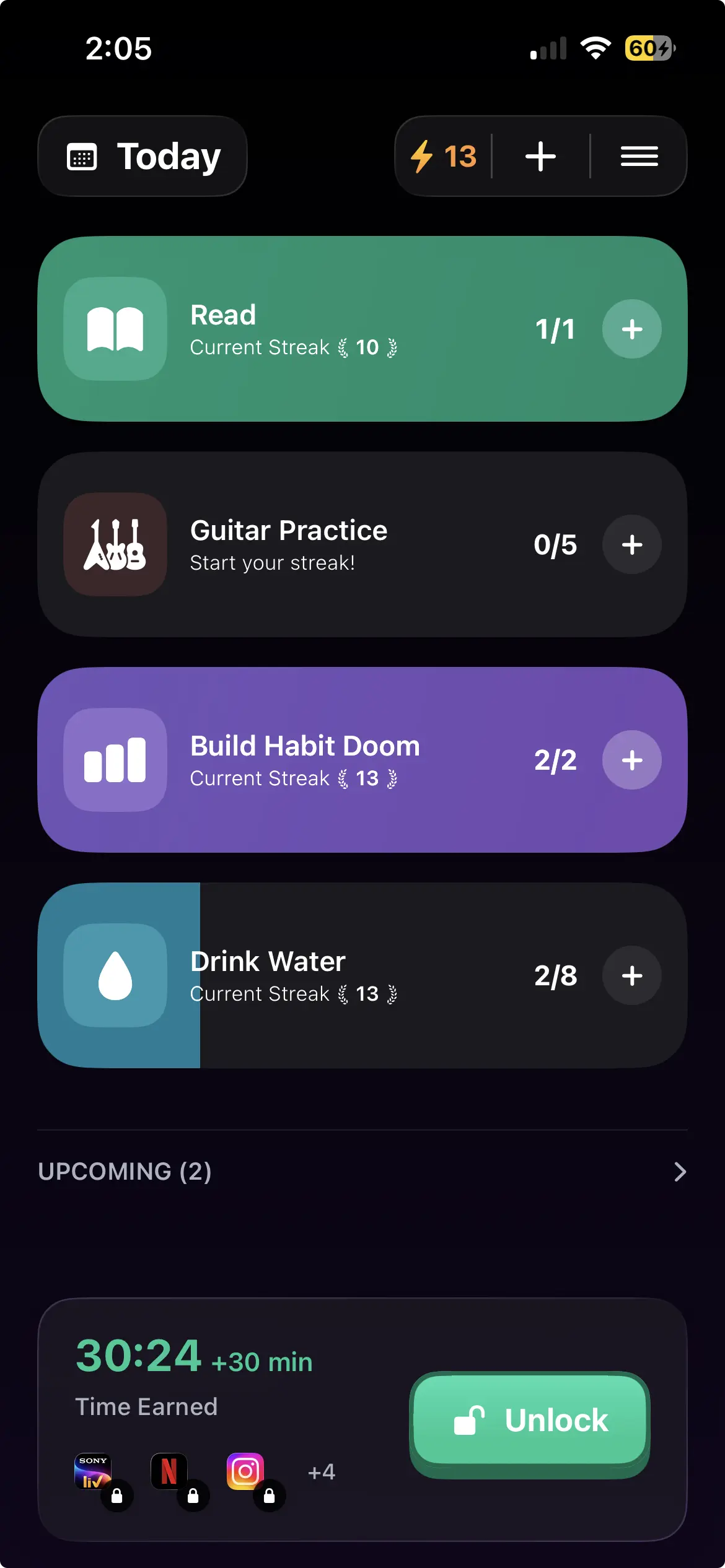
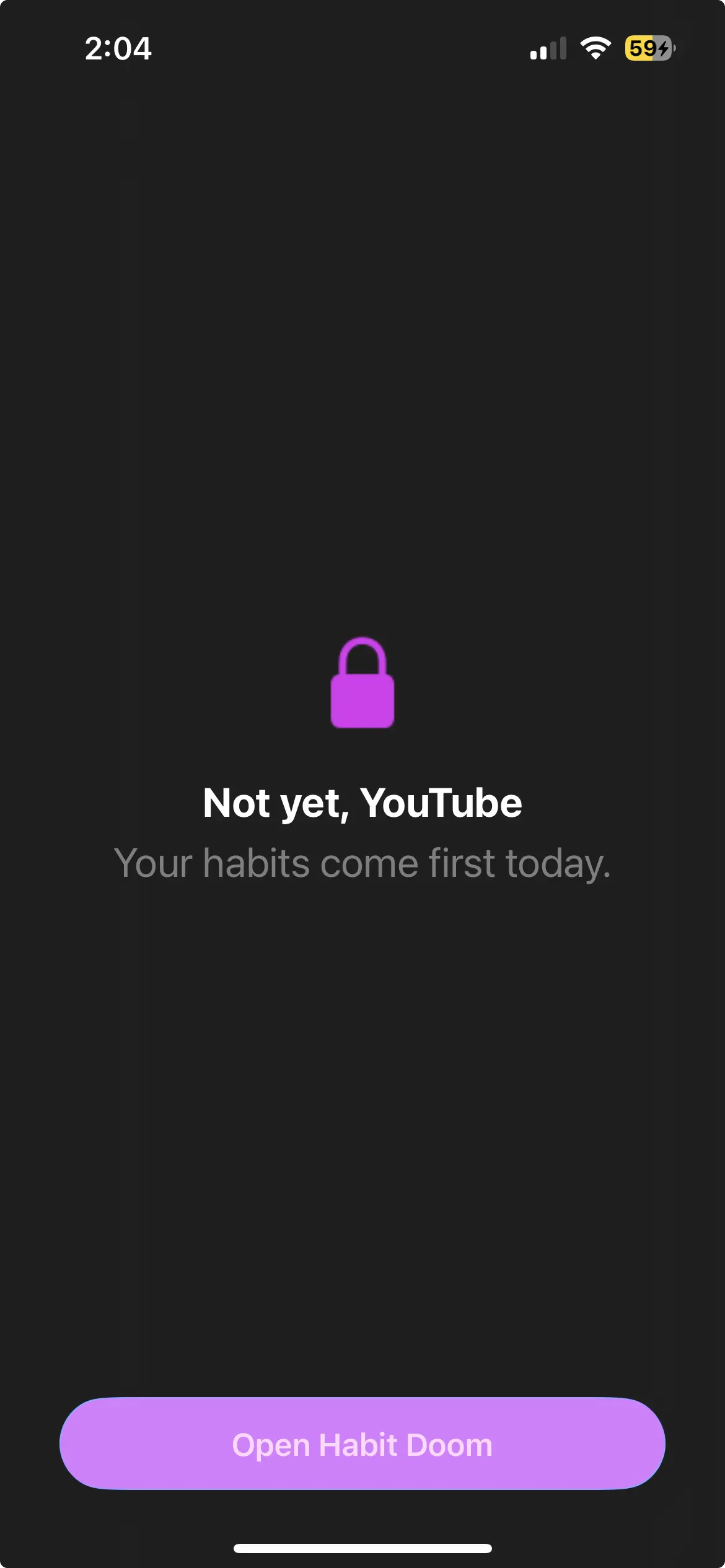
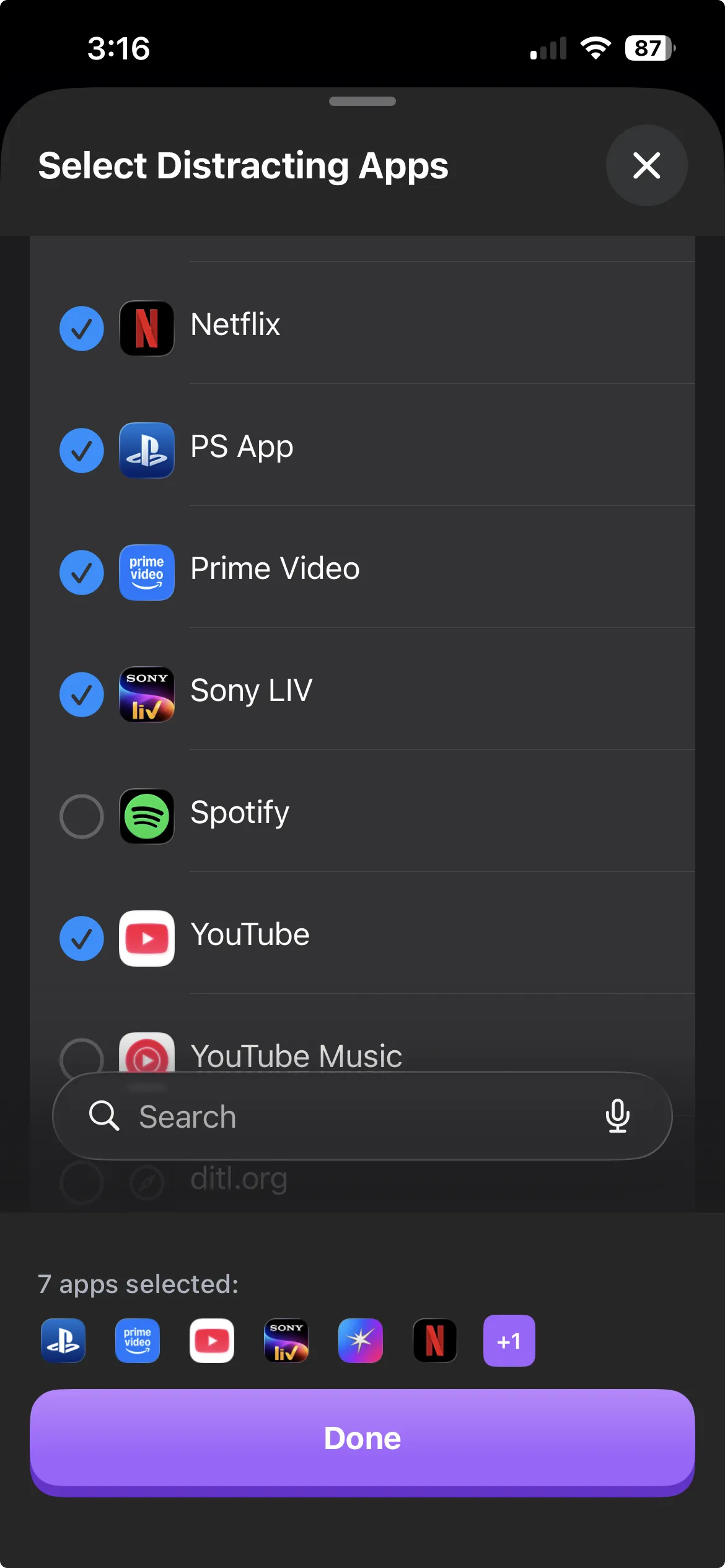
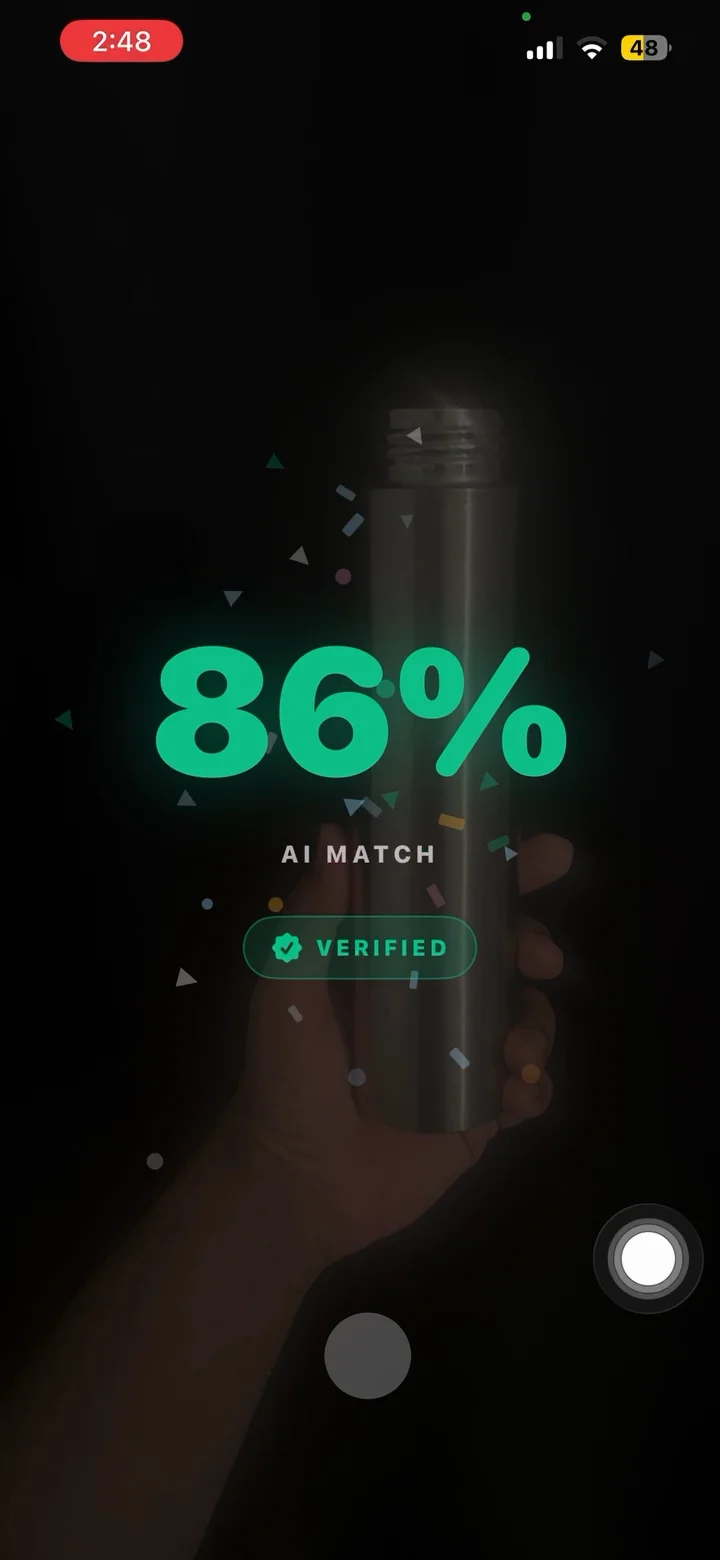
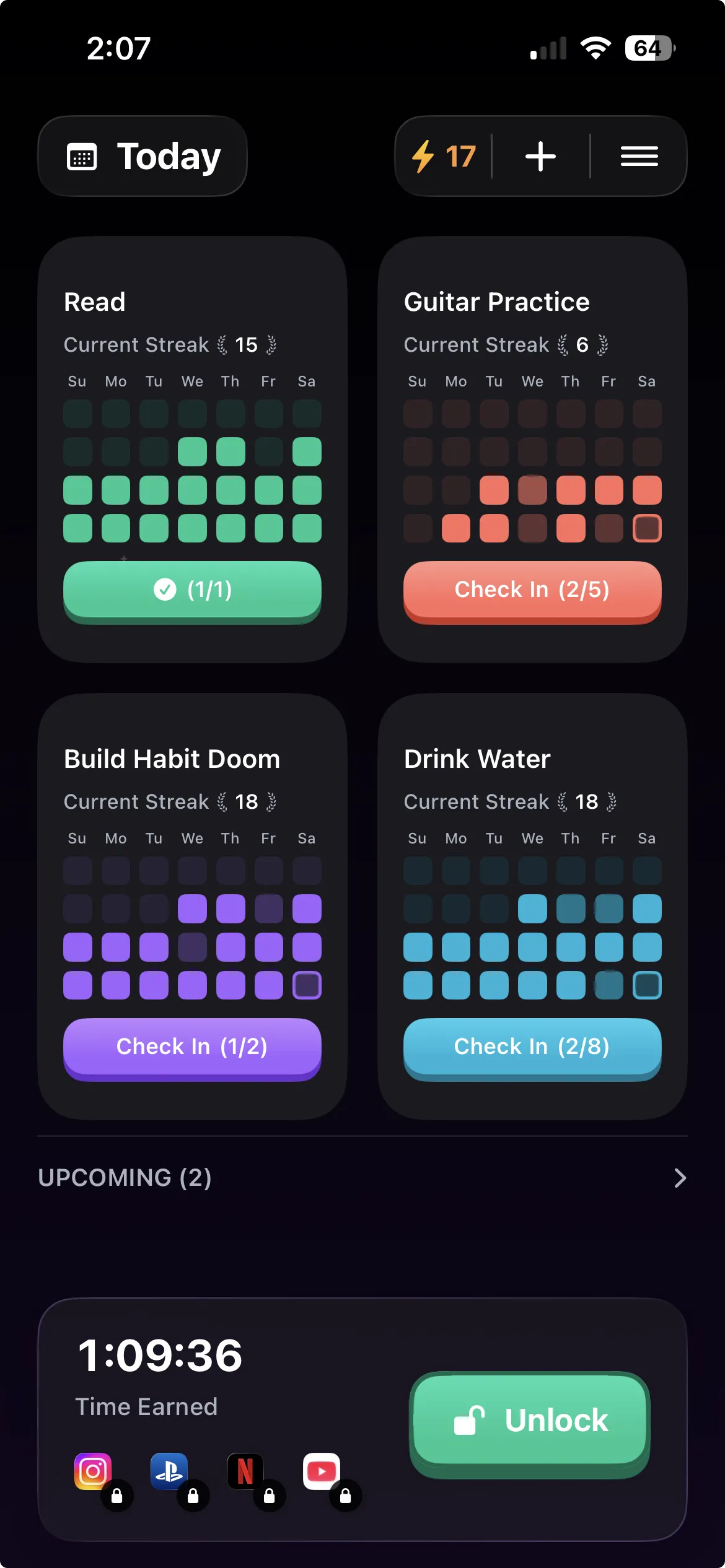
Opal unlocks your apps when a session ends. Habit Doom unlocks them when your habits are done. You pick the apps, pick the habits (read, train, study, whatever you are trying to do first), and the apps stay locked until those are checked off.
That changes what the block is for. A schedule protects certain hours. A habit gate makes the scrolling something you earn, on any day, at whatever time you finish.
The free tier includes 3 habits, app blocking, streaks and Anti-Cheat photo verification, with no ads. Pro is $4.99 a month, $19.99 a year with a 7-day free trial, or $29.99 once. It runs on iPhone and Android; on Android the blocking depends on an Accessibility Service that you can switch off in Settings.
Where Opal is ahead: analytics, a Mac app, and years of polish. The three-way Habit Doom vs Opal vs One Sec comparison goes further.
Which one to pick
You have never used a blocker. ScreenZen. It is free, and you will learn in a week whether a pause works on you.
You open one app on reflex and that is the whole problem. One Sec, on its free tier.
You want blocks that follow a timetable and you will pay for it. Opal, or Jomo if the price matters more than Android.
You keep ending sessions early. That is Hard Mode in Opal, Strict Block in ScreenZen, or a different mechanism altogether.
You want the scrolling to come after the work. Habit Doom.
If you are still deciding whether Opal is worth it at all, the Opal alternatives roundup covers the wider field.
Frequently Asked Questions
Keep Reading
Try Habit Doom
Lock your distracting apps. Complete your habits. Earn your screen time. It takes 30 seconds to set up.
Download Free