


Jomo Alternative for Android (2026)

 X
X LinkedIn
Jomo does not exist on Android. Search Google Play for it and you get a dating app with a similar name, plus a scattering of unrelated screen-time tools. There is no Jomo app to install, and no announced port.
That is the short answer. The useful part is working out which half of Jomo you were after, because Android covers the two halves very differently.
Why iPhone blockers so often stop at iPhone
It is not neglect, it is architecture. A large number of iPhone blockers are built directly on Apple's Screen Time and ManagedSettings APIs. Those give an app system-level authority over what can open, which is why a good iPhone blocker can hold up against a force-quit.
Android has nothing equivalent. The same job runs through an Accessibility Service, which you grant in Settings and can revoke in Settings. Building the Android version is not a port, it is a second product with different constraints. Small teams ship iPhone, see how it goes, and often stop.
This matters for you as a user, not just as trivia: every Android blocker in this article, ours included, can be switched off in system Settings. Anyone claiming an unbypassable Android blocker is selling you something.
What you were probably using Jomo for
Jomo's pitch is scheduled, session-based blocking wrapped in an interface people genuinely enjoy. Two distinct things again:
- Scheduling. Apps go away at set times, or during sessions you start.
- Feel. It is calm and well made, which is why people stick with it rather than abandoning it in a week.
Android has good answers to the first and patchier answers to the second.
The Android options, sized honestly
Numbers are Google Play review counts as of 31 August 2026, which is the fairest way to compare Android apps to each other. Do not compare these to App Store rating counts, they are different measures.
AppBlock. Our top pick for Android, at 4.7 stars, roughly 238,000 reviews and 10M+ downloads. The closest thing to a direct Jomo replacement: profiles, schedules that trigger on time, location or Wi-Fi network, and a Strict Mode designed to make mid-session changes awkward. If you want scheduling, start here.
Worth knowing: an August 2026 Play review reports getting past Strict Mode using the long password the app itself shows you, and the developer replied acknowledging it. Treat strict modes on Android as friction, not as locks.
StayFree. Roughly 276,000 reviews. Strong on usage data, and its In-App Blocking section switches off Shorts, Reels, Stories and the Explore tab individually rather than blocking whole apps. Worth knowing before you sign up: it asks you to create an account with Google, offers to clean up your email inbox, and its listing states it is by Sensor Tower, an app analytics company.
ScreenZen. Roughly 31,600 reviews and the best of the free options, donation supported. This is the closest in spirit to Jomo's gentleness: a pause and an intention prompt rather than a wall. If Jomo appealed because it felt considerate rather than punitive, try this first.
Forest. Roughly 812,000 reviews, the largest app in this space on Android by a wide margin. Gamified focus sessions. Very good at making focus feel like a small game, deliberately weak as a barrier.
Freedom. Roughly 8,050 Play reviews, smaller on Android than its cross-platform reputation implies. Its strength is covering laptop and phone together.
Where Habit Doom comes in
Our app, so read accordingly.
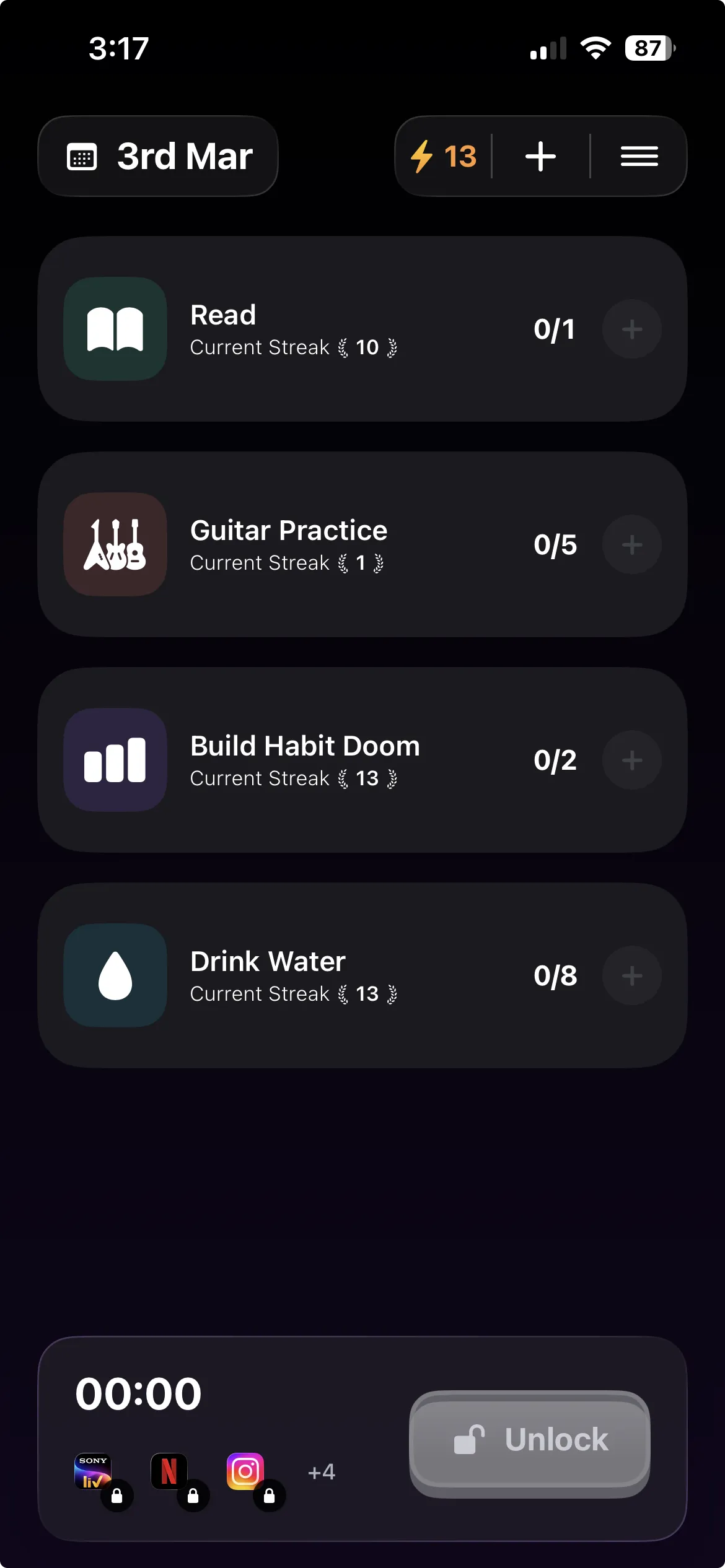
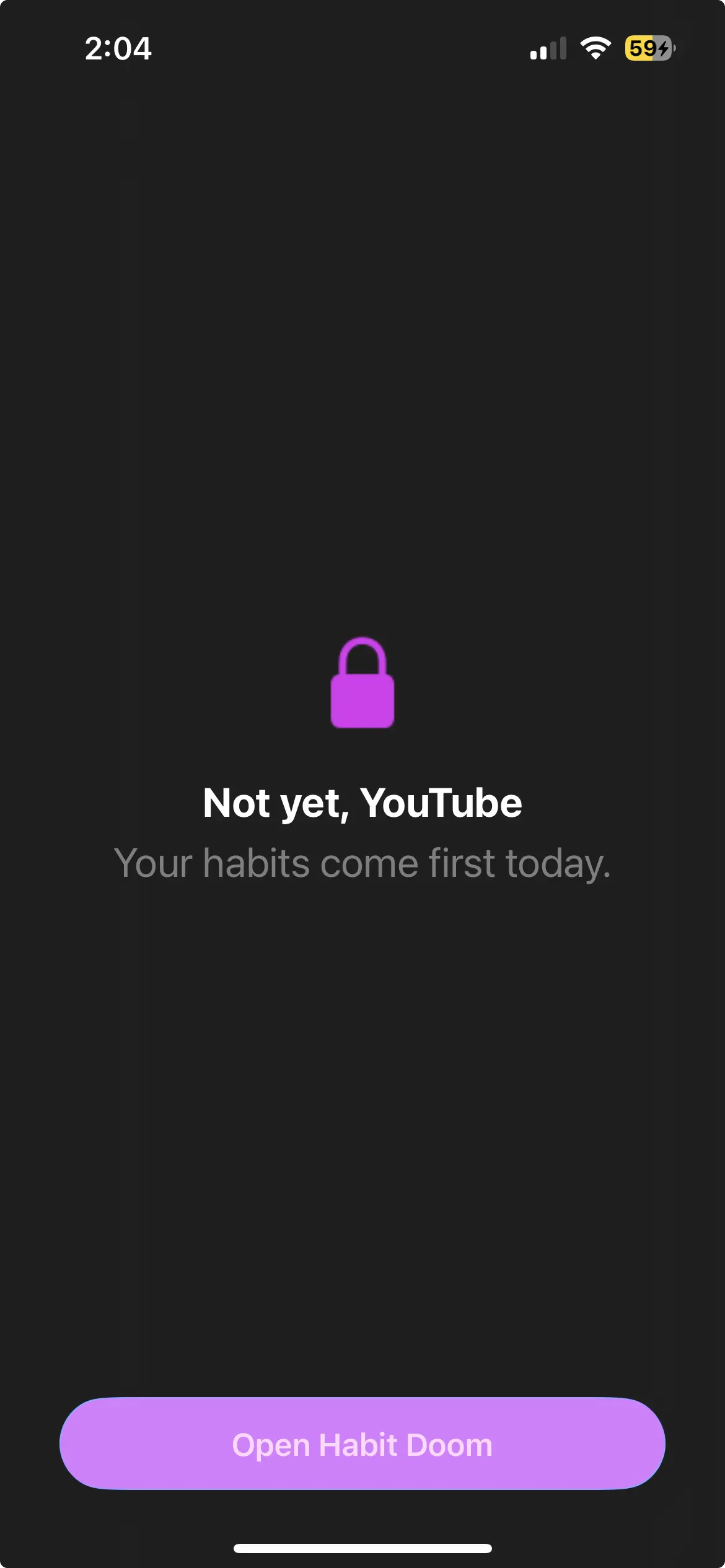
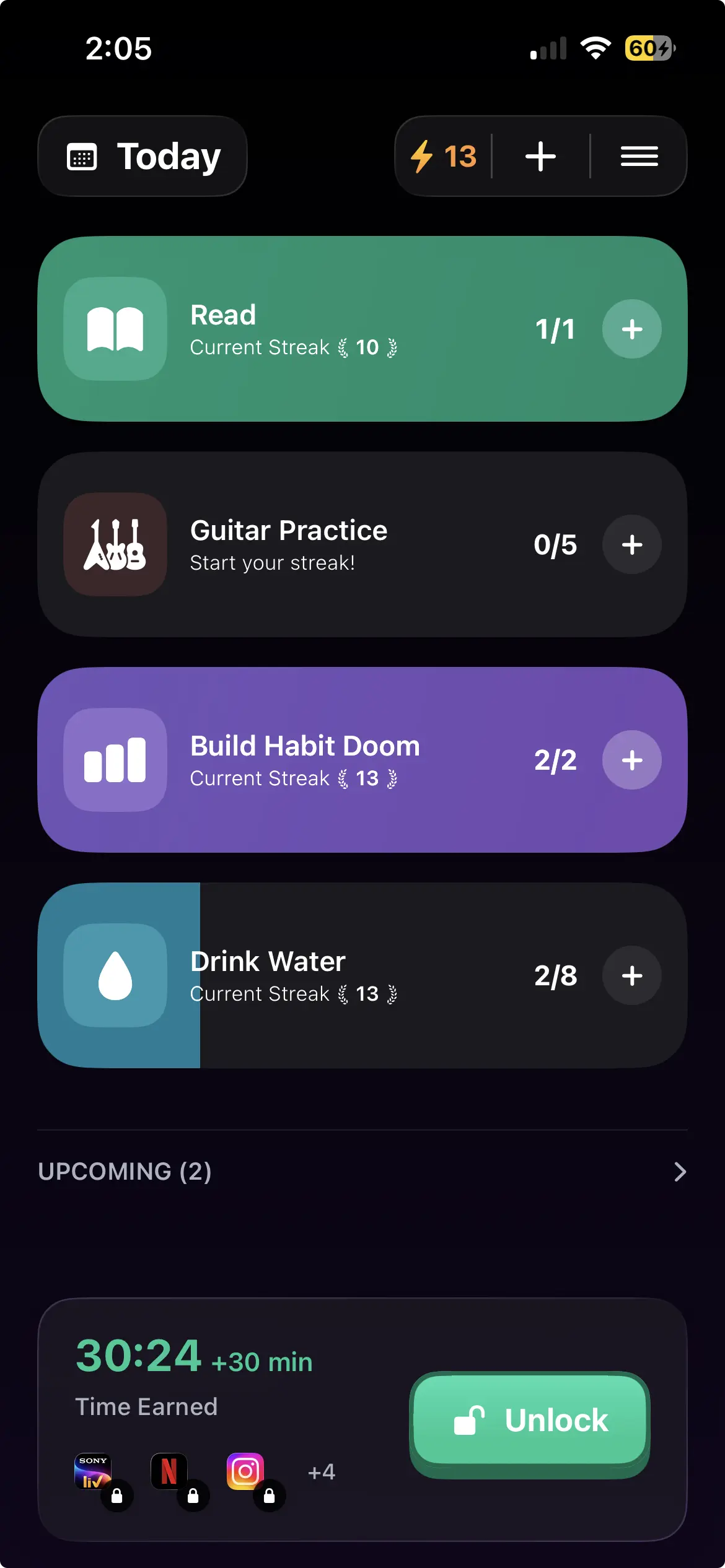
The difference from Jomo is the trigger. Jomo blocks on a schedule you set in advance, which works right up until the moment the schedule and your actual day disagree. Habit Doom blocks by default and unlocks when your habits are done. The clock is not what decides; finished work is.
That distinction matters most for the failure mode where scheduling breaks down: you set a sensible schedule on Sunday, and by Wednesday you are editing it because something came up. There is nothing to edit here. Do the habits, get the apps.
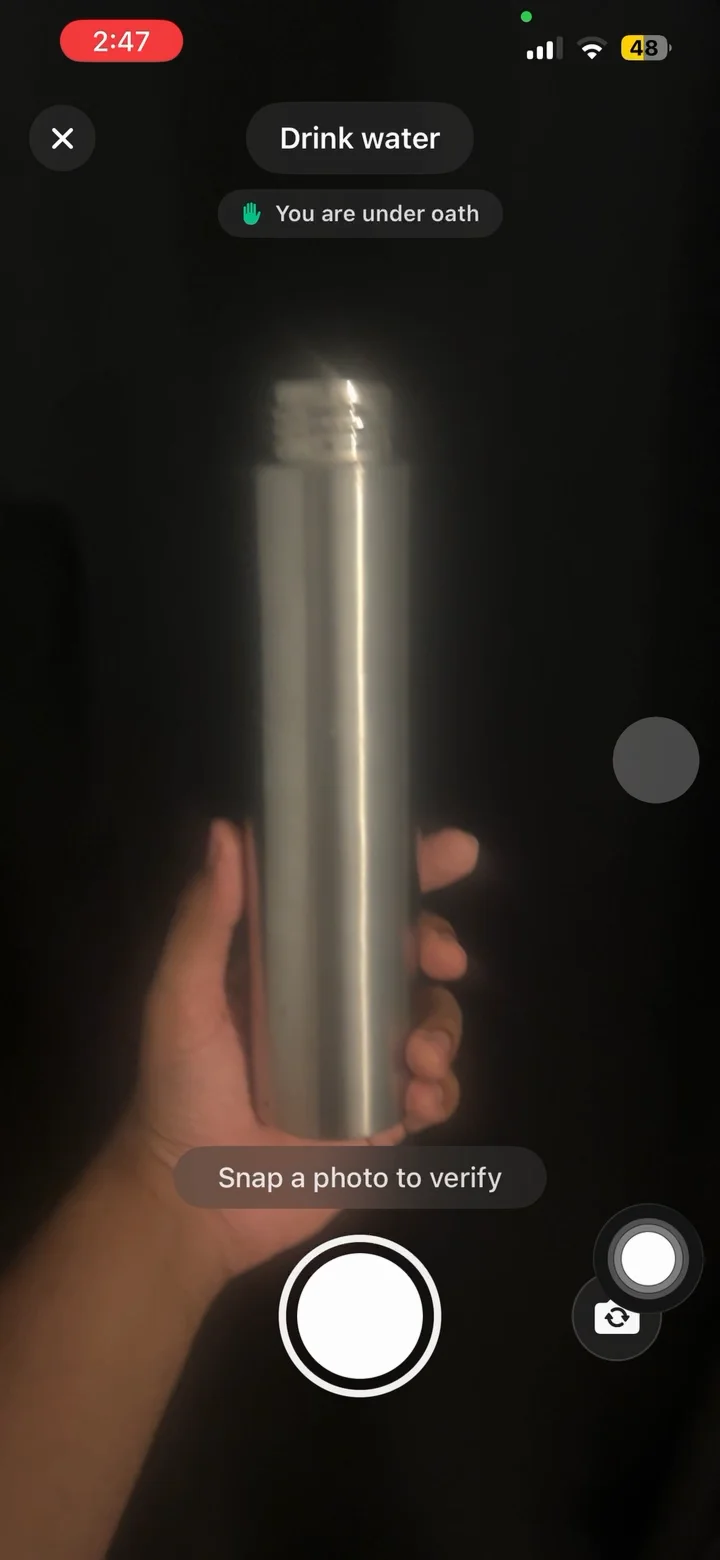
Free tier covers 3 habits, app blocking, streaks and Anti-Cheat photo verification, which runs an on-device model so check-ins cannot be faked. Anti-Cheat is free for everyone. Pro adds unlimited habits, Hard Mode and analytics at $4.99/month, $19.99/year with a 7-day free trial, or $29.99 once. No ads.
Android caveats stated plainly: Block Adult Sites is iPhone only, and what iPhone calls custom alarms are notifications on Android. Requires Android 10 or newer.
Choosing
You want Jomo's scheduling. AppBlock.
You want Jomo's gentleness. ScreenZen, free.
You want to understand your usage before deciding anything. StayFree for a fortnight.
You want focus to feel like a game. Forest.
Your laptop is as much of a problem as your phone. Freedom.
You have scheduled blocks before and edited your way out of them. That is the argument for tying access to finished habits instead of to a calendar.
None of these will hold against a determined bypass on Android. Pick the one whose friction sits where you actually give in.
Frequently Asked Questions
Keep Reading
Try Habit Doom
Lock your distracting apps. Complete your habits. Earn your screen time. It takes 30 seconds to set up.
Download Free