


Is Foqos on Android? No. The Best Alternatives (2026)

 X
X LinkedIn
Short answer first, because it is the reason you are here: Foqos does not exist on Android. There is no Play Store listing and no port in progress that anyone has announced. It is an iPhone app that leans on iOS Shortcuts and Apple's Screen Time API, and neither of those has an Android equivalent you can drop in.
So the real question is not "where is Foqos on Android." It is "what did I want Foqos to do for me, and what does that on Android."
What Foqos actually does
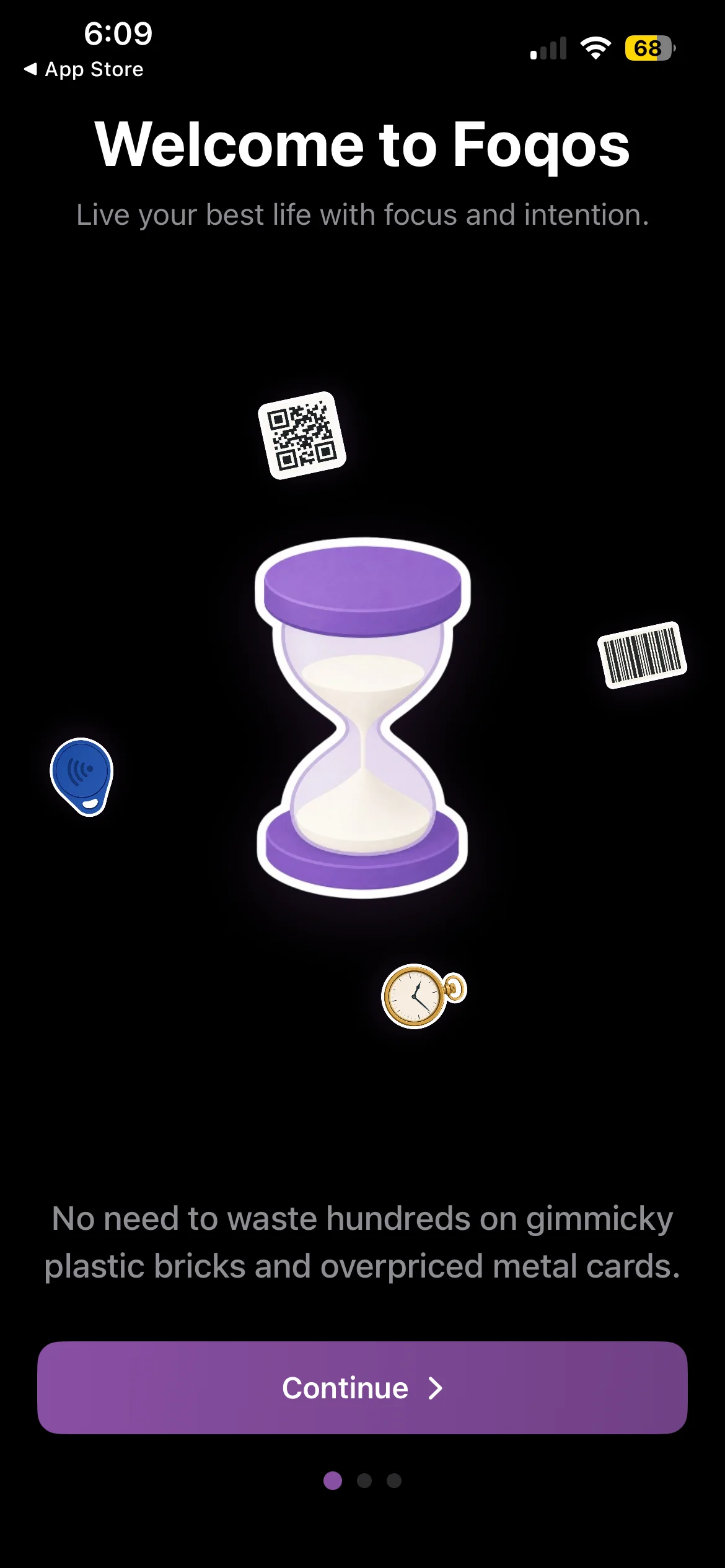
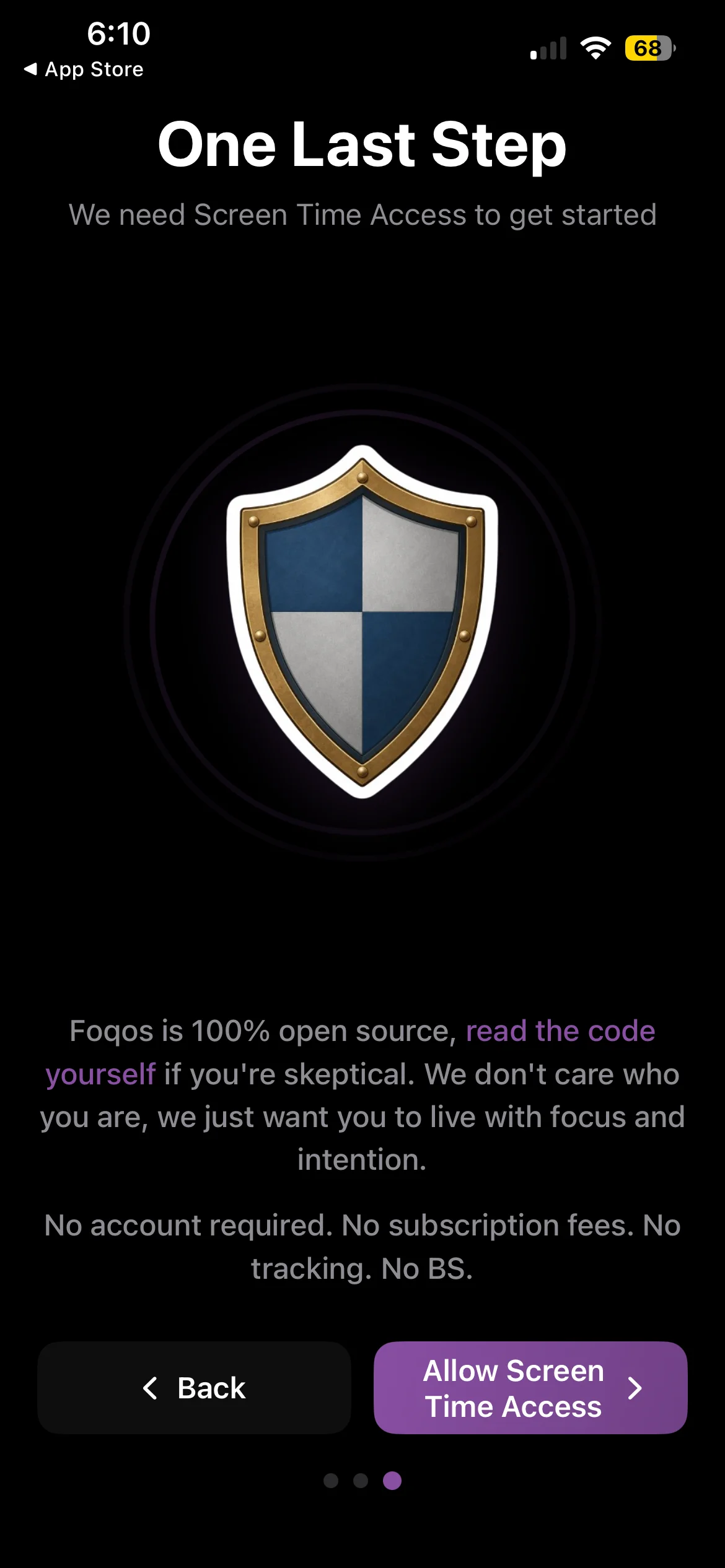
Foqos is free and open source. Its own onboarding is blunt about the pitch: "No need to waste hundreds on gimmicky plastic bricks and overpriced metal cards." Brick sells the ritual as a $59 puck; Foqos gives the software away and asks you to supply the trigger.
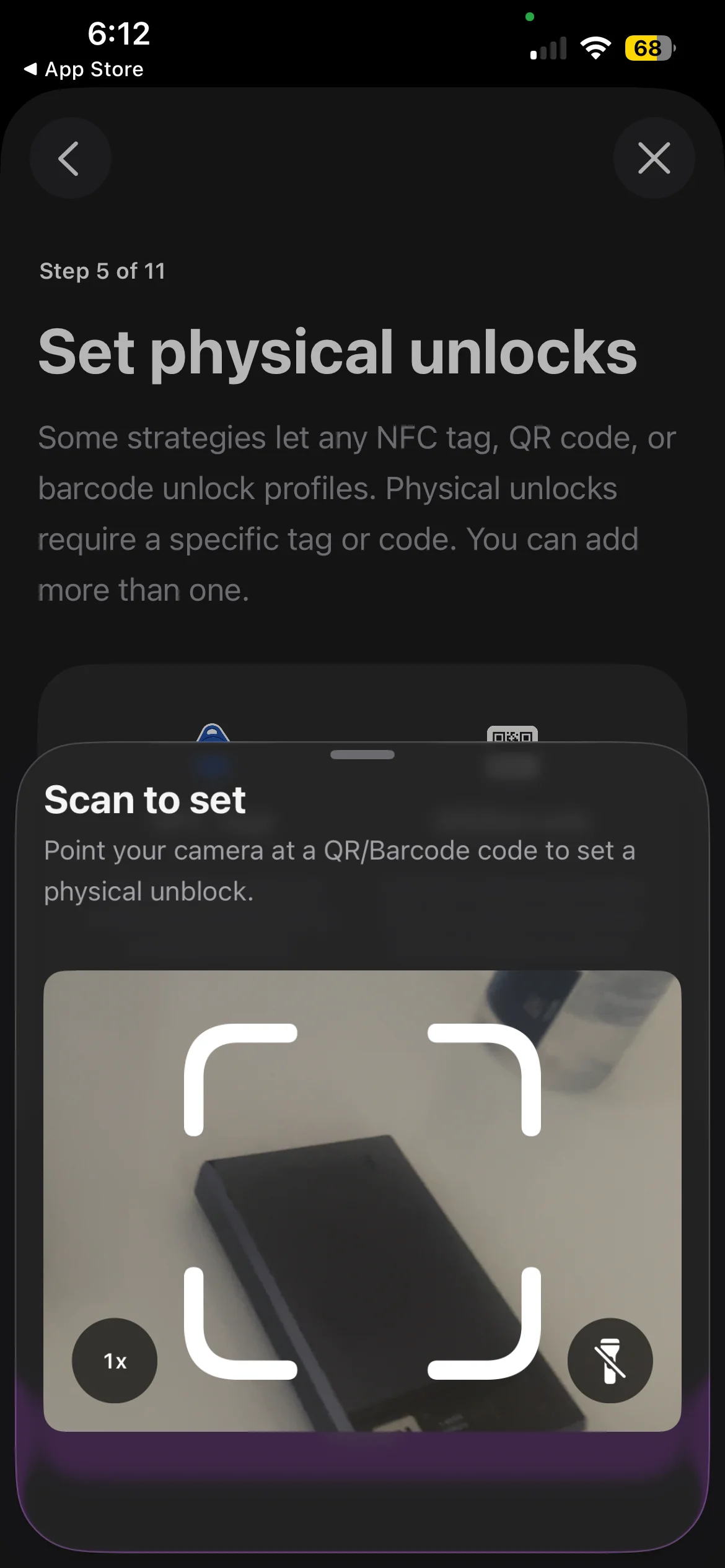
And the trigger is broader than most write-ups suggest. Foqos accepts an NFC tag, a QR code, or a barcode. You do not have to buy anything at all. A barcode already in your house works, so the entry cost can genuinely be zero rather than the few dollars an NFC sticker pack costs.
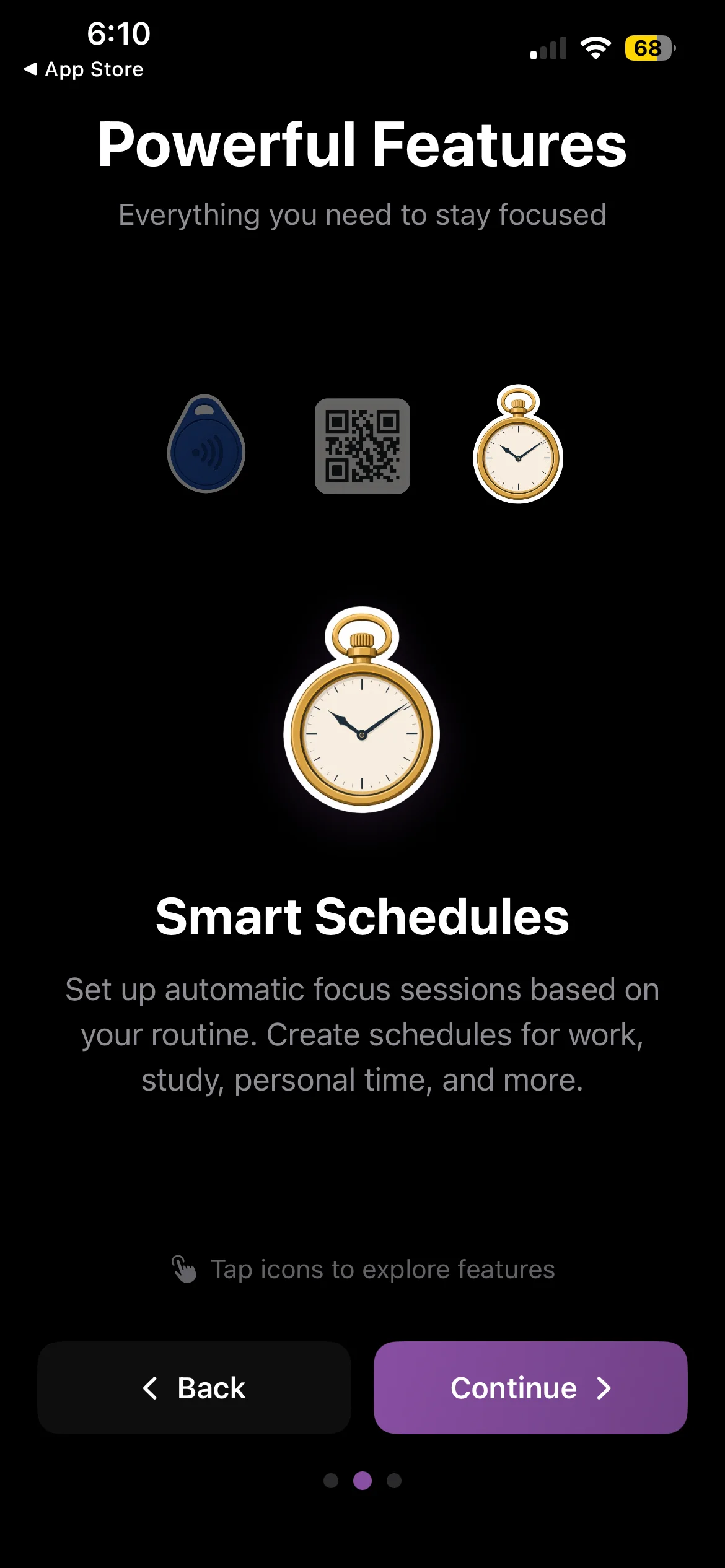
It also has Smart Schedules for automatic focus sessions, so it is not purely manual, and it runs on Apple's Screen Time API. The app states it is 100% open source, requires no account, has no subscription and no tracking.
Two separate things are happening there, and it is worth pulling them apart before you go shopping on Android:
- The ritual. A physical tap that marks the start and end of focus.
- The block. The thing that actually stops Instagram from opening.
People searching for a Foqos alternative almost always want the second one. The tag is memorable, so it is what you remember about the app.
The part nobody tells you about blocking on Android
On iPhone, Foqos and every other blocker sit on Apple's ManagedSettings layer. That is a system-level API, and it is why a well-built iPhone blocker can survive a force-quit and, in some cases, an uninstall.
Android has no equivalent. Android blockers work through an Accessibility Service, which you grant in Settings and which you can take away in Settings. That is a meaningful difference and it applies to every app on this page, ours included. If you turn the service off, the blocking stops.
I would rather say that plainly than let you find out at 11pm when you are trying to get around your own blocker. On Android the realistic goal is not an unbreakable wall. It is enough friction that the automatic reach fails, and enough of a gap that the deliberate bypass feels like a decision you are making on purpose.
Anyone selling you an "unbypassable" Android blocker is describing a wish.
If what you want is the NFC tap
You can rebuild it. Android's NFC support is more open than iOS, and an automation app can watch for a tag scan and fire an action. Pair a cheap NFC sticker with an automation tool and point it at a blocker's own toggle, and you have the Foqos ritual back.
Worth knowing that Foqos itself also accepts QR codes and barcodes, not only NFC, so if what appealed was scanning something rather than tapping specifically, an automation app reading a QR code gets you closer than you might think.
Be honest with yourself about whether you will. This is a genuine hobby project, not a five-minute setup, and the tap is the half of Foqos you probably do not need. If the appeal was that a physical object made focus feel real, an NFC sticker on your desk will do that. If the appeal was that you could not talk your way past it, the tag was never what stopped you.
Android blockers that actually exist
All of these are genuinely on Play, which is more than can be said for most apps that turn up in "Foqos for Android" listicles.
AppBlock. The closest thing Android has to a dedicated, full-featured blocker, and the pick of our Android roundup. Profiles, schedules, and strict modes that make it awkward to undo mid-session. If you want the thing Foqos does with no tag involved, start here.
ScreenZen. Free and donation supported, and it takes the friction approach rather than the wall approach: a pause and an intention prompt before a chosen app opens. Good if you scroll a little more than you would like. Not enough if you tap through pauses on autopilot, which is the failure mode that sends most people looking for something harder.
StayFree. Leans toward tracking and awareness first, blocking second. Worth it if you genuinely do not know where the hours go and want the data before you decide what to cut.
Freedom. Cross-platform and session-based. Its real strength is blocking the same things on your phone and your laptop at once, which matters if your drift happens at a desk rather than on a couch.
Forest. Gamified focus sessions with a tree that dies if you leave. Free with ads on Android. Gentle by design, which is either exactly right or completely useless depending on how hard you fail.
Where Habit Doom fits
Full disclosure, this is our app, so read the next two paragraphs with that in mind.
Habit Doom does not use a tap at all, and that is deliberate. A tap is a decision, and the moment you are in is exactly the moment your judgment is worst. Foqos and Brick both hand the unlock back to the version of you who wants to scroll.
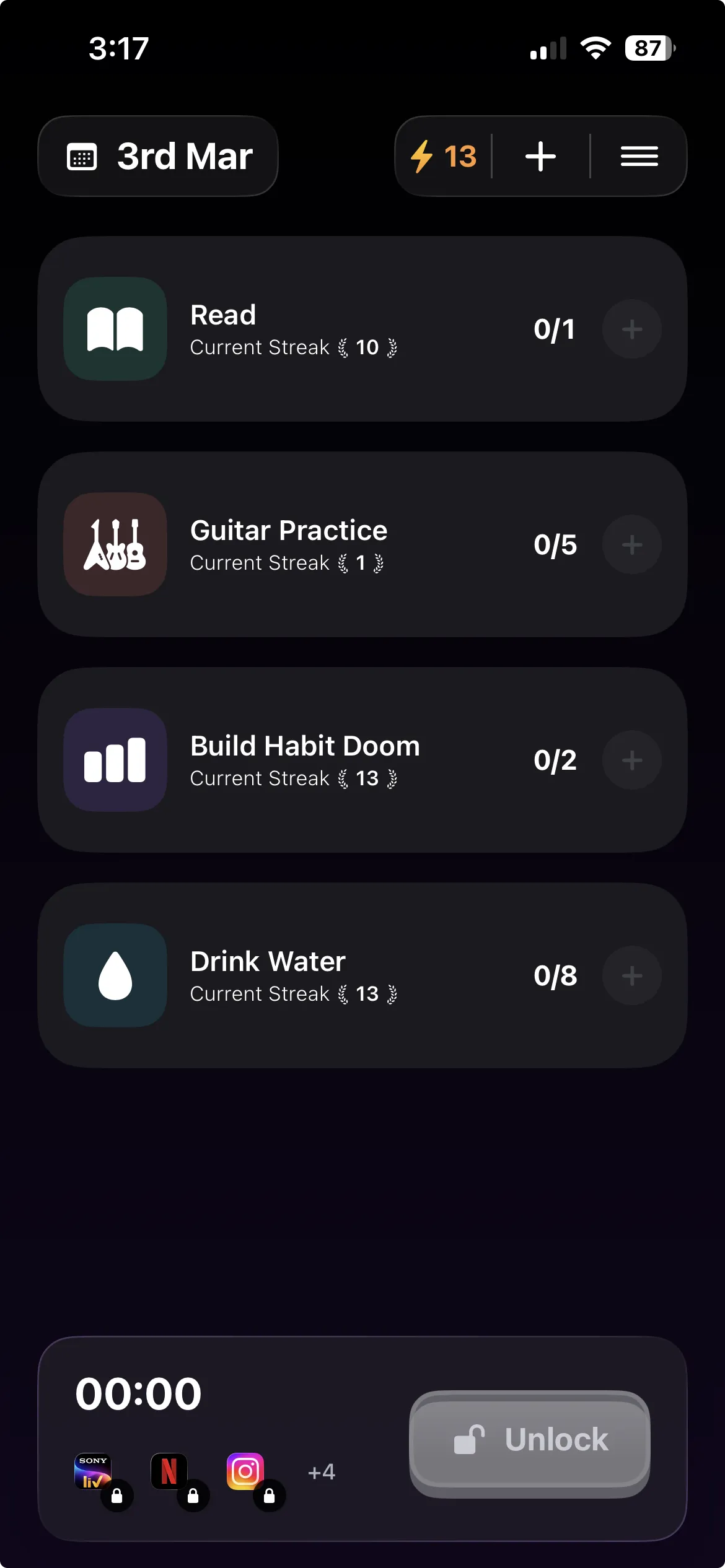
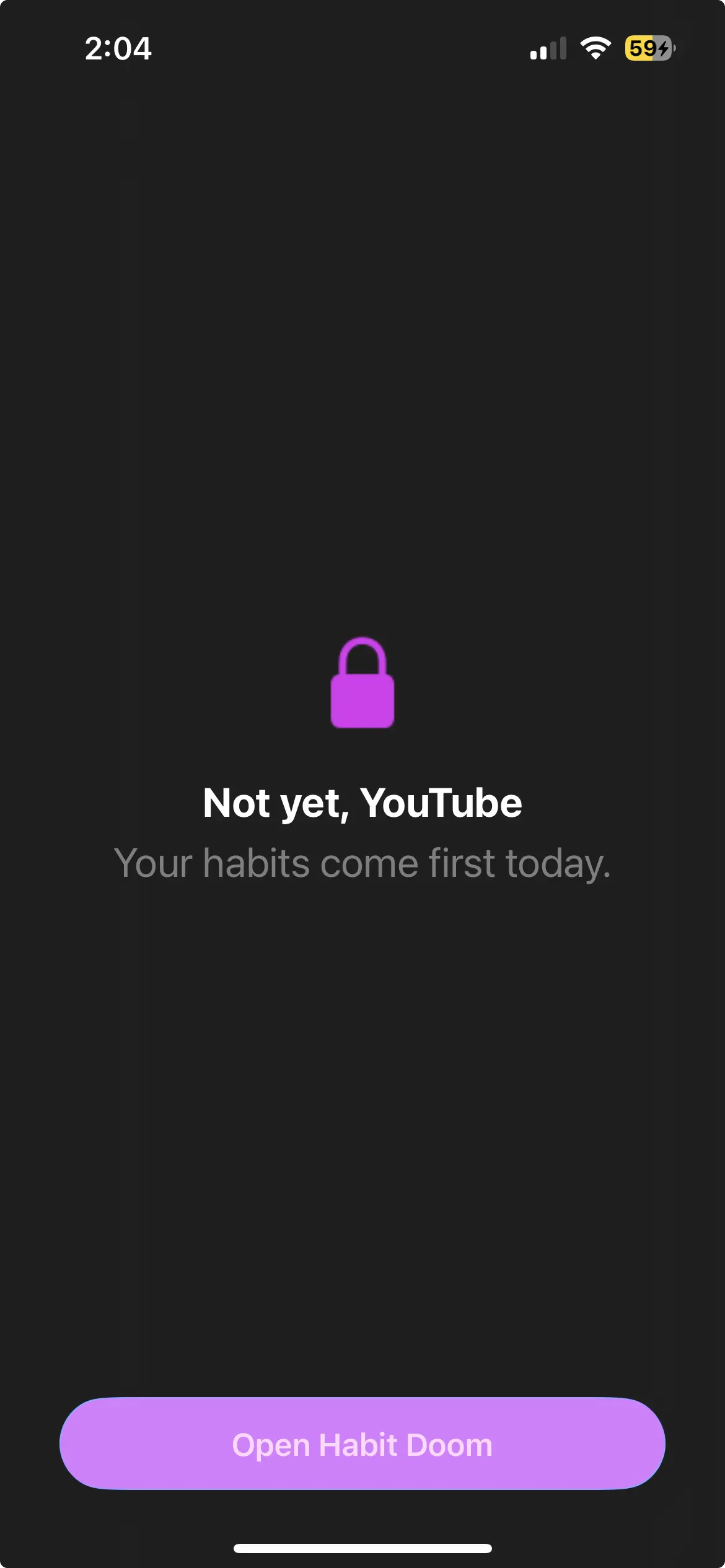
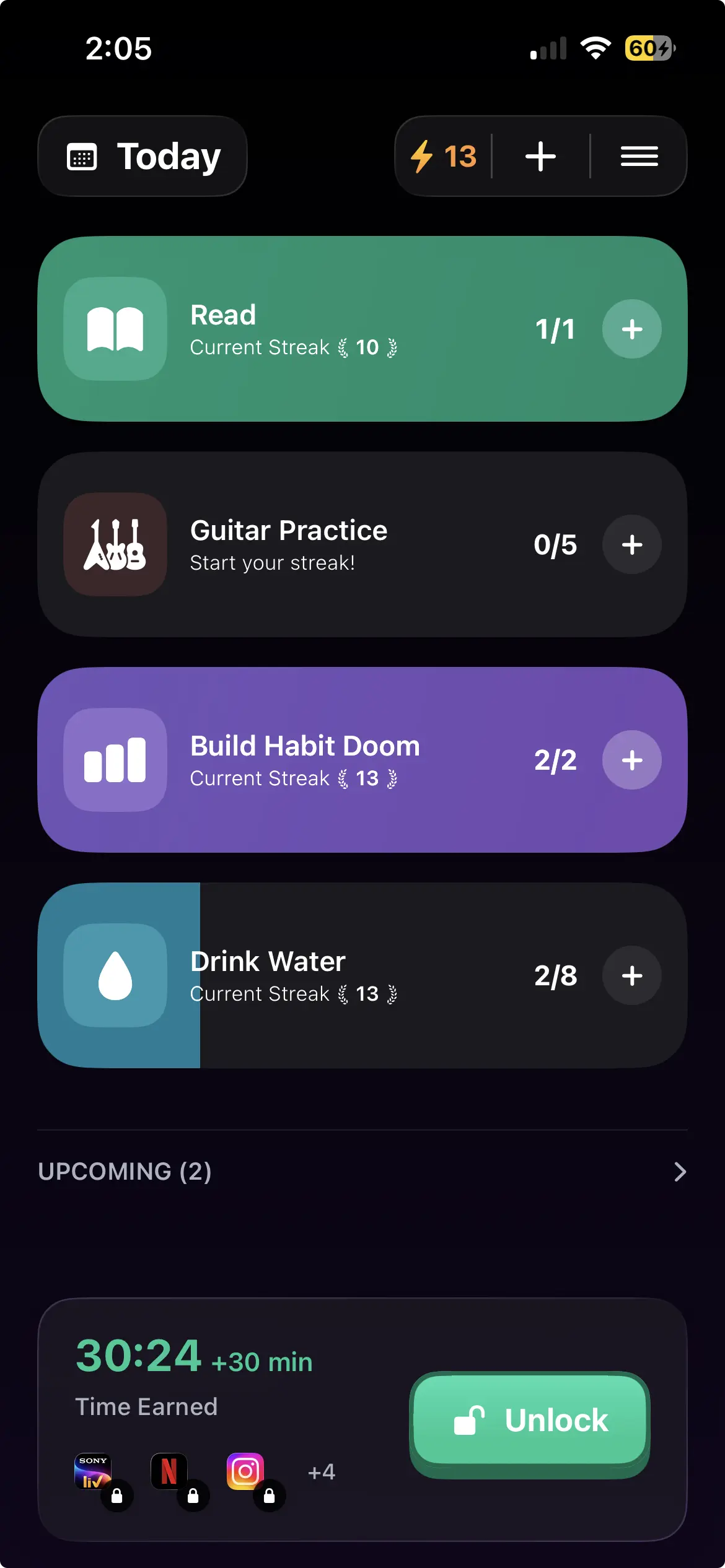
Instead, your distracting apps auto-lock and stay locked until you complete the habits you set. Read for twenty minutes, do the workout, whatever you chose, and you earn the time back. There is no skip button, because there is nothing to skip. There is work, and then there is Instagram.
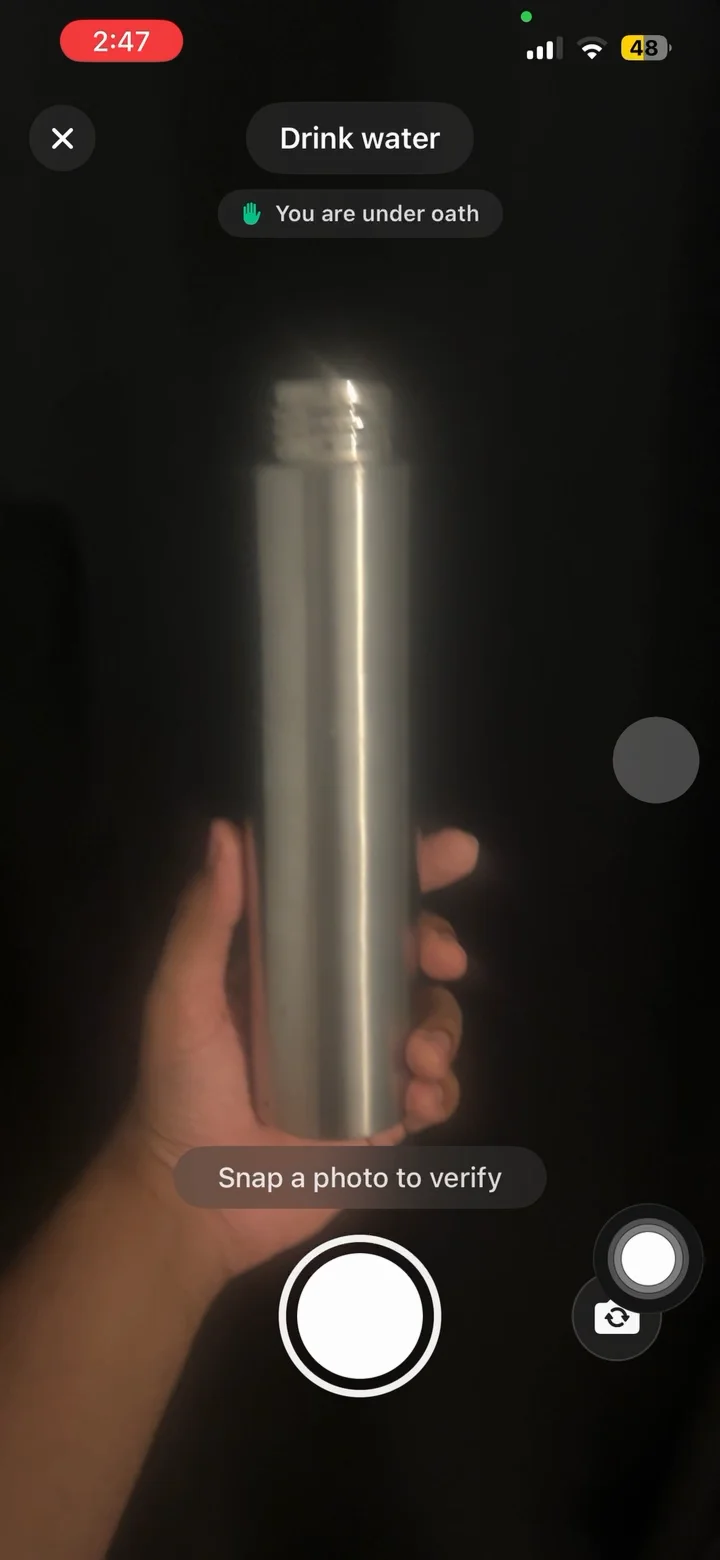
The free tier covers 3 habits, app blocking, streaks, and Anti-Cheat photo verification, which runs an on-device model so a check-in cannot be faked by pointing the camera at nothing. Anti-Cheat is free for everyone, not a paid tier. Pro adds unlimited habits, Hard Mode and analytics at $4.99/month, $19.99/year with a 7-day free trial, or $29.99 once. No ads.
Two Android caveats, since this article is about being straight with you. Block Adult Sites is iPhone only, because it is built on an Apple system filter that Android has no counterpart for. And what the iPhone version calls custom alarms are notifications on Android. Requires Android 10 or newer.
Picking by failure mode
Skip the feature tables. Choose based on how you actually lose the evening.
You want the tag ritual and enjoy tinkering. Rebuild it with NFC automation and point it at AppBlock. You will get closest to Foqos this way, and you will spend a Saturday on it.
You want the block and do not care about hardware. AppBlock if you want strict profiles you configure once. Habit Doom if you would rather the unlock be tied to finishing something.
You scroll a bit too much but you are not in trouble. ScreenZen, free, and stop reading articles like this one.
You genuinely do not know where the time goes. StayFree for a fortnight, then come back and pick properly.
Your problem is the laptop as much as the phone. Freedom.
You have tried blockers and turned all of them off. That is the honest case for habit-gated locking. The reason every previous blocker failed is that each one had a switch, and you were always allowed to flip it. Tying the unlock to finished work is not a stronger wall. It just means the version of you who wants to quit has to do something useful first.
The honest summary
Foqos is a good app and it is not coming to Android. The tap is the memorable part and the block is the useful part, and on Android the block works differently enough that you should know about it before you install anything. Every option here can be switched off in Settings. Pick the one whose friction matches the way you actually fail, and accept that the last line of defence is always going to be you.
Frequently Asked Questions
Keep Reading
Try Habit Doom
Lock your distracting apps. Complete your habits. Earn your screen time. It takes 30 seconds to set up.
Download Free