


Brick Alternative for Android (2026)

 X
X LinkedIn
First, a correction to something a lot of articles get wrong: Brick does work on Android. There is a Play Store listing and it is a real app.
What is true is that Brick is an iPhone-first product. It carries roughly 3,960 reviews on Google Play against more than 50,000 ratings on the App Store. That gap is worth knowing before you spend $59, because a smaller platform user base usually means slower fixes and fewer platform-specific features, not because anyone is neglecting you on purpose but because that is where attention follows.
So the question is not whether Brick runs on your phone. It is whether a physical puck is the right answer to your problem.
What Brick actually sells you
Brick is a small NFC device. You tap your phone to it to lock a set of apps, and you tap again to unlock. Pay once, no subscription. The clever part is that the switch stops being a decision inside your phone and becomes an object in the world.
That is genuinely good design, and it is why people like it. It is also the weakness. The block only holds while the puck is somewhere you are not. Leave it on your desk and go out, and you are protected. Put it in your pocket, and you have paid $59 for a keyring.
Every review thread about hardware blockers ends up in the same place: the people who love it are the ones who reliably leave it behind, and the people who bounce off it are the ones who learned to carry it.
What is different about blocking on Android
Worth saying plainly before recommending anything, because it applies to every app below including ours.
Android app blocking runs on an Accessibility Service. You grant it in Settings, and you can take it away in Settings. There is no Android equivalent of Apple's ManagedSettings layer, which is what lets a well-built iPhone blocker survive a force-quit and sometimes an uninstall.
This is part of why hardware appeals on Android specifically. If the software switch is always reachable, moving the switch into a physical object looks like the only way to make it stick. That reasoning is sound as far as it goes, and it is why nothing on Android is truly bypass-proof. It just trades one bypass for another that happens to be easier: picking the thing up.
Software alternatives that are actually on Play
AppBlock. Our pick of the Android blockers, at 4.7 stars across roughly 238,000 reviews and 10M+ downloads, which makes it the heavyweight in this category on Android. Profiles, schedules, and a Strict Mode built to make mid-session changes awkward.
One honest note, because it is the exact thing you would want to know: a review from August 2026 reports getting past Strict Mode by entering the long password the app itself displays, and the developer replied acknowledging it and offering to help configure it more tightly. Strict is a speed bump, not a wall. That is true of everything on Android, but it is worth seeing stated out loud.
StayFree. 4.6 stars across roughly 276,000 reviews. Strongest on tracking rather than blocking: detailed history, cross-device stats, CSV export. Note for the privacy-minded that the listing states it is by Sensor Tower, an app analytics company, and its data safety section discloses sharing app info with third parties. That may be completely fine for you. You should just know it.
ScreenZen. Around 31,600 reviews, free and donation supported. Friction rather than a wall: a pause and an intention prompt before a chosen app opens. Excellent if you scroll slightly more than you would like. Useless if you tap through pauses without noticing, which is the failure mode that sends people to hardware in the first place.
Forest. Roughly 812,000 reviews, by a distance the largest app in this space on Android. Gamified focus sessions with a tree that dies if you leave. Gentle by design.
Freedom. Around 8,050 Play reviews, smaller on Android than its reputation suggests. Its real strength is blocking phone and laptop together, which matters if your drift is split across devices.
Where Habit Doom fits
This is our app, so weigh the next bit accordingly.
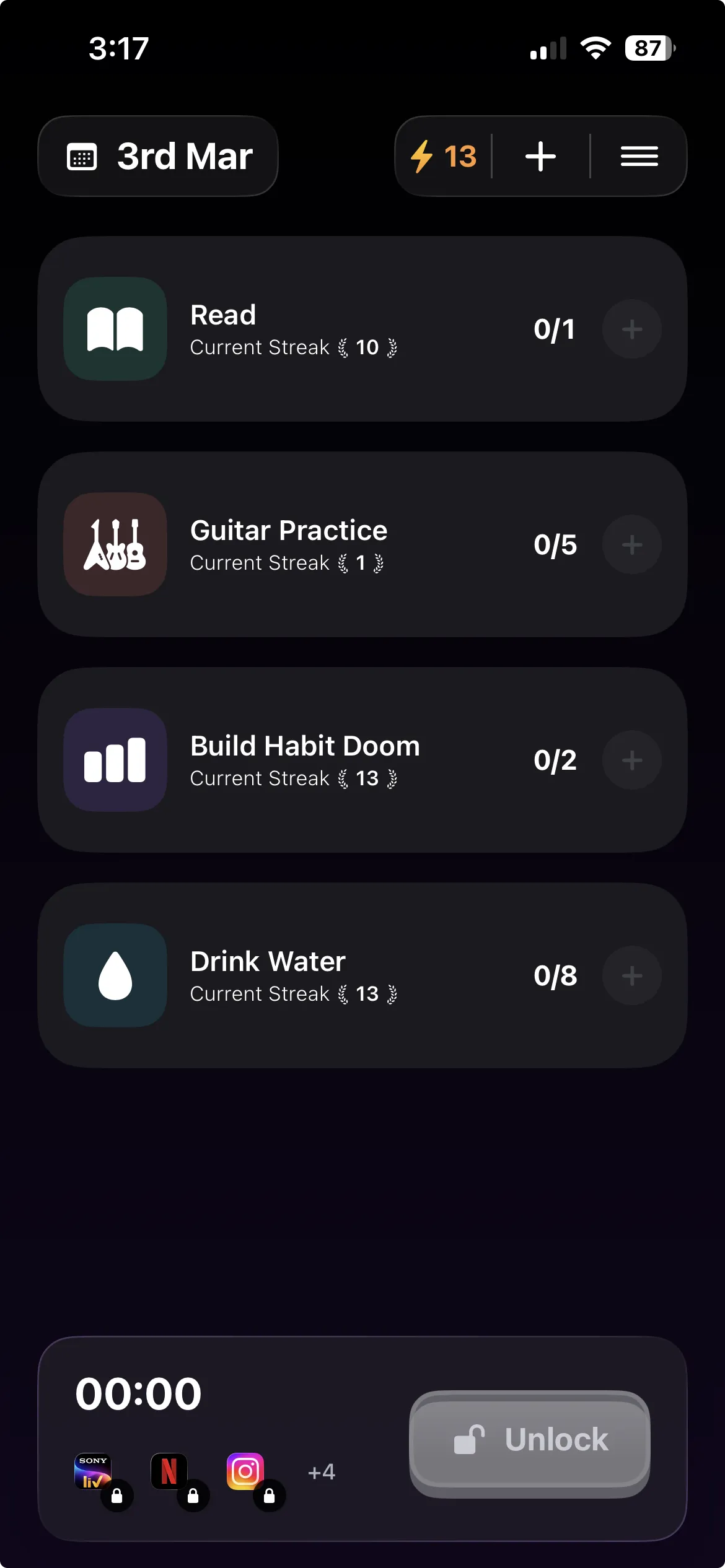
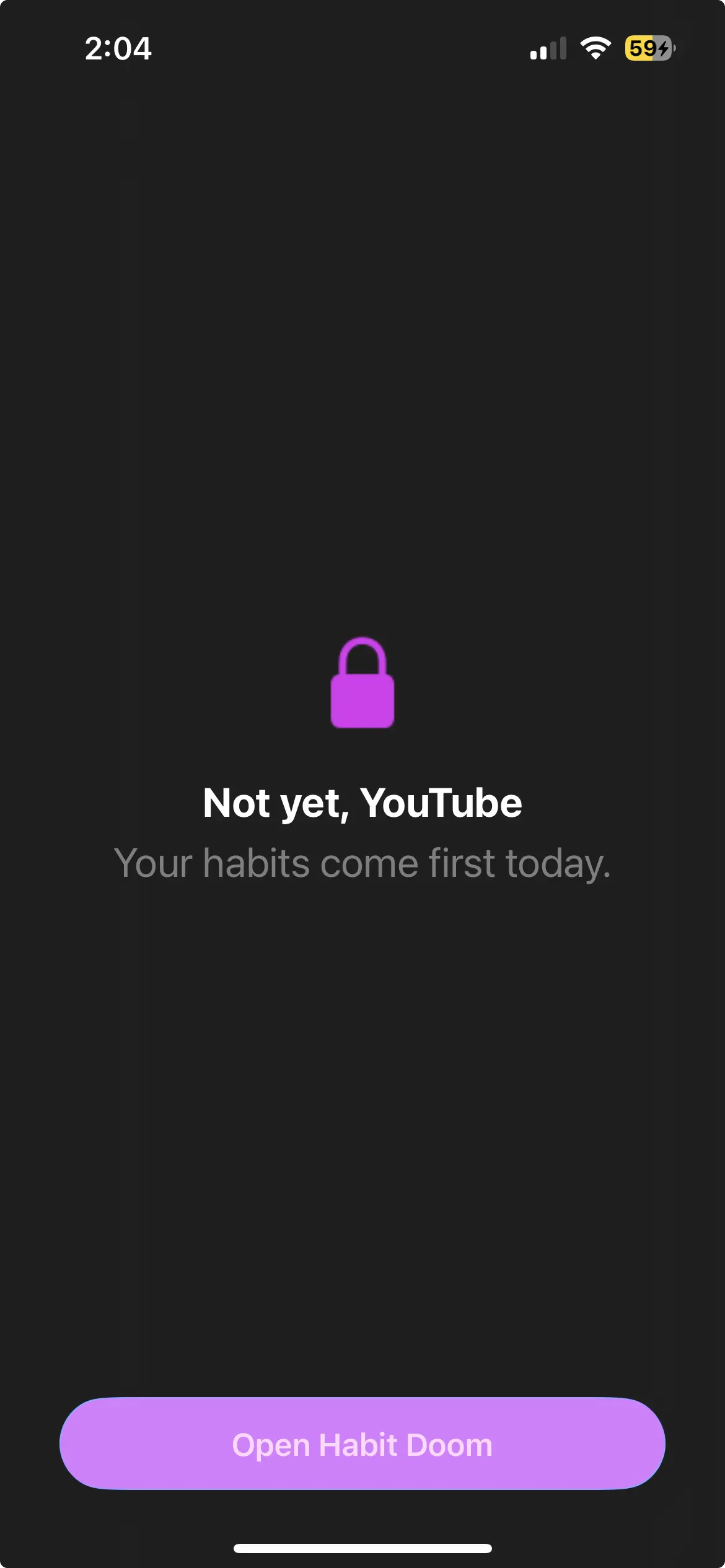
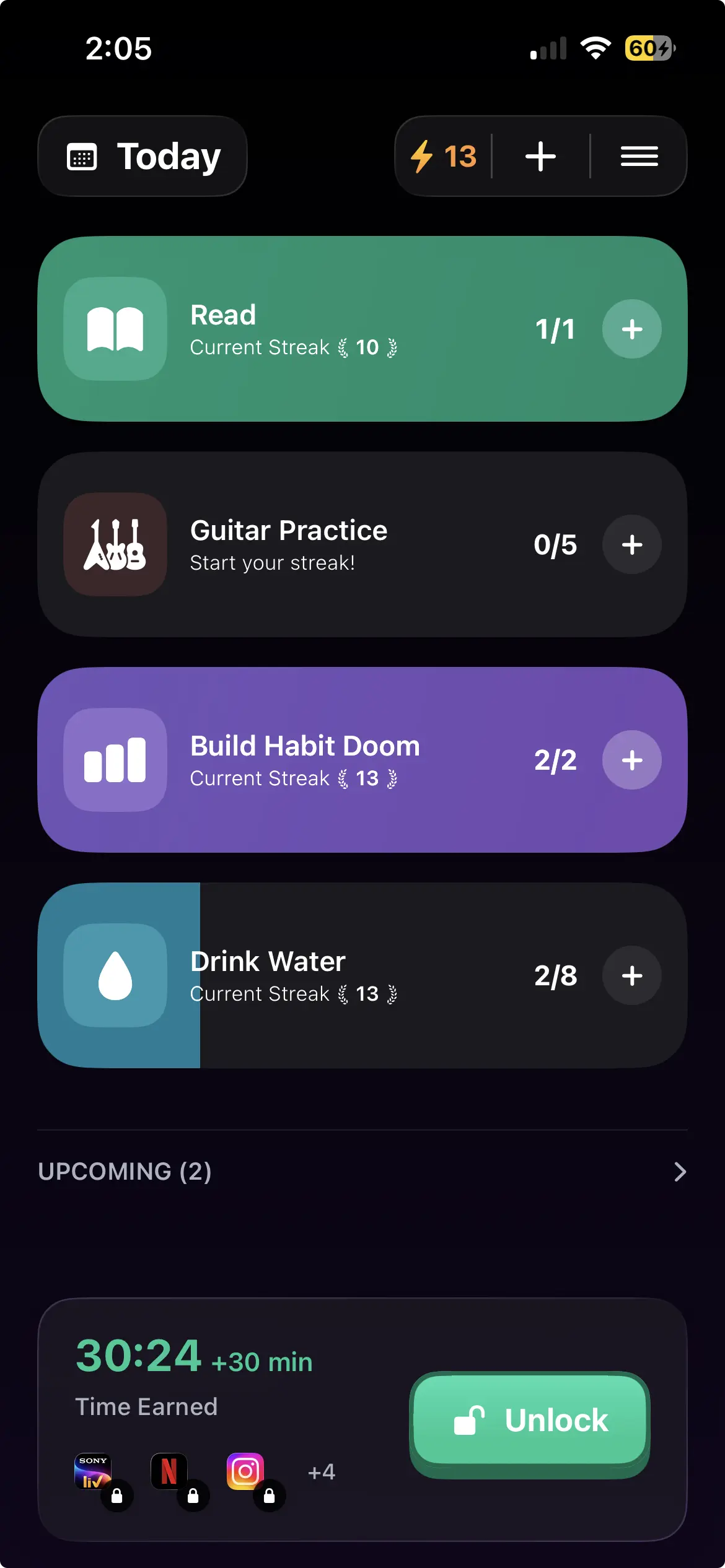
Habit Doom removes the tap entirely. There is no puck to carry and no button to press, because the unlock is not a decision you make in the moment. Your distracting apps auto-lock, and they open again when you have completed the habits you set. Do the reading, do the workout, and the time is yours.
The reason that matters against Brick specifically: Brick asks the version of you at 11pm to walk to the other room and not tap the puck. Habit Doom asks that same person to do twenty minutes of something you already decided was worth doing. One of those is a test of willpower and the other is a trade.
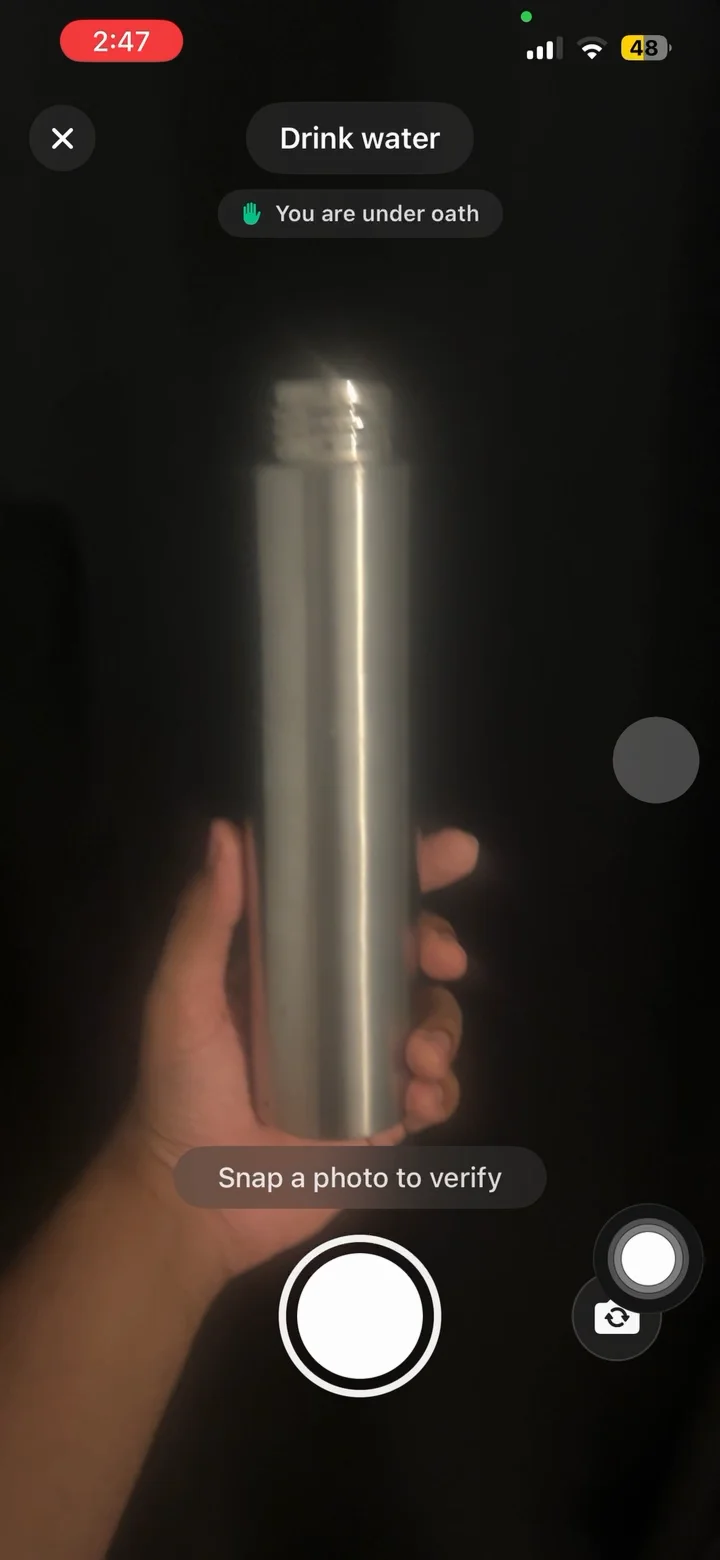
The free tier covers 3 habits, app blocking, streaks, and Anti-Cheat photo verification, which uses an on-device model so a check-in cannot be faked. Anti-Cheat is free for everyone rather than a paid extra. Pro adds unlimited habits, Hard Mode and analytics at $4.99/month, $19.99/year with a 7-day free trial, or $29.99 once.
Two Android caveats we would rather you hear from us. Block Adult Sites is iPhone only, because it depends on an Apple system filter with no Android counterpart. And what the iPhone version calls custom alarms are notifications on Android. Requires Android 10 or newer.
How to choose
You reliably leave things behind. Brick genuinely works, and the one-time price beats a subscription over a couple of years.
You would carry the puck and you know it. Skip hardware. It cannot help you.
You want strict software control and will configure it once. AppBlock, with realistic expectations about Strict Mode.
You do not actually know where your hours go. StayFree for two weeks, then decide.
You want a nudge, not a wall. ScreenZen, free.
You have installed blockers before and turned them all off. That is the case for tying the unlock to finished work rather than to a tap, a tag, or your own restraint at the worst possible moment.
Whatever you pick, the last line of defence on Android is you. Choose the option whose friction lands where you actually break.
Frequently Asked Questions
Keep Reading
Try Habit Doom
Lock your distracting apps. Complete your habits. Earn your screen time. It takes 30 seconds to set up.
Download Free