


Best Screen Time Apps for Android (2026)

 X
X LinkedIn
A screen time app does two jobs: it shows you where the hours go, and it helps you take some back. Most Android roundups mix these up with hard app blockers. This one is about the first two jobs. If you already know you need a hard block, go to our best app blockers for Android instead.
Play review counts below were checked on 31 August 2026 and are only comparable with each other.
Quick picks
| App | Best for | Free? | Play reviews |
|---|---|---|---|
| Digital Wellbeing | Starting out | Built in | ~1.47M (Google's) |
| StayFree | Tracking plus feature-level limits | Generous free tier | ~276,000 |
| ActionDash | Deep analytics | Free tier | ~68,900 |
| ScreenZen | Cutting app opens, free | Completely free | ~31,600 |
| Habit Doom | When tracking has not changed anything | Free tier | New |
1. Digital Wellbeing: start here
It is free, already in Settings, and shows daily screen time, unlocks and notifications per app. But "Digital Wellbeing" is really two products.
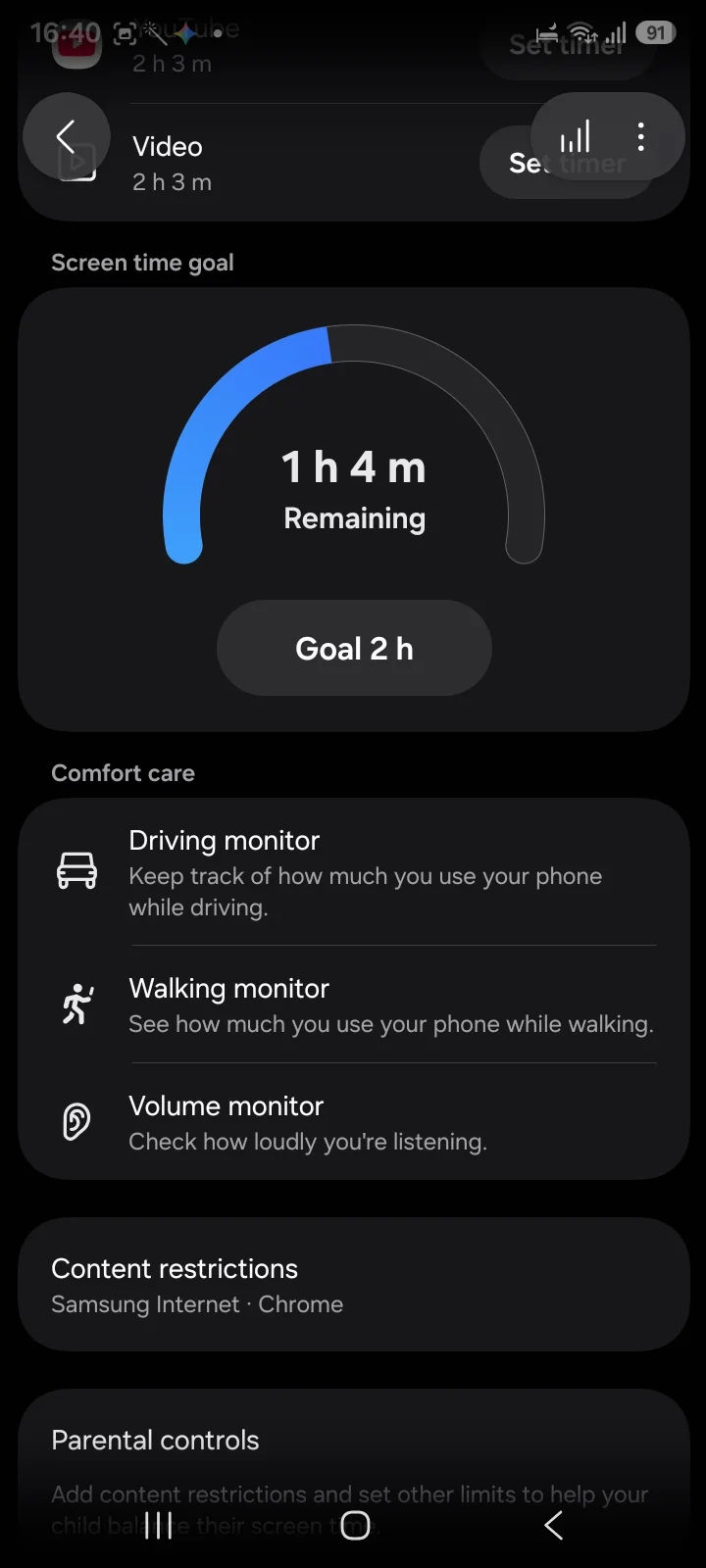
Google's version, on Pixels and many other phones, has app timers, Focus mode, Bedtime mode and an App limits PIN so you cannot quietly raise a timer. Samsung's version, on Galaxy phones, replaces it. On a Galaxy we checked, timers add alerts before the cap and per-day schedules, and there is a screen time goal with a gauge. What its app timers do not appear to have is a PIN.
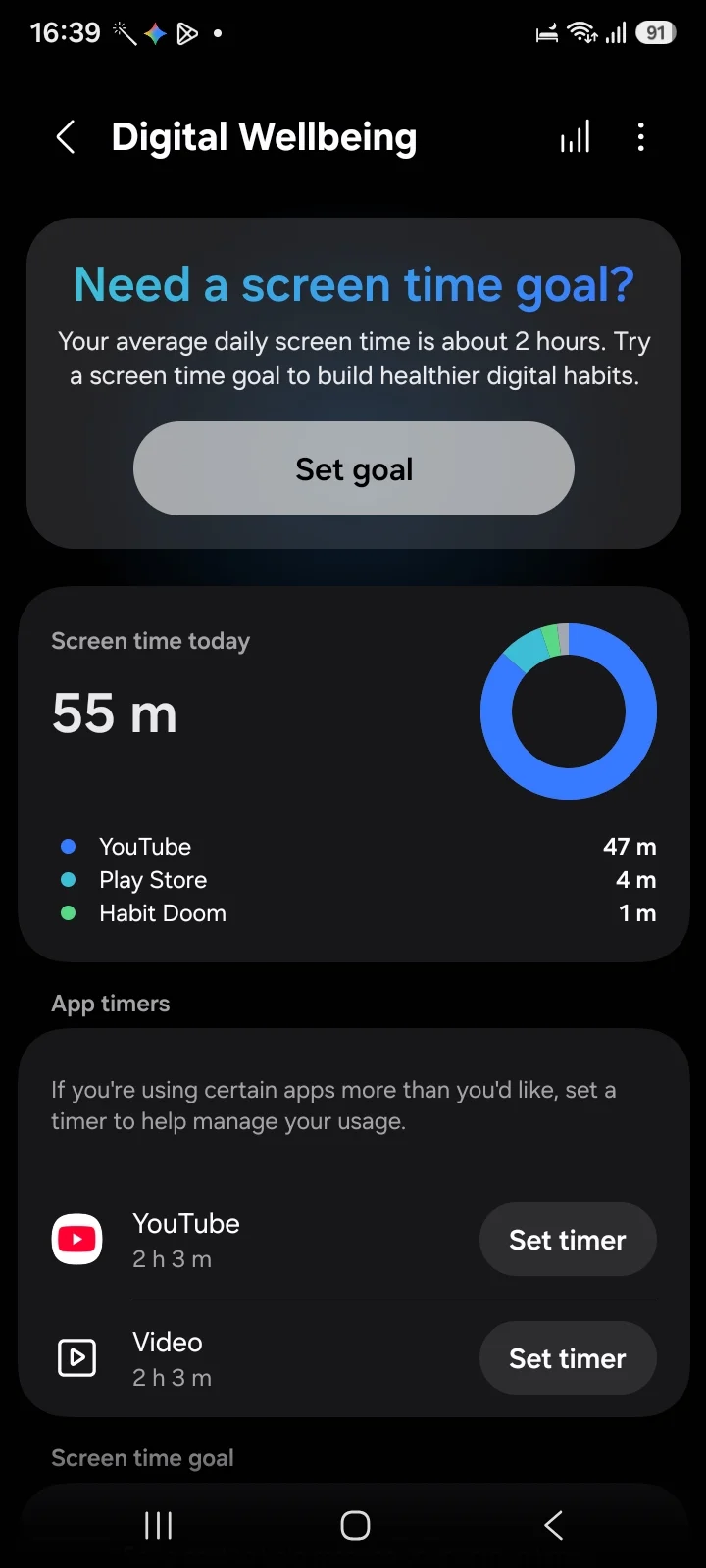
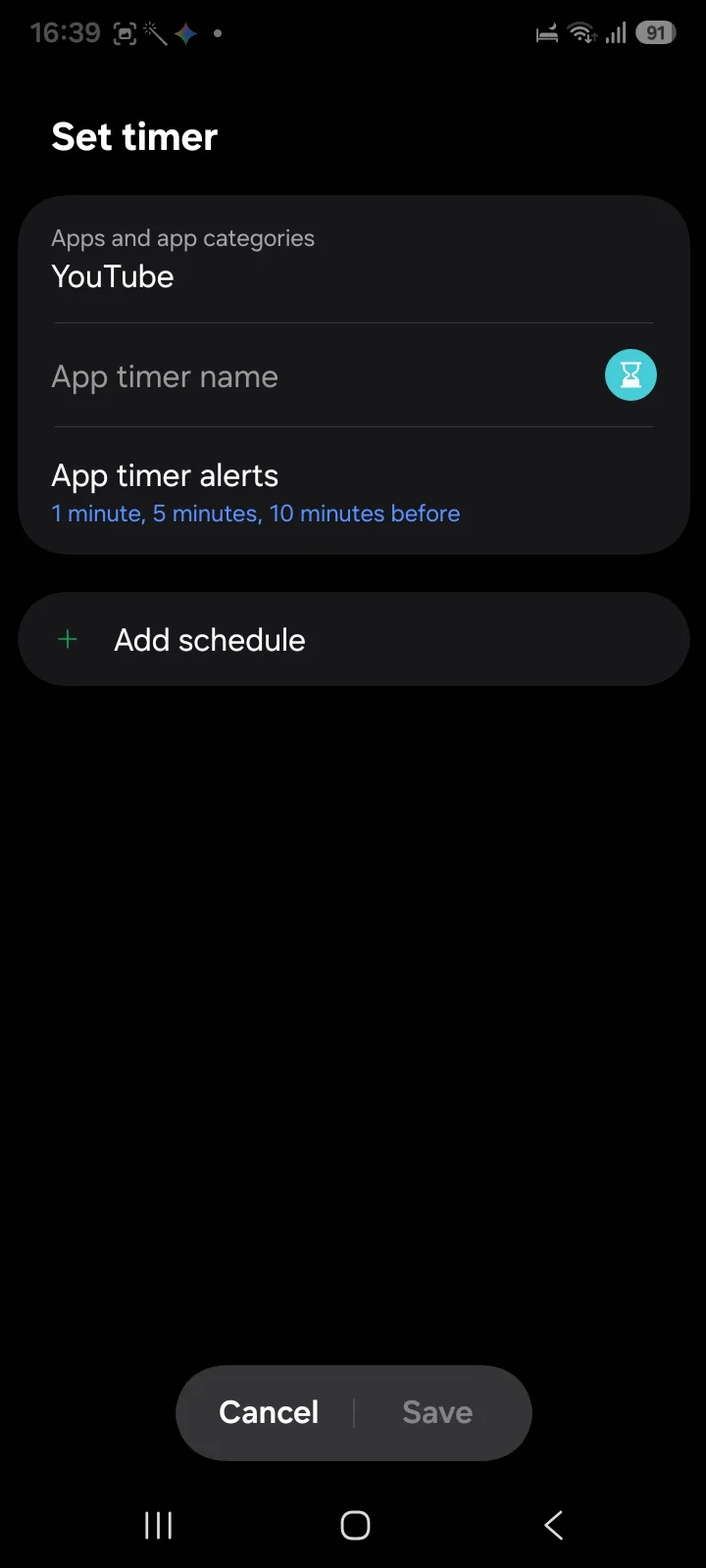
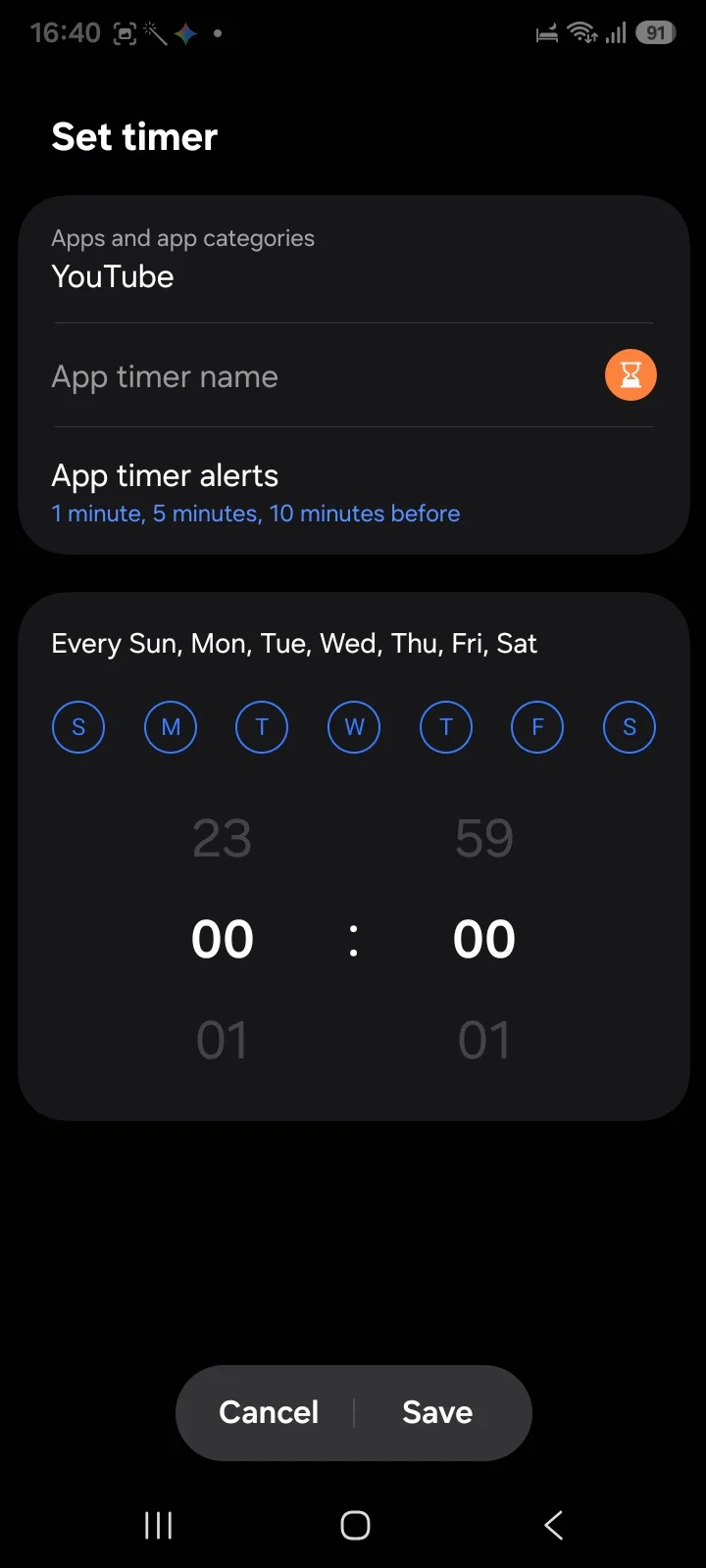
Pick it if you have never measured your usage. A week of honest numbers is the cheapest first step there is.
2. StayFree: the most capable free tracker
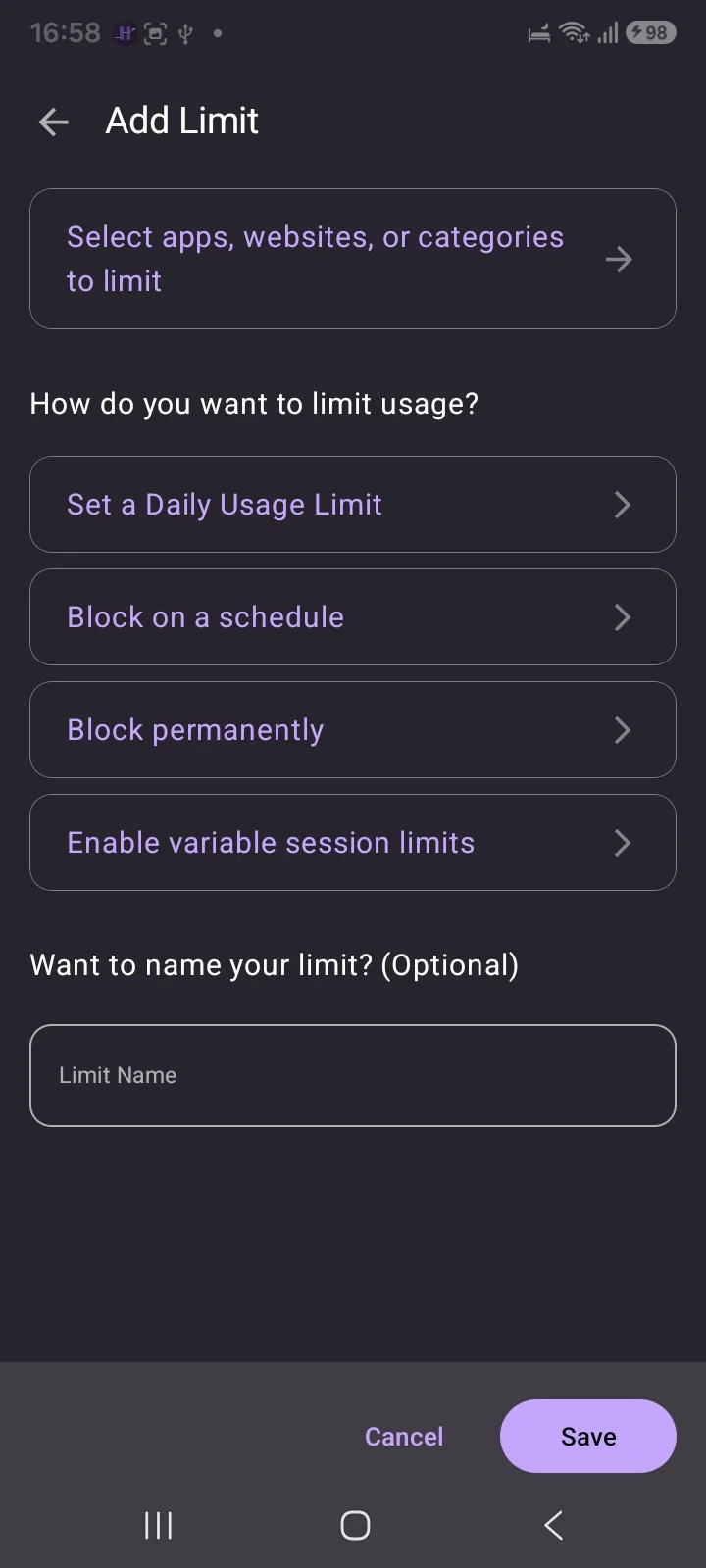
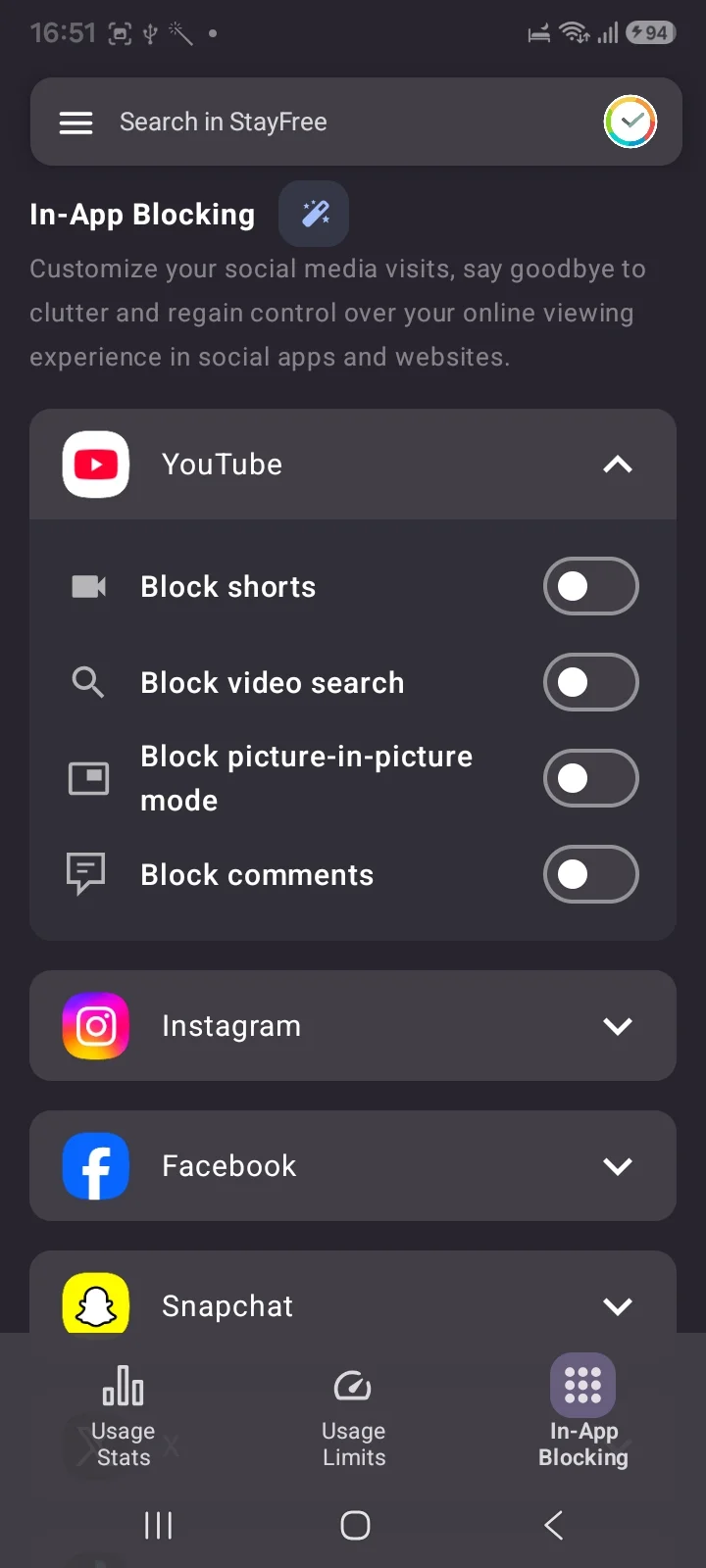
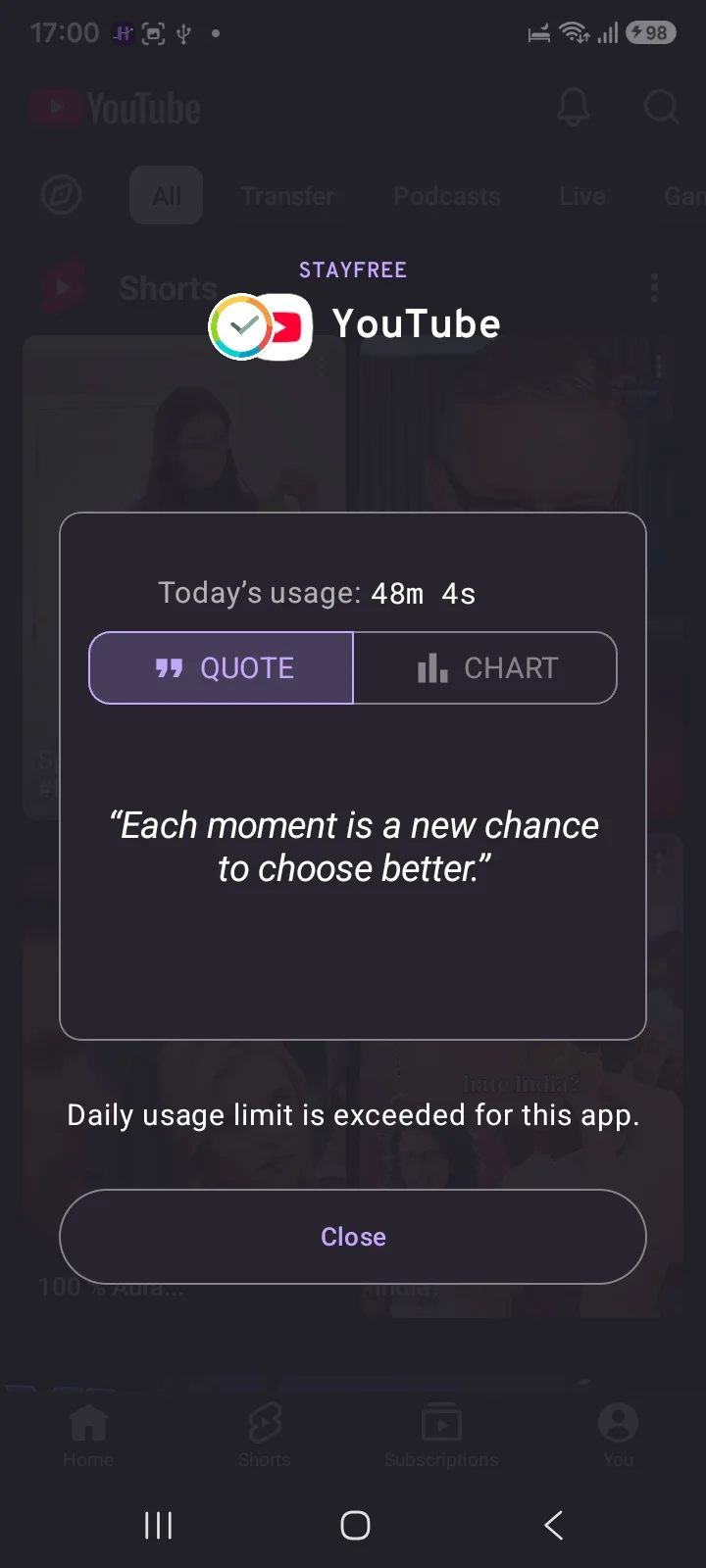
StayFree tracks usage by app, website and category, and its Usage Limits offer four modes: a daily limit, a schedule, a permanent block and session limits. Its standout feature is In-App Blocking: limit YouTube Shorts, Instagram Reels or Stories without blocking the whole app, so you keep messages and lose the feed.
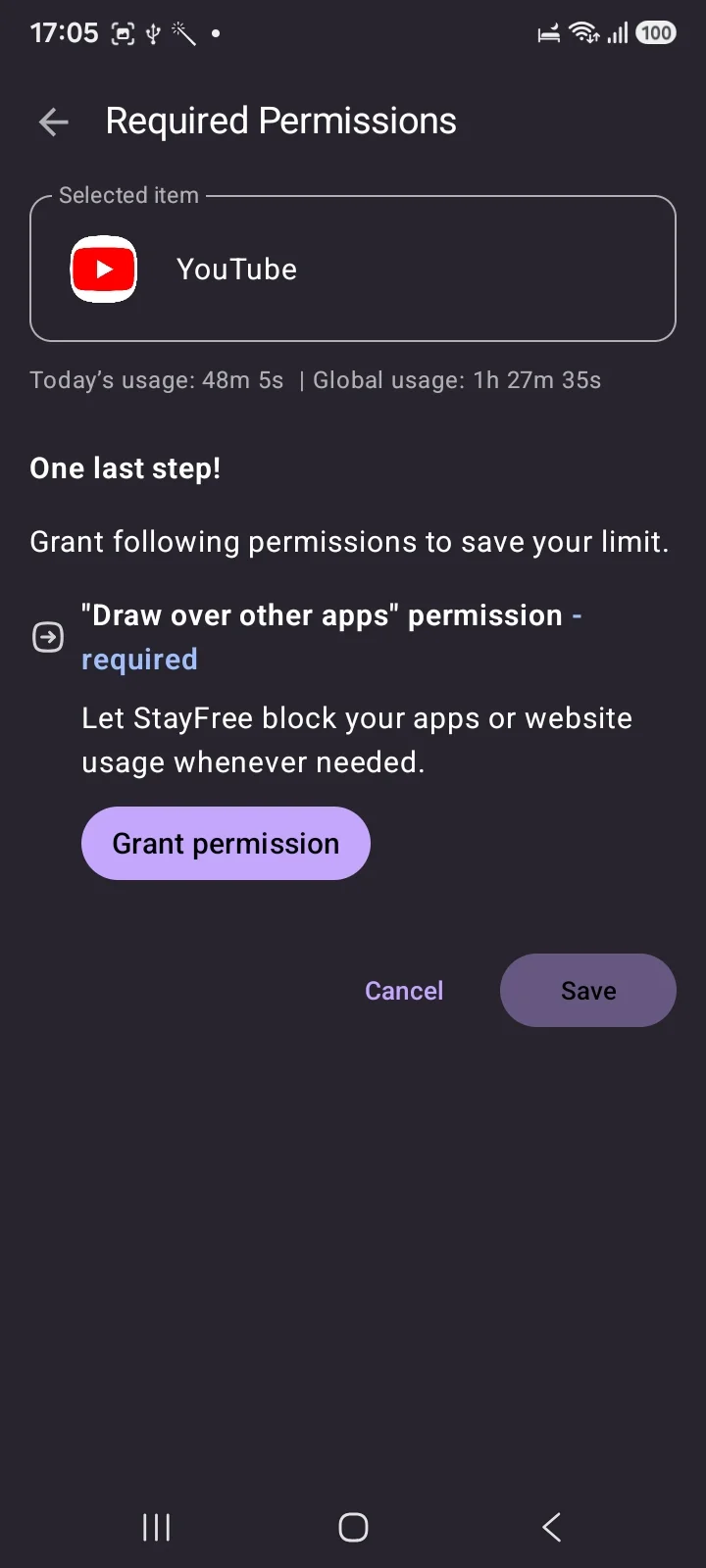
Two things to know. It now asks you to sign in with Google, and the listing says it is made by Sensor Tower, an app analytics company. Neither is disqualifying, but know it before you sign in.
Pick it if Reels or Shorts are the problem, or you want serious data without paying.
3. ActionDash: the deepest analytics
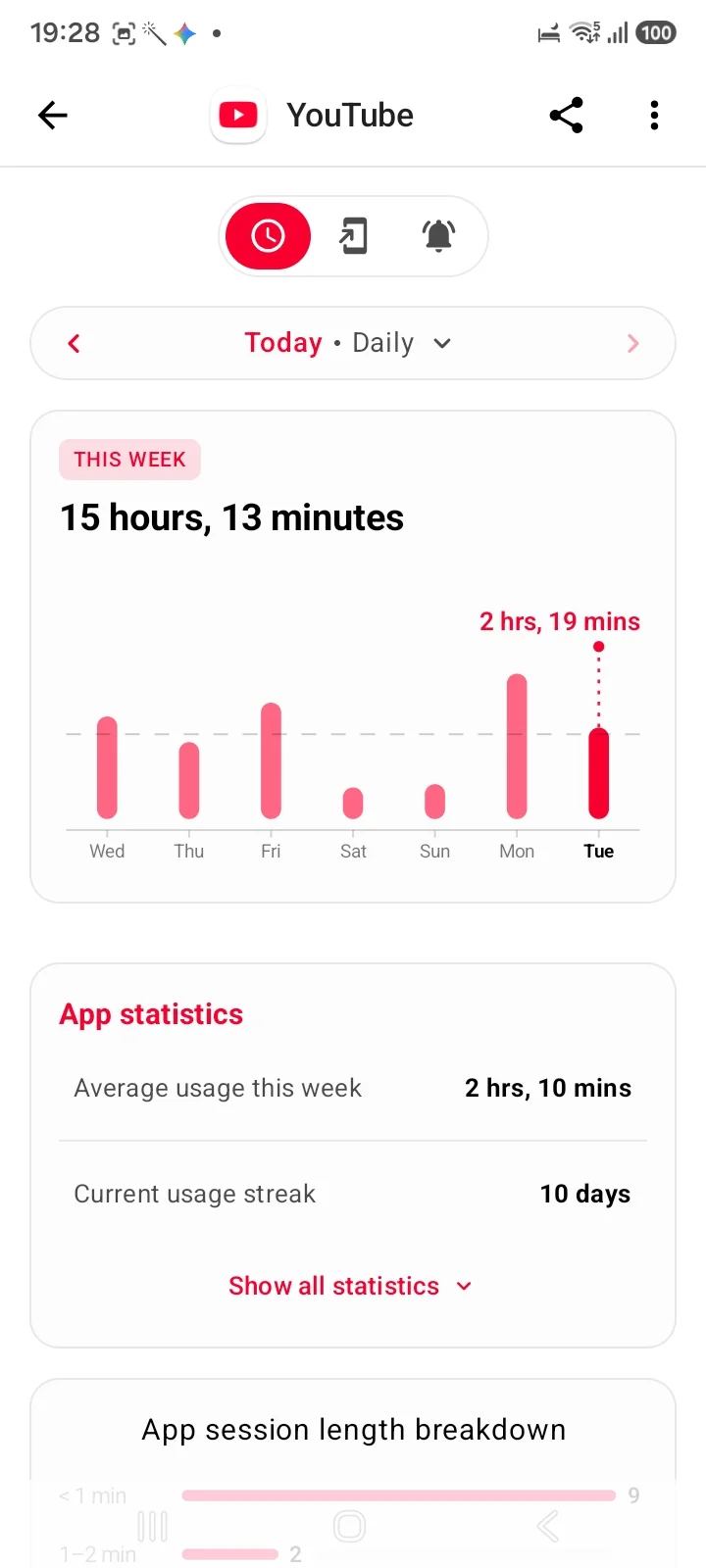
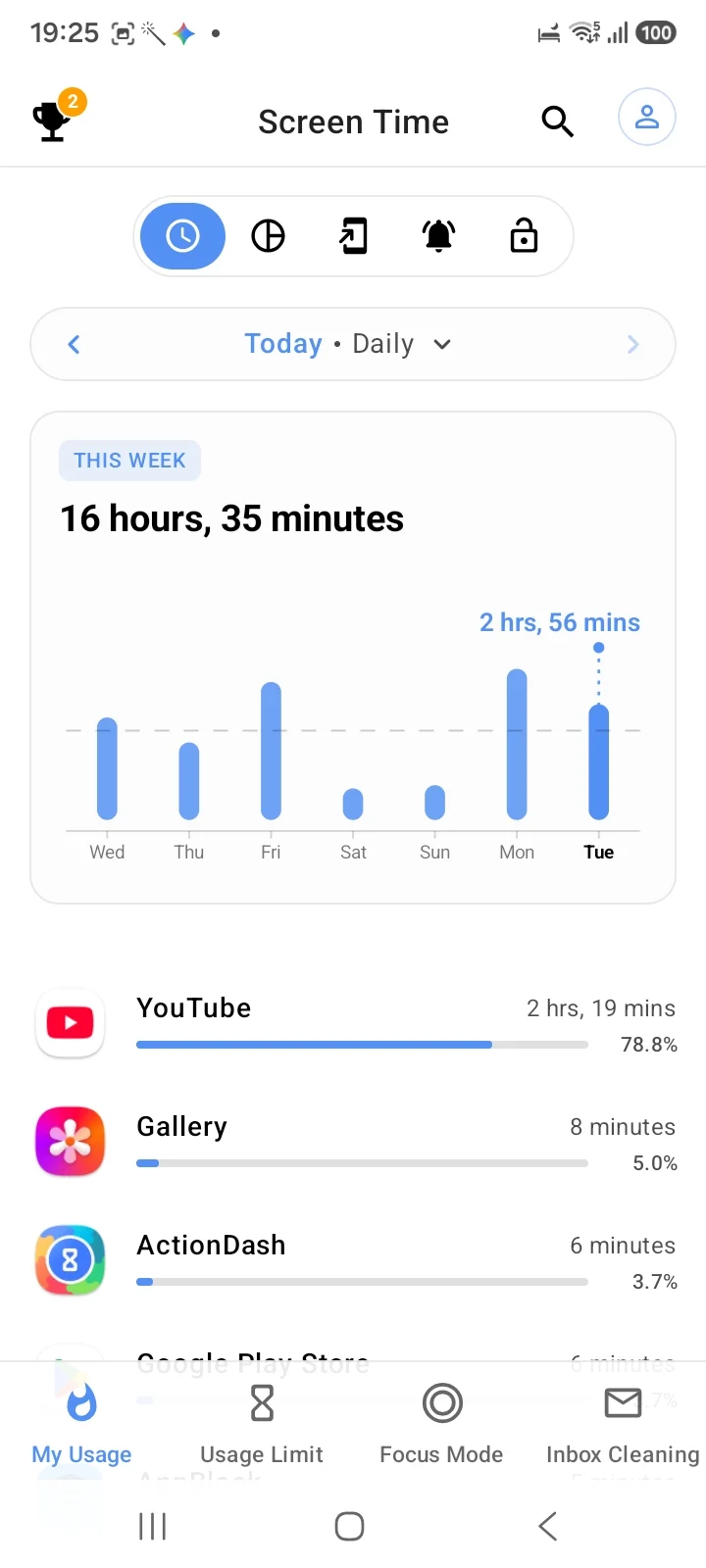
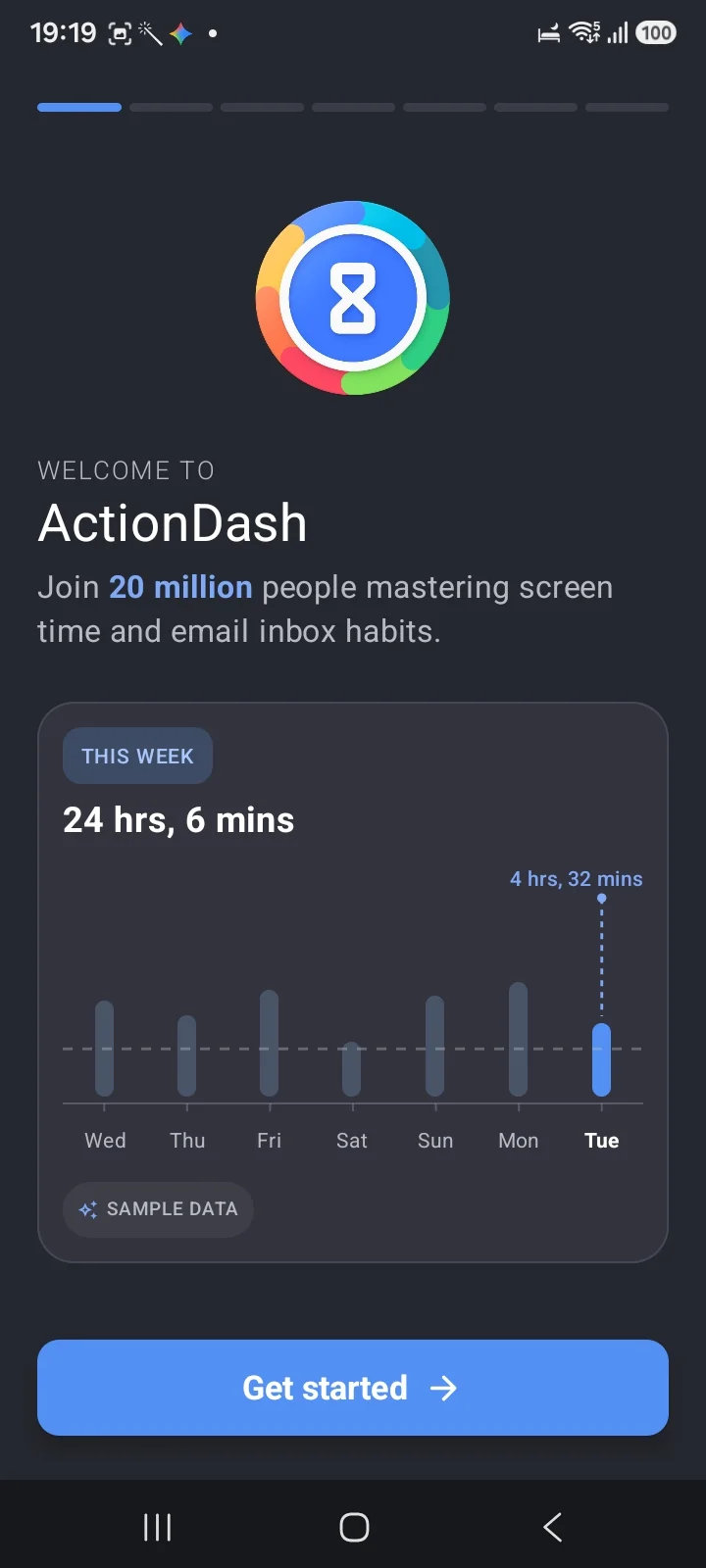
ActionDash is from the same team as StayFree, and its onboarding is nearly identical. Where it leads is analysis: per-app session lengths, weekly averages and usage streaks that nothing else here matches. It limits as well as measures, with Usage Limit and Focus Mode tabs.
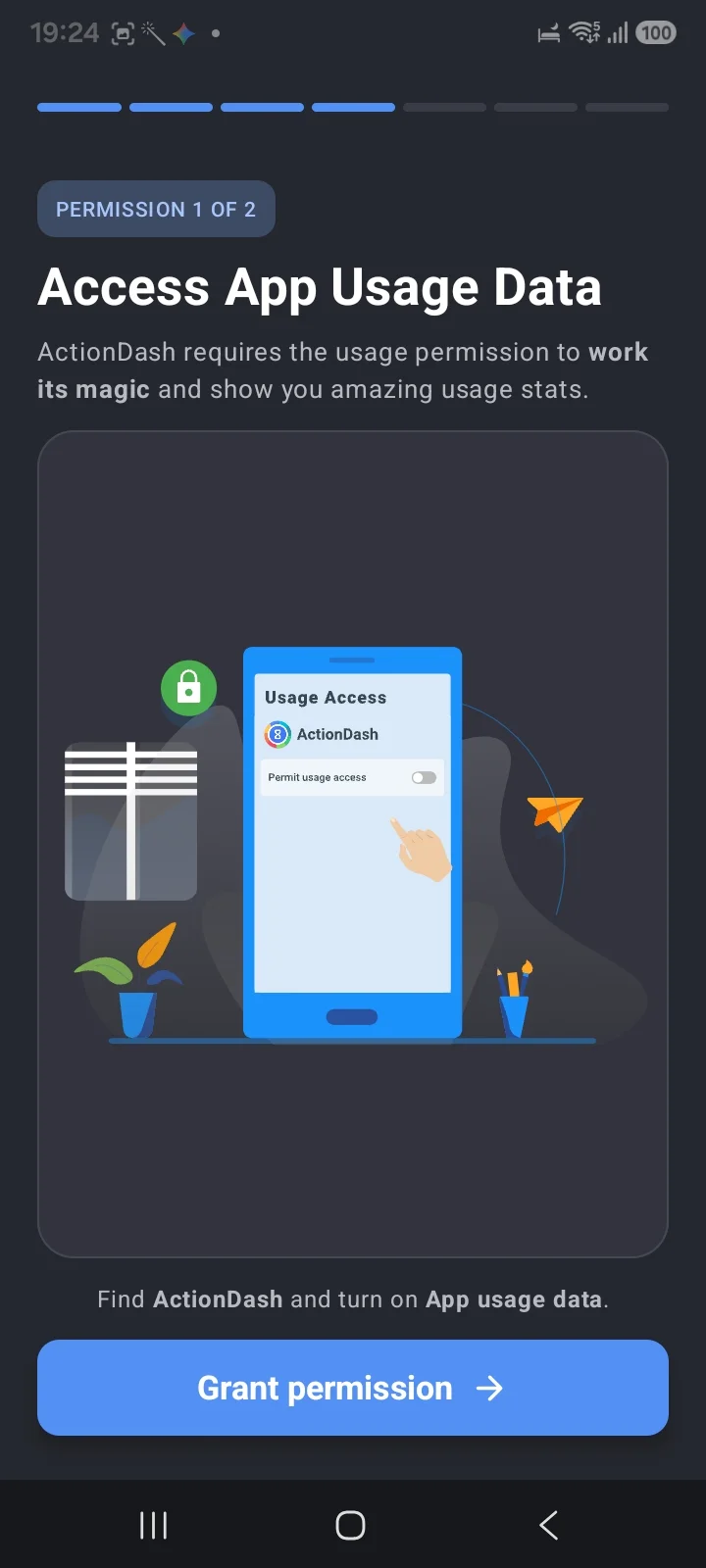
Pick it if you are the kind of person who changes behaviour by staring at charts.
4. ScreenZen: cut the opens, free
ScreenZen is completely free, funded by a tip jar, and its support screen says "No data saved". Instead of timing you, it tackles how often you open things: an "Is this important?" pause, a short delay, and a count of how many opens you have left today. There is also a Strict Block mode for set hours.
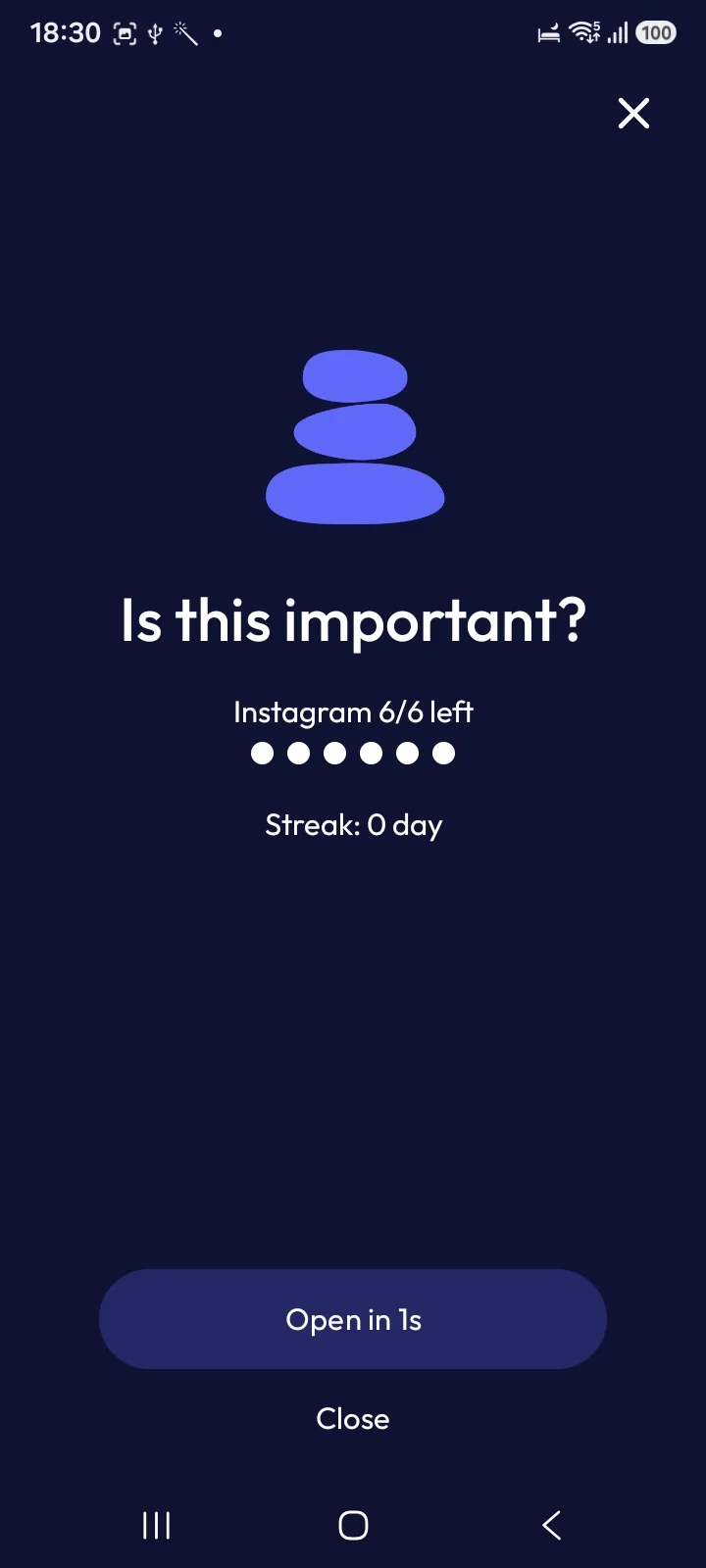
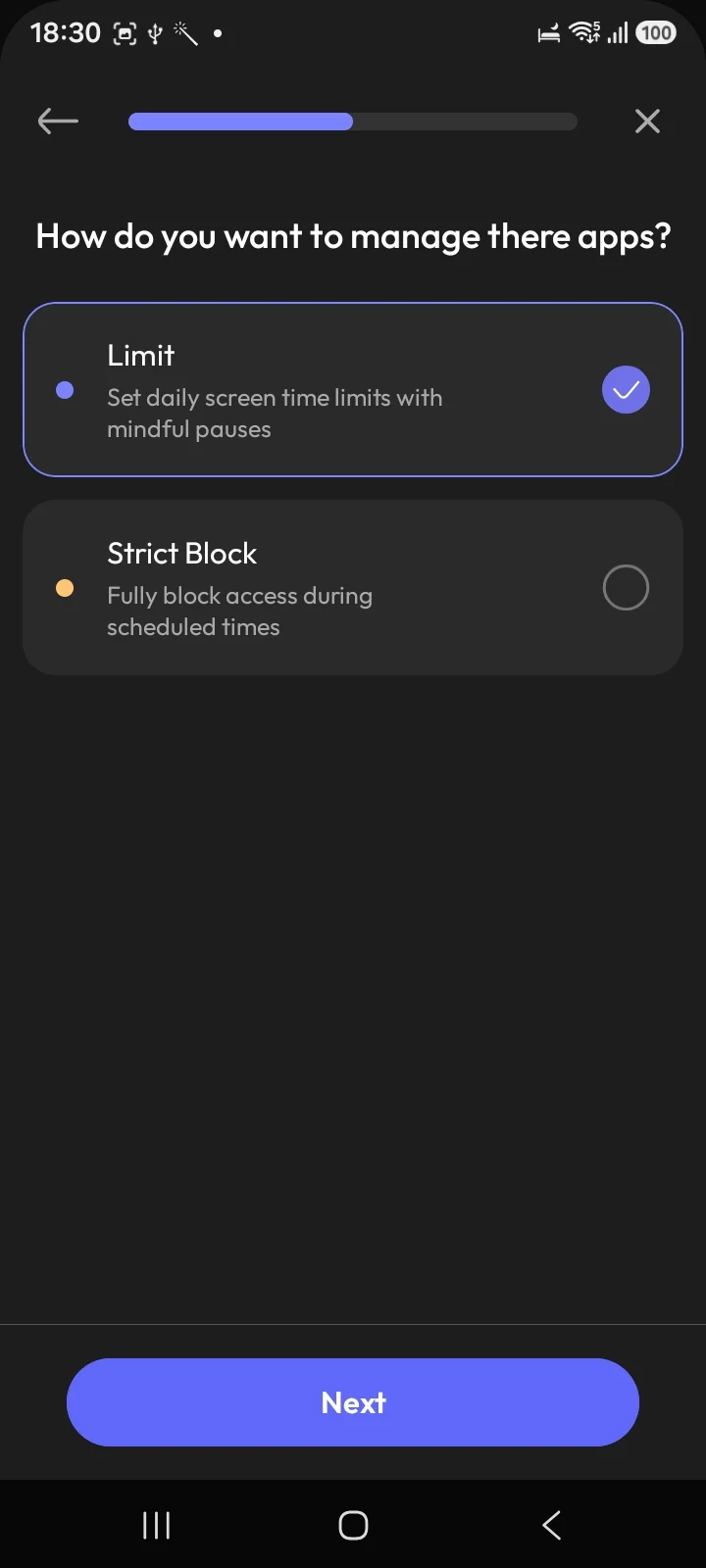
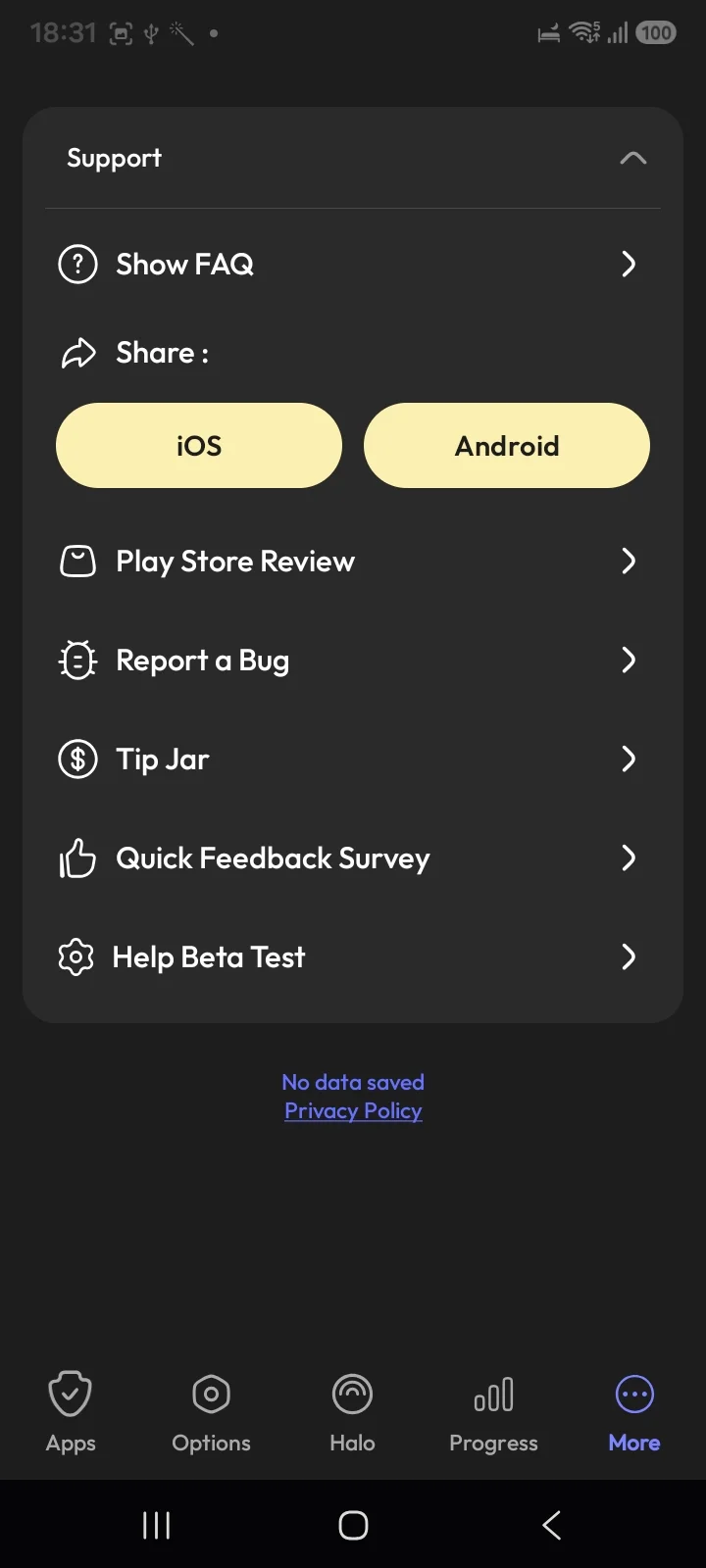
Pick it if your problem is opening Instagram forty times rather than staying in it, and you do not want an account.
5. Habit Doom: when tracking has not changed anything
Habit Doom is ours, so weigh this accordingly.
Tracking works when seeing the number is enough to change it. For many people it is not: the chart says five hours, and tomorrow it says five hours again. Habit Doom stops measuring and changes the default. Distracting apps stay locked until your daily habits are done, whether that is a walk, reading or study, and then they open.
Free Anti-Cheat checks a habit with a real-time photo matched on your phone, so the unlock is earned. The free tier covers 3 habits, app blocking, streaks and Anti-Cheat, with no ads. Pro is $4.99 a month, $19.99 a year with a 7-day trial, or $29.99 once. It needs Android 10 or newer.
Pick it if you already know your numbers and they are not moving.
The honest limit on Android
Every app on this page, ours included, can be switched off by the phone's owner. Android apps limit you by drawing a screen over the app or by using an Accessibility Service, and both are permissions you can revoke in Settings. Battery optimisation can also put a limiter to sleep. Android has nothing like the iPhone's system-level app lock.
So choose friction that matches how you slip. For the harder options, see best app blockers for Android and the free ones.
Which one should you pick?
You have never measured your usage: Digital Wellbeing, for a week.
Reels or Shorts are the problem: StayFree's In-App Blocking.
You love data: ActionDash.
You open apps constantly and want free: ScreenZen.
You know the numbers and nothing changes: Habit Doom.
Frequently Asked Questions
Keep Reading
Try Habit Doom
Lock your distracting apps. Complete your habits. Earn your screen time. It takes 30 seconds to set up.
Download Free