


Brick vs Foqos, Unpluq and Opal (2026)

 X
X LinkedIn
Brick vs other app blockers: the short answer
Brick's idea is simple: the off switch for your distracting apps is a physical object, and you leave it somewhere inconvenient. The question is whether you need the $59 version of that idea.
- Foqos vs Brick: same tap-to-block idea, free, but iPhone only.
- Unpluq vs Brick: a tag too, but sold with a subscription, plus digital fallbacks.
- Opal vs Brick: no hardware, blocks on a schedule, Hard Mode is paid.
- Habit Doom vs Brick: no hardware, apps unlock once your habits are done.
Prices and ratings below were checked on 30 September 2026.
| Brick | Foqos | Unpluq | Opal | Habit Doom | |
|---|---|---|---|---|---|
| Price | $59 once | Free | Subscription + tag | Free / $19.99 mo | Free / $4.99 mo |
| Unlocks with | The Brick | Any NFC tag or QR code | Unpluq Tag or digital barrier | Schedule ends, or you end it | Finished habits |
| Hardware needed | Yes | A tag or printed code | Yes | No | No |
| Platforms | iPhone, Android | iPhone | iPhone, Android | iPhone, Android, Mac | iPhone, Android |
| US App Store ratings | ~55,600 | ~5,000 | ~900 | ~88,800 | 18 (new) |
How Brick works
Brick is a small device with a free app. You pick the apps and sites to block, tap your phone on the Brick, and a focus timer starts. Tap again to get them back. You can start a block remotely from the app, but you still need the physical Brick to unblock, which is the whole commitment. Brick includes 5 emergency unbricks, a Strict Mode that closes loopholes during a session, custom modes such as Work, Sleep or Study, and usage history.
It costs $59, with no subscription, and runs on iPhone and on Android 12 or newer. It is the biggest name in this corner of the market, with about 55,600 US App Store ratings at 4.9 stars.
The honest weakness is the same as its strength: the rule is only "be near the Brick". Leave it on your desk and it becomes a very nice toggle.
Foqos vs Brick
This is the comparison most people are searching for, and the answer is short. Foqos does what Brick does, for free, on iPhone.
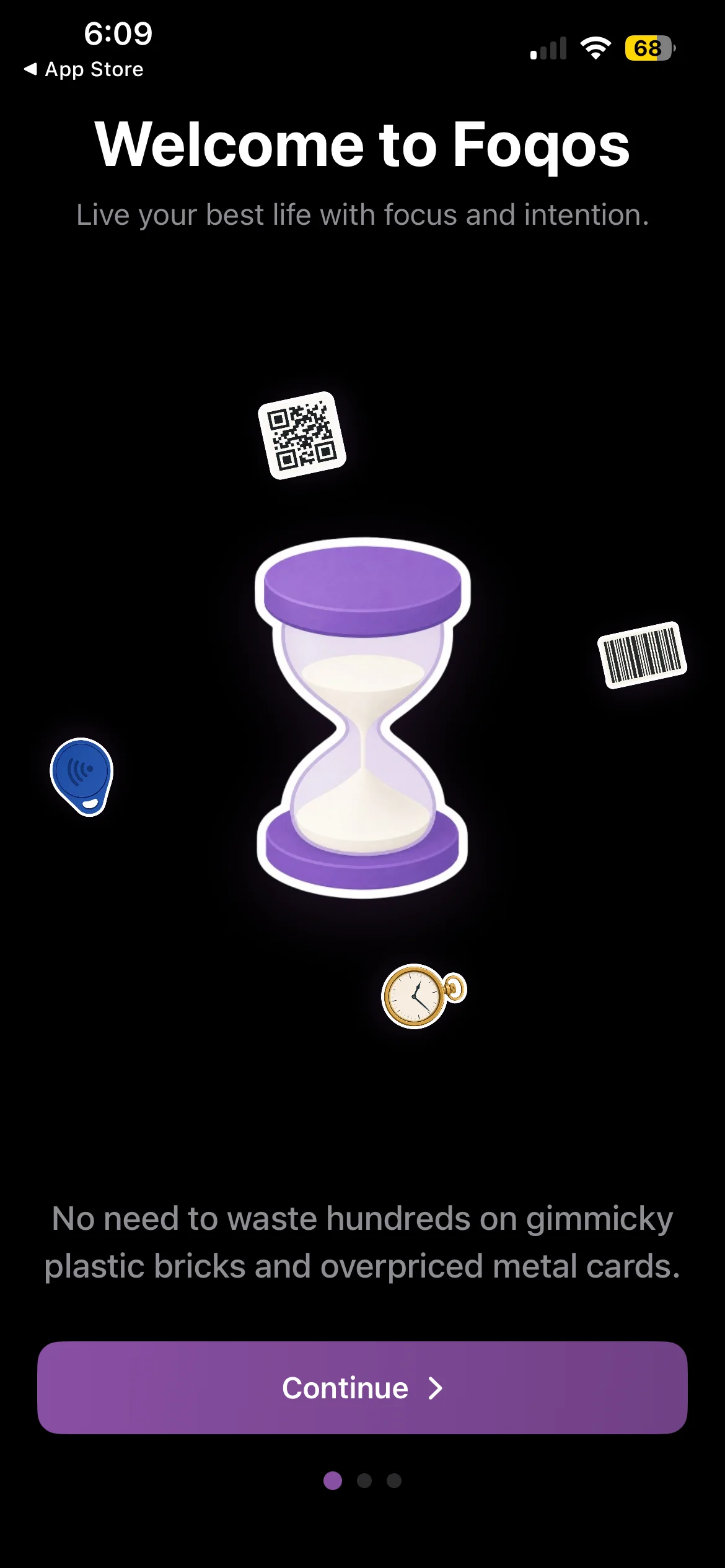
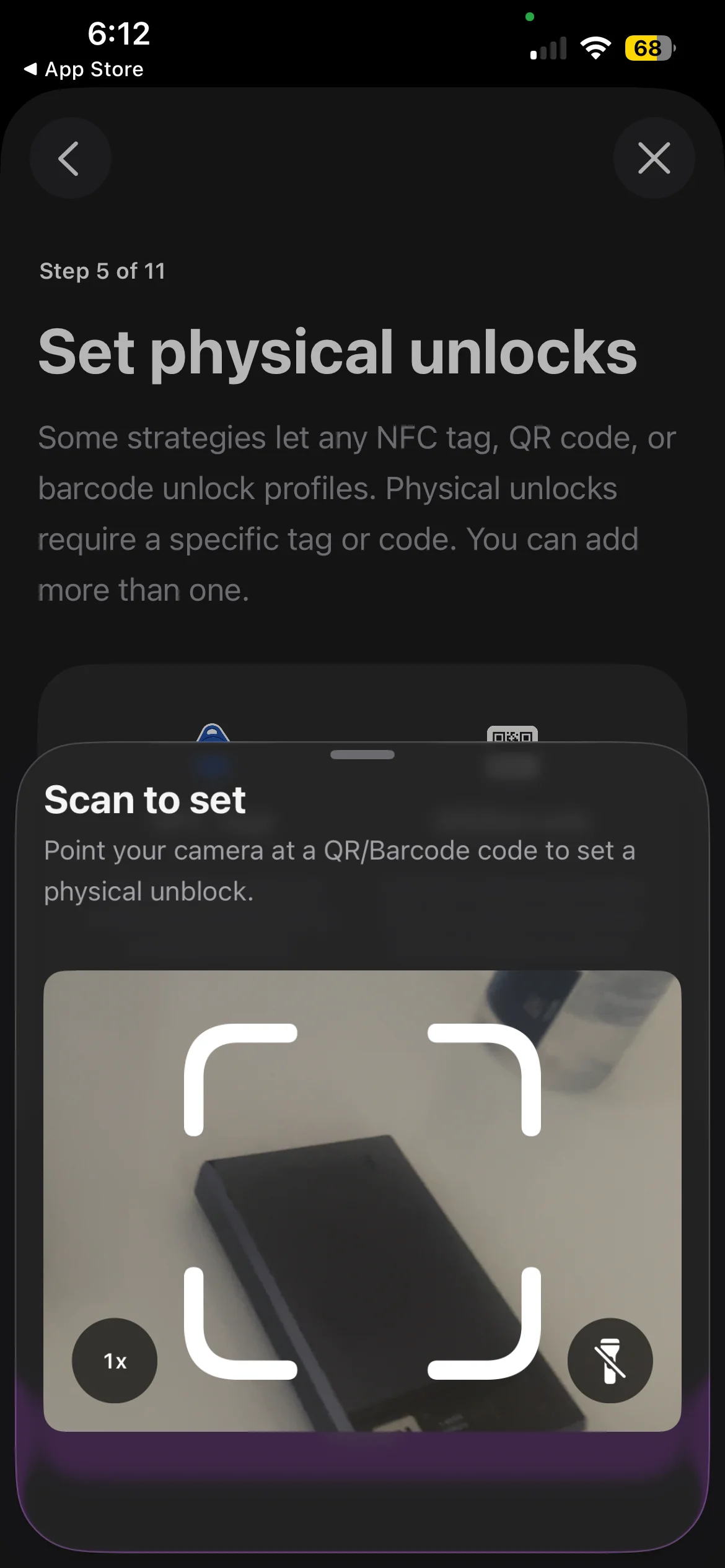
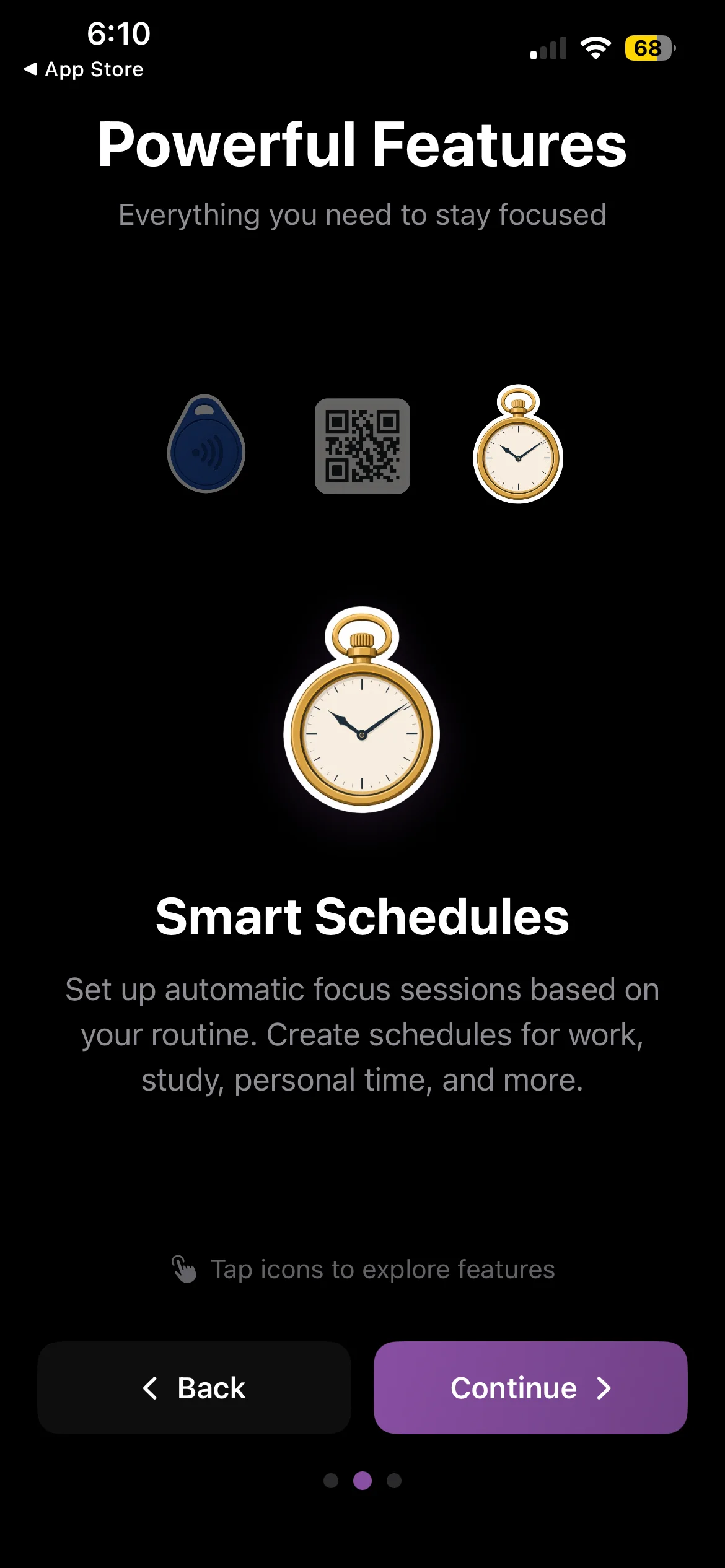
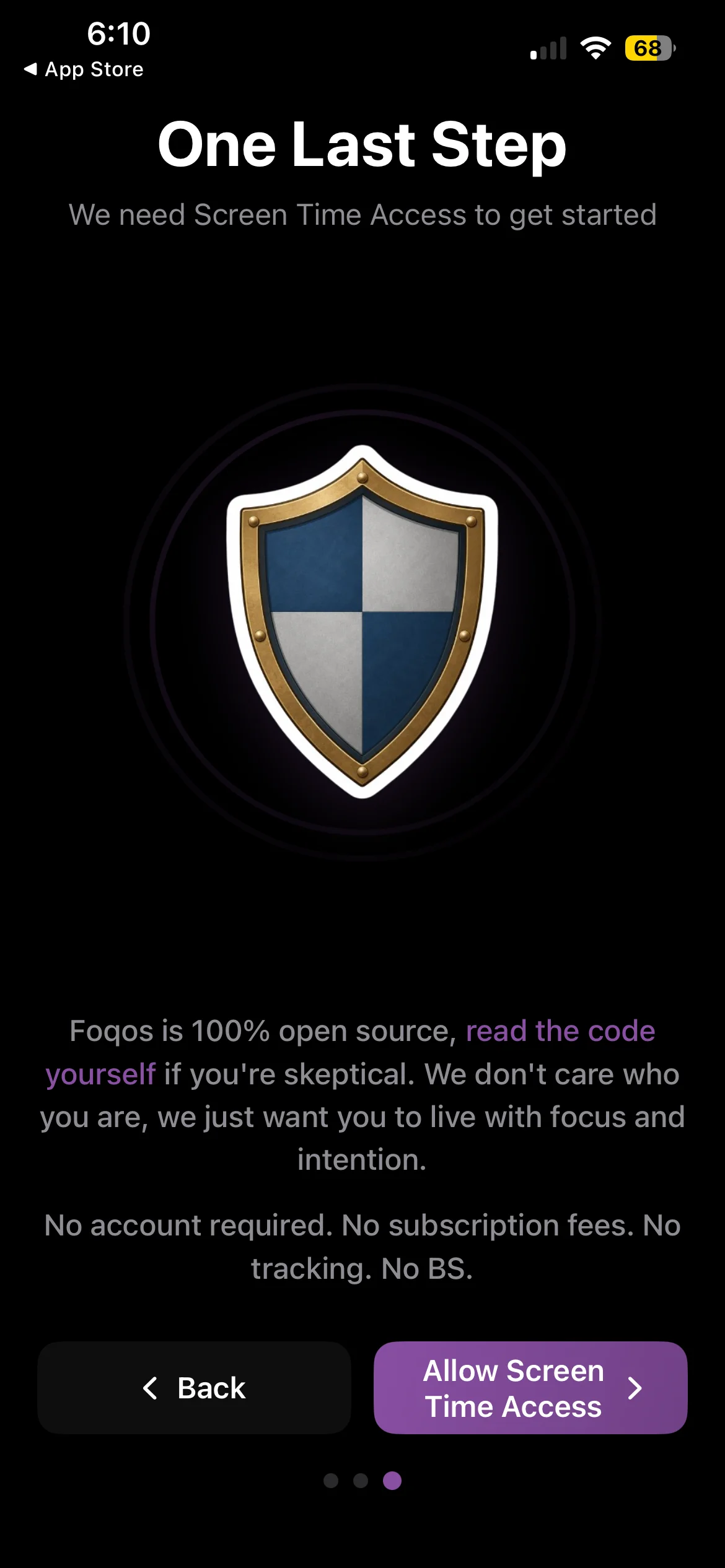
Foqos is free and open source, with no subscription and no account; its only in-app purchases are optional tips. Instead of a branded device, it starts and ends sessions with any NFC tag, QR code or barcode. A $1 sticker tag works, and so does a code printed and taped inside a cupboard. It also has manual timers, smart schedules and timed breaks. Its own welcome screen pitches it directly against "plastic bricks".
What Brick adds for the $59: a purpose-built object, Strict Mode, emergency unbricks, and an Android app. Foqos has no Android version; if that matters, see our Foqos alternatives for Android.
Pick Foqos if you are on iPhone and want to test whether a physical key works for you. Pick Brick if you want the finished product, need Android, or know you will not bother setting up tags.
Unpluq vs Brick
Unpluq also uses a physical NFC tag, the Unpluq Tag, and adds up to 7 digital barriers as a way in when the tag is not with you. That makes it more forgiving than Brick, which cuts both ways.
The bigger difference is the business model. Brick is a one-time $59. Unpluq sells the tag with a premium subscription; the US App Store lists $6.99 a month or $59.99 a year, and its website sells the subscription in 3, 6 and 12 month terms with or without a tag. It offers a 30-day money-back guarantee and runs on iPhone and Android. It is also much smaller, with about 900 US ratings.
Pick Unpluq if you want a tag but also want a digital escape hatch. Pick Brick if you would rather pay once.
Brick vs Opal
Opal needs no hardware at all. It blocks apps and sites on schedules, time limits and open limits, with strong analytics and leaderboards. The free plan gives you one rule. Hard Mode, a session you cannot turn off, is Opal Pro at $19.99 a month or $99.99 a year (more on Opal's free plan).
The difference is where the discipline lives. With Brick, it lives in a room: the unlock is over there. With Opal, it lives in a setting: Hard Mode on or off.
Pick Opal if you want blocks to start automatically without remembering to tap anything. Pick Brick if you want the unlock to be physically out of reach.
Brick vs Habit Doom
Habit Doom is ours, so read this section with that in mind.
Brick asks "is the device nearby?" Habit Doom asks "did you do what you said you would?" Distracting apps stay locked by default and open once your daily habits are done, whether that is a workout, reading or study. There is nothing to buy, carry or leave in another room, and nothing to forget at home.
The lock runs on Apple's Screen Time API and holds through force-quit and uninstall. Free Anti-Cheat checks a habit with a real-time photo matched on your phone, so the unlock has to be earned. The free tier covers 3 habits, app blocking, custom alarms, streaks and Anti-Cheat, with no ads; Pro is $4.99 a month, $19.99 a year with a 7-day trial, or $29.99 once. It runs on iPhone and Android.
Pick Habit Doom if what you want is not a pause but a reason: the apps come back after something useful is done.
Which one should you get?
You are on iPhone and curious about Brick: start with Foqos. It is free, and if a physical key does not work for you, you have lost nothing.
You want the polished physical version, or you are on Android: Brick.
You want a tag with a digital fallback: Unpluq.
You want blocks on a schedule, no hardware: Opal.
You want apps to unlock only after real work is done: Habit Doom.
For more options, including cheaper hardware-free picks, see our full Brick alternatives list.
Frequently Asked Questions
Keep Reading
Try Habit Doom
Lock your distracting apps. Complete your habits. Earn your screen time. It takes 30 seconds to set up.
Download Free