


Is SocialLite Free? What It Really Costs (2026)

 X
 LinkedIn

Is SocialLite free? The short answer
No. SocialLite is free to download, but you need a subscription to use it. Its own pricing page says so in one line: "Using it requires a subscription." Its FAQ adds that new signups need a paid subscription and that there is no universal free tier.
We installed it on an iPhone on 20 November 2026 to see what that looks like in practice. Setup took about 30 screens and an account. Then the app showed a subscription screen with no close button, no trial and no free option. There was nothing else to do but pay or leave.
Everything below comes from that recording, SocialLite's own pricing page and FAQ, and its App Store and Google Play listings, all checked on 20 November 2026. We did not pay, so this post covers the price, not how well the app works once you are inside.
What happens before you see a price
SocialLite asks for a lot of your time before it shows a price. On our install the steps were, in order:
- Apple's "allow tracking" prompt, before the first screen.
- A welcome screen and a short tour: Instagram without Reels, YouTube without Shorts, and the other apps it covers.
- Setup questions: who it is for, where you heard about it, your age, why you have not just deleted social media, and what you have tried before.
- A run of screens built from your answers: your life drawn in weeks, the share of your waking hours it estimates will go to scrolling, the same figure in minutes and years, and what you could have done with that time.
- Quotes from former Facebook and Google people and Apple's CEO, reviews, and a comparison with screen time apps.
- A "Lock it in" screen where you press and hold to commit.
- An account, with Apple, Google, email or phone. You cannot see the price without one.
- An optional referral code, a question about the family plan, and then the paywall.
From opening the app to the paywall took about three minutes, by the clock in our screen recording.
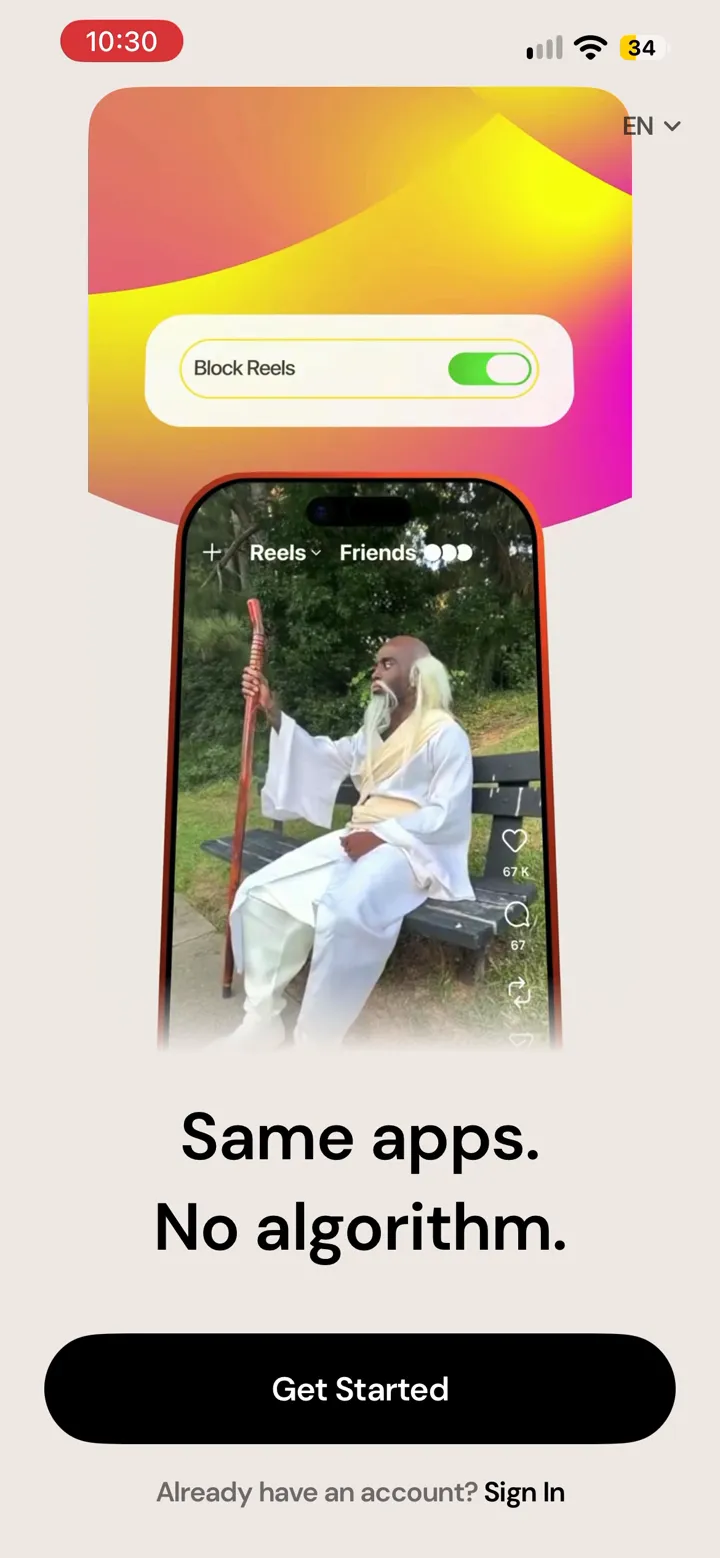
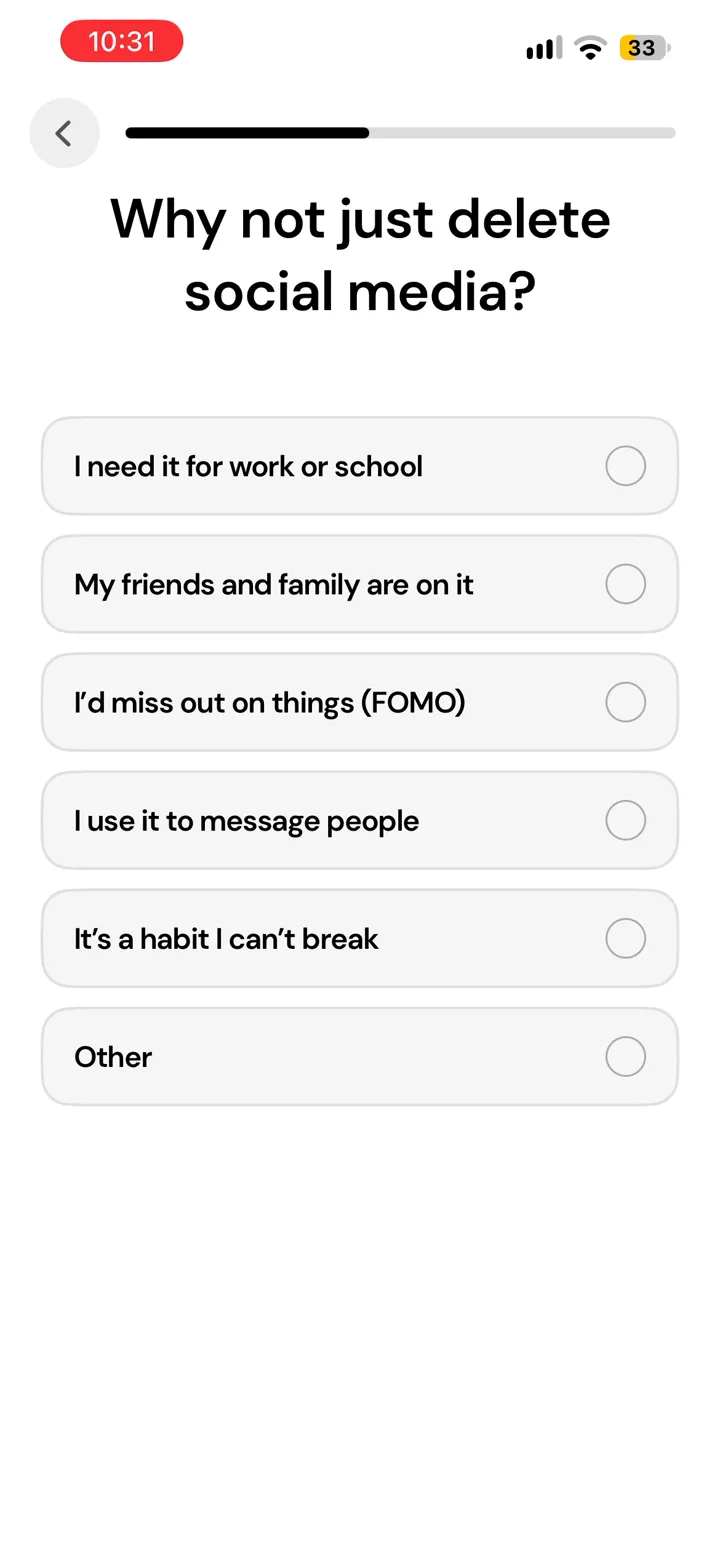
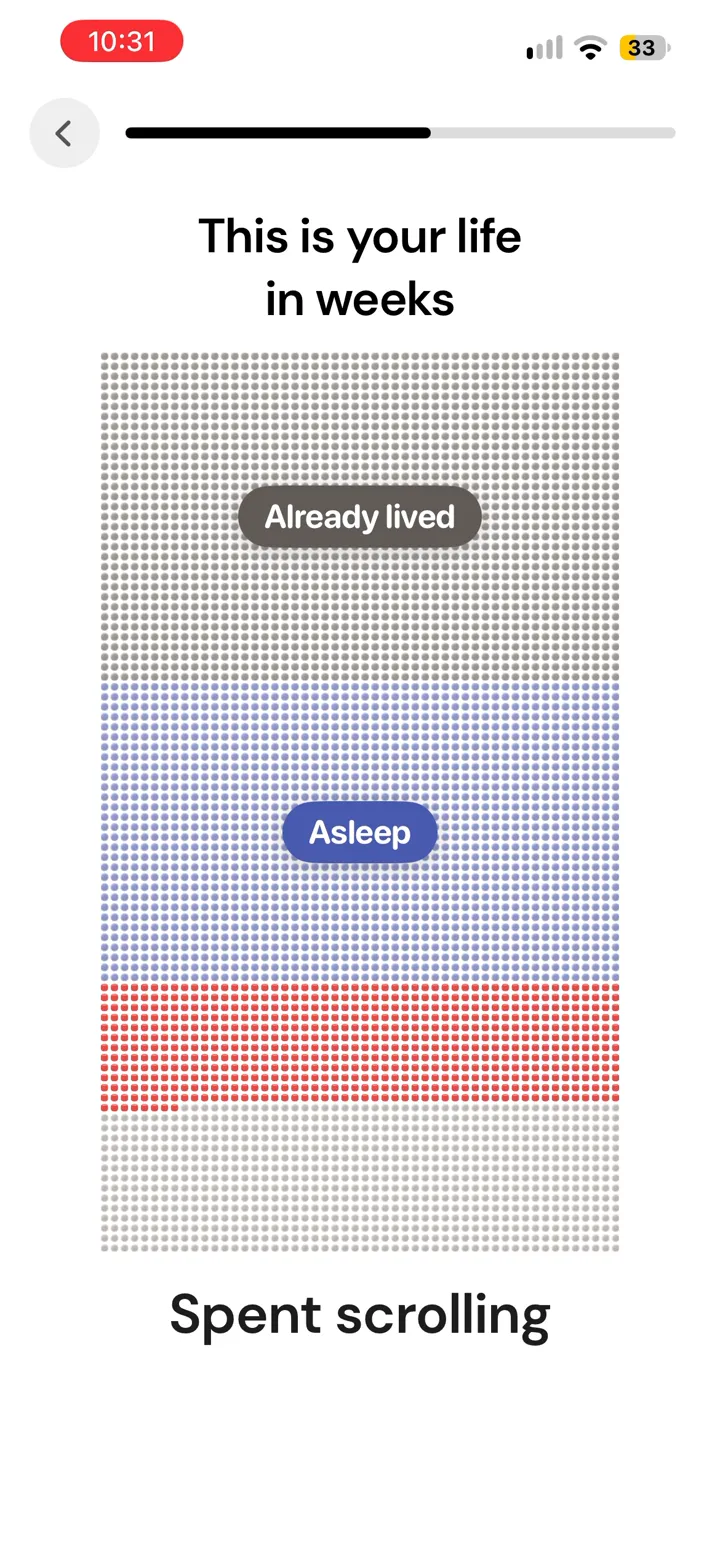
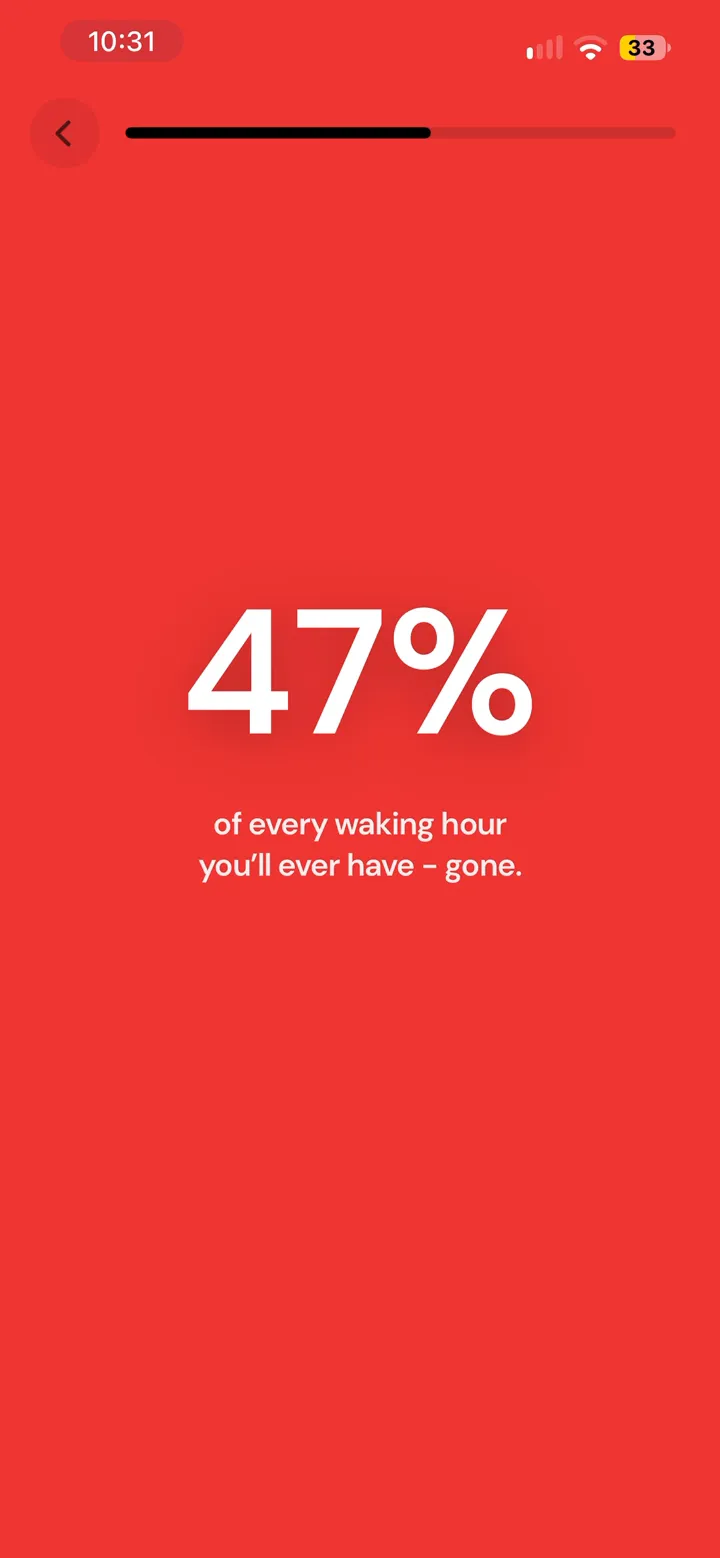
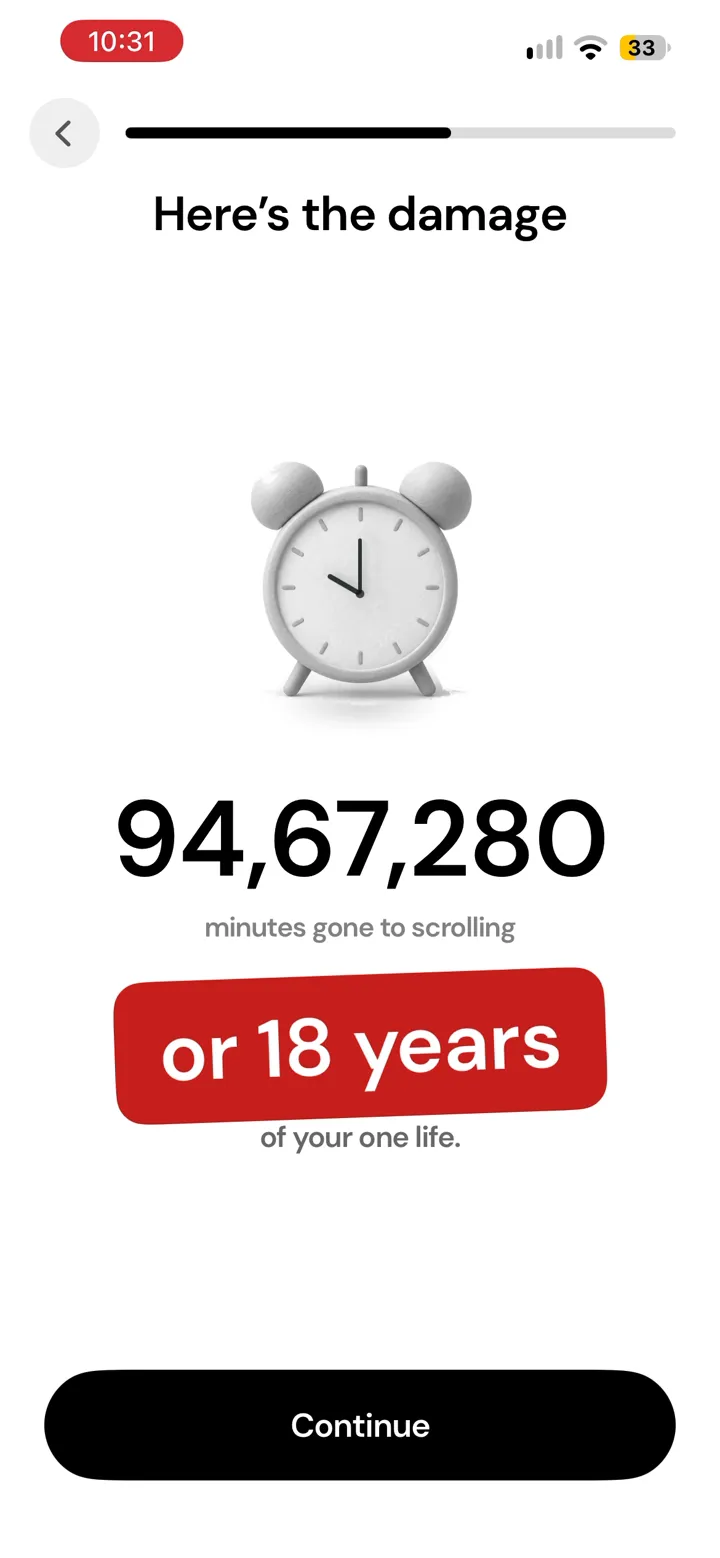
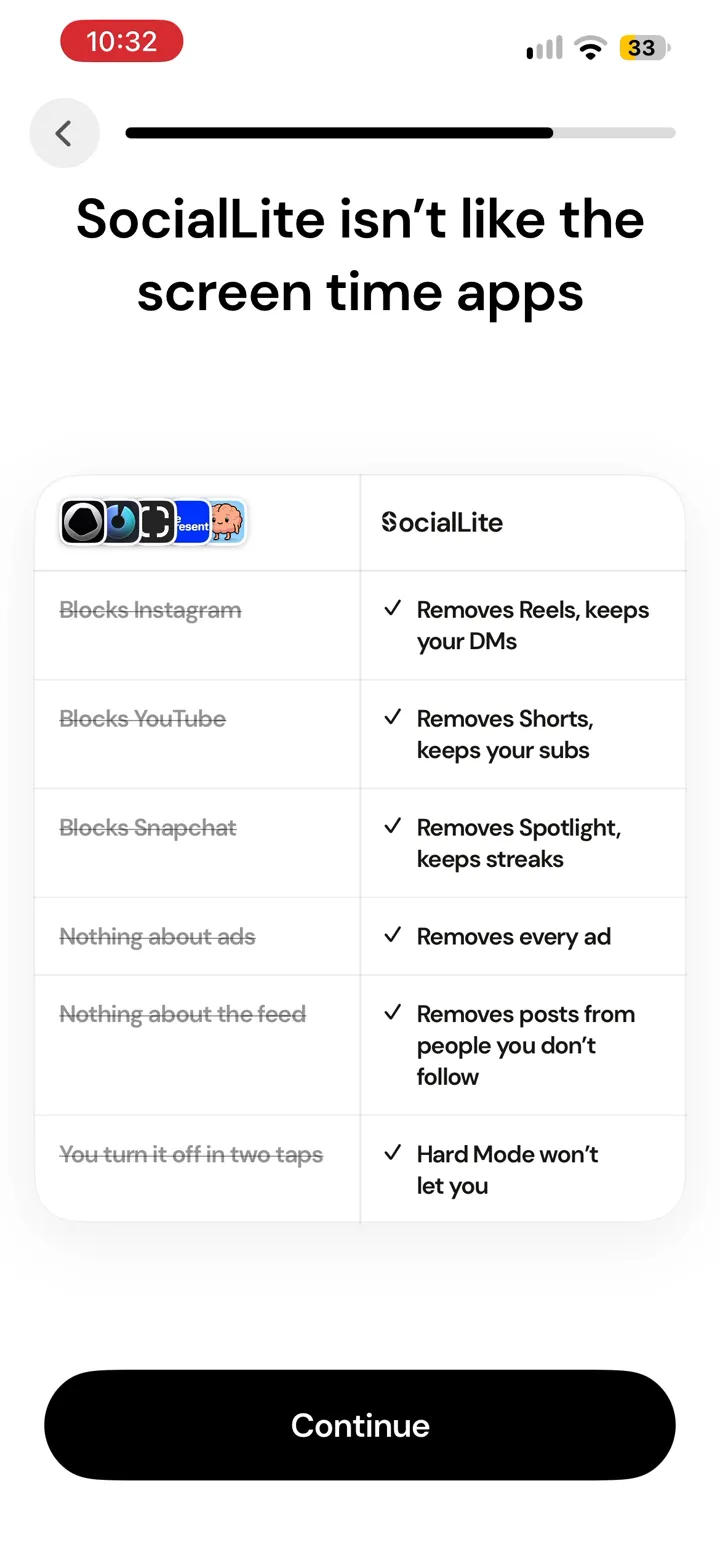
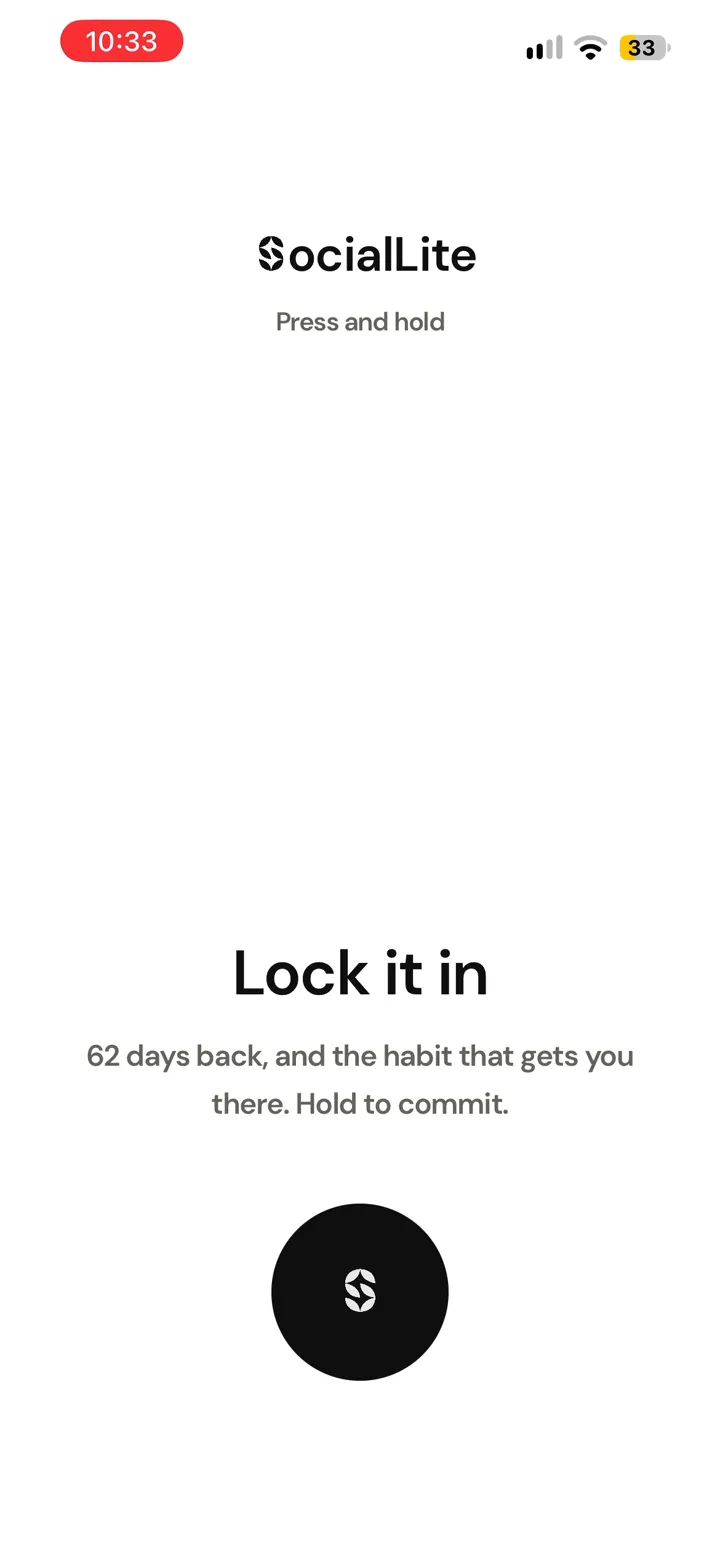
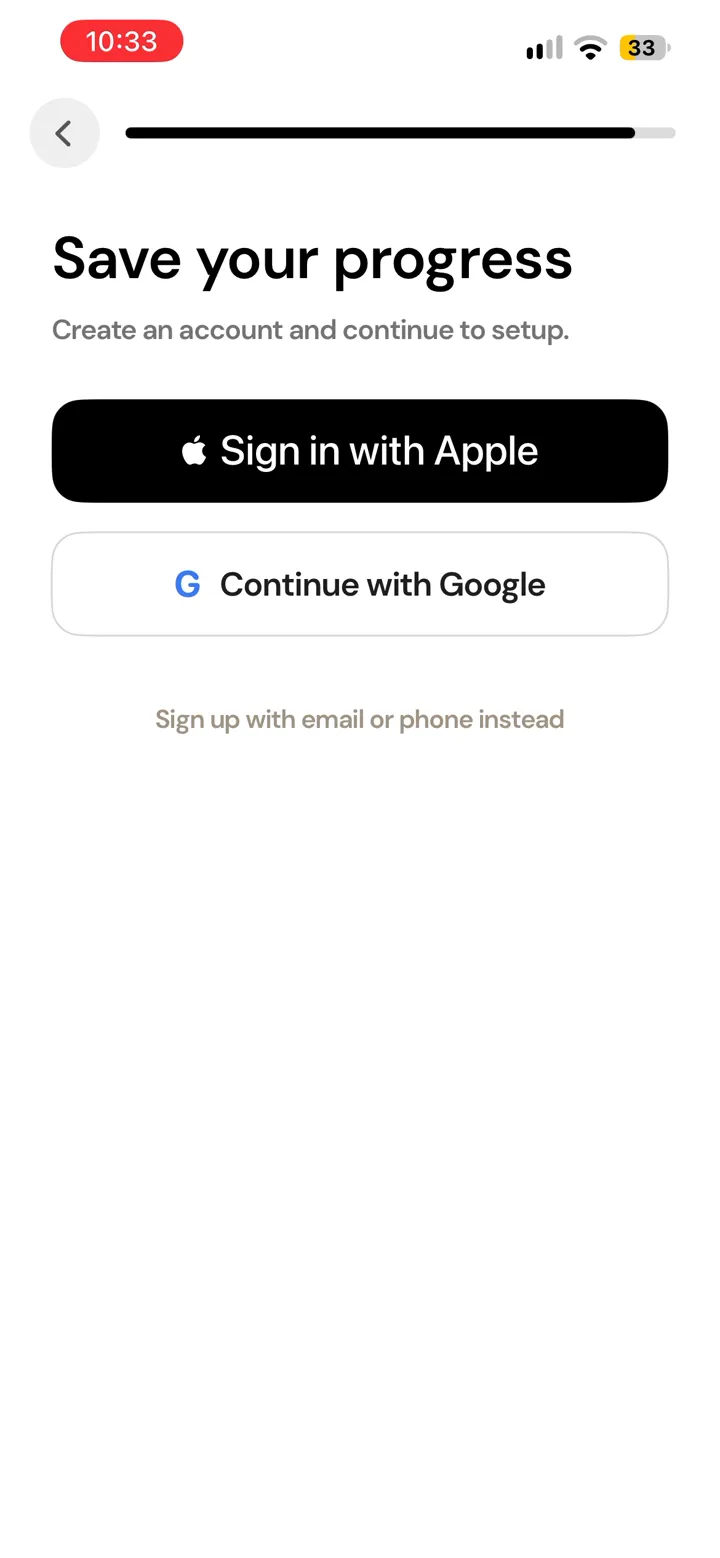
The big numbers on these screens (47% of every waking hour, 18 years of your life) are estimates SocialLite works out from your age and answers. The app does not show a source for them, so treat them as an illustration, not a measurement.
None of this is unusual for a subscription app. The problem, judging by the reviews below, is that the App Store listing says "Free" and some of SocialLite's own pages call the app free to download. By the time a new user learns it is paid, they have put three minutes and an account into it.
How much SocialLite costs
SocialLite's pricing page gives standard US reference prices of $9.99 a month or $29.99 a year. It says both are the same subscription, with no separate Pro upgrade. It also says the price you actually see depends on your account, plan, platform and country.
That last line matters, because several prices were live at the same time. The US App Store's in-app purchase list on 20 November 2026:
| What the App Store lists | Price (US) |
|---|---|
| Pro Yearly | $19.99, $29.99 and $47.90 (three listings) |
| Pro Monthly | $6.99, $9.99 and $17.99 |
| Sociallite Pro | $3.99 |
| Family Monthly | $12.99 |
Several prices listed at once usually means an app is testing prices or running offers. So the $29.99 a year on the website is the reference price, not a promise of what your paywall will show. Reviewers quote prices from about £10 a month to around $80 a year.
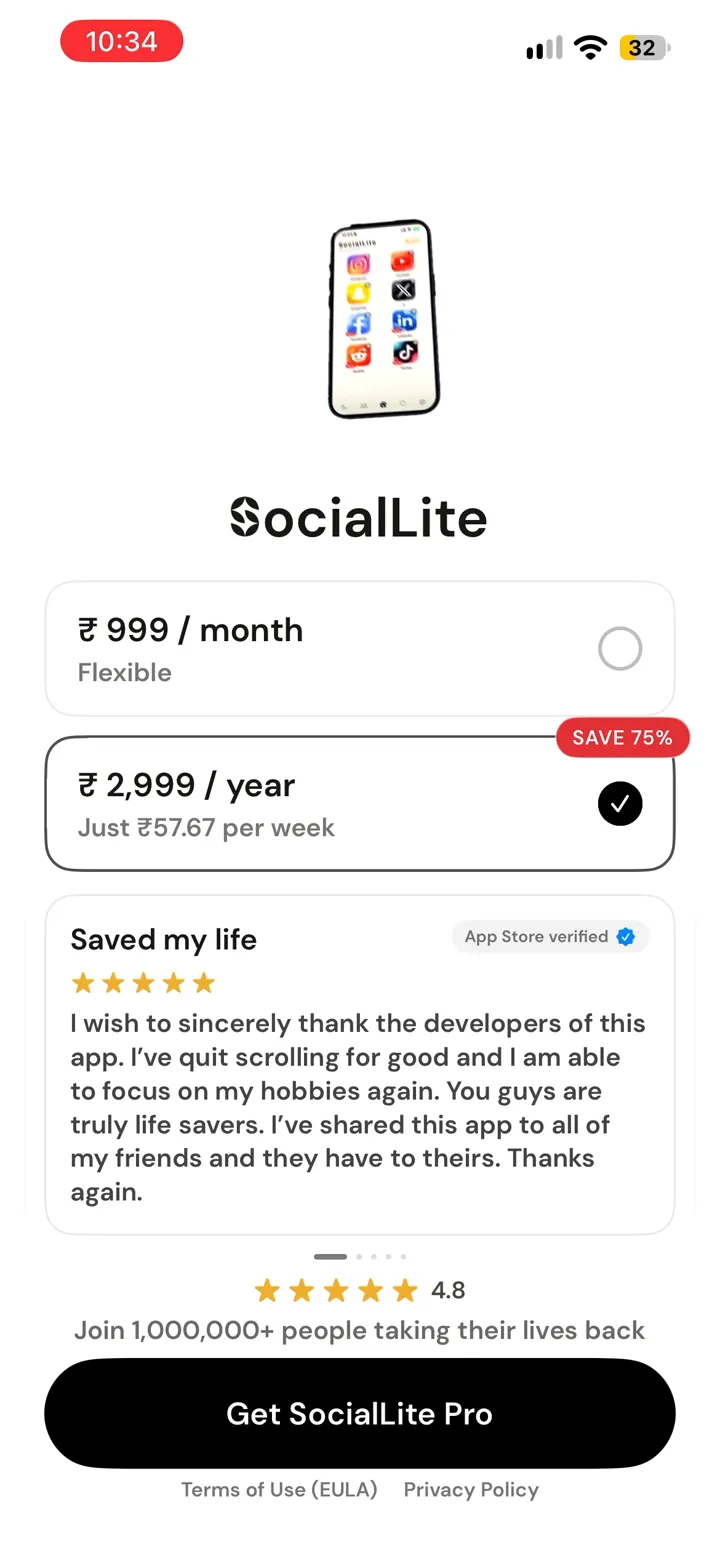
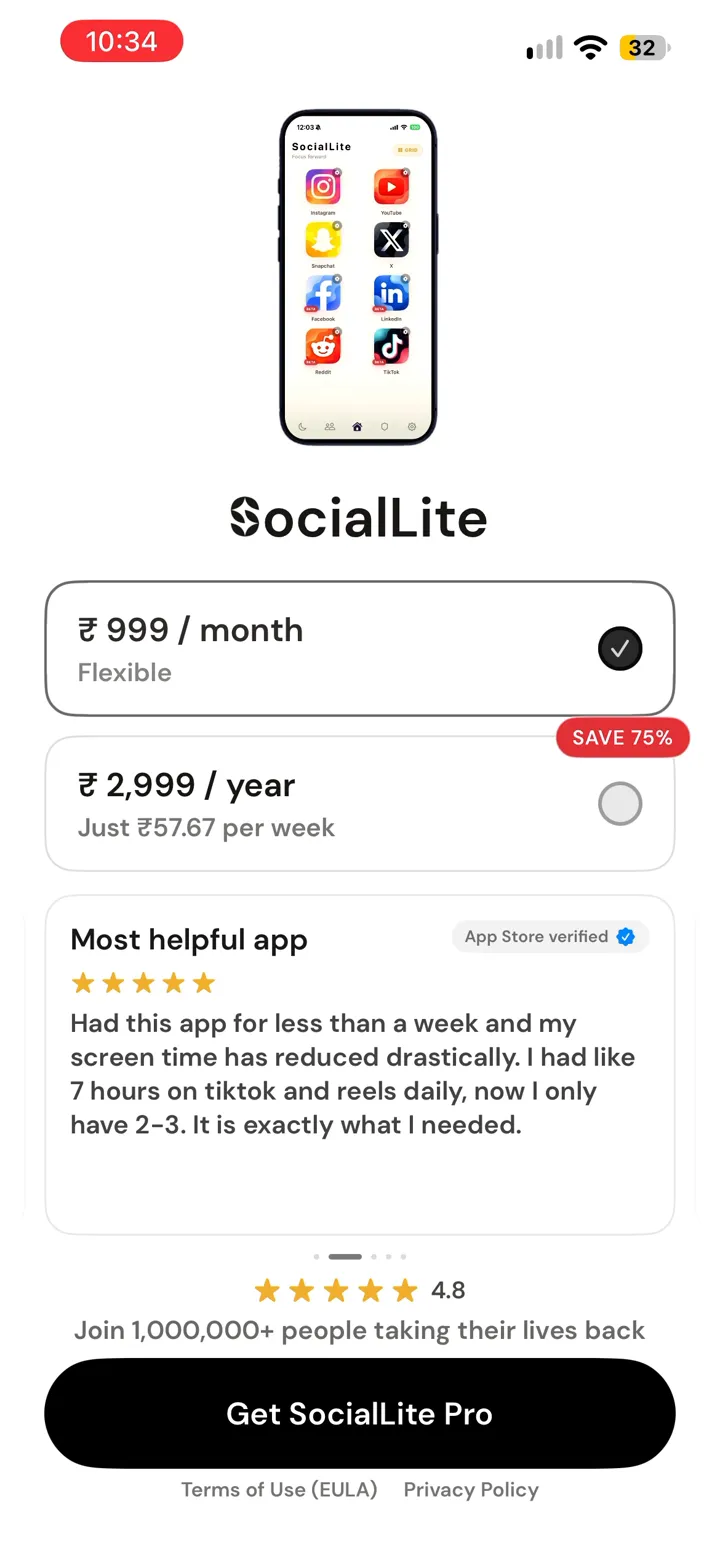
Our paywall, on an Indian iPhone, showed:
| Plan | Price (India) | What the screen said |
|---|---|---|
| Monthly | ₹999 a month | "Flexible" |
| Yearly | ₹2,999 a year | "Just ₹57.67 per week", "SAVE 75%" |
The 75% is accurate: twelve months at ₹999 would be ₹11,988, and ₹2,999 is about a quarter of that.
Is there a free trial?
Not reliably. The pricing page says "A free trial is not guaranteed" and that it depends on your eligibility, plan, platform and country. If you are eligible, the trial length and the price after it are shown before you confirm.
We were not offered one. The paywall showed the two plans and a Get SocialLite Pro button, with no trial wording. Some reviewers report a three-day trial that needed card details, so it does appear for some accounts.
Was SocialLite ever free?
There are signs it was cheaper to get into. One App Store reviewer says a free tier existed and was removed for new users. SocialLite's own pricing page says "grandfathered access" and access already granted to an account continue under their existing terms, which suggests some earlier users have arrangements that new users do not get. We could not confirm what the old free tier included.
What reviewers say about the price
SocialLite is well rated. On 20 November 2026 it had about 18,800 ratings in the US App Store, averaging 4.7, and across the 33 country App Stores we checked, about 41,900 ratings averaging 4.6. On Google Play it showed 4.4 stars from about 22,700 reviews and more than 500,000 downloads.
We read 349 recent App Store reviews from the US, UK, Canada and Australia, written between 24 October and 15 November 2026:
- 83% gave 4 or 5 stars. About half of those say it really cut their scrolling, usually because they can keep up with friends and messages without falling into Reels.
- Of the 59 reviews with 1 to 3 stars, 61% are about the paywall. The pattern is the one above: a long setup, an account, then a subscription screen. Several call the advertising misleading because they expected a free app.
- About a third of the negative reviews say it is slow or buggy. That is the trade-off of how it works on iPhone, covered in how to remove Reels from Instagram.
So the people who pay mostly like it. The anger is from people who found out about the price late.
How to cancel a SocialLite subscription
Deleting the app does not cancel the subscription. Cancel it with Apple or Google:
- iPhone or iPad: open Settings, tap your name, then Subscriptions. Choose SocialLite and tap Cancel Subscription. (Apple's steps)
- Android: open Google Play, tap your profile icon, then Payments and subscriptions, then Subscriptions. Choose SocialLite and cancel. (Google's steps)
If you cancel during a trial or a paid period, you normally keep access until that period ends.
Free ways to get some of the same result
SocialLite's selling point is specific: Instagram without Reels, while keeping DMs and Stories. On iPhone, nothing free does that. Apple does not let one app change what happens inside another, so a free blocker can only limit or lock the whole Instagram app. SocialLite gets around this by loading Instagram inside its own app.
If you would rather not pay, these are the free options, and what each gives up:
- YouTube's Shorts feed limit. YouTube has its own setting for this (Settings, then Time management, then Shorts feed limit). Setting it to zero removes most Shorts. Details in how to stop watching YouTube Shorts.
- Apple Screen Time. Free and built in. It can put a daily limit on Instagram, but the Ignore Limit button lets you skip it in one tap.
- ScreenZen. Free, with no subscription. It adds a pause before Instagram opens and can limit how often you open it. See is ScreenZen free.
- Habit Doom (our app). Free to download, and the free tier keeps Instagram and other apps locked until your daily habits are done. It locks the whole app, so it does not remove Reels while leaving DMs open. Pro is $4.99 a month, $19.99 a year or $29.99 once.
If DMs without Reels is the whole point for you, SocialLite is the only app here built for that, and you will have to pay for it.
Is SocialLite worth paying for?
That depends on the problem you are solving.
If Reels are the problem and you need Instagram for messages, SocialLite does something free tools on iPhone cannot, and the paying reviewers are mostly happy. At the yearly reference price of $29.99 it costs about $2.50 a month.
If you can live without Instagram for set hours, a free lock covers most of the same ground. And whichever you choose, check the price on your own paywall before you subscribe, because it may not match the website.
Sources
- SocialLite pricing page (read 20 November 2026)
- SocialLite FAQ (read 20 November 2026)
- SocialLite on the App Store (US)
- SocialLite on Google Play
- Apple: Cancel a subscription from Apple
- Google Play Help: Cancel, pause or change a subscription
- Our screen recording of a SocialLite install on iPhone, India App Store, 20 November 2026
Frequently Asked Questions
Keep Reading
Try Habit Doom
Lock your distracting apps. Complete your habits. Earn your screen time. It takes 30 seconds to set up.
Download Free