


Opal Alternative for Android (2026)

 X
X LinkedIn
Opal is on Android. A lot of articles will tell you it is not, and they are wrong.
What is true, and more useful, is the size gap. Opal carries roughly 8,250 reviews on Google Play and more than 86,000 ratings on the App Store. It is one of the biggest names in this category on iPhone and a mid-sized app on Android.
That gap is the whole story, and it is worth understanding before you commit.
Why the gap exists
Opal was built on iPhone, where Apple's Screen Time and ManagedSettings APIs hand a blocker real system authority. That is what lets a good iPhone blocker hold up when you force-quit it.
Android offers no equivalent. The same job has to be rebuilt on an Accessibility Service, which you grant in Settings and can revoke in Settings. That is not a port, it is a second product with weaker foundations, and teams that made their name on iPhone tend to keep their attention there.
Practical consequence for you: a smaller platform user base usually means slower Android bug fixes and fewer Android-specific features. Not malice, just where the work goes.
What you wanted Opal for
Opal's model is scheduled focus sessions plus analytics that show you what changed. Two things, and Android serves them separately.
If you wanted the sessions, AppBlock, our top Android pick, is the closest equivalent and is roughly thirty times larger on Android. Profiles, schedules that can trigger on time, location or Wi-Fi network, plus website blocking. One caveat worth knowing: an August 2026 Play review reports getting past its Strict Mode using the long password the app displays to you, with a developer reply acknowledging it. Strict is friction, not a lock.
If you wanted the analytics, StayFree (~276,000 reviews) goes deeper: per-website usage, cross-device stats, CSV export. Note that its listing says it is by Sensor Tower, an app analytics company, and its data safety panel discloses sharing app info with third parties.
If you wanted something gentler, ScreenZen is free, donation supported, and inserts a pause and an intention prompt rather than a wall. Forest (~812,000 reviews, the biggest app in the category on Android) turns focus into a small game.
If short-form video is the actual problem, StayFree blocks Reels, Shorts and Stories individually for free. Regain (~154,000 reviews) also blocks them, though it is a study timer first and its Strict Mode is now paid.
The thing no Android app can fix
Every option here, ours included, depends on an Accessibility Service you can switch off in Settings. There is no tamper-proof Android blocker in 2026, whatever a listing claims.
That is worth internalising rather than shopping around it. The question is not which app cannot be bypassed. It is which app puts enough friction in the path that the bypass becomes a decision rather than a reflex.
Where Habit Doom differs
Ours, so weigh accordingly.
Opal blocks on a session or a schedule. That works until the schedule and your real day disagree, which happens by about Wednesday, and then you are editing the schedule. Editing is the bypass, and it does not feel like one.
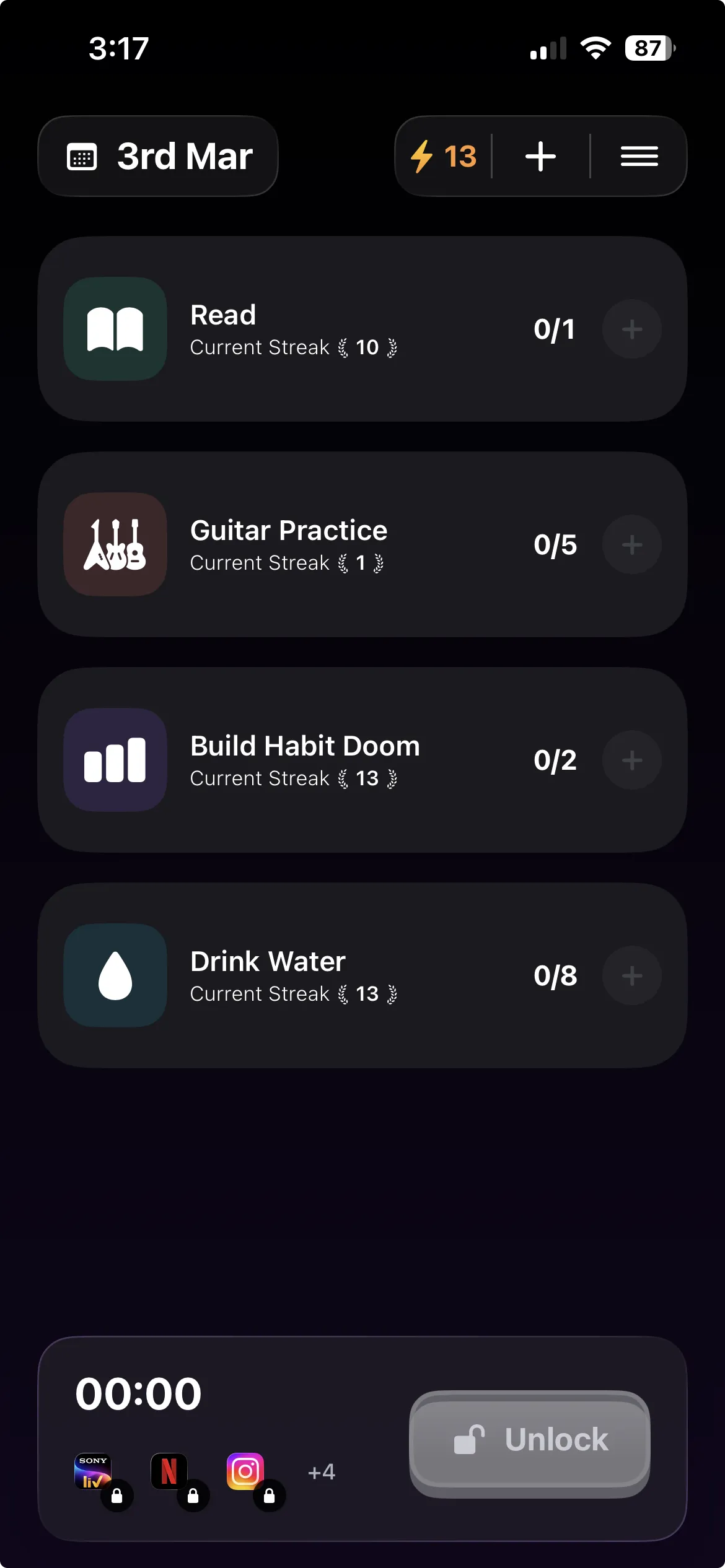
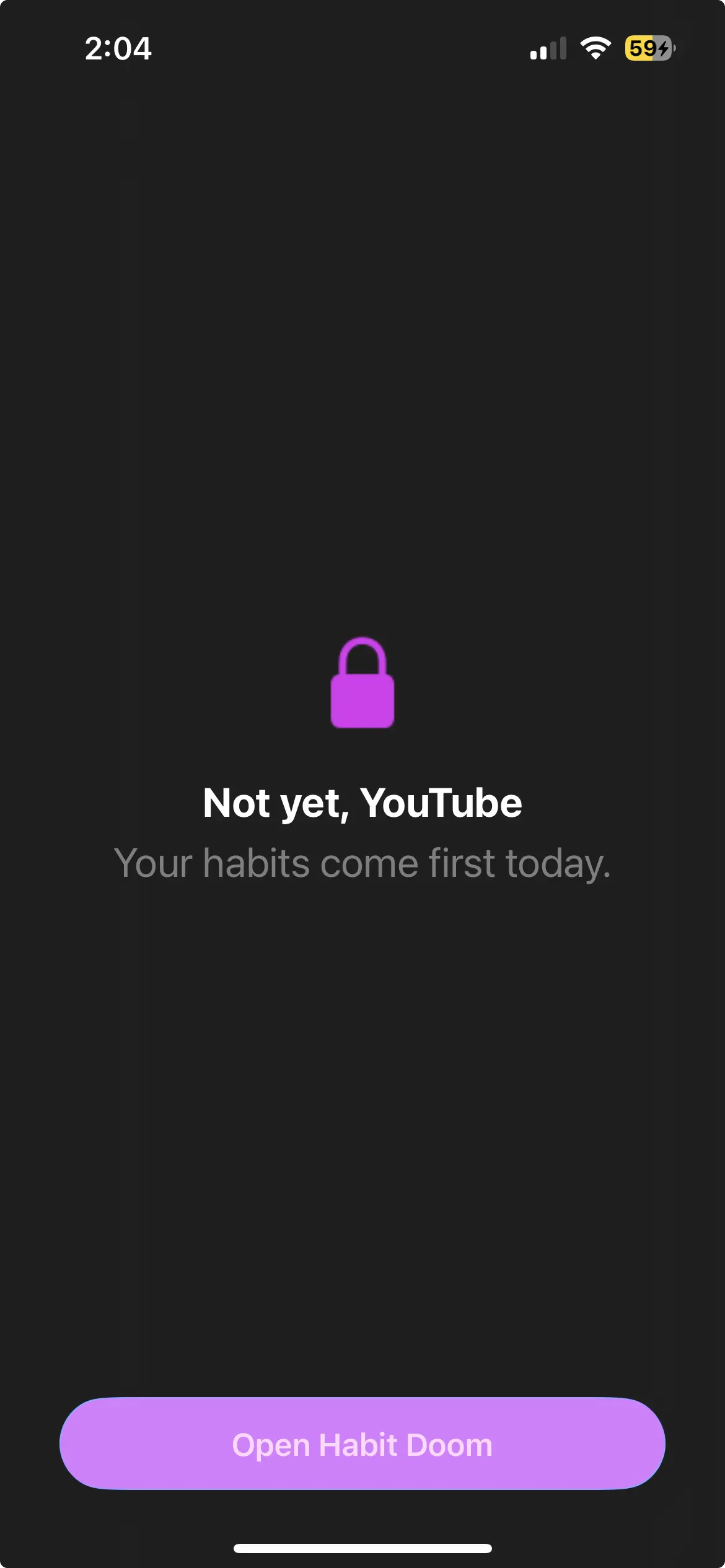
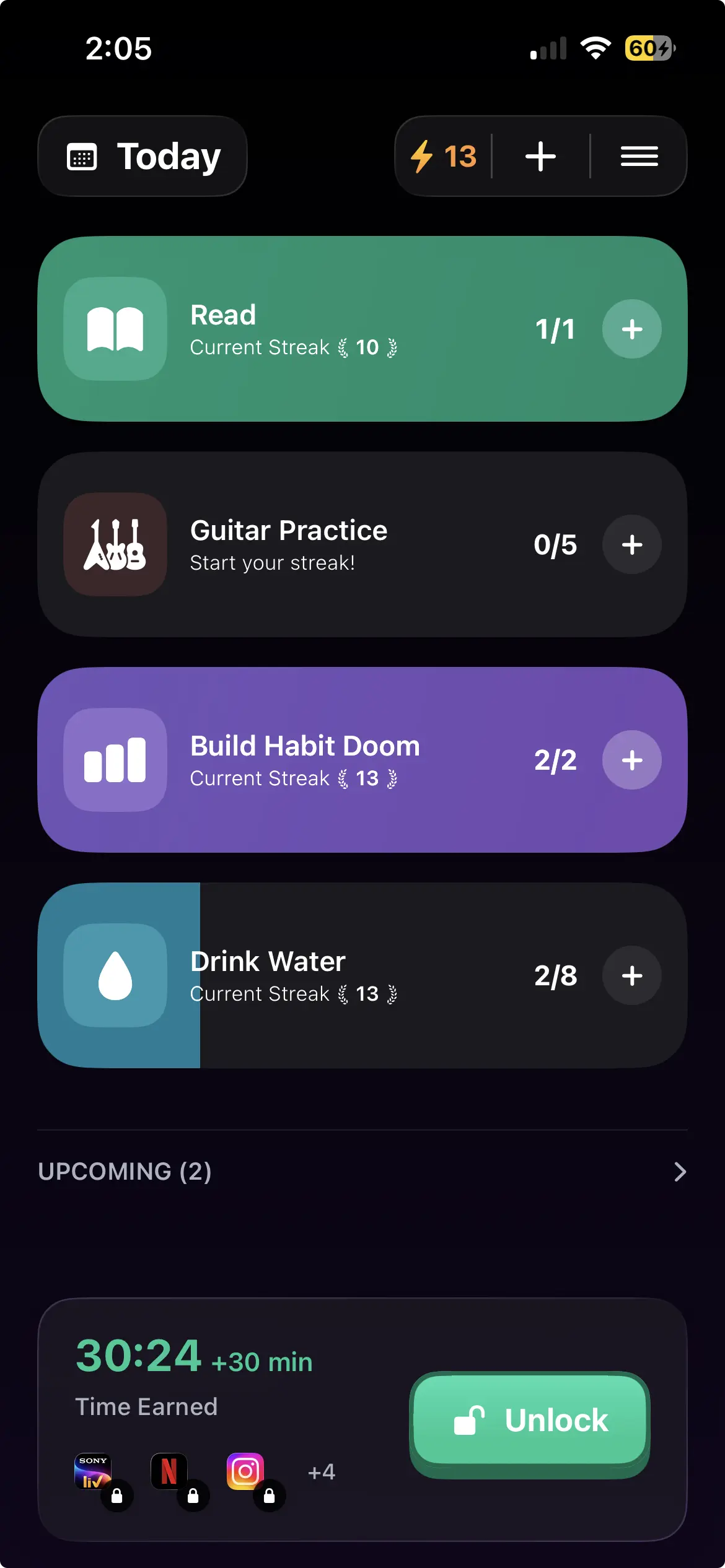
Habit Doom does not use a schedule. Apps auto-lock and open when your habits are done. There is nothing to edit, because the condition is not a time, it is finished work. Do the reading, get the apps.
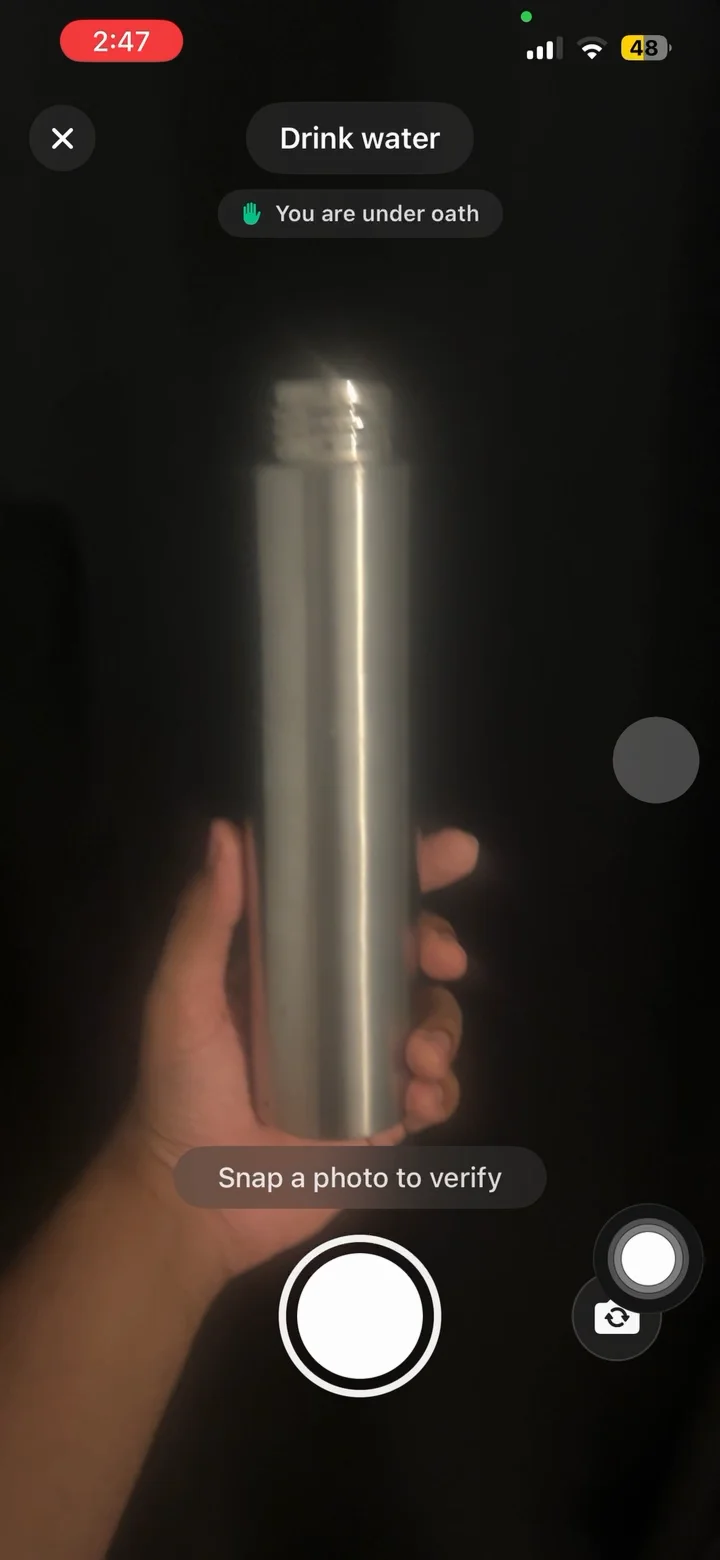
Free tier: 3 habits, app blocking, streaks, and Anti-Cheat photo verification, which runs an on-device model so a check-in cannot be faked. Anti-Cheat is free for everyone. Pro adds unlimited habits, Hard Mode and analytics at $4.99/month, $19.99/year with a 7-day free trial, or $29.99 once. No ads.
Stated plainly: Block Adult Sites is iPhone only, custom alarms are notifications on Android, and it requires Android 10 or newer.
Choosing
You want Opal and you are fine being on the smaller platform for it. Use Opal. It works.
You want the same model with a bigger Android team behind it. AppBlock.
You want the analytics more than the blocking. StayFree, with the ownership note in mind.
You want free. ScreenZen, and the rest of the free options.
Short-form video is the whole problem. StayFree's In-App Blocking, free.
You keep editing your own schedules. That is the specific failure Opal cannot solve, because the schedule is yours to edit. Tying access to finished habits removes the dial entirely.
Frequently Asked Questions
Keep Reading
Try Habit Doom
Lock your distracting apps. Complete your habits. Earn your screen time. It takes 30 seconds to set up.
Download Free