


Best App Blockers for Android and iOS (2026)

 X
X LinkedIn
If you have an iPhone and an Android tablet, or you are switching phones, or your household runs both, the shortlist gets much shorter than any single-platform roundup suggests.
Here is what actually crosses over, and what changes when it does.
Why so few apps are good on both
The two platforms block apps by completely different means.
iPhone gives developers ManagedSettings and the Screen Time API. These grant an approved app real system-level authority over what can open, which is why a well-built iPhone blocker can survive a force-quit and sometimes an uninstall.
Android has no equivalent. Blocking runs on an Accessibility Service, a permission you grant in Settings and can revoke in Settings.
So an Android version is not a port. It is a second product with weaker foundations, built by the same team. Some do it well. Many never start.
Who is actually on both
Checked against Google Play on 31 August 2026.
No Android version at all: Foqos and Jomo. Both appear constantly in iPhone roundups. Neither exists on Play.
Technically on both, but iPhone-first:
| App | Play reviews | App Store ratings |
|---|---|---|
| Opal | ~8,250 | 86,000+ |
| Brick | ~3,960 | 50,000+ |
That is roughly a ten-fold gap in both cases. Those apps work on Android, but you would be joining the smaller side of the user base, which usually means slower fixes and fewer platform-specific features.
Genuinely present on both:
- Freedom (~8,050 Play reviews) covers phone and desktop together, which is its real argument
- Forest (~812,000 Play reviews) is enormous on Android and well established on iPhone
- ScreenZen (~31,600) is free and donation supported on both
- One Sec (~45,700) is healthy on Android, more so than its iPhone-centric coverage implies
What changes when you cross over
Three things to expect, so you are not surprised.
The block is softer on Android. Not because the app is worse, but because the platform allows less. If you move from iPhone to Android with the same app, it will feel more escapable. It is.
Feature parity is rarely exact. Anything built on an Apple-specific system feature usually has no Android counterpart. Web content filtering is the common example: Apple ships a system-level adult content filter, and stock Android has no direct equivalent. Some manufacturers fill the gap themselves, and Samsung's Digital Wellbeing includes Content restrictions covering Samsung Internet and Chrome, so what you get here depends on your handset rather than on Android.
Notifications and alarms differ. iOS lets apps schedule genuine alarms in some contexts. On Android the same feature is usually a notification, which behaves differently in Do Not Disturb.
Any honest cross-platform app should tell you these things. Most listicles will not, because they were written on one device.
Where Habit Doom sits
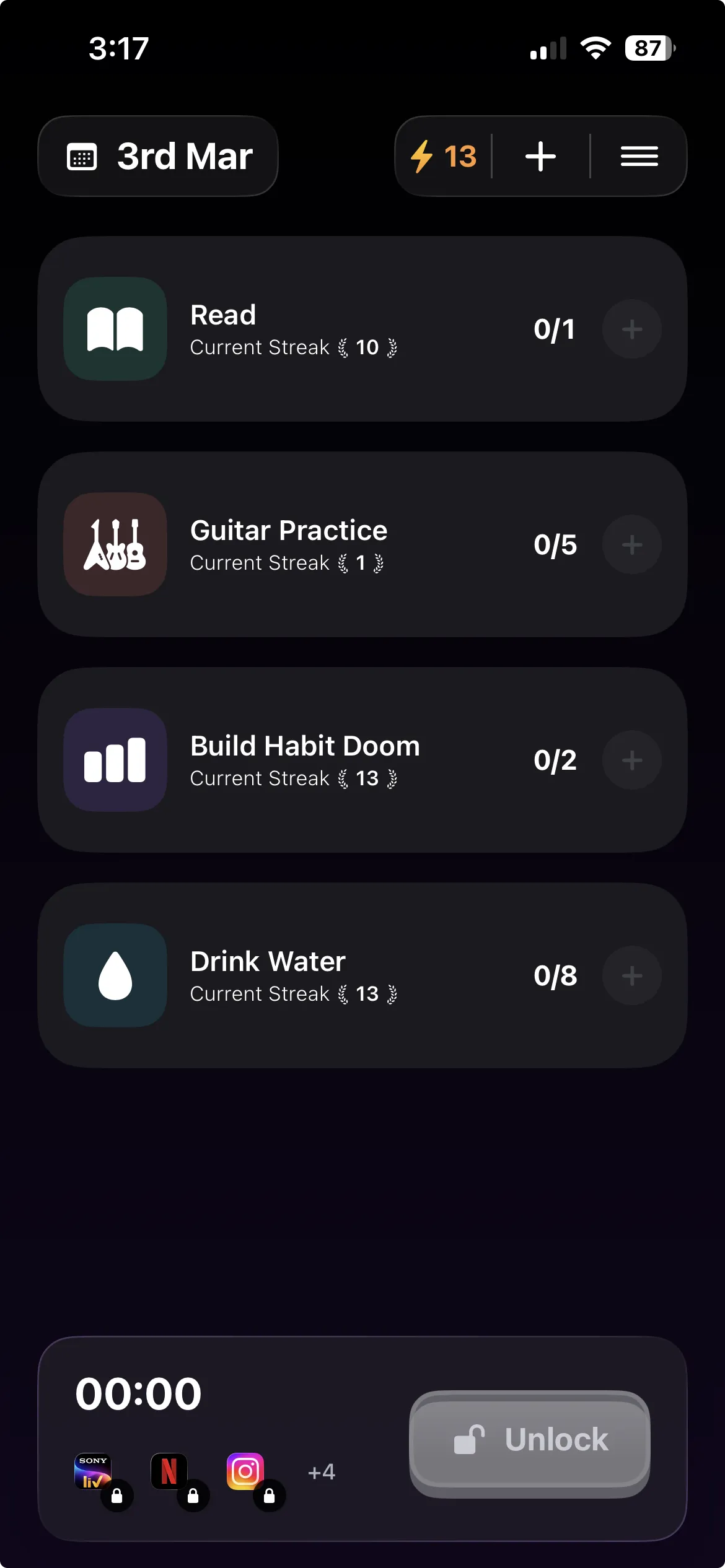
Ours, so weigh it accordingly. It runs on iPhone, iPad and Android.
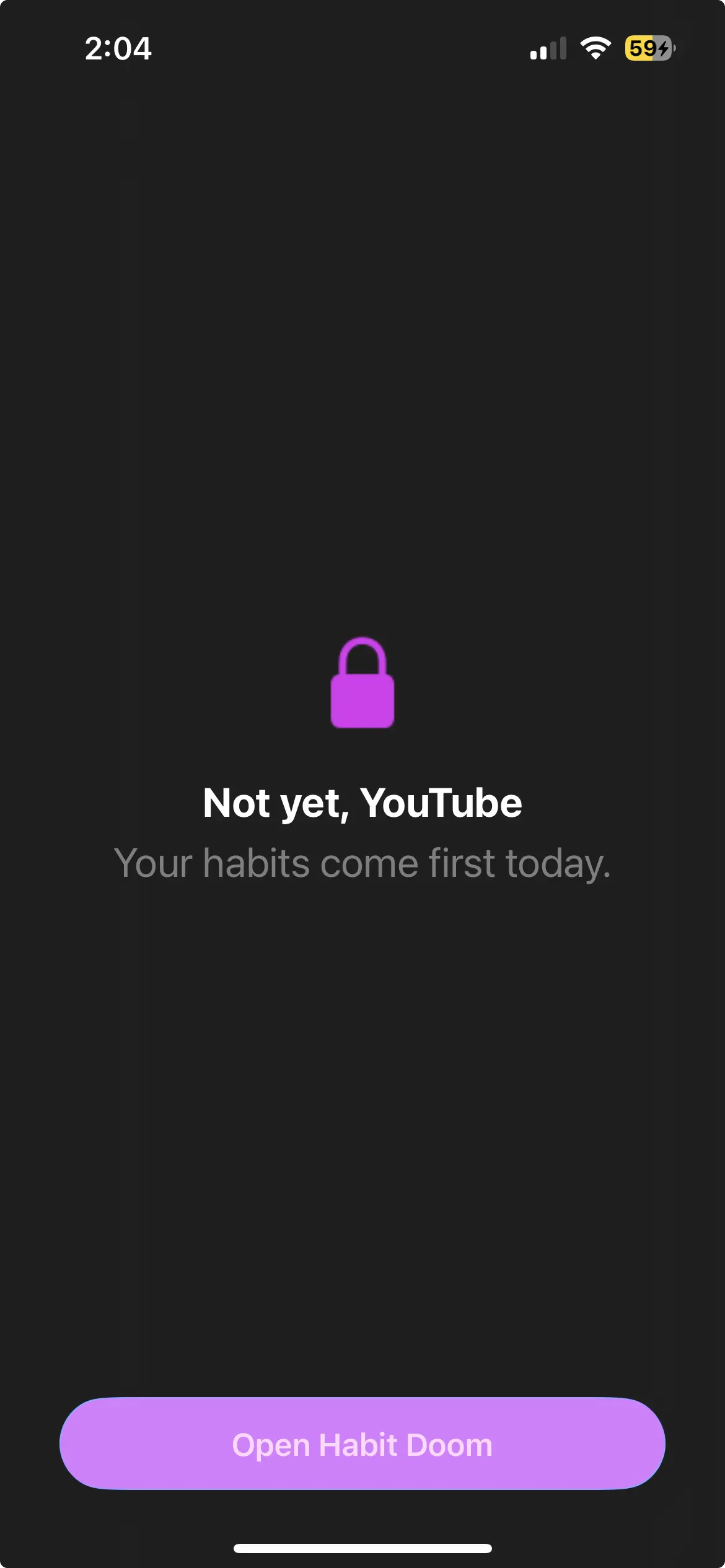
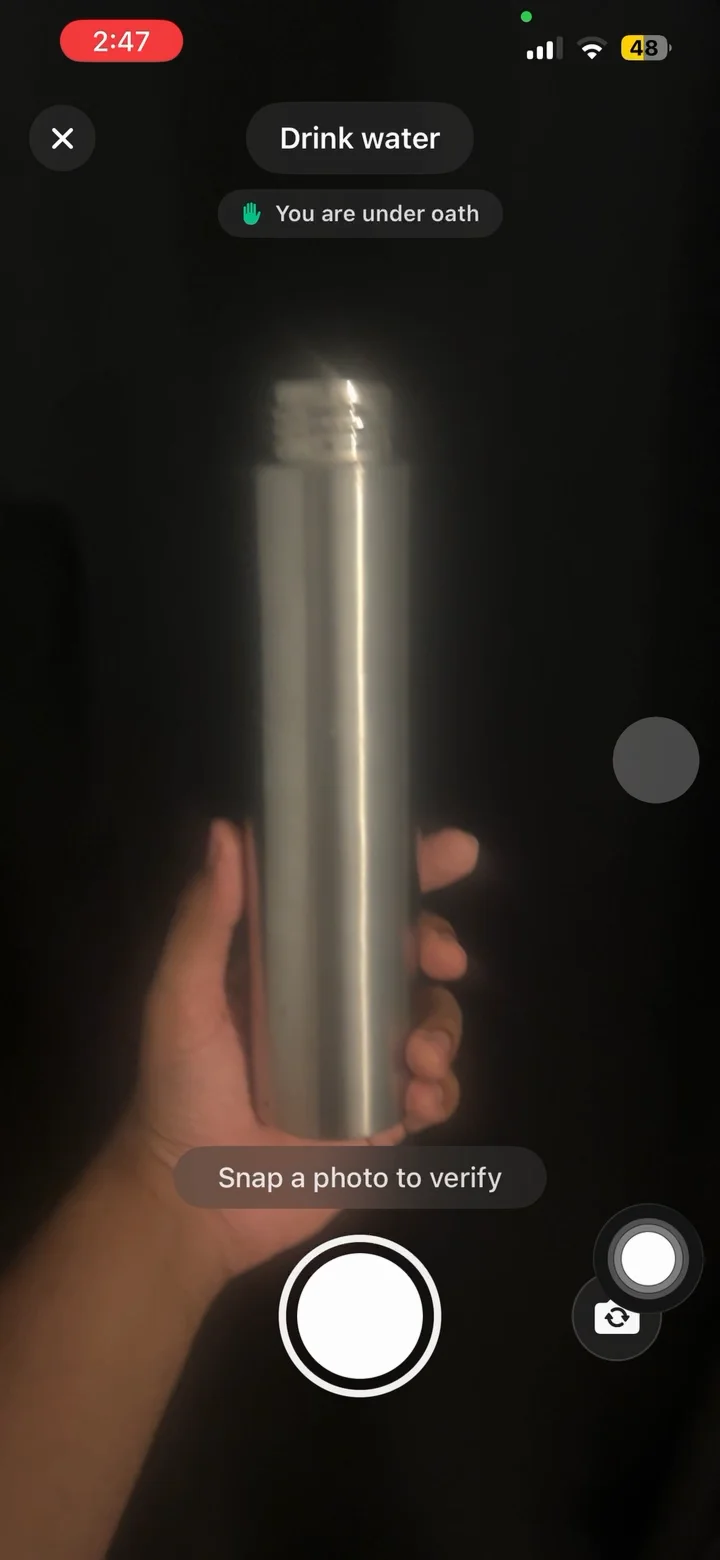
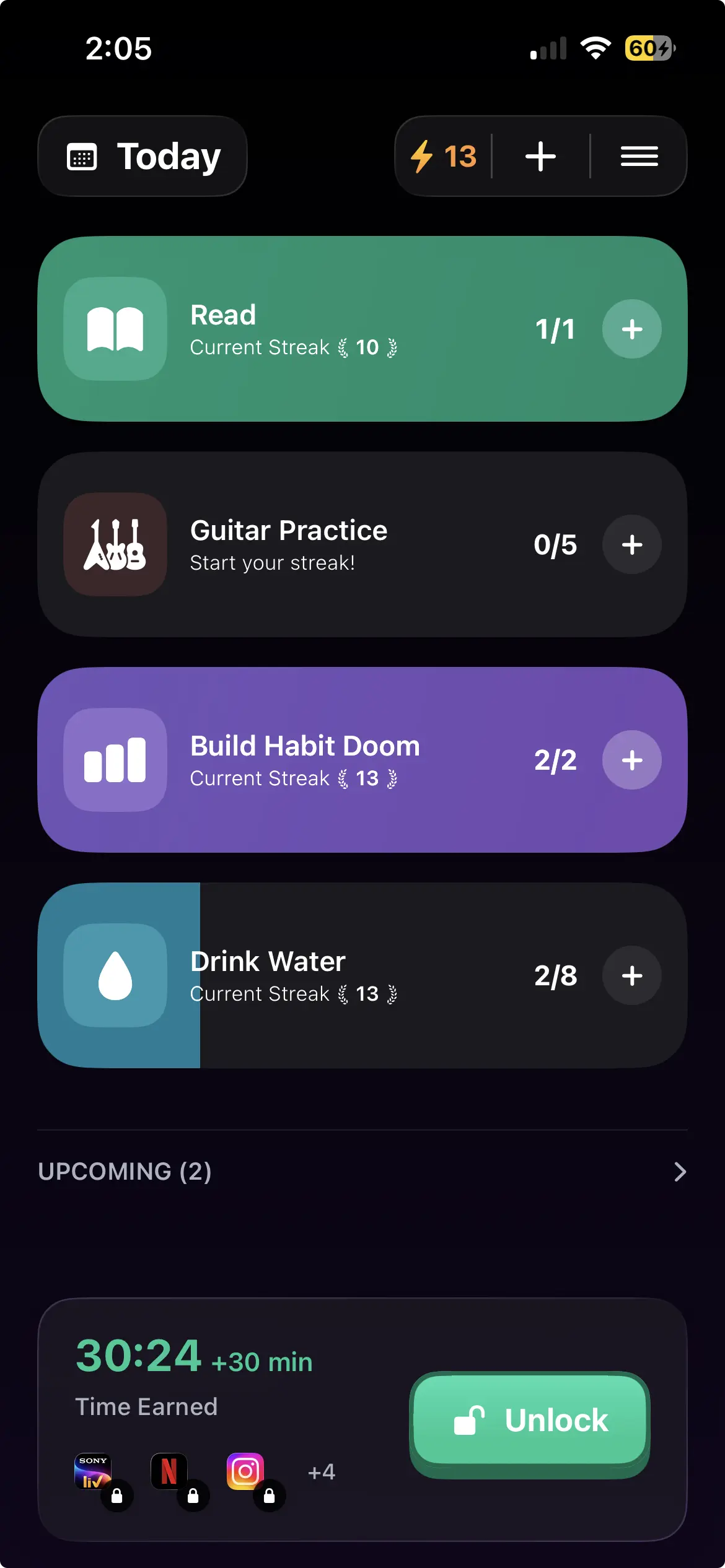
The mechanism is the same on both: distracting apps auto-lock and open once your daily habits are done. Not a timer, not a schedule, not a pause you dismiss. Free tier is 3 habits, app blocking, streaks and Anti-Cheat photo verification, which uses an on-device model so a check-in cannot be faked. Anti-Cheat is free for everyone. Pro adds unlimited habits, Hard Mode and analytics at $4.99/month, $19.99/year with a 7-day free trial, or $29.99 once. No ads. Same prices on both platforms.
The differences, stated rather than buried:
- On iPhone, the lock sits at the ManagedSettings layer and survives a force-quit and an uninstall.
- On Android, it depends on the Accessibility Service staying enabled. Turn that off and blocking stops.
- Block Adult Sites is iPhone only, because it uses an Apple system filter.
- Custom alarms on iPhone are notifications on Android.
- Android 10 or newer.
We would rather you know which product you are getting.
Choosing
You run both phones and want one app. Habit Doom or ScreenZen, depending on whether you want a lock or a nudge. Freedom if a laptop is in the picture.
You are moving iPhone to Android. Expect a softer block whatever you pick, and check your current app's Play numbers before assuming it comes with you. Opal and Brick users especially.
You are moving Android to iPhone. Your options widen considerably, and blocking gets meaningfully stronger.
You want free on both. ScreenZen, or Habit Doom's free tier if you want the block tied to habits rather than a pause.
One closing note that applies across both platforms: the app is not the hard part. Every option here can be undone by the person holding the phone. What differs is how much effort that takes and whether the easy path leads somewhere you actually wanted to go.
Frequently Asked Questions
Keep Reading
Try Habit Doom
Lock your distracting apps. Complete your habits. Earn your screen time. It takes 30 seconds to set up.
Download Free