


Lock Snapchat Without Losing Your Streaks

 X
X LinkedIn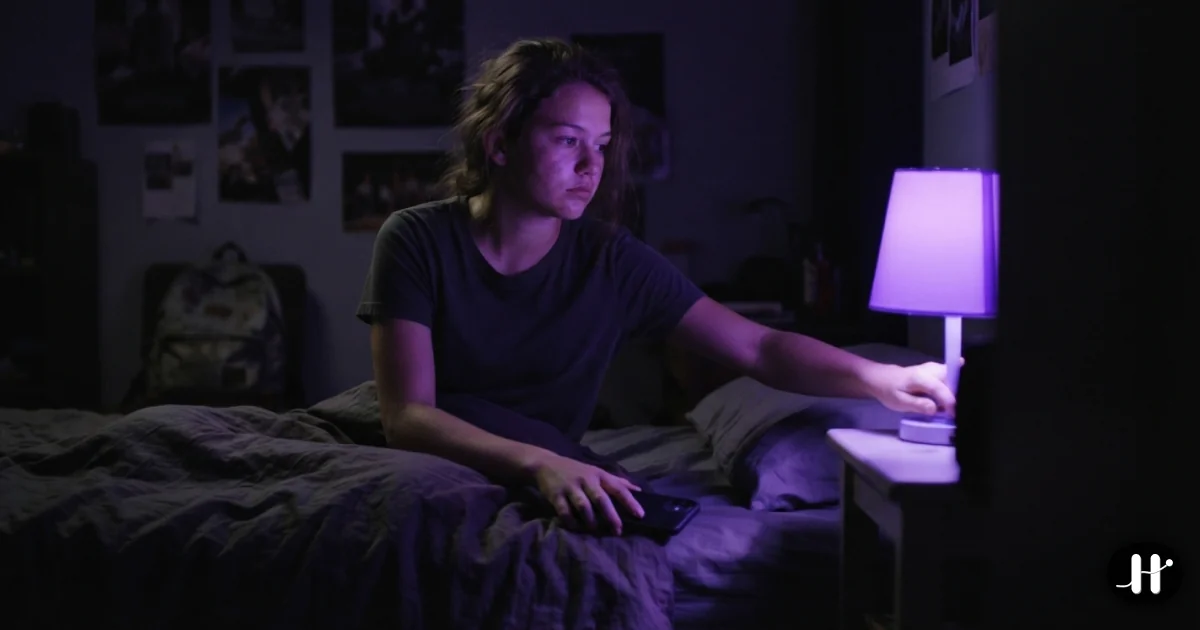
Most Snapchat advice tells you to delete the app. For a lot of people that advice is useless, because deleting Snapchat means losing streaks you have kept going for months, and that is a real cost, not an imaginary one. A 1,000-day streak with your best friend is not nothing. Quitting cold to win back an hour a day feels like burning a thing you actually care about to fix a thing you do not.
So this guide does not tell you to quit. It tells you to cap it. The trick is to separate the part of Snapchat you want (sending a snap to keep a streak alive) from the part that eats your day (reopening it forty times to see if anything happened). Two different behaviors. You can keep the first and kill the second.
The streak fear is overblown, and the math proves it
Here is the part nobody says out loud: a streak barely needs any of your time.
Per Snapchat Support, a Streak continues as long as you and a friend each send at least one direct photo or video snap to the other within a rolling 24-hour window. Chats do not count. Stories do not count. Only a direct snap each way. The hourglass emoji shows up when a streak is close to expiring, usually with a few hours left, as a last warning.
Read that again. One snap each way, once a day. That is the entire requirement. You do not need to be in Snapchat all afternoon to protect a streak. You need roughly five minutes, once, to fire off your snaps to everyone on your streak list and reply to whatever came in.
The all-day reopening is not maintaining your streaks. The streaks were already safe after the first snap. Everything after that is the loop selling you the feeling that you are keeping up.
Why you reopen it forty times
Snapchat is built around the fear of missing the reply. Someone might have snapped back. There might be a new chat. Your streak might be at risk, even though it almost never is the second you have sent. So you check, and check, and check.
The teens this hits hardest are not casual users. Per Pew Research Center, 57 percent of US teens who use Snapchat say they message on it daily, with about four in ten doing so several times a day. That is a lot of opens, and most of them are not the one snap that protects the streak. They are the reflex checks in between.
This is the same loop covered in why you keep picking up your phone: the reward is intermittent, so the brain keeps pulling the lever. Snapchat just dressed the lever up as loyalty to your friends.
Method 1: Apple Screen Time, and where it leaks
The built-in option is free and a reasonable first move. Open Settings, go to Screen Time, App Limits, and set a daily limit on Snapchat. Five or ten minutes is plenty for streaks. You can also use Downtime to shut it off during sleep or class hours.
The leak is the block wall. When you hit the limit, iOS shows a screen with a one-tap Ignore Limit button. One tap, no friction, and you are back in. There is no condition, no cooldown worth mentioning, nothing standing between you and "Ignore Limit, 15 More Minutes." When the limit fires mid-loop, that tap is automatic, the same failure mode covered in the Apple Screen Time API guide.
For a loose nudge, Screen Time is fine. For a habit that pulls you back dozens of times a day, a wall you can tap through in one move is not much of a wall.
Method 2: a daily window you have to earn
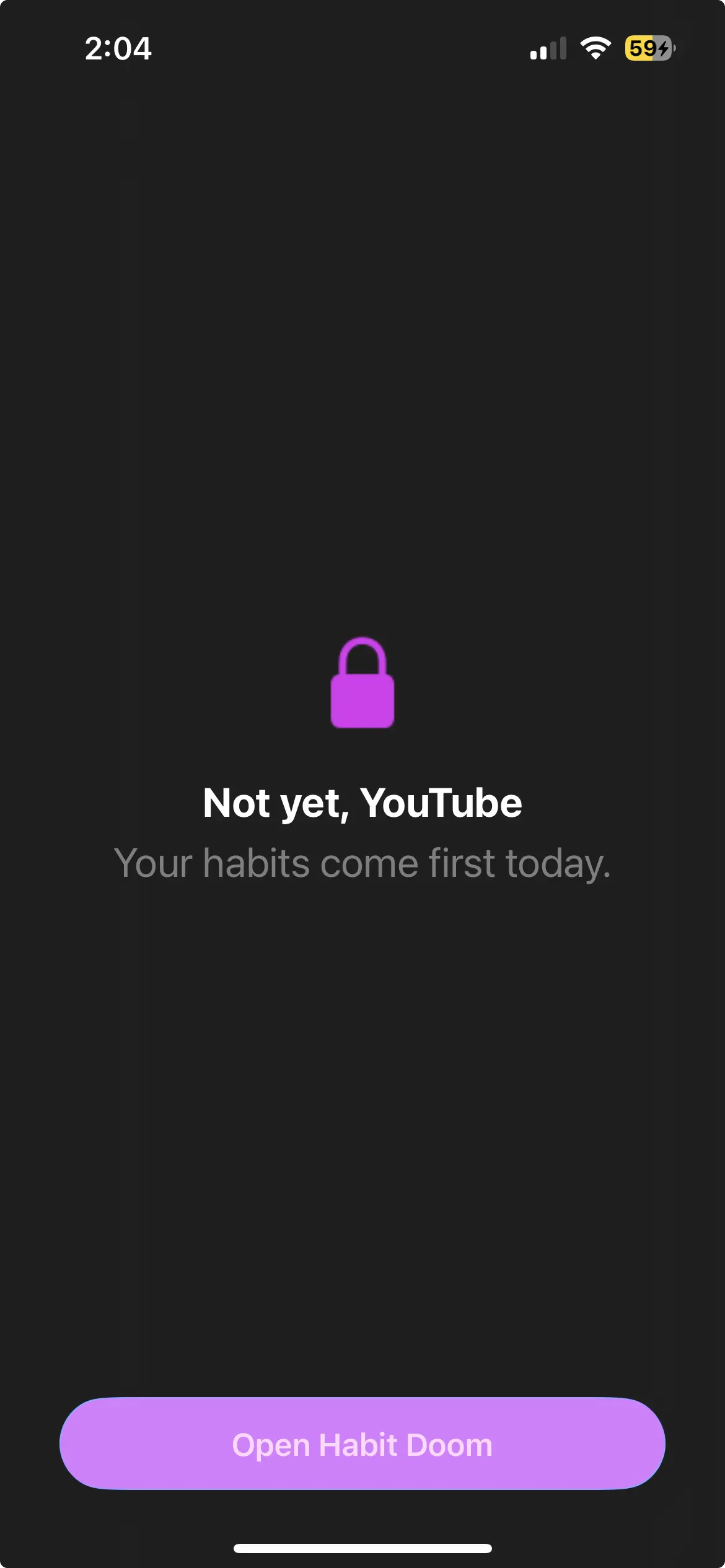
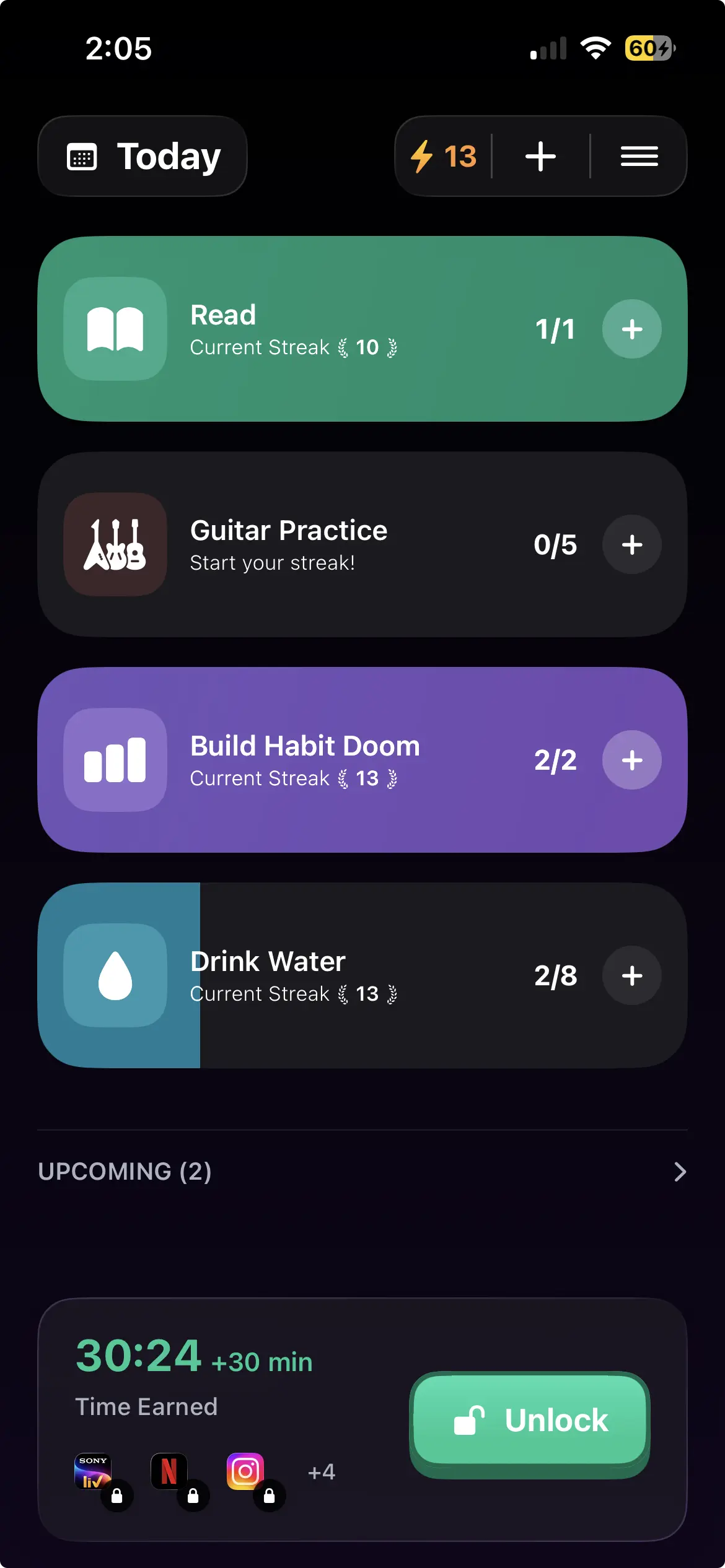
The stronger setup flips the order. Instead of "open Snapchat freely, then get cut off," it is "Snapchat stays locked until you have done something, then you get a finite window."
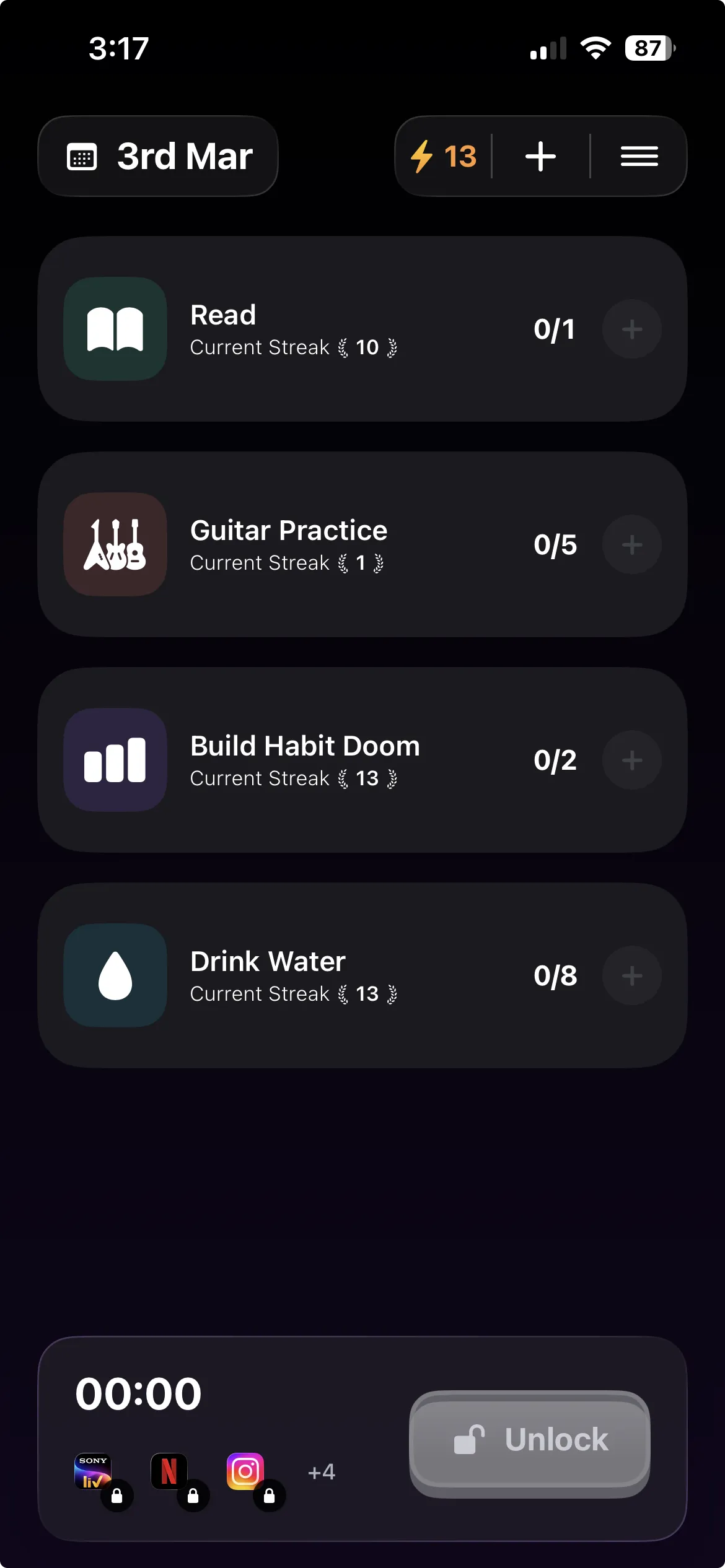
This is what Habit Doom does. It locks Snapchat through the iOS ManagedSettings layer, the same system controls Apple uses for parental restrictions, until your daily habits are complete. Not a timer counting down from when you woke up. A condition: read the chapter, do the workout, finish the study block, whatever you set. Snapchat will not open until that is done.
Then you get your window. You send your snaps, fire off your streaks, reply to your chats, and the app locks again. The window is finite by design, so the streak survives and the loop does not get its all-day grip. You did the one thing streaks actually need, and you left before the part that eats your evening.
This is the core idea behind task-based app blockers: tie access to completion, not to the clock. You decide the rule once, in the morning, calm and clear-headed. The lock holds to it for you at 9pm when you are tired and would have caved.
Why the window should be short on purpose
People instinctively want a generous window. Resist that. The whole point is that the streak does not need a generous window.
A five-minute daily window covers every streak you have. You open Snapchat, you snap your list, you check what came in, you reply, you are out. Five minutes protects a 1,000-day streak exactly as well as five hours does, because the streak counted the moment your first direct snap went through.
A long window just reopens the door to the loop. You sent your snaps in the first ninety seconds, and then you have twenty-eight minutes of feed and stories to fall into. Keep the window tight and you get the part you wanted, the friendships, the streaks, the quick replies, without the part you did not, the half hour you cannot account for. That is the difference between limiting Snapchat and just delaying when the scroll starts.
Why the lock has to hold
A lock you can undo in three taps is not a lock for an app you reflexively reopen, because the reflex will absolutely talk you into those three taps.
Habit Doom enforces the block at the iOS ManagedSettings level rather than from its own foreground process, which has two practical effects:
- Force-quitting does nothing. Swiping Habit Doom out of the app switcher does not release Snapchat.
- Deleting does not hand it back instantly. Removing the blocker is not a one-tap escape the way flipping an in-app toggle would be.
Hard Mode goes further and removes the early-unlock options entirely, for people who know the urge will negotiate. The engineering write-up is in apps that actually block doomscrolling with no bypass.
There is one more loophole worth closing. If finishing a habit is what opens your Snapchat window, the obvious cheat is tapping "done" without doing it. Anti-Cheat, free for everyone since June 2026, handles that. Checking in opens the camera, you snap a live photo of the real thing, and an AI model running entirely on your iPhone confirms it matches, usually in under half a second. No upload, no account. The habit, not the tap, is the only key. More in the habit tracker you can't lie to.
Five-minute setup
- Install Habit Doom and grant Screen Time permission. That permission is what lets it block at the iOS level. No account needed.
- Add Snapchat to the locked list. Add Instagram, TikTok, or anything else that pulls you in the same way.
- Set one to three daily habits. The free tier covers up to 3. One real habit beats five aspirational ones.
- Keep your window short. Long enough to send snaps, short enough to leave before the scroll.
- Sleep on it. Tomorrow, Snapchat stays shut until the habit is done, then opens just long enough.
The honest take
You do not have a streak problem. You have a reopening problem, and Snapchat has trained you to confuse the two. The streak is safe after one snap. Everything past that is the app convincing you that loyalty looks like checking it every nine minutes.
If you only need a soft nudge, Apple Screen Time is free and already on your phone, and it will help, as long as you do not lean on the Ignore Limit button. If the reopening is heavier than that, and you want to keep your streaks while you fix it, the move is a short earned window, locked behind something you actually did, that opens just long enough to do the one thing streaks need and then closes again.
Habit Doom is free to download on the App Store, with full locking and Anti-Cheat free for everyone. Keep the streak. Lose the loop.
Frequently Asked Questions
Keep Reading
Try Habit Doom
Lock your distracting apps. Complete your habits. Earn your screen time. It takes 30 seconds to set up.
Download Free