
SocialLite Alternatives: 10 Apps, Free and Paid (2026)

 X
 LinkedIn
The short answer
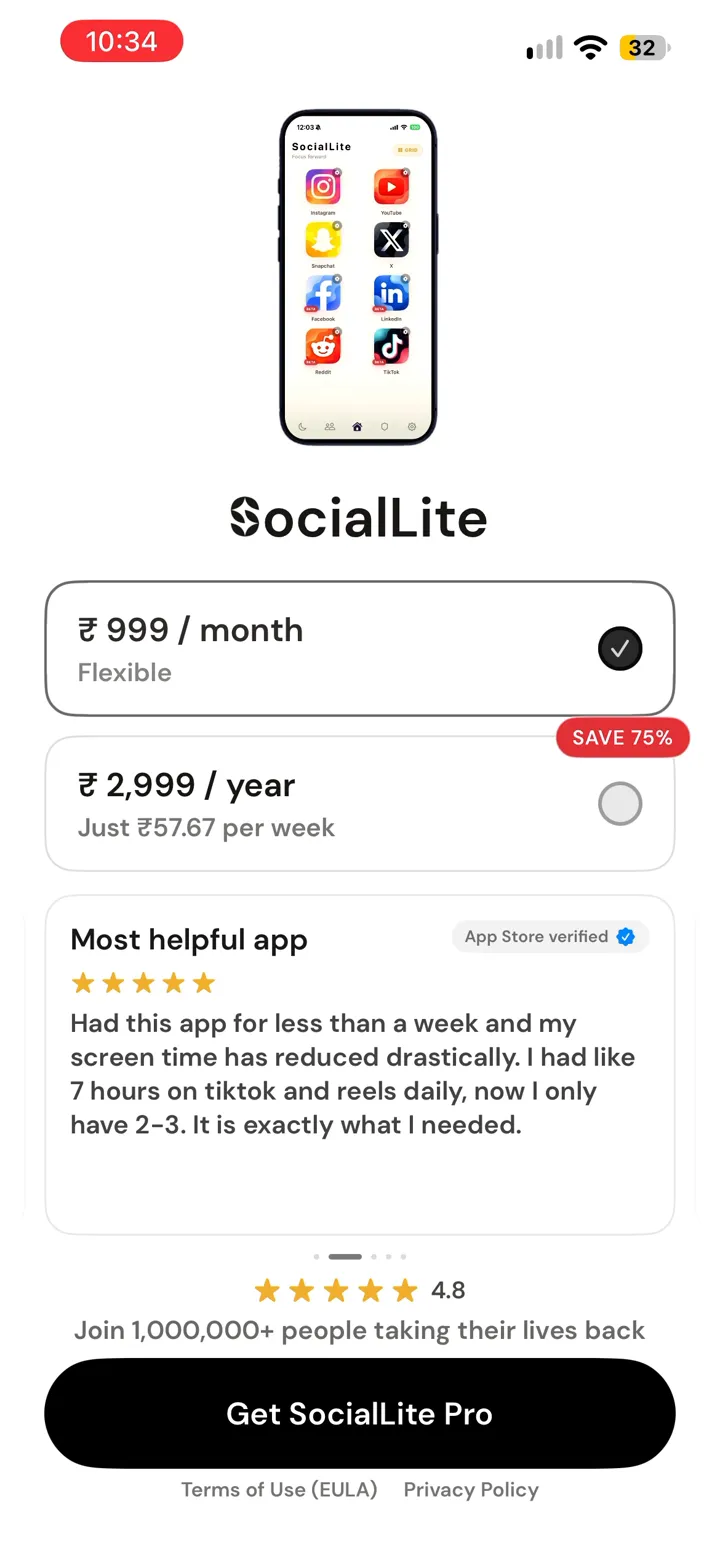
SocialLite does one specific thing: it gives you Instagram and YouTube without Reels and Shorts, while keeping your DMs. It needs a paid subscription to do it, $9.99 a month or $29.99 a year at its US reference price (details in is SocialLite free).
So the right alternative depends on which part you need:
| You want | iPhone | Android |
|---|---|---|
| Reels gone, DMs kept | ScrollGuard or FeedOff (untested by us) | Scrolless, Decafly or Focsy (untested by us) |
| Less Instagram, free | ScreenZen, Apple Screen Time | ScreenZen, Digital Wellbeing |
| Instagram locked until you earn it | Habit Doom, Jomo, One Sec | Habit Doom |
| No YouTube Shorts | YouTube's own Shorts feed limit (free) | YouTube's own Shorts feed limit (free) |
Prices below are from the US App Store on 25 November 2026 and Google Play listings read on 20 November 2026. Apps change prices often, and several of these list more than one price at once, so check what your own store shows.
What you give up by leaving SocialLite
Be clear on the trade before you switch. Most app blockers, on both phones, lock the whole Instagram app. That stops Reels, but it also stops DMs, Stories and posting until the lock lifts. SocialLite and the five apps in the next two sections are different: they try to remove only the parts built to keep you scrolling.
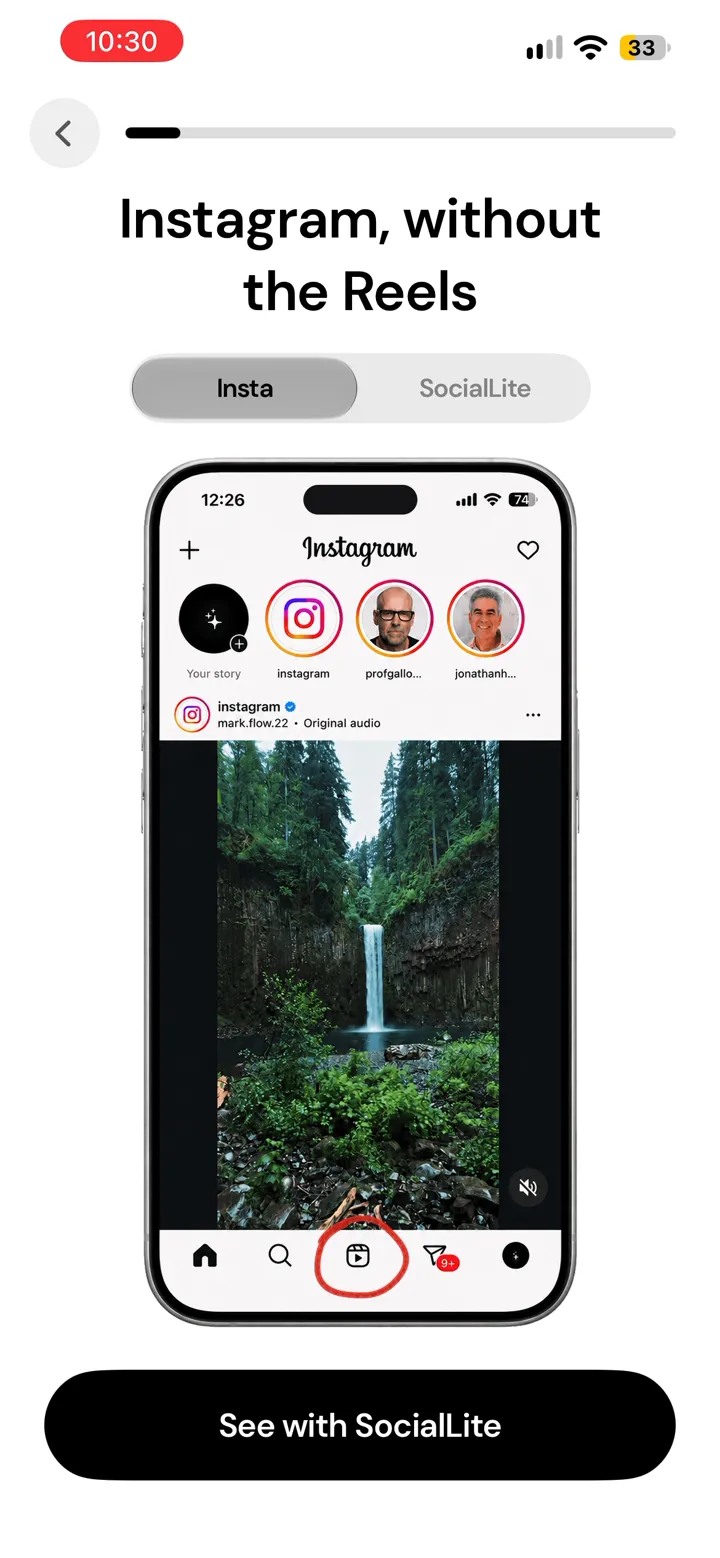
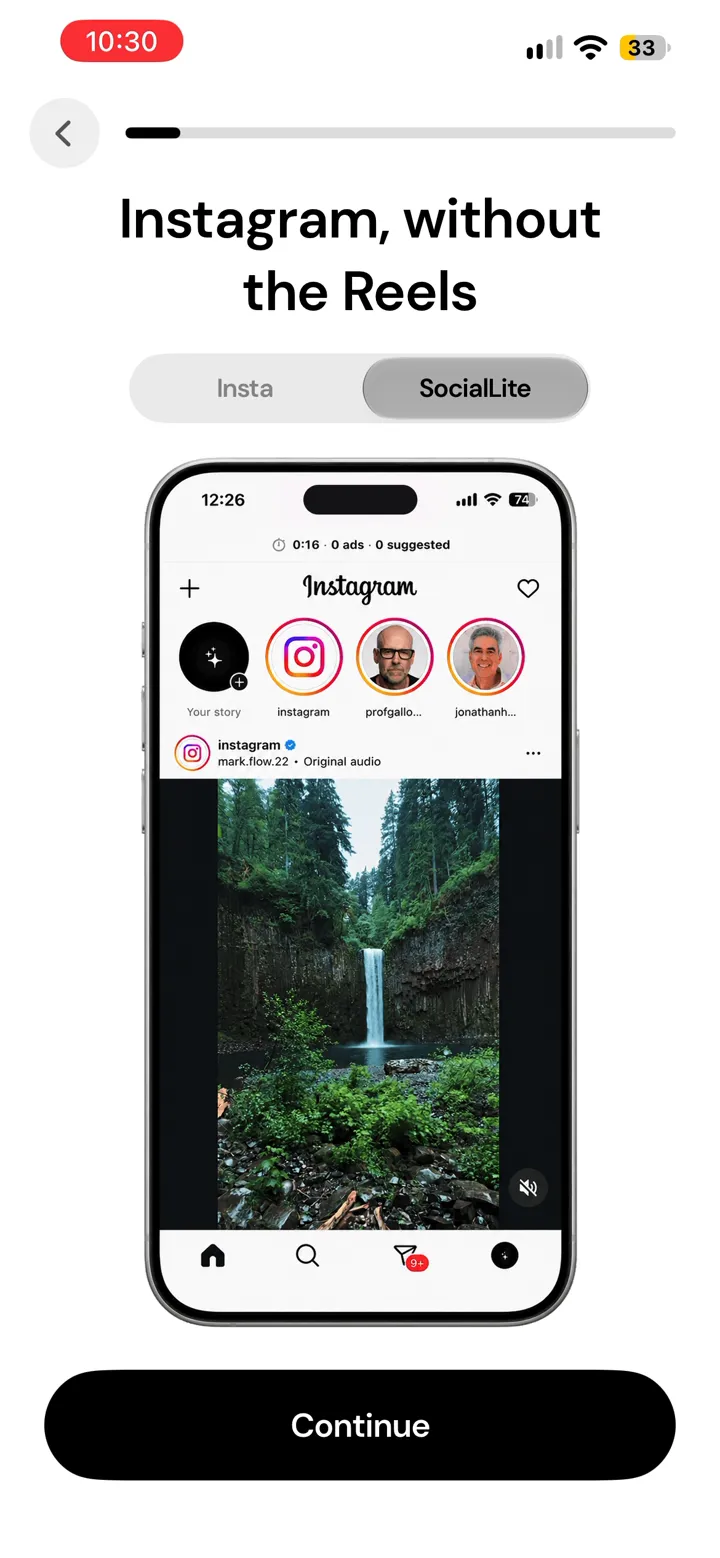
On iPhone, no app can reach inside the real Instagram app and hide one tab. Apple does not allow it. So every iPhone app that removes Reels does it by showing Instagram somewhere else: SocialLite inside its own app, the two below in a browser. That works, but it is never quite the real app. Expect some features to be missing and things to load more slowly. We explain why in how to remove Reels from Instagram.
Remove Reels, keep DMs: iPhone
Both of these work the same basic way as SocialLite, through Instagram's website rather than its app. We have not installed either one. What follows is what their App Store listings say, and both are small next to SocialLite's roughly 19,000 US ratings.
1. ScrollGuard: a Safari extension that hides Reels
ScrollGuard's listing says it adds a Safari extension that hides "the most addictive parts" of social media websites: Reels, Stories, Explore and endless feeds, each with its own switch. You then use Instagram in Safari instead of the app.
- Price: the US listing shows four "ScrollGuard Pro" purchases: $3.99, $19.99, $29.99 and $59.99. The listing names custom filters as the Premium feature, so the basic hiding may be free, but it does not say which purchase is which plan.
- Size: about 150 US ratings, 4.3 average.
- Catch: it only works where the extension runs, which is Safari. The real Instagram app still has Reels, so it helps most if you also lock or delete the app.
2. FeedOff: a calmer browser for Instagram and YouTube
FeedOff's listing describes a browser that opens Instagram, YouTube, X, Reddit, LinkedIn and Facebook with Reels, Shorts, Explore, suggested posts and ads hidden, each as a toggle. It says DMs, Stories, profiles, search and posting keep working. It can also block the real apps on a schedule using Apple's Screen Time system, which is the same approach SocialLite takes.
- Price: the listing's first line says "Free", and the US page showed no in-app purchases on 25 November 2026.
- Size: 13 US ratings. It is very new, so treat it as a promising experiment, not a safe bet.
- Catch: like SocialLite, you are logging in to Instagram inside another company's app. Only do that with an app you trust.
Remove Reels, keep DMs: Android
Android allows what iPhone does not. Apps with the Accessibility permission can see what is on screen and block the Reels screen inside the real Instagram app, leaving the rest alone. We covered these three in more detail in the Reels guide. We have not tested them.
| App | What its Google Play listing says | Price, per the listing | Downloads |
|---|---|---|---|
| 3. Scrolless | Blocks Reels, Shorts, TikTok, Facebook Reels and Snapchat; block all, a daily limit or an interval timer | Free, no ads, open source | 5K+ |
| 4. Decafly | Turns off Reels and Shorts inside the real apps, screen by screen | "Blocking is free", with in-app purchases | 500+ |
| 5. Focsy | Blocks Reels and Shorts with daily limits or schedules; Strict Mode | No in-app purchases listed | 100+ |
If you are on Android and only want Reels gone, Scrolless is the closest free match to SocialLite. Two things to know: an Instagram update can break this kind of detection until the app catches up, and Accessibility is a powerful permission, so give it only to an app you trust.
Limit or lock all of Instagram
These apps do not remove Reels. They limit or lock the whole Instagram app. You lose DMs during the locked hours, but you get the most reliable result, because the real app simply does not open. Prices checked on the US App Store on 25 November 2026.
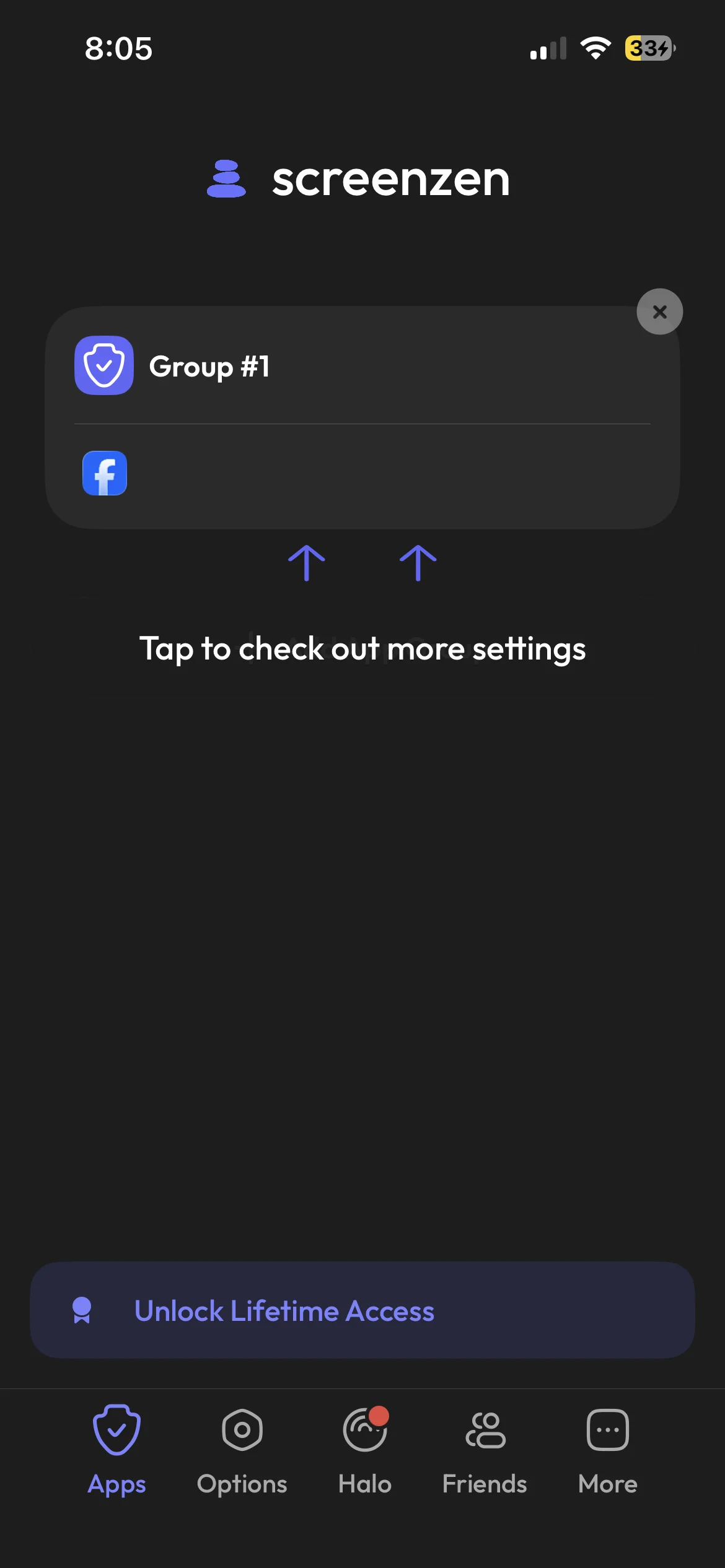
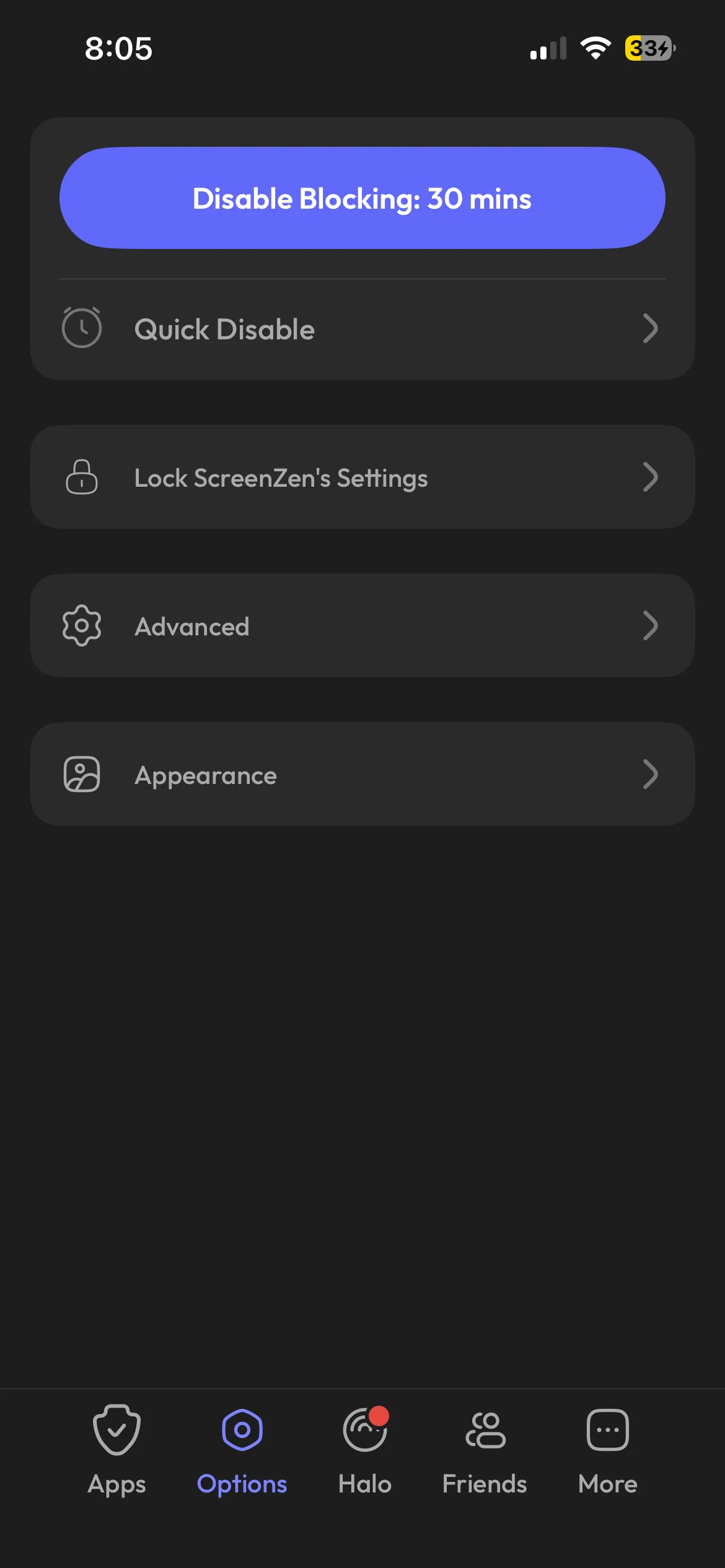
6. ScreenZen: the best free option
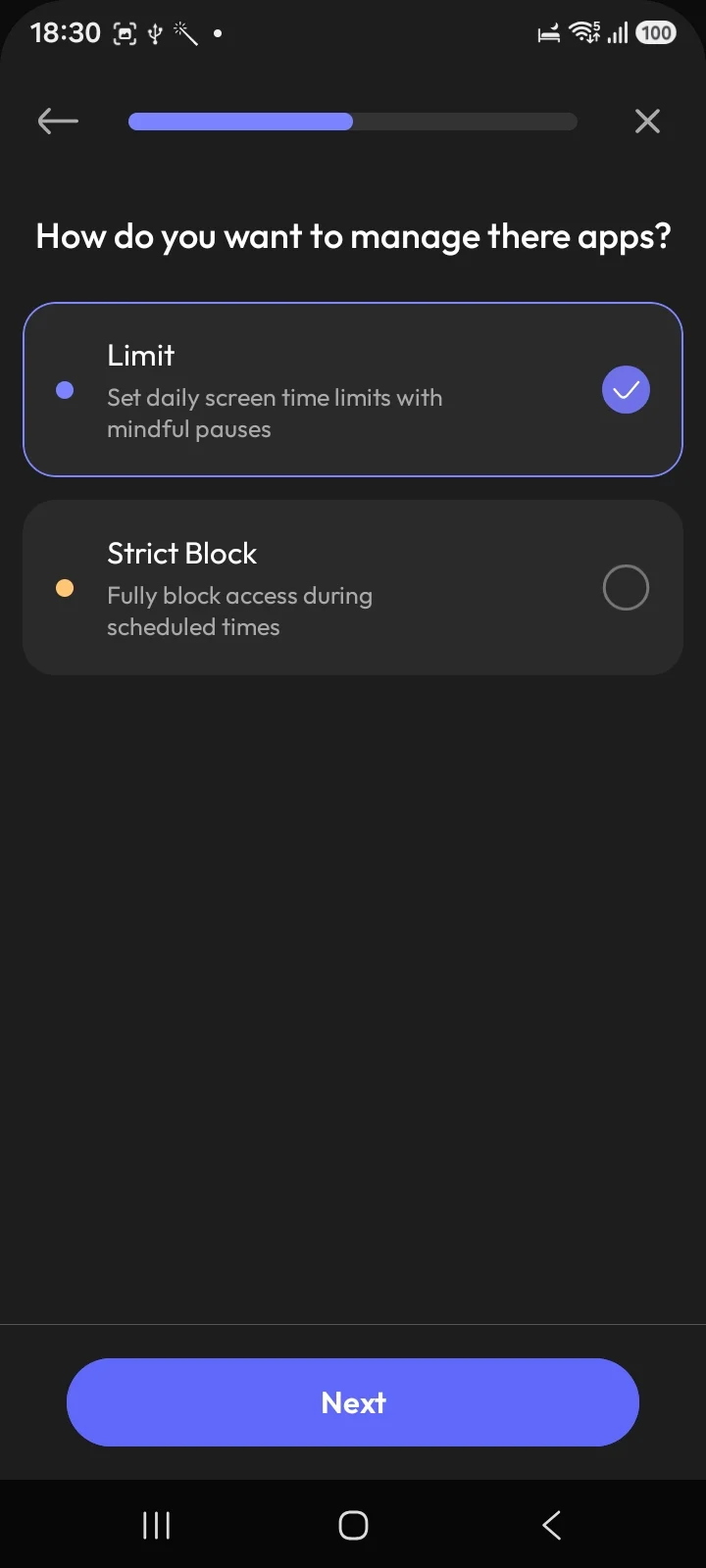
Free, iPhone and Android. ScreenZen adds a pause before Instagram opens and can cap how many times a day you open it. There is no paid tier; its only in-app purchases are optional tips ($5 to $40). With about 54,800 US ratings at 4.9, it is the best-reviewed app in this list. More in is ScreenZen free.
7. One Sec: a pause before every open
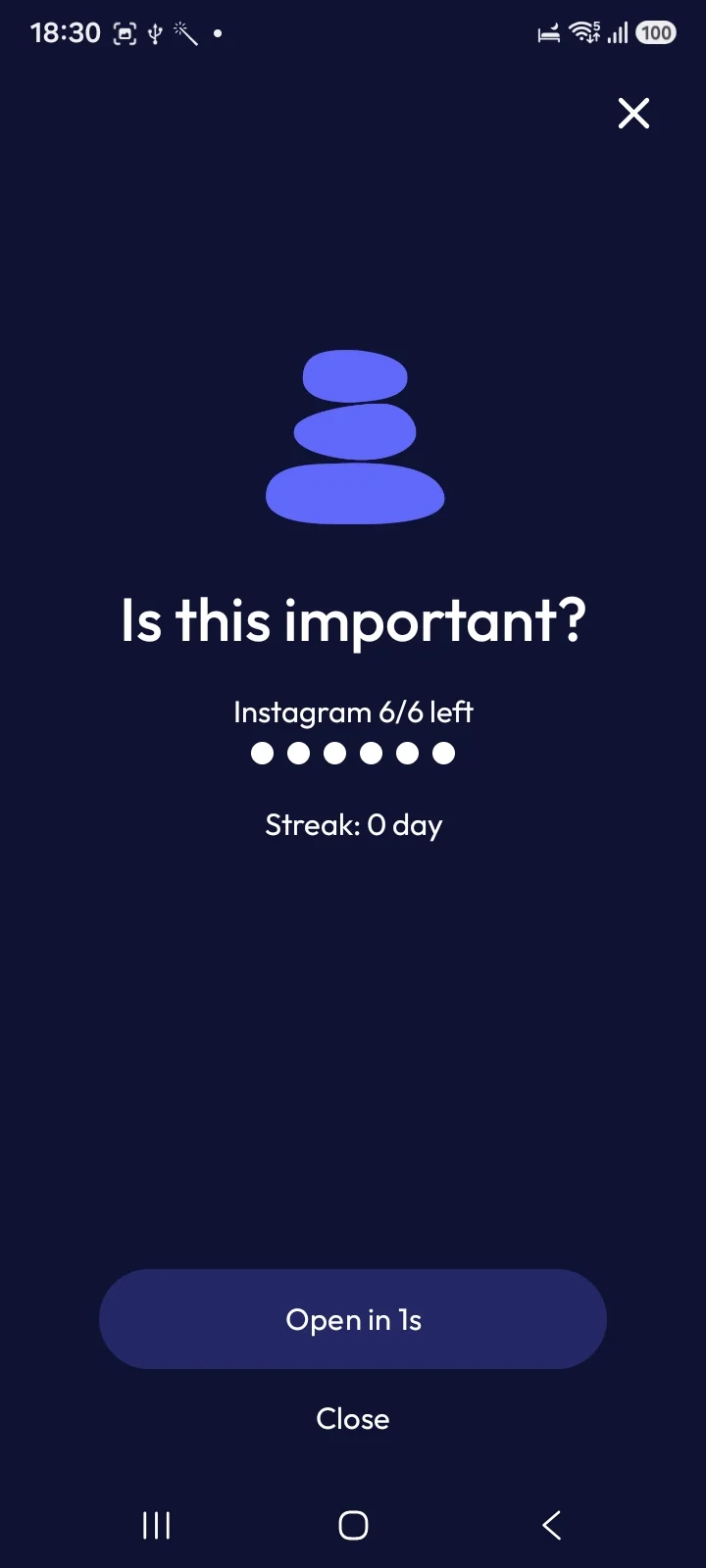
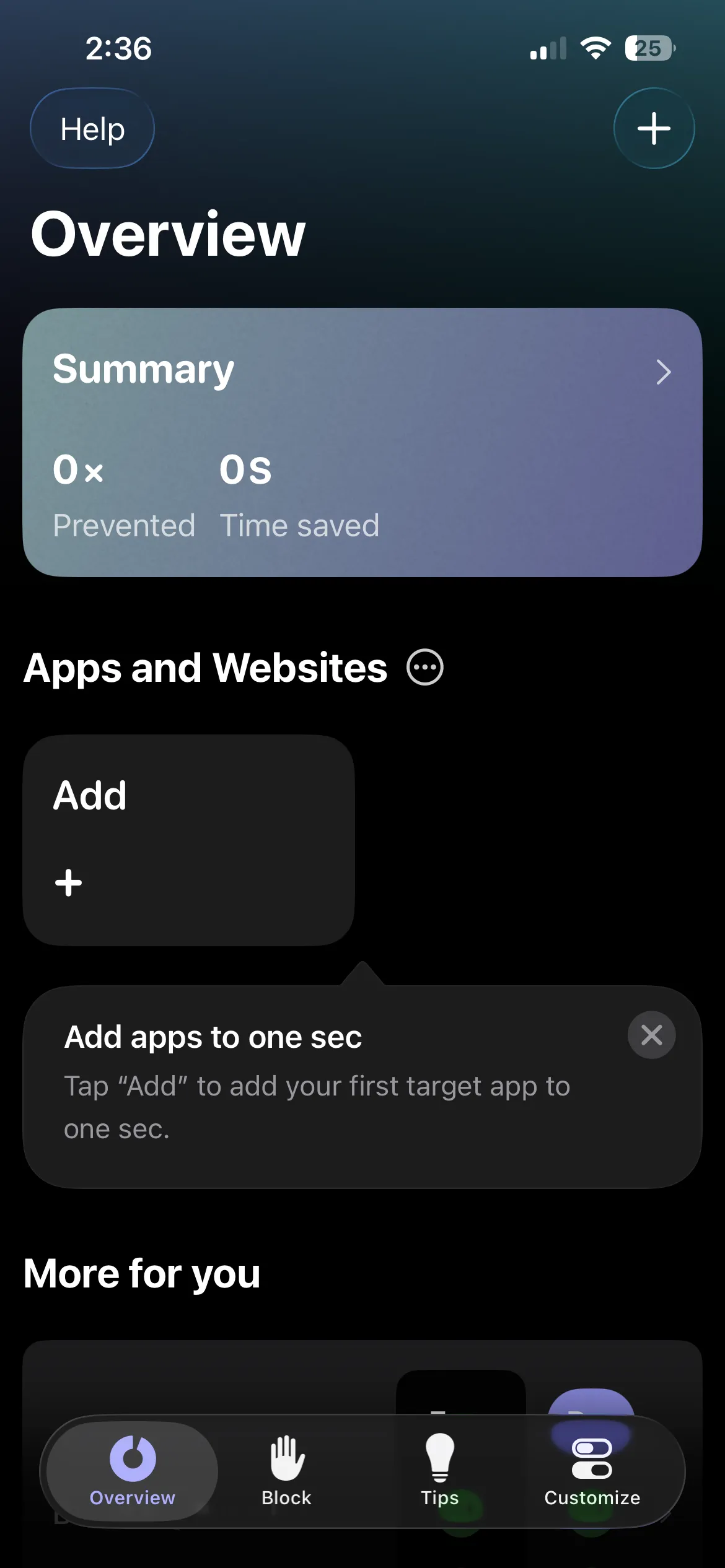
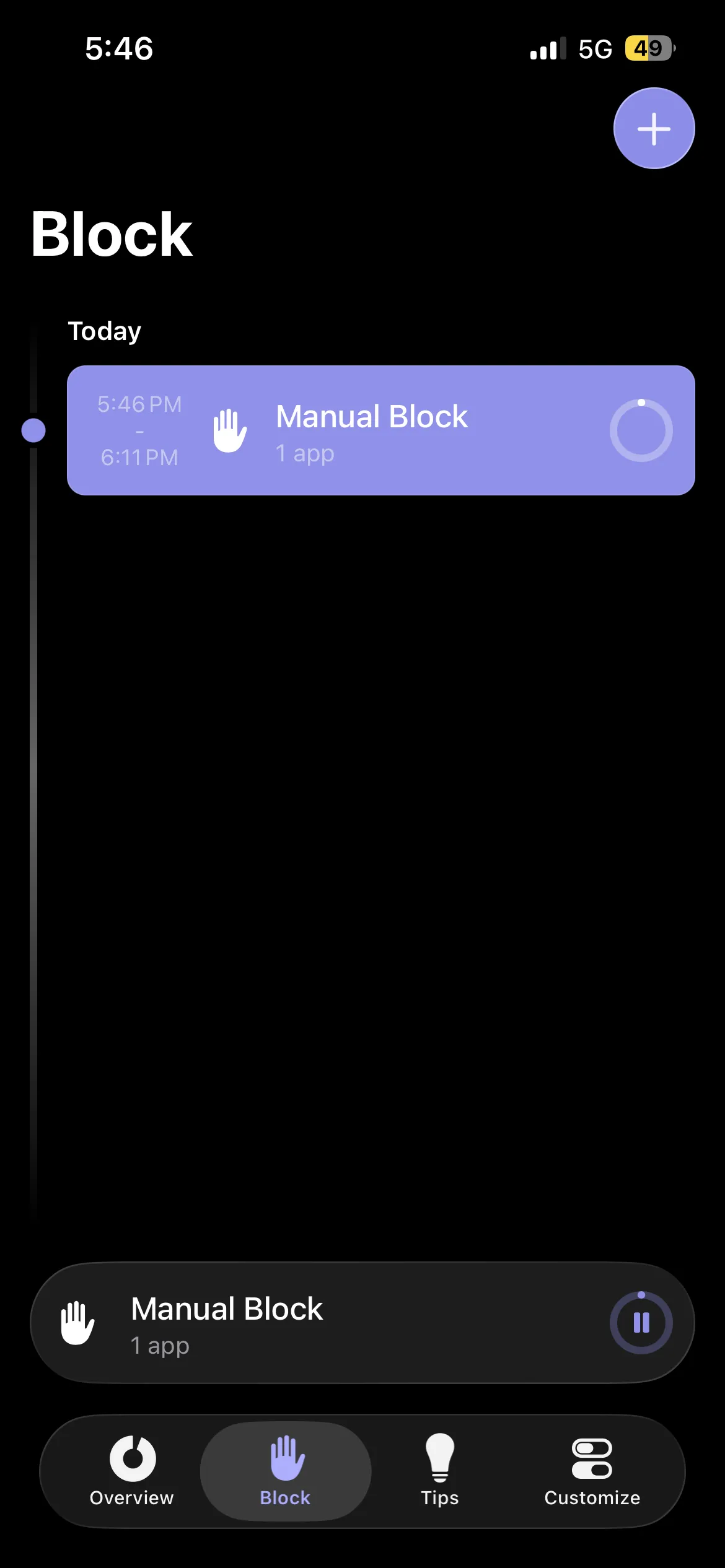
Free for one app; One Sec Pro $6.99 a month, $19.99 a year or $99.99 lifetime. One Sec makes you take a breath before Instagram opens and asks whether you really want to. It is a speed bump rather than a lock, which suits people who open Instagram on autopilot more than people who stay in it for hours. About 23,900 US ratings at 4.8.
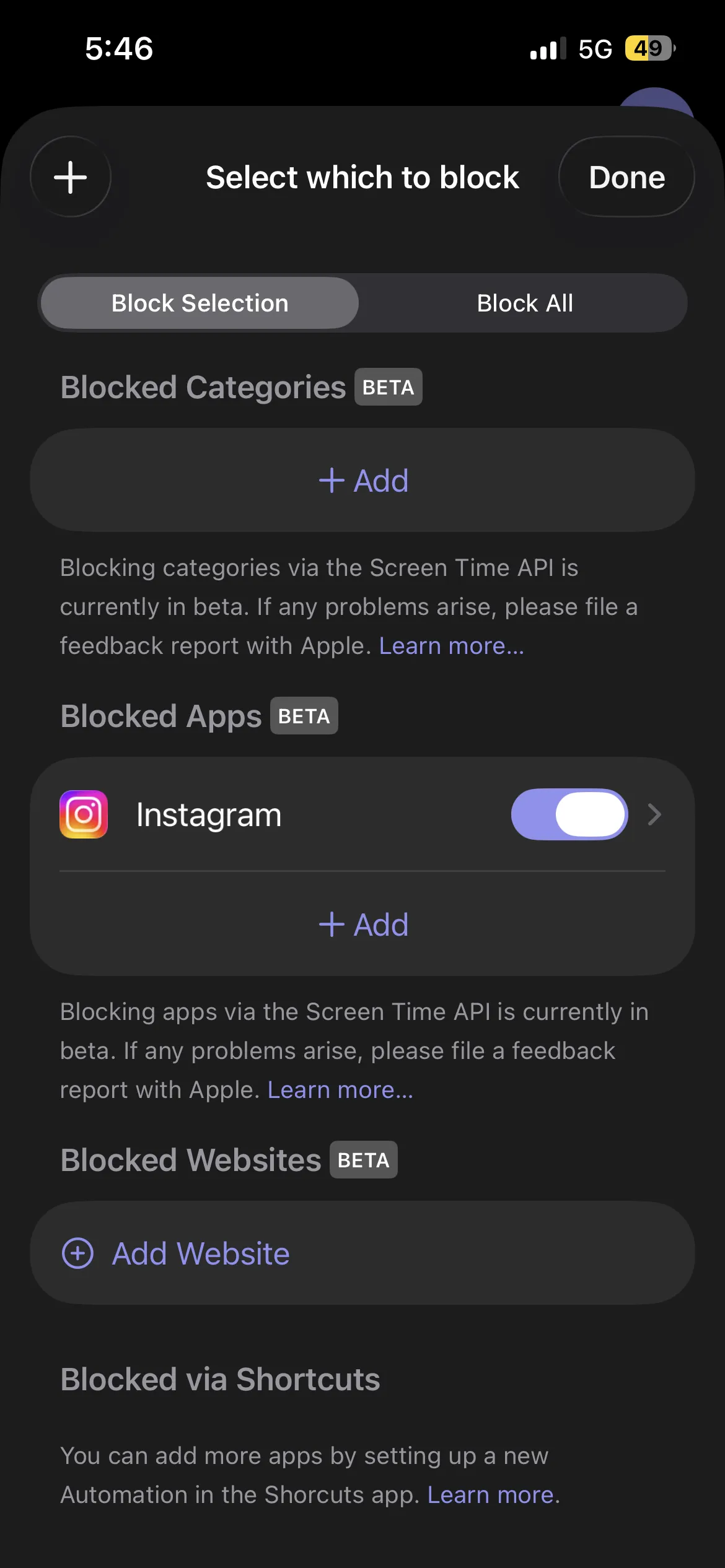
8. Opal: schedules and deep-focus sessions
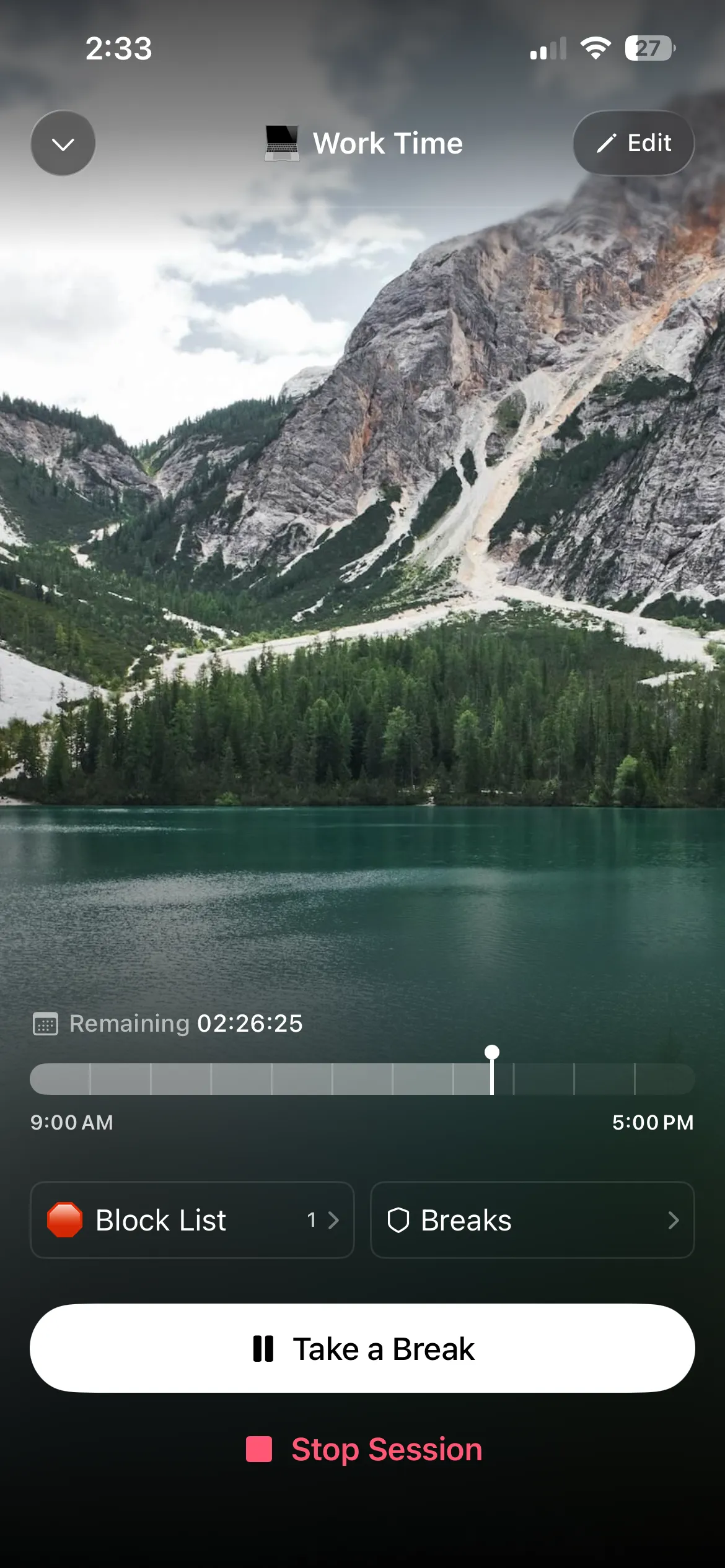
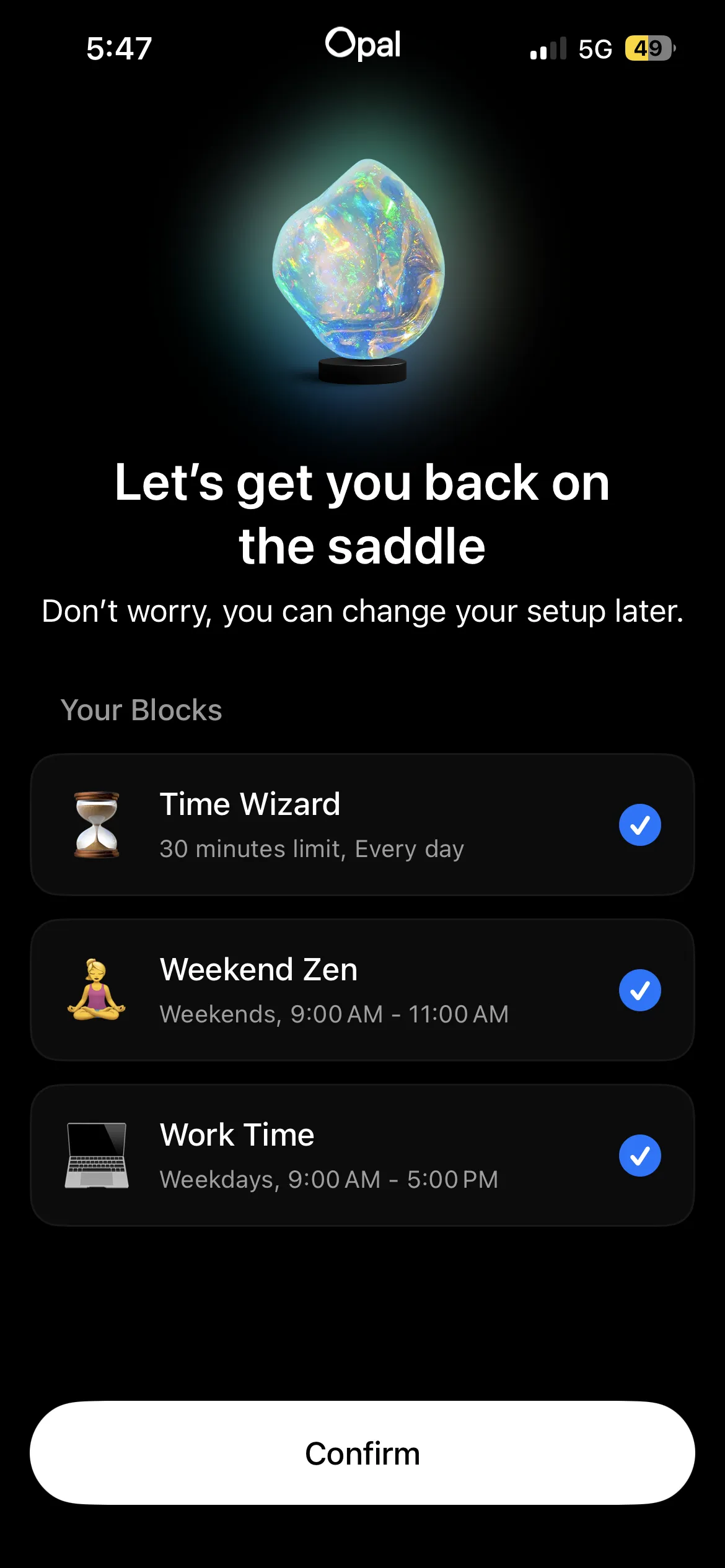
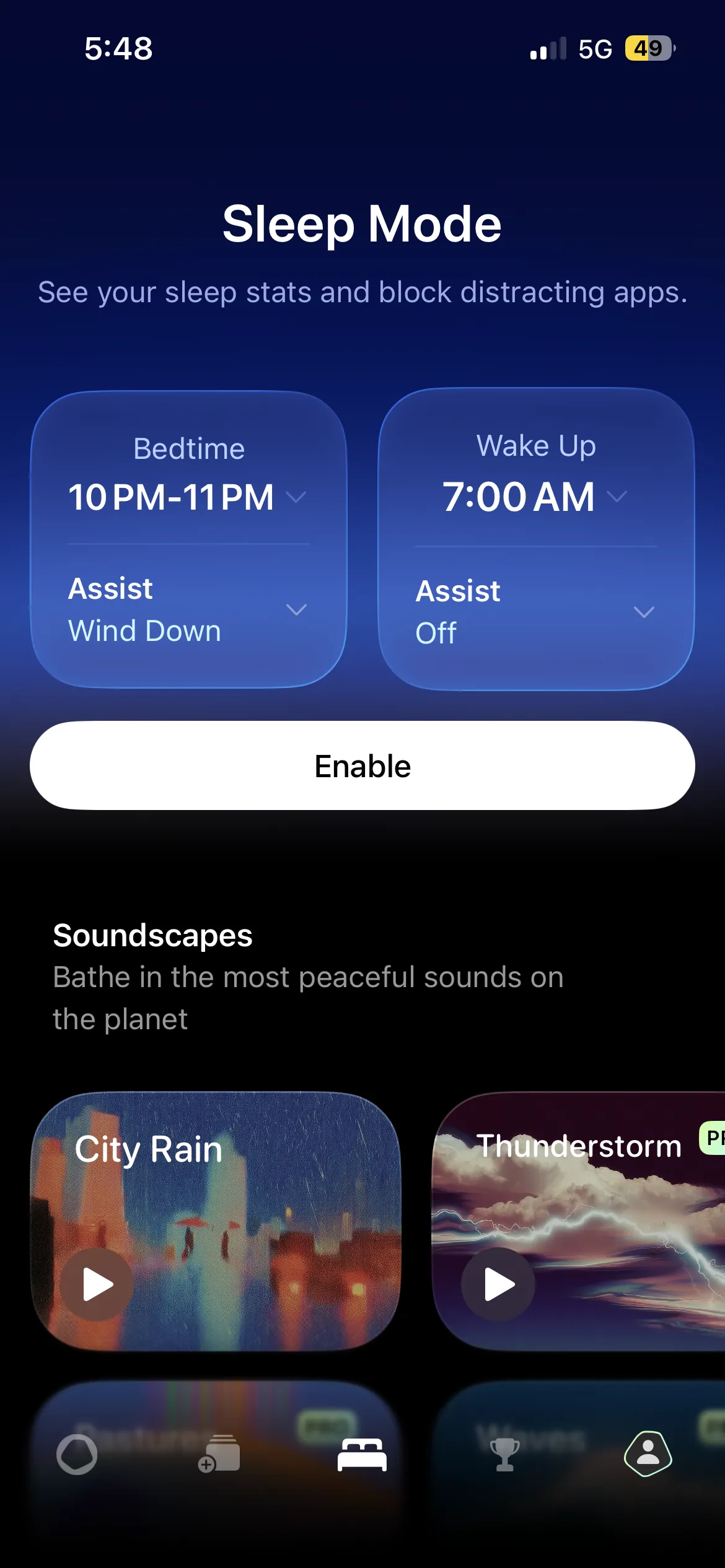
Limited free tier; $19.99 a month or $99.99 a year (the US listing also shows weekly plans). Opal blocks groups of apps on schedules and during focus sessions. It is the most expensive option here. More in is Opal free.
9. Jomo: rules and challenges
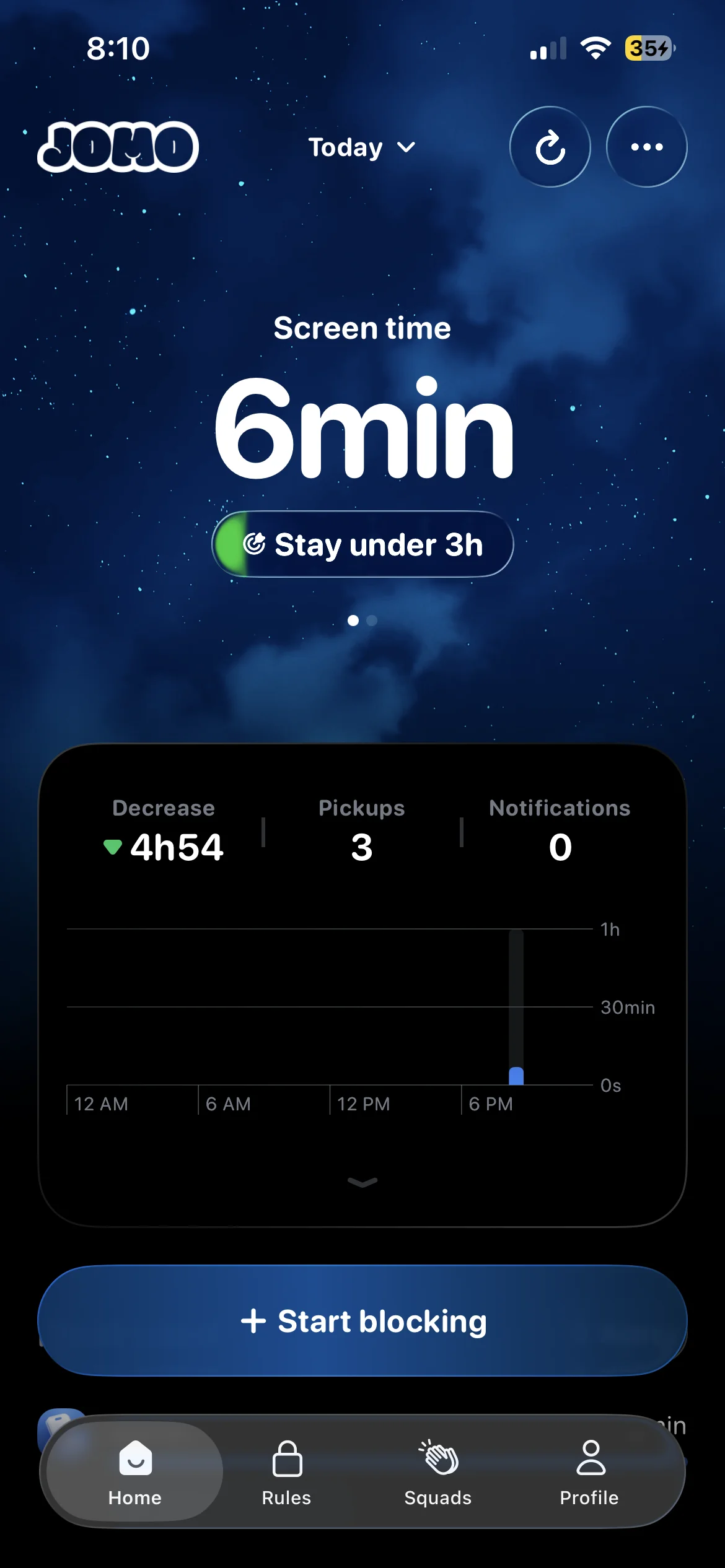
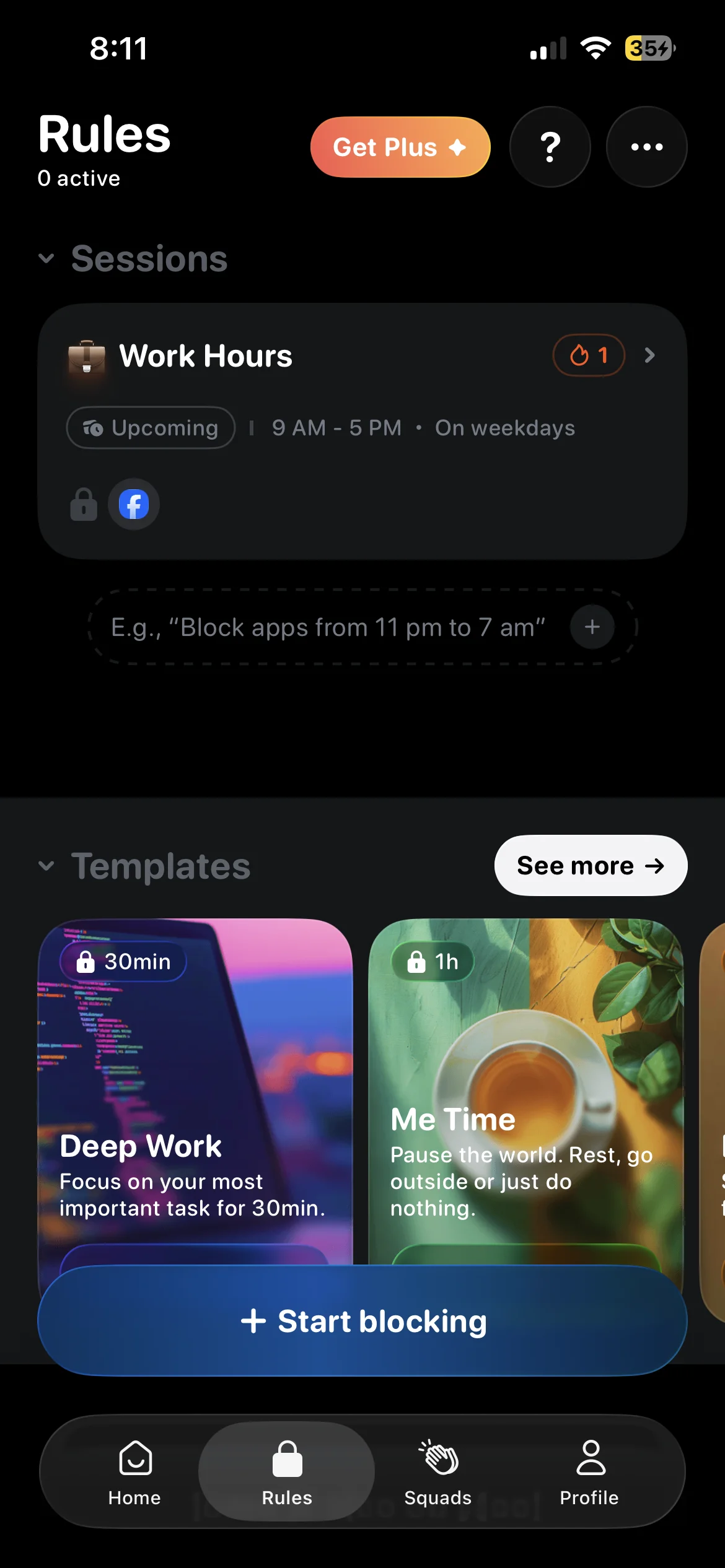
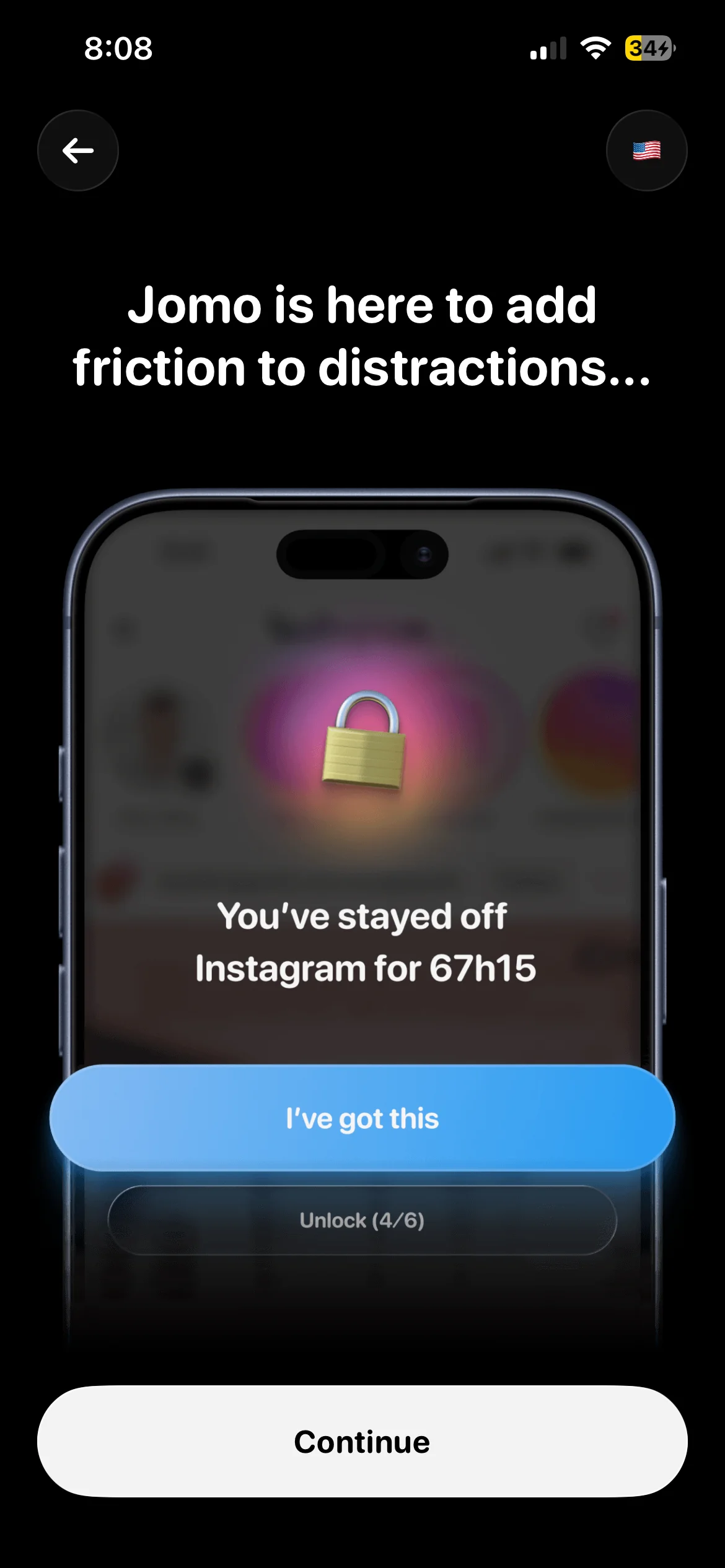
Free tier; Jomo Plus $5.99 a month, $29.99 a year or $99.99 lifetime. Jomo blocks apps on schedules and with limits you set. It is iPhone only; we found no Android version on Google Play.
The built-in tools are free and already on your phone: Apple Screen Time (App Limits and Downtime, but the Ignore Limit button skips them in one tap) and Android's Digital Wellbeing (app timers that lock Instagram for the rest of the day).
Lock Instagram until you have done something
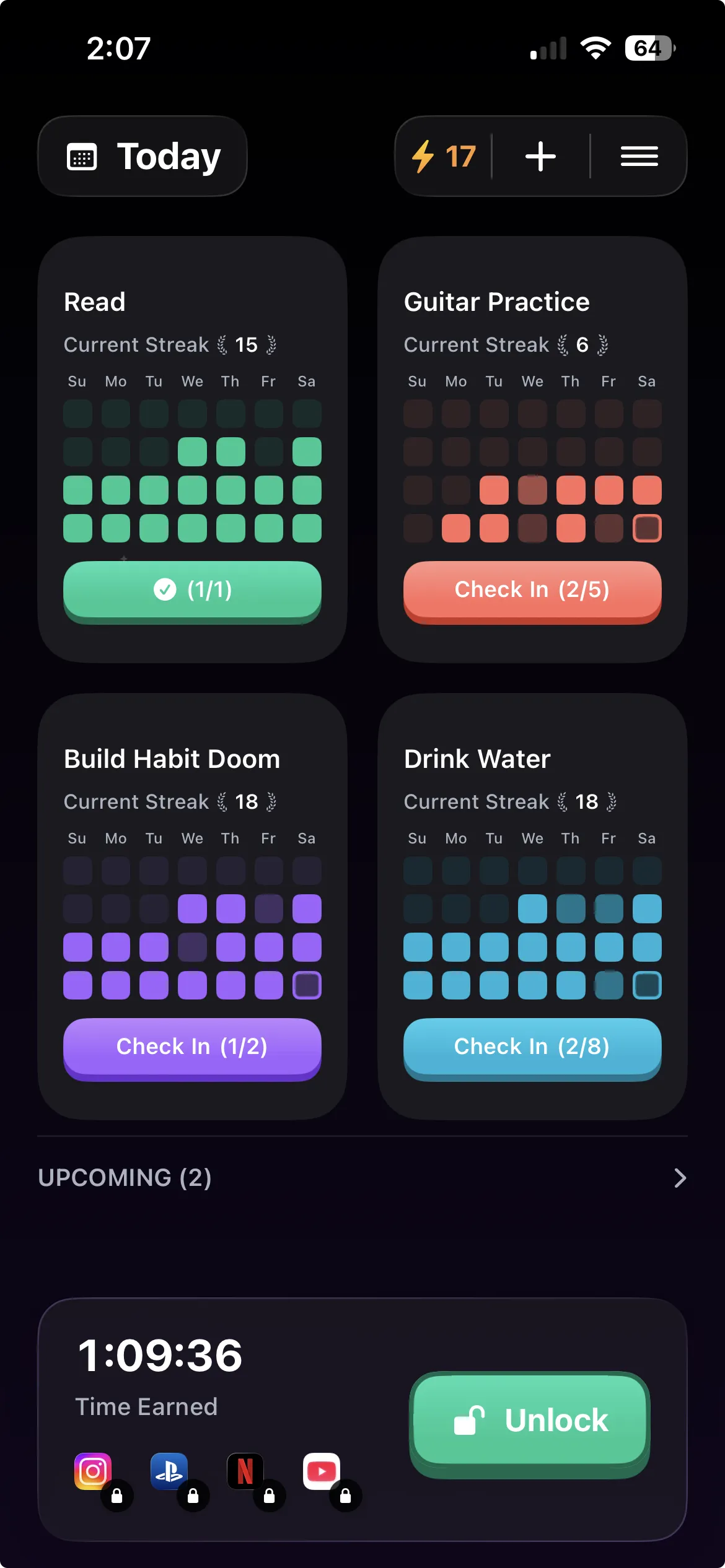
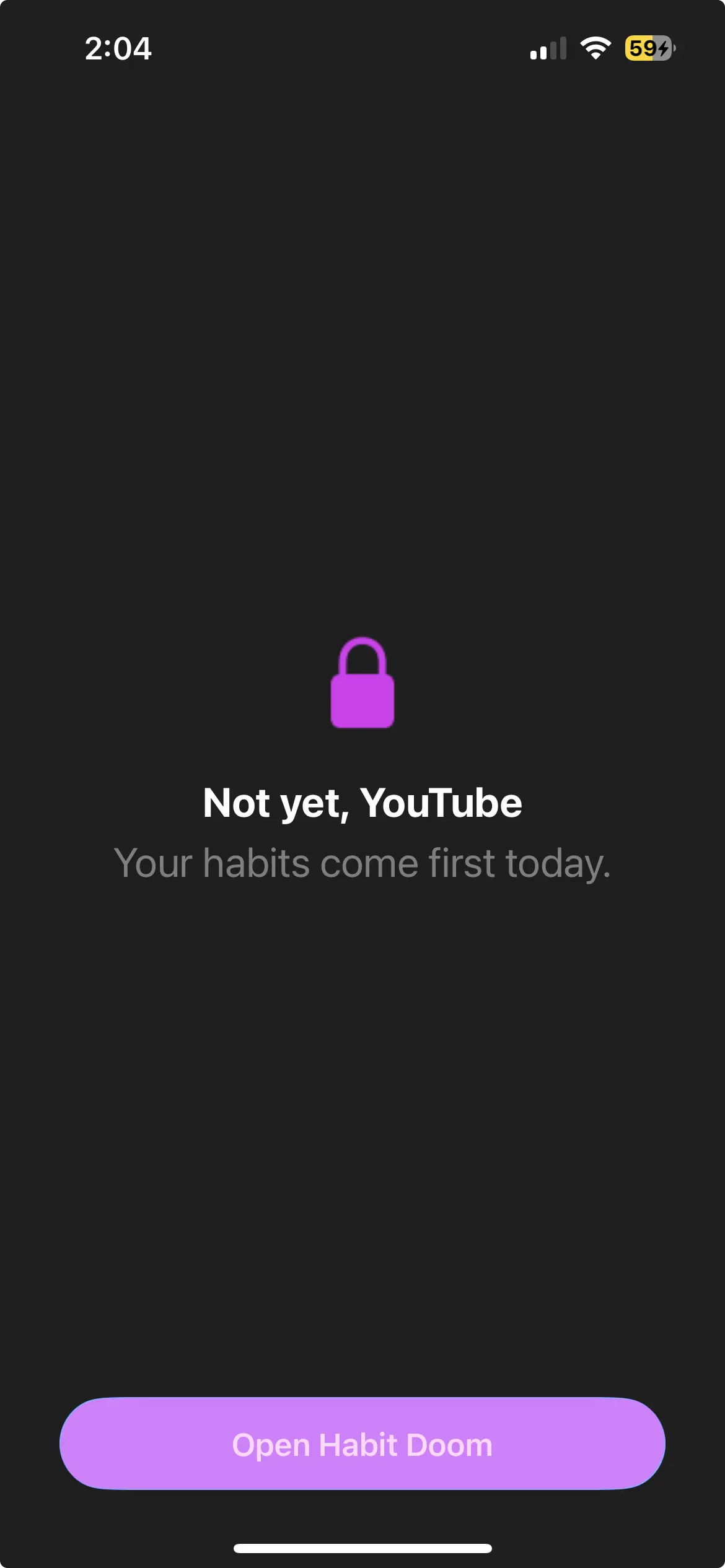
10. Habit Doom: Instagram unlocks after your habits
Free tier with up to 3 habits; Pro $4.99 a month, $19.99 a year (7-day trial) or $29.99 lifetime. iPhone and Android. This is our app, so weigh what we say accordingly.
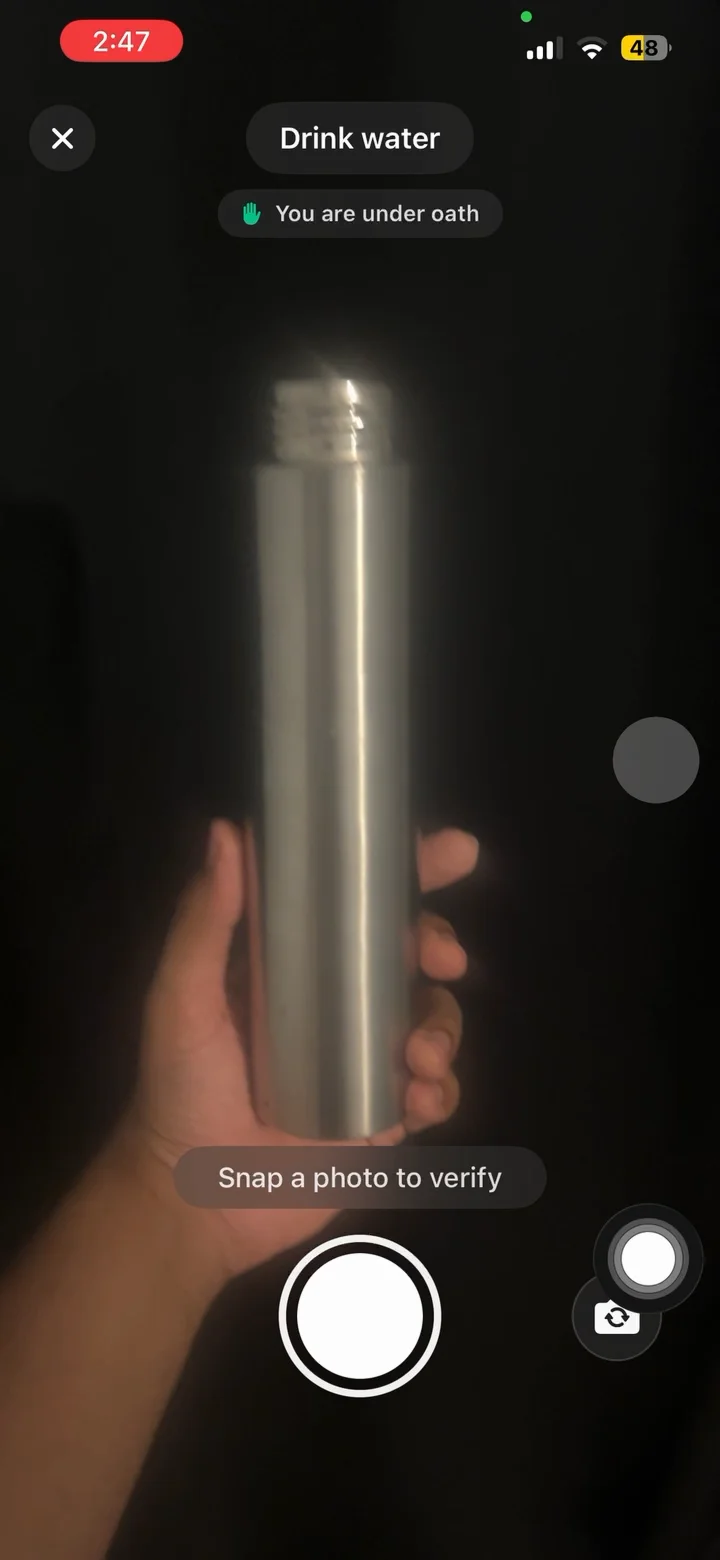
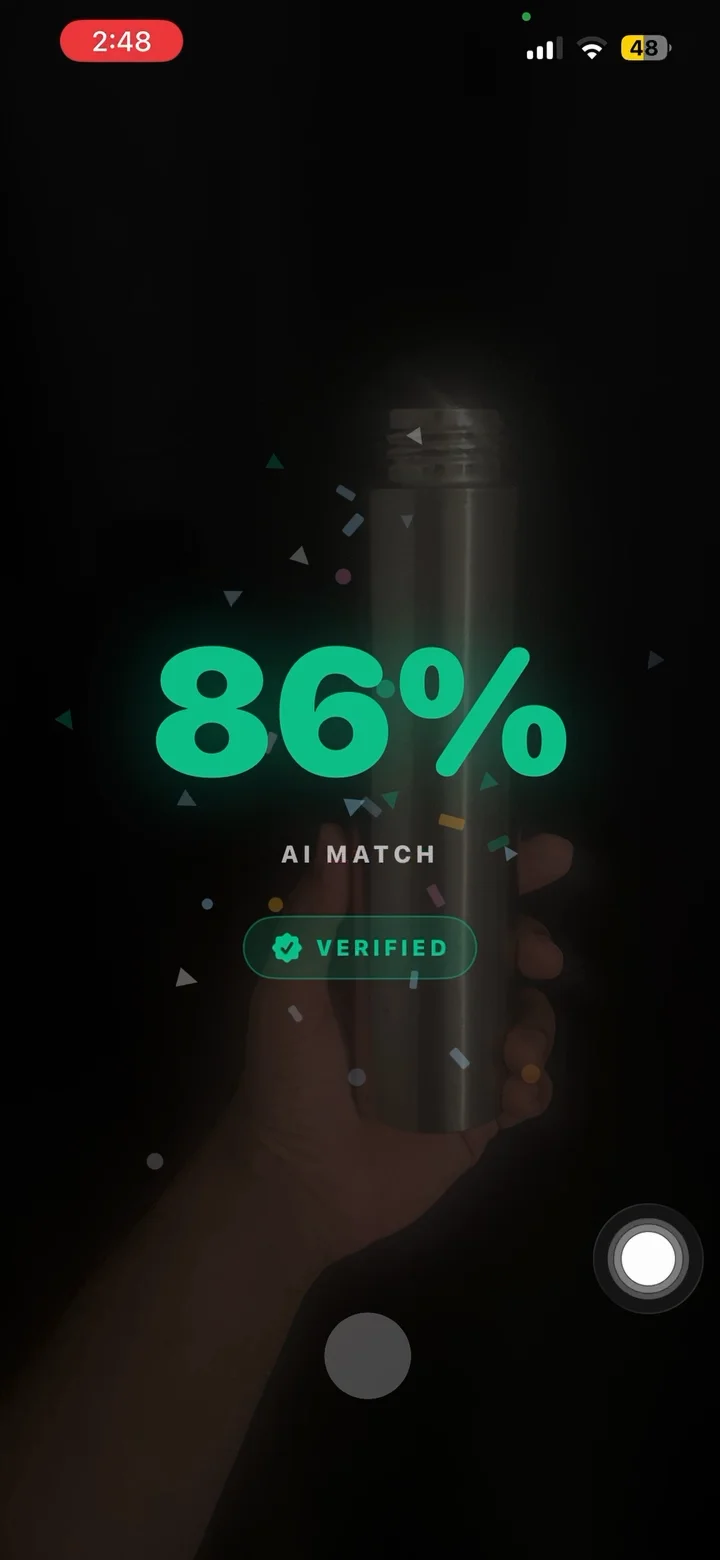
Habit Doom keeps Instagram and any other apps you pick locked until you have done your daily habits, then unlocks them. It locks the whole app, so it does not remove Reels while keeping DMs. That is SocialLite's job, not ours. It answers a different question: not "how do I use Instagram without Reels" but "how do I stop opening it before I have done what I meant to do today".
Which one should you pick?
- You need Instagram for messages and Reels are the only problem:
- Android: try Scrolless first. It is free.
- iPhone: try FeedOff or ScrollGuard before paying for SocialLite. If neither works for you, SocialLite is the most established app doing this.
- You do not need Instagram during the day: lock the whole app with ScreenZen or Screen Time, both free, and check messages at set times.
- You open Instagram on autopilot: One Sec's pause, or a lock with a condition such as Habit Doom's, does more than a timer you can skip.
- Your problem is YouTube Shorts, not Instagram: you do not need an app at all. In the YouTube app, go to Settings, then Time management, then Shorts feed limit. Full steps in how to stop watching YouTube Shorts.
Sources
- US App Store listings, read 25 November 2026: SocialLite, ScrollGuard, FeedOff, ScreenZen, One Sec, Opal, Jomo
- Google Play listings, read 20 November 2026: Scrolless, Decafly, Focsy
- SocialLite pricing page and FAQ
- YouTube Help: Shorts feed limit
- Our SocialLite install on iPhone, 20 November 2026
Frequently Asked Questions
Keep Reading
SocialLite Review: Does It Work, and Is It Safe? (2026)
Is SocialLite Free? What It Really Costs (2026)
How to Remove Reels From Instagram (2026)
Best Free App Blockers for iPhone: 5 Ranked (2026)
Free Opal Alternatives: 7 Cheaper App Blockers (2026)
Try Habit Doom
Lock your distracting apps. Complete your habits. Earn your screen time. It takes 30 seconds to set up.
Download Free